Introdução
Because the battery is glued in place, removing the battery from the Unbranded UB-15MS10 must be done carefully as to not damage the device. Do not damage the battery during replacement as sufficient damage will cause the battery to leak hazardous material onto you, as well the device.
O que você precisa
-
-
-
Use an opening tool to pry off the lid of the memory card compartment.
 Pergunte ao FixBot
-
-
-
Remove the two 1.2 mm screws within the compartment using a Phillips #00 screwdriver.
-
-
-
-
With the cover being partially held open, slide a spudger around the seam to pry off the cover.
-
-
-
Cut the wires connecting the battery to the device using a pair of wire cutters.
-
-
-
Carefully remove the battery, making sure that all wires are disconnected.
-
-
-
Splice the new battery with the red, white, and black wires connected to the motherboard.
-
-


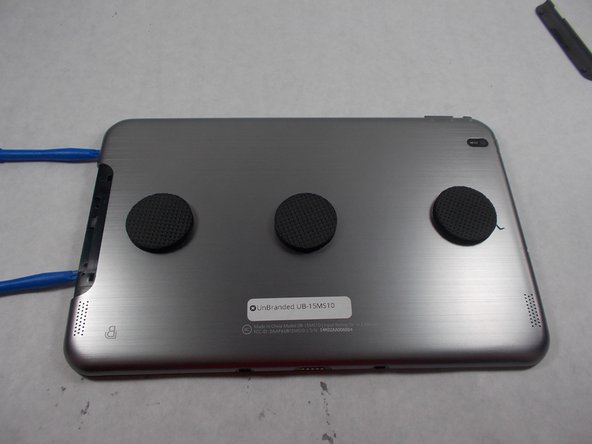
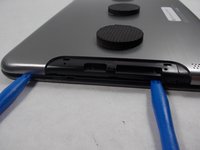


To reassemble your device, follow directions 1-7 in reverse order.
Cancelar: não concluí este guia.
4 outras pessoas executaram este guia.

Equipe

UMass Dartmouth, Team S5-G5, Botvin Spring 2017 Membro de UMass Dartmouth, Team S5-G5, Botvin Spring 2017
UMASSD-BOTVIN-S17S5G5
3 Membros
Autoria de 4 guias
1Comentário do guia
No wonder this tablet was not a big success for Best Buy. Cutting the battery cables has to be an engineering nightmare. It makes no sense to solder something like a battery to the motherboard knowing fully well it has to be replaced in the near future. The engineer that designed this hopefully is in the unemployment line.
