Introdução
This guide demonstrates how to remove and replace the front buttons of your Turtle Beach Recon.
The front buttons are responsible for the majority of the input from your Turtle Beach Recon. The front buttons include functions of movement, menu, and power.
It is often necessary to remove and replace the front buttons should they be faulty, visibly broken, or dirty.
O que você precisa
-
-
Use a Phillips #00 screwdriver to remove seven 10 mm screws from the back plate.
 Pergunte ao FixBot
-
-
-
Use an opening tool to separate the back plate from the grips of your Turtle Beach Recon.
-
Use your fingers to remove the back plate from the body of your Turtle Beach Recon.
-
-
-
-
Remove the four 10 mm screws from the motherboard using a Phillips #00 screwdriver.
-
-
-
Use your fingers to grab the motherboard.
-
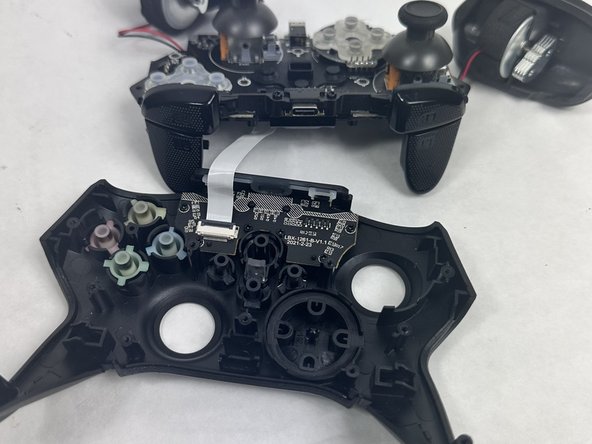
Gently pull the motherboard and joystick caps away from the face plate.
-
-
-
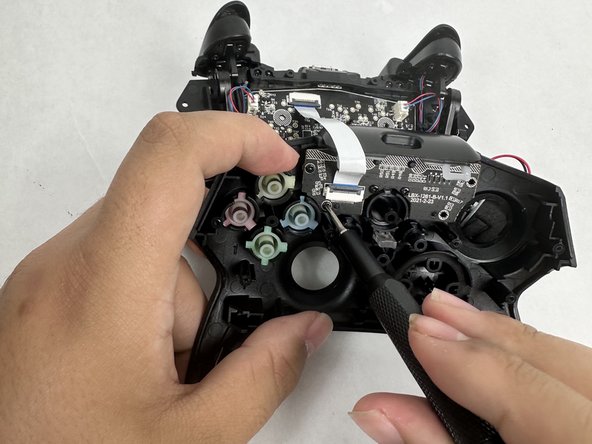
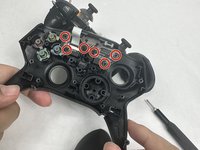
Use a Phillips #00 screwdriver to remove six 10 mm screws from the motherboard.
-
-
-
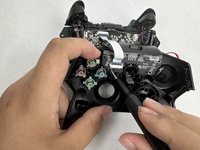
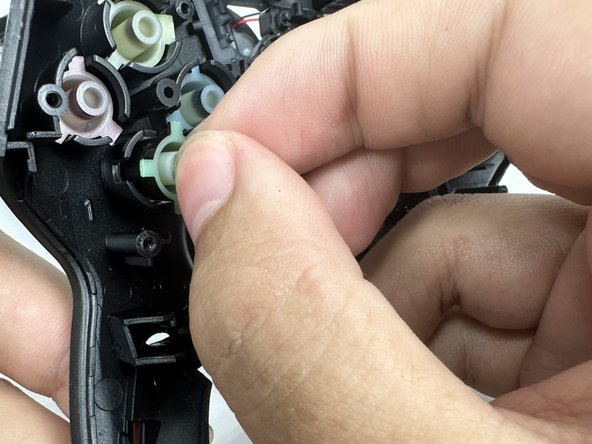
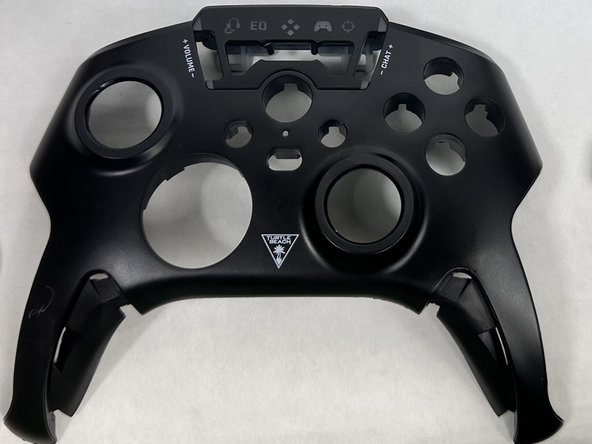
Gently remove front buttons from the face plate by hand.
-


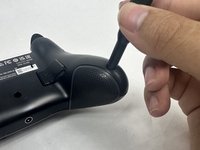


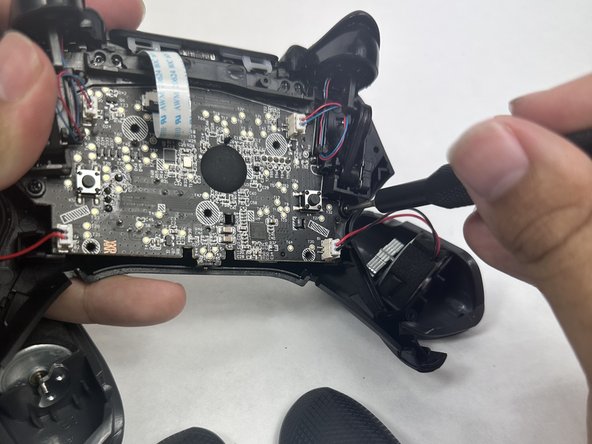
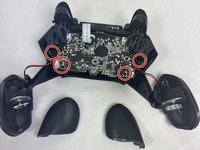
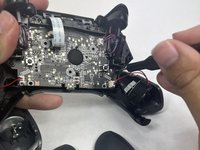


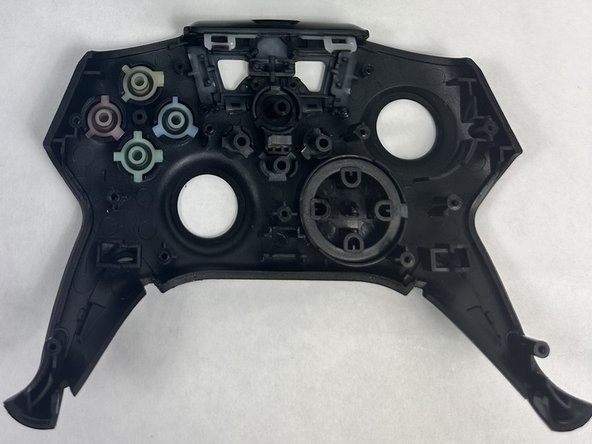
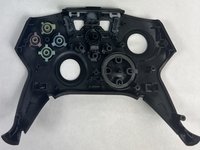

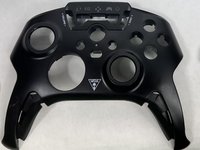
To reassemble your device, follow these instructions in reverse order.
Cancelar: não concluí este guia.
2 outras pessoas executaram este guia.

Equipe

UMass Dartmouth, Team 6-1, Botvin Spring 2024 Membro de UMass Dartmouth, Team 6-1, Botvin Spring 2024
UMASSD-BOTVIN-S24S6G1
3 Membros
Autoria de 5 guias
