Introdução
Removing the camera should not be difficult task, but you should use caution and make sure not to interfere with any of the cables and such in the way of the camera.
O que você precisa
-
-
-
Use your thumbs to slide up and off the small SD card case.
 Pergunte ao FixBot
-
-
-
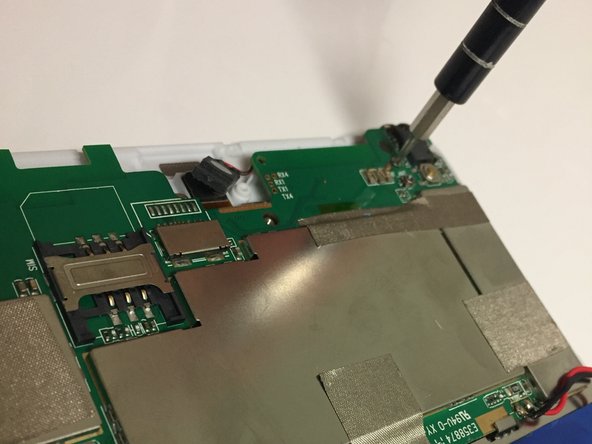
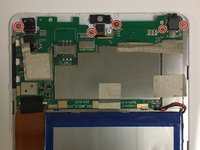
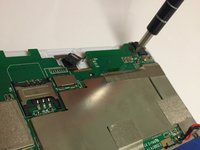
Using the Phillips Head #000, unscrew the 5 4mm and 3mm screws at the top.
-
-
-
Insert a plastic opening tool between the back panel and the front of the tablet, and gently pry it away from the tablet.
-
-
-
-
-
-
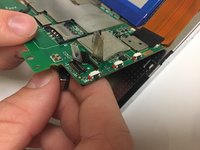
Undo the tape on top of the connector from the camera to motherboard.
-
-
-
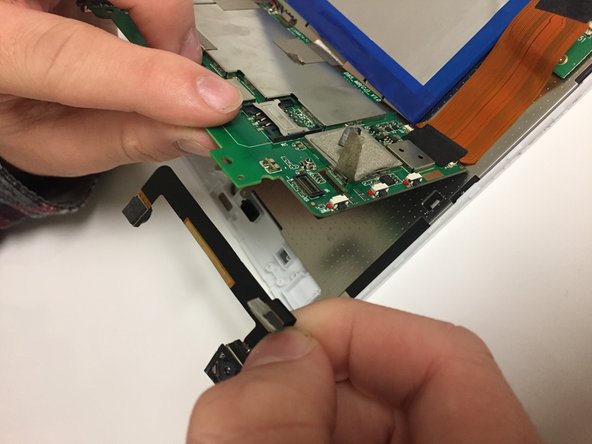
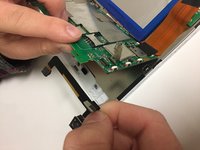
Disconnect the camera from the motherboard on the topside and pull the camera strip out.
-




To reassemble your device, follow these instructions in reverse order.

Equipe

University of North Texas, Team S7-G6, Thomas Fall 2017 Membro de University of North Texas, Team S7-G6, Thomas Fall 2017
UNT-THOMAS-F17S7G6
3 Membros
Autoria de 12 guias
