Ir para o conteúdo principal
Participe da comunidade de reparos - Criar conta

Toshiba Encore Mini Front-Facing Camera Replacement

O que você precisa

  1. Toshiba Encore Mini Front-Facing Camera Replacement, Battery: passo 1, imagem 1 %32 Toshiba Encore Mini Front-Facing Camera Replacement, Battery: passo 1, imagem 2 %32
    • To replace the battery, the rear cover must first be removed.

    • Using the flat end of the spudger, gently pry open the back case from the rest of the device.

    • It may be easier to start along one of the long edges and carefully work your way toward the corner, then along the short edge.

    Pergunte ao FixBot
  2. Toshiba Encore Mini Front-Facing Camera Replacement: passo 2, imagem 1 %32
    • Remove the rear cover and set it aside.

    Pergunte ao FixBot
  3. Toshiba Encore Mini Front-Facing Camera Replacement: passo 3, imagem 1 %32
    • Carefully remove the electrical tape that holds the battery in place.

    Pergunte ao FixBot
  4. Toshiba Encore Mini Front-Facing Camera Replacement: passo 4, imagem 1 %32 Toshiba Encore Mini Front-Facing Camera Replacement: passo 4, imagem 2 %32
    Ferramenta utilizada neste passo:
    Tweezers
    $4.99
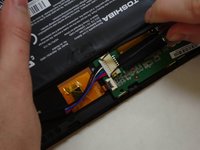
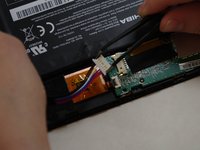
    • Using needle-nose tweezers, gently push the large white wire connector (connected to the black, red and blue wires) out of its housing.

    Pergunte ao FixBot
  5. Toshiba Encore Mini Front-Facing Camera Replacement: passo 5, imagem 1 %32
    • Gently lift the battery out of the device.

    • Be careful not to pull on the connecting wires.

    Pergunte ao FixBot
  6. Toshiba Encore Mini Front-Facing Camera Replacement, Front-Facing Camera: passo 6, imagem 1 %32 Toshiba Encore Mini Front-Facing Camera Replacement, Front-Facing Camera: passo 6, imagem 2 %32 Toshiba Encore Mini Front-Facing Camera Replacement, Front-Facing Camera: passo 6, imagem 3 %32
    Ferramenta utilizada neste passo:
    Tweezers
    $4.99
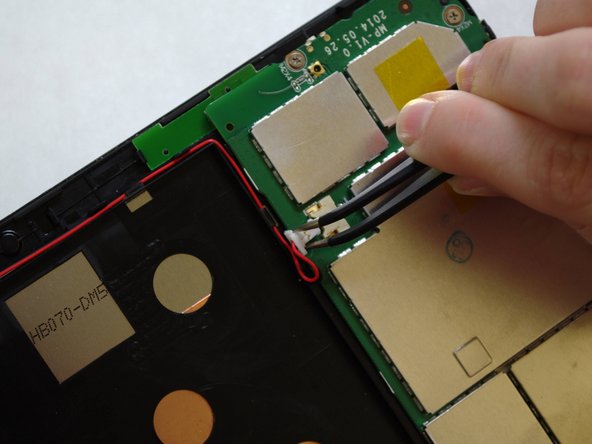
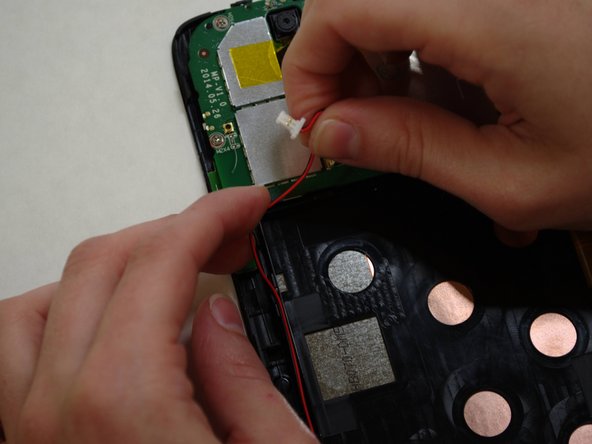
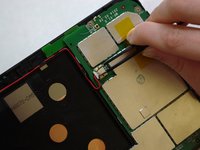
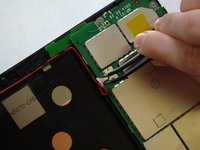
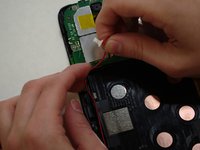
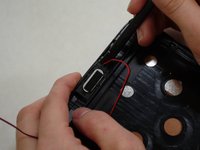
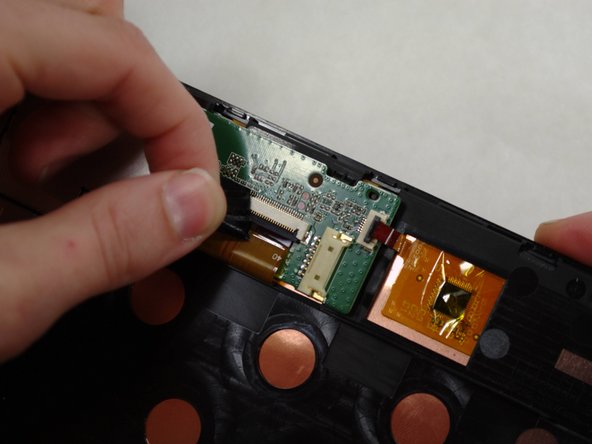
    • The audio module must be removed to replace the front-facing camera.

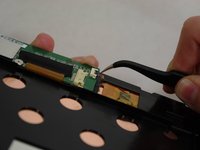
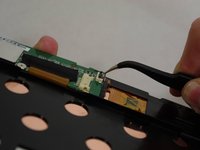
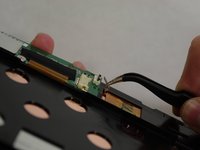
    • Using needle-nose tweezers, carefully push the small white wire connector (red/black wires) out of its housing.

    • Gently remove red/black wire strands from the clips holding them to the back of the screen.

    Pergunte ao FixBot
  7. Toshiba Encore Mini Front-Facing Camera Replacement: passo 7, imagem 1 %32 Toshiba Encore Mini Front-Facing Camera Replacement: passo 7, imagem 2 %32
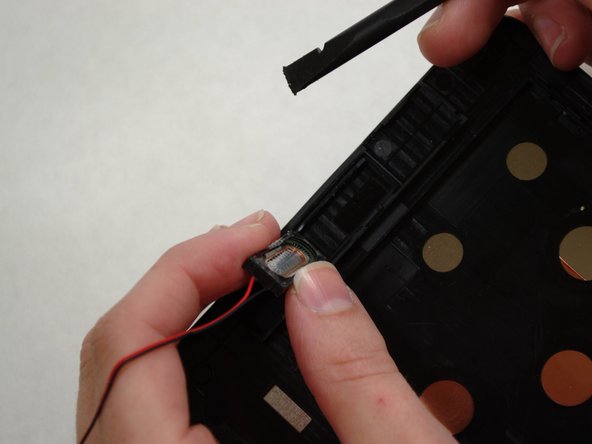
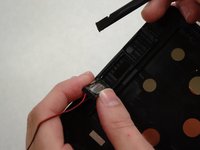
    • Gently pry audio module from the back of the screen using tweezers and spudger. Be careful not to pull on the wires.

    • Adhesive on the bottom of the speaker module may make it difficult to remove.

    • Set the audio module and attached wire aside.

    Pergunte ao FixBot
  8. Toshiba Encore Mini Front-Facing Camera Replacement: passo 8, imagem 1 %32 Toshiba Encore Mini Front-Facing Camera Replacement: passo 8, imagem 2 %32 Toshiba Encore Mini Front-Facing Camera Replacement: passo 8, imagem 3 %32
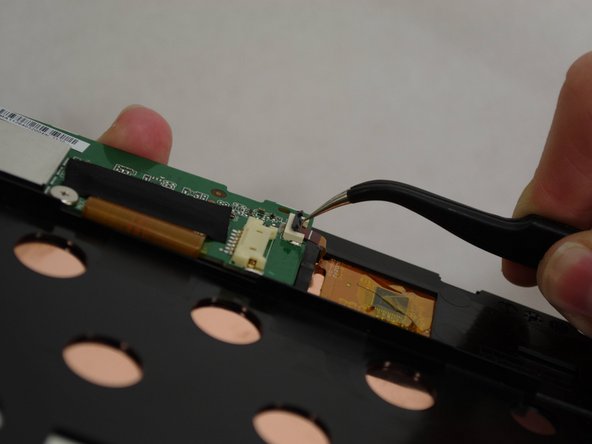
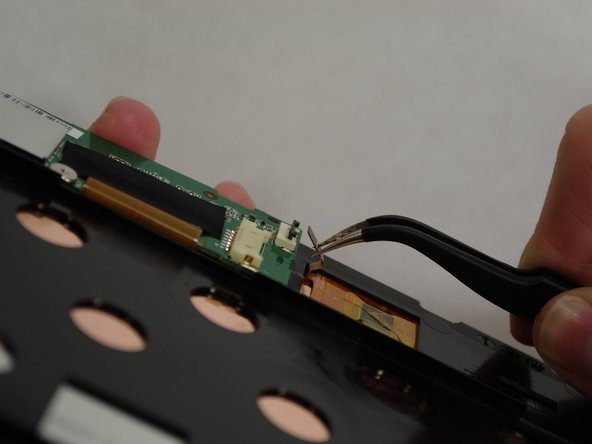
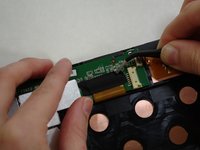
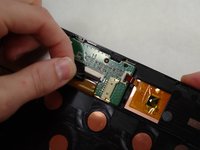
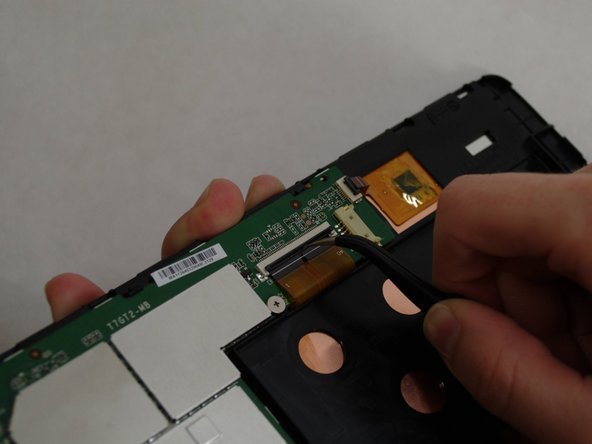
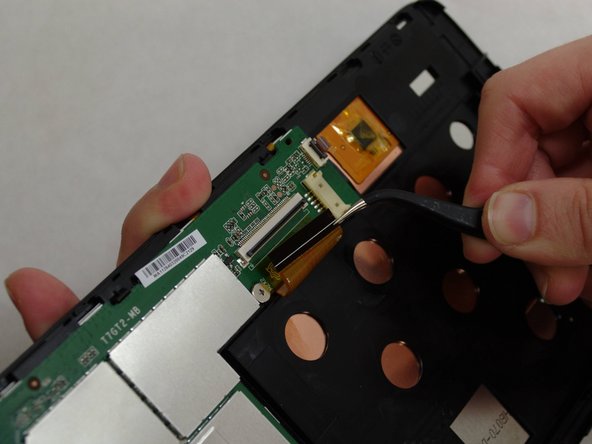
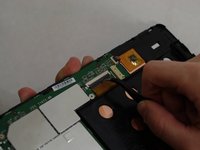
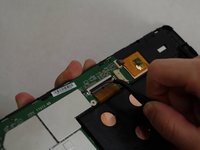
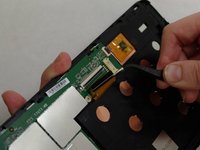
    • Using needle-nose tweezers, carefully flip up the dark gray cover on the right of the device holding the small orange ribbon in place. (It is approximately 1/4" wide.)

    • With the tweezers, carefully pull the small ribbon out of its housing. It will stay attached to the device at the other end.

    Pergunte ao FixBot
  9. Toshiba Encore Mini Front-Facing Camera Replacement: passo 9, imagem 1 %32 Toshiba Encore Mini Front-Facing Camera Replacement: passo 9, imagem 2 %32
    • A wide orange/gold ribbon connects the screen to the motherboard. (Ribbon is approximately 1" wide.)

    • Carefully pull the black tape off the ribbon housing and set it aside. You will need to replace the tape when reassembling the device.

    Pergunte ao FixBot
  10. Toshiba Encore Mini Front-Facing Camera Replacement: passo 10, imagem 1 %32 Toshiba Encore Mini Front-Facing Camera Replacement: passo 10, imagem 2 %32 Toshiba Encore Mini Front-Facing Camera Replacement: passo 10, imagem 3 %32
    • Damaging this ribbon will permanently disable your device!

    • Using needle-nose tweezers, carefully flip up the dark gray cover.

    • With the tweezers, carefully pull the wide ribbon from its housing. It will stay attached to the device at the other end.

    Pergunte ao FixBot
  11. Toshiba Encore Mini Front-Facing Camera Replacement: passo 11, imagem 1 %32 Toshiba Encore Mini Front-Facing Camera Replacement: passo 11, imagem 2 %32 Toshiba Encore Mini Front-Facing Camera Replacement: passo 11, imagem 3 %32
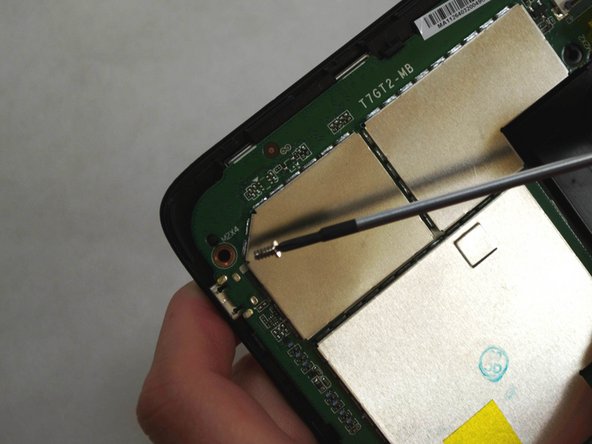
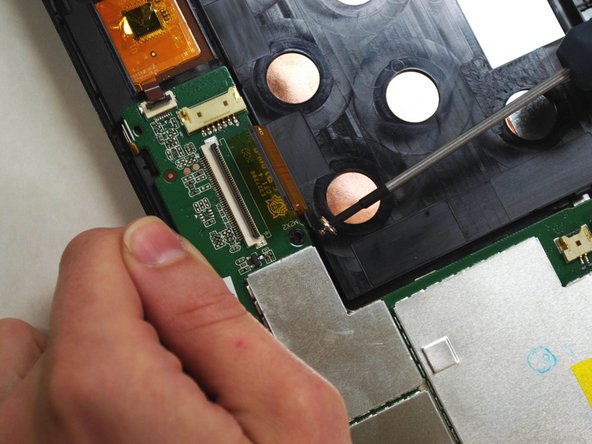
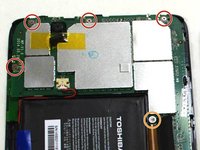
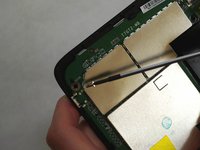
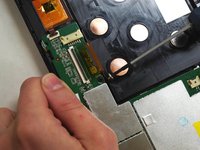
    • Using a Phillips 000 screwdriver, remove the screws holding components together.

    • Remove four 4.2 mm Phillips screws.

    • Remove one 3mm Phillips screw.

    Pergunte ao FixBot
  12. Toshiba Encore Mini Front-Facing Camera Replacement: passo 12, imagem 1 %32 Toshiba Encore Mini Front-Facing Camera Replacement: passo 12, imagem 2 %32
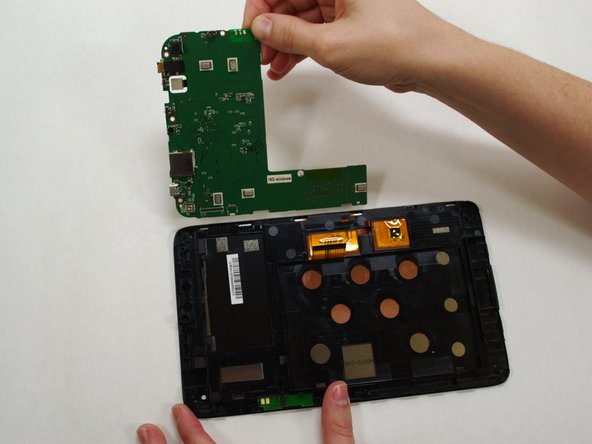
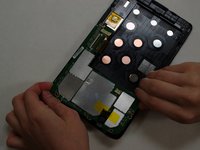
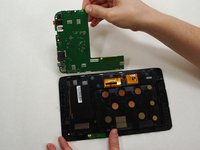
    • Holding the motherboard carefully by the edges, gently lift it up off the screen and carefully set it aside.

    • The motherboard may resist as you try to lift it --this is normal.

    Pergunte ao FixBot
  13. Toshiba Encore Mini Front-Facing Camera Replacement: passo 13, imagem 1 %32 Toshiba Encore Mini Front-Facing Camera Replacement: passo 13, imagem 2 %32
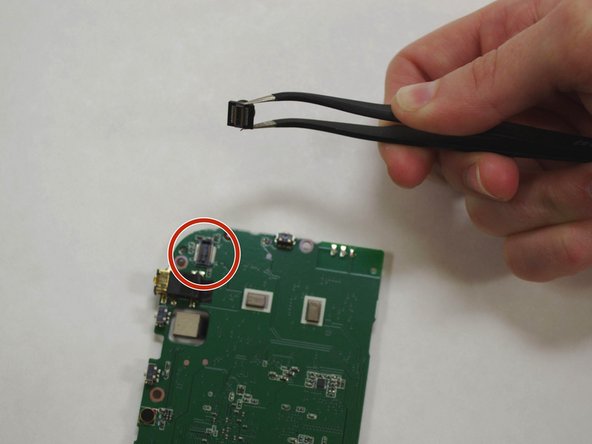
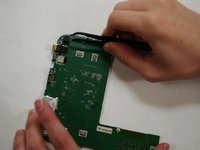
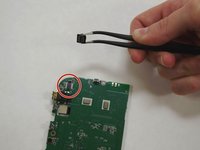
    • The front-facing camera may dislodge freely when removing the motherboard.

    • If camera has not already "popped" off the motherboard, use needle-nose tweezers to gently grasp the camera and remove from motherboard.

    Pergunte ao FixBot
Conclusão

To reassemble your device, follow these instructions in reverse order.

Shirley Low

Membro desde: 07/09/15

143 Reputação

Autoria de 1 guia

Equipe

UW Tacoma, Team 1-3, Liner SU 2015 Membro de UW Tacoma, Team 1-3, Liner SU 2015

UWT-LINER-SU15S1G3

4 Membros

Autoria de 6 guias

0Comentários do guia

Comentar

Visualizações:

Últimas 24 horas: 1

Últimos 7 dias: 5

Últimos 30 dias: 36

Ao todo: 651