Introdução
Follow this guide to remove and replace the printing unit in the TI-5130 electronic calculator.
O que você precisa
-
-
Flip the calculator over and remove the 4 main 10mm screws with a PH1 screwdriver.
 Pergunte ao FixBot
-
-
-
-
Disconnect the printing unit from the motherboard by pulling up on the connector – located in the bottom left of the motherboard.
-
-
-
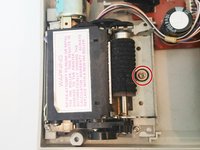
Remove the ink cartridge by pushing the tab back then lifting it out to gain access to the screw that holds the printer in place.
-
-
-
Using a PH1 screwdriver remove the 10mm screw that holds down the printer unit.
-
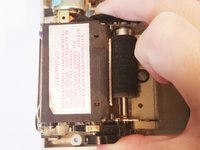
Remove the printer unit by lifting it up.
-


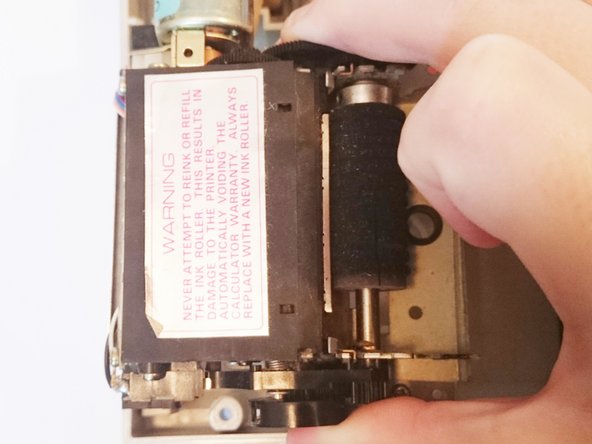
To reassemble your device, follow these instructions in reverse order.
Cancelar: não concluí este guia.
3 outras pessoas executaram este guia.

Equipe

USF Sarasota-Manatee, Team 1-2, Stewart Fall 2015 Membro de USF Sarasota-Manatee, Team 1-2, Stewart Fall 2015
USFSM-STEWART-F15S1G2
5 Membros
Autoria de 21 guias
2Comentários do guia
wehre did you buy the replacement printer
what sources are there for TI-5130 printer unit?
