Ir para o conteúdo principal
Participe da comunidade de reparos - Criar conta

Tengda S5 Plus Home Button Replacement

O que você precisa

  1. Tengda S5 Plus Home Button Replacement, Back Panel: passo 1, imagem 1 %32
    • Place the phone screen-side down.

    Pergunte ao FixBot
    Comentar

  2. Tengda S5 Plus Home Button Replacement: passo 2, imagem 1 %32 Tengda S5 Plus Home Button Replacement: passo 2, imagem 2 %32
    • Using your fingernail or any prying tool (we used the Metal Spudger), begin to pry away the back panel starting at the bottom of the phone.

    • Continue to work your way around the phone counterclockwise until you can pull the back cover off.

    Pergunte ao FixBot
    Comentar

  3. Tengda S5 Plus Home Button Replacement, Battery: passo 3, imagem 1 %32
    • Remove the battery by placing your thumb in the slot, pushing the battery up and pulling it out.

    Pergunte ao FixBot

    Comentar

  4. Tengda S5 Plus Home Button Replacement, Home Button: passo 4, imagem 1 %32
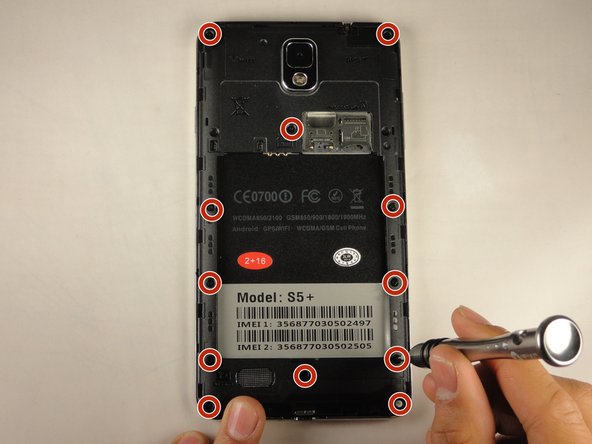
    • Unscrew the twelve 3 mm screws from the back panel using a Phillips #00 screwdriver.

    • Keep these screws in a safe place. They are very small and easy to lose.

    Pergunte ao FixBot
    Comentar

  5. Tengda S5 Plus Home Button Replacement: passo 5, imagem 1 %32 Tengda S5 Plus Home Button Replacement: passo 5, imagem 2 %32
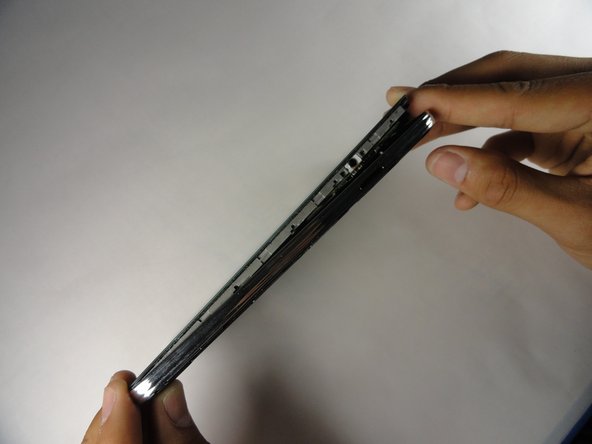
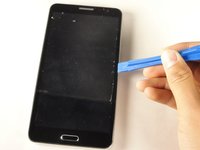
    • Using the plastic opening tool, create a small gap between the front screen and the metal casing. Slide the plastic opening tool around the phone counterclockwise to make this gap around the entire phone.

    • Once the screen is separated from the back panel, pull the two pieces apart.

    Pergunte ao FixBot
    Comentar

  6. Tengda S5 Plus Home Button Replacement: passo 6, imagem 1 %32
    Ferramenta utilizada neste passo:
    Tweezers
    $4.99
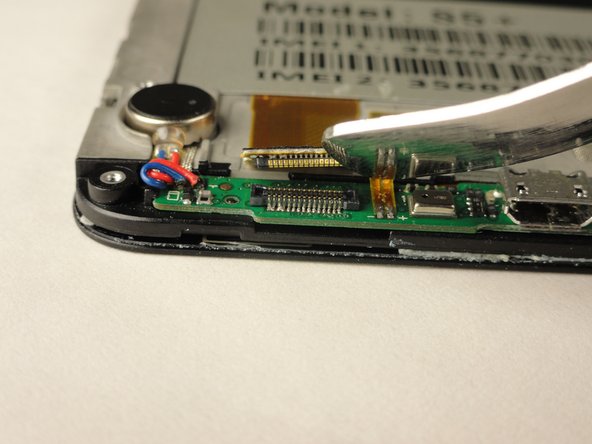
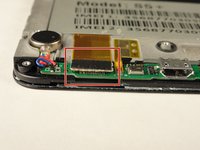
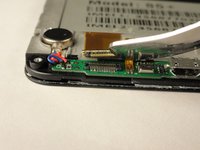
    • Lay your device with the screen faced down.

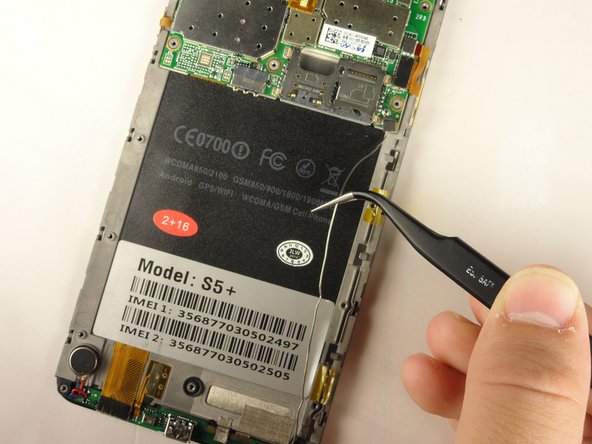
    • Using tweezers, lift the two pieces of yellow tape holding the wire in place.

    Pergunte ao FixBot
    Comentar

  7. Tengda S5 Plus Home Button Replacement: passo 7, imagem 1 %32 Tengda S5 Plus Home Button Replacement: passo 7, imagem 2 %32
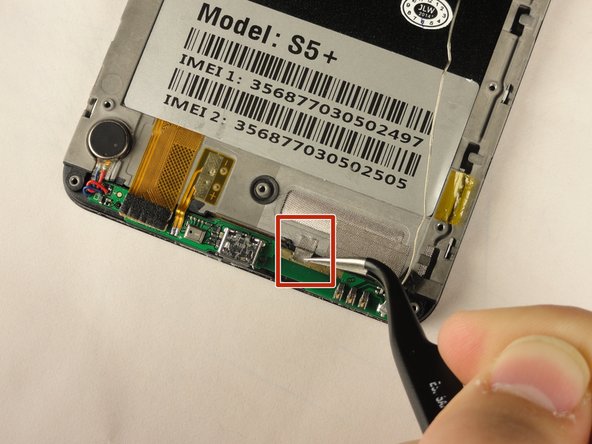
    • Using the tweezers again, grasp the wire and free it from the crevice.

    • This will provide slack for you to work with the lower motherboard.

    Pergunte ao FixBot

    Comentar

  8. Tengda S5 Plus Home Button Replacement: passo 8, imagem 1 %32 Tengda S5 Plus Home Button Replacement: passo 8, imagem 2 %32 Tengda S5 Plus Home Button Replacement: passo 8, imagem 3 %32
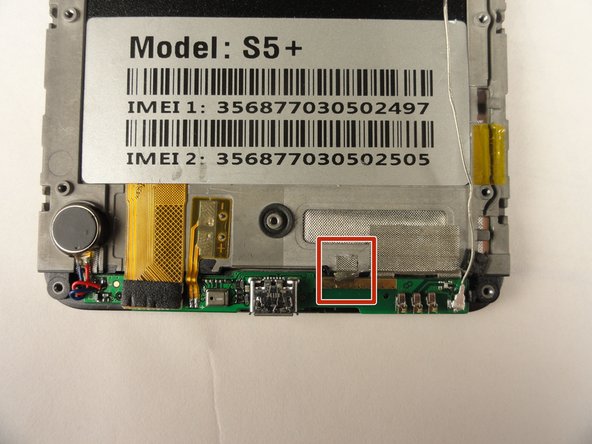
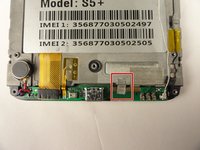
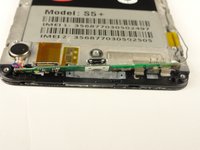
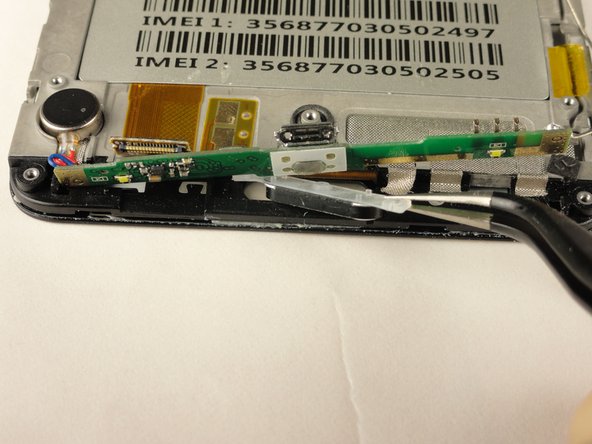
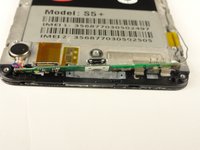
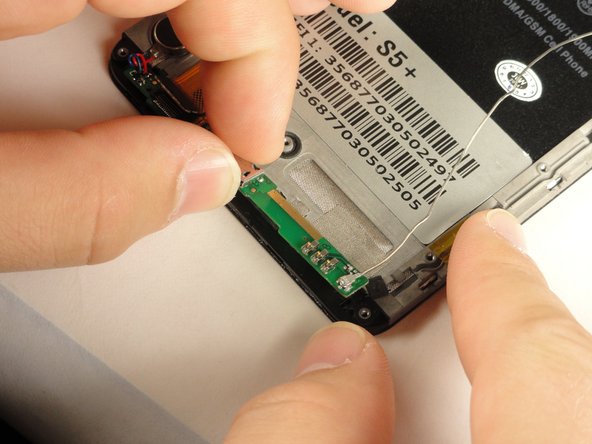
    • Remove the silver tape that holds the lower motherboard to the front panel of the phone.

    Pergunte ao FixBot
    Comentar

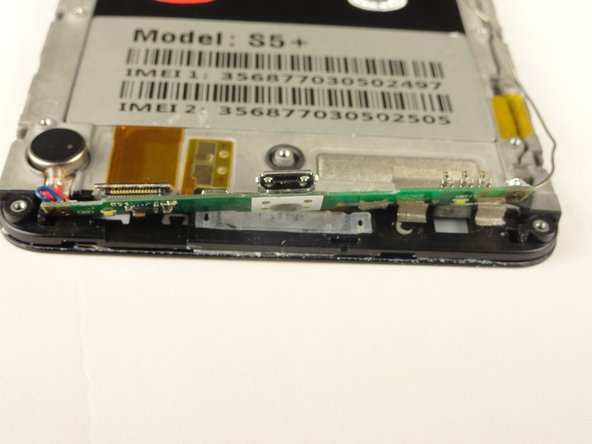
  9. Tengda S5 Plus Home Button Replacement: passo 9, imagem 1 %32 Tengda S5 Plus Home Button Replacement: passo 9, imagem 2 %32
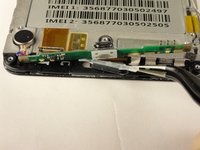
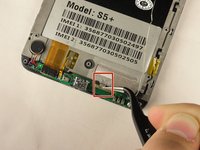
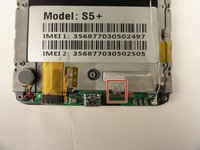
    • Using your fingers, or the Metal Spudger, disconnect the black cable connector.

    • The cable connector should easy snap out with little force.

    Pergunte ao FixBot
    Comentar

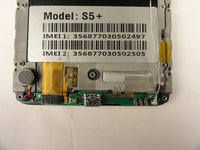
  10. Tengda S5 Plus Home Button Replacement: passo 10, imagem 1 %32 Tengda S5 Plus Home Button Replacement: passo 10, imagem 2 %32 Tengda S5 Plus Home Button Replacement: passo 10, imagem 3 %32
    • Using your fingers, slide the lower motherboard towards you.

    • The lower motherboard will still be attached to the front panel by a red and blue cable on the left side and a long silver wire on the right side, but you should now have visibility of the home button.

    Pergunte ao FixBot
    Comentar

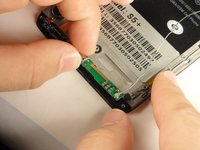
  11. Tengda S5 Plus Home Button Replacement: passo 11, imagem 1 %32 Tengda S5 Plus Home Button Replacement: passo 11, imagem 2 %32
    • Clean away any dirt from the back side of the lower motherboard, underneath the charging port.

    • Using tweezers, grasp and remove the home button.

    Pergunte ao FixBot
    Comentar

Conclusão

To reassemble your device, follow these instructions in reverse order.

Cancelar: não concluí este guia.

Kenny Levy

Membro desde: 04/20/15

128 Reputação

Autoria de 1 guia

Equipe

Cal Poly, Team 14-9, Amido Spring 2015 Membro de Cal Poly, Team 14-9, Amido Spring 2015

CPSU-AMIDO-S15S14G9

4 Membros

Autoria de 10 guias

0Comentários do guia

Comentar

Visualizações:

Últimas 24 horas: 0

Últimos 7 dias: 2

Últimos 30 dias: 33

Ao todo: 684