Ir para o conteúdo principal
Participe da comunidade de reparos - Criar conta

Singing Machine Shine Duets Audio/Power Jack Replacement

O que você precisa

  1. Singing Machine Shine Duets Audio/Power Jack Replacement, Singing Machine Shine Duets Shell Dissassembly: passo 1, imagem 1 %32 Singing Machine Shine Duets Audio/Power Jack Replacement, Singing Machine Shine Duets Shell Dissassembly: passo 1, imagem 2 %32 Singing Machine Shine Duets Audio/Power Jack Replacement, Singing Machine Shine Duets Shell Dissassembly: passo 1, imagem 3 %32
    • Remove the 10 mm screws on either side of the machine using a Phillips #1 screwdriver.

    Pergunte ao FixBot
  2. Singing Machine Shine Duets Audio/Power Jack Replacement: passo 2, imagem 1 %32 Singing Machine Shine Duets Audio/Power Jack Replacement: passo 2, imagem 2 %32 Singing Machine Shine Duets Audio/Power Jack Replacement: passo 2, imagem 3 %32
    • Remove the three 8 mm screws with a Phillips #0 screwdriver.

    Pergunte ao FixBot
  3. Singing Machine Shine Duets Audio/Power Jack Replacement: passo 3, imagem 1 %32 Singing Machine Shine Duets Audio/Power Jack Replacement: passo 3, imagem 2 %32 Singing Machine Shine Duets Audio/Power Jack Replacement: passo 3, imagem 3 %32
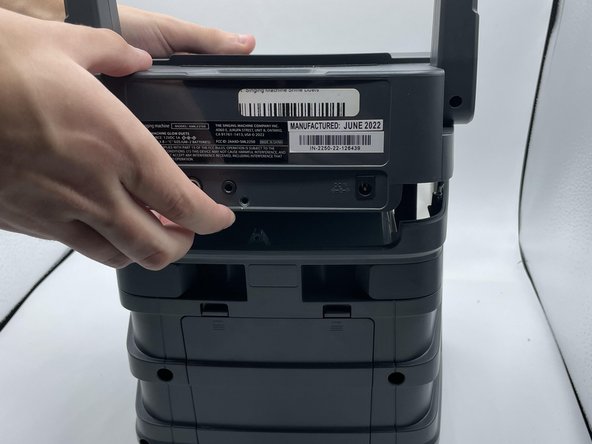
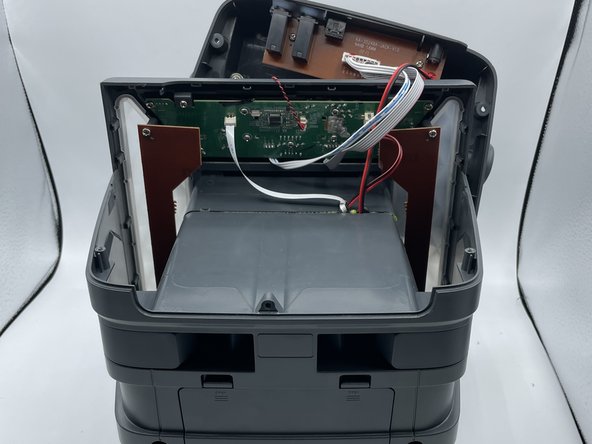
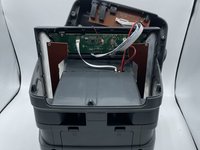
    • Use the opening tool or your hands to carefully pry open the now-loosened top panel.

    • The top portion of the shell is open, and the inside of the device is now accessible.

    Pergunte ao FixBot
  4. Singing Machine Shine Duets Audio/Power Jack Replacement, Motherboard: passo 4, imagem 1 %32
    • The motherboard is located right behind the control buttons.

    Pergunte ao FixBot
  5. Singing Machine Shine Duets Audio/Power Jack Replacement: passo 5, imagem 1 %32 Singing Machine Shine Duets Audio/Power Jack Replacement: passo 5, imagem 2 %32
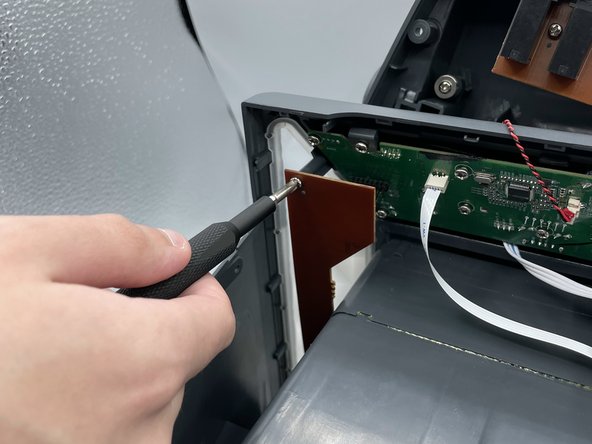
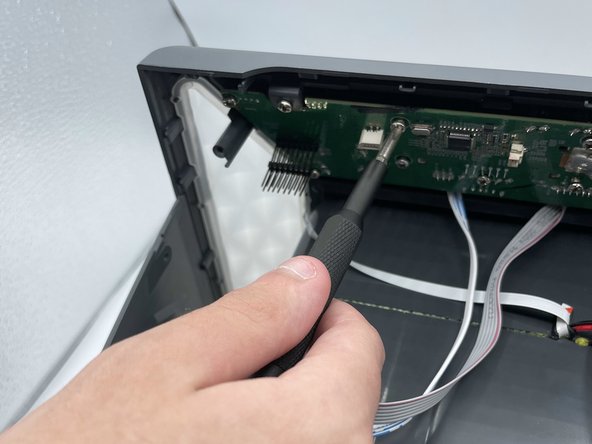
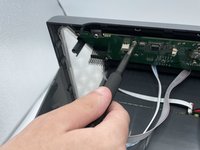
    • Remove the two screws holding the LED board in place.

    Pergunte ao FixBot
  6. Singing Machine Shine Duets Audio/Power Jack Replacement: passo 6, imagem 1 %32 Singing Machine Shine Duets Audio/Power Jack Replacement: passo 6, imagem 2 %32
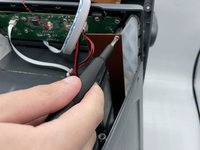
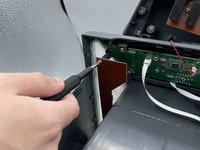
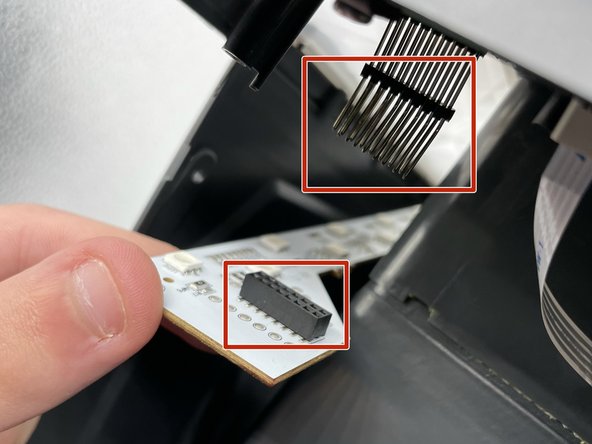
    • Remove both LED boards from their pins.

    Pergunte ao FixBot
  7. Singing Machine Shine Duets Audio/Power Jack Replacement: passo 7, imagem 1 %32 Singing Machine Shine Duets Audio/Power Jack Replacement: passo 7, imagem 2 %32
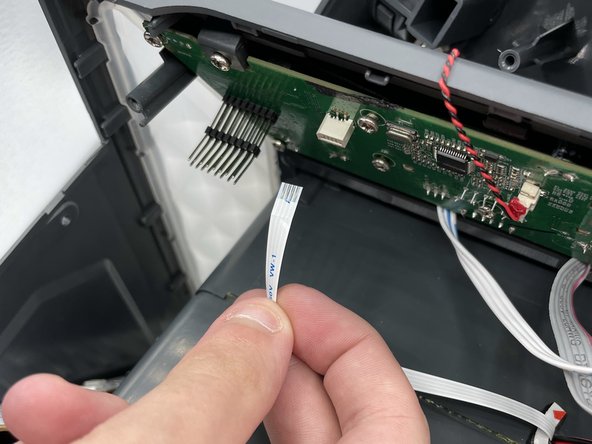
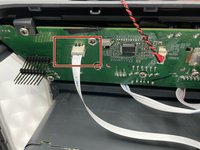
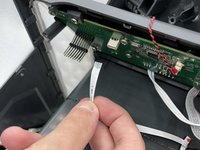
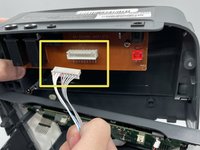
    • Detach the white cable from its connector on the motherboard.

    Pergunte ao FixBot
  8. Singing Machine Shine Duets Audio/Power Jack Replacement: passo 8, imagem 1 %32 Singing Machine Shine Duets Audio/Power Jack Replacement: passo 8, imagem 2 %32
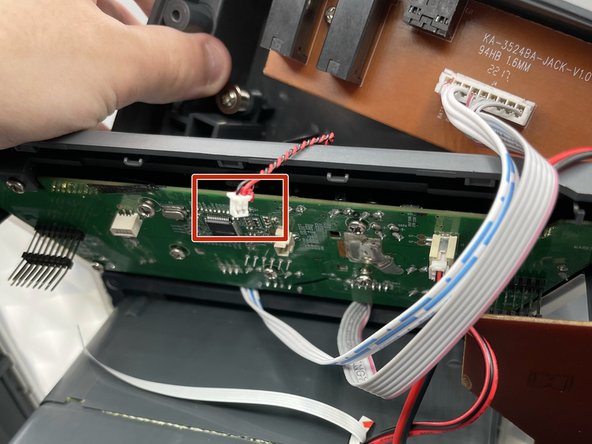
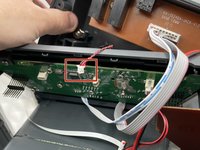
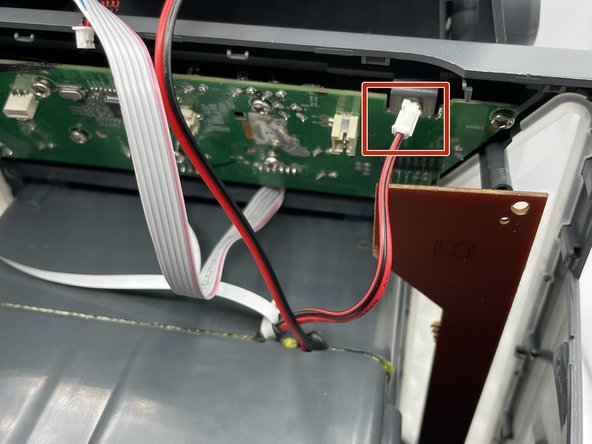
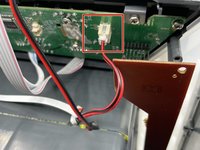
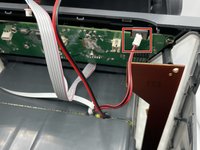
    • Carefully disconnect this red-and-black wire from the motherboard.

    Pergunte ao FixBot
  9. Singing Machine Shine Duets Audio/Power Jack Replacement: passo 9, imagem 1 %32 Singing Machine Shine Duets Audio/Power Jack Replacement: passo 9, imagem 2 %32
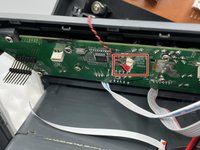
    • Remove the thicker red-and-black wire from its socket on the motherboard.

    Pergunte ao FixBot
  10. Singing Machine Shine Duets Audio/Power Jack Replacement: passo 10, imagem 1 %32 Singing Machine Shine Duets Audio/Power Jack Replacement: passo 10, imagem 2 %32 Singing Machine Shine Duets Audio/Power Jack Replacement: passo 10, imagem 3 %32
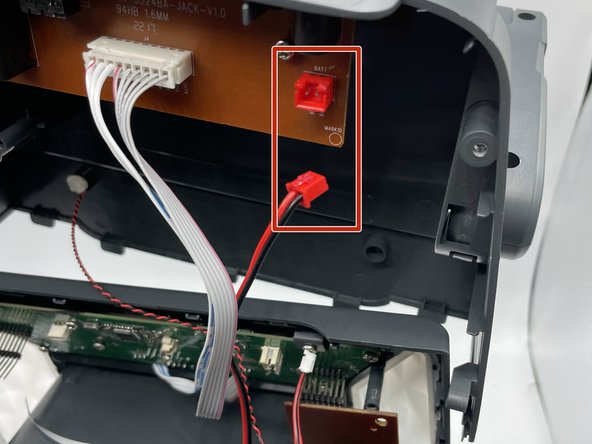
    • Disconnect the red port on the board which holds all of the external plugs

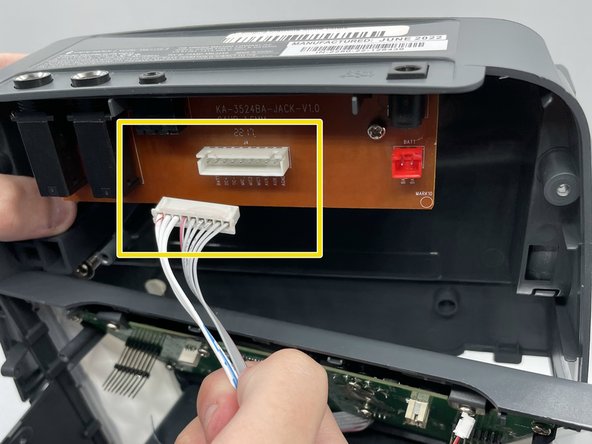
    • Disconnect the white wires from the board.

    Pergunte ao FixBot
  11. Singing Machine Shine Duets Audio/Power Jack Replacement: passo 11, imagem 1 %32 Singing Machine Shine Duets Audio/Power Jack Replacement: passo 11, imagem 2 %32
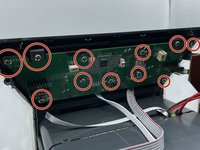
    • Remove eleven 8 mm screws from the motherboard with a Phillips #0 screwdriver.

    Pergunte ao FixBot
  12. Singing Machine Shine Duets Audio/Power Jack Replacement: passo 12, imagem 1 %32 Singing Machine Shine Duets Audio/Power Jack Replacement: passo 12, imagem 2 %32 Singing Machine Shine Duets Audio/Power Jack Replacement: passo 12, imagem 3 %32
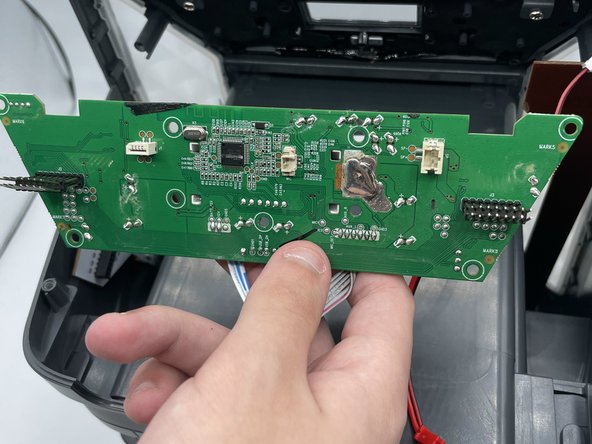
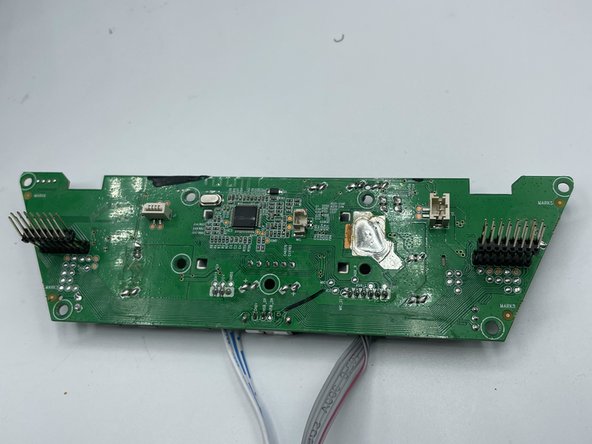
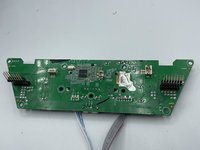
    • Remove the motherboard from the shell.

    Pergunte ao FixBot
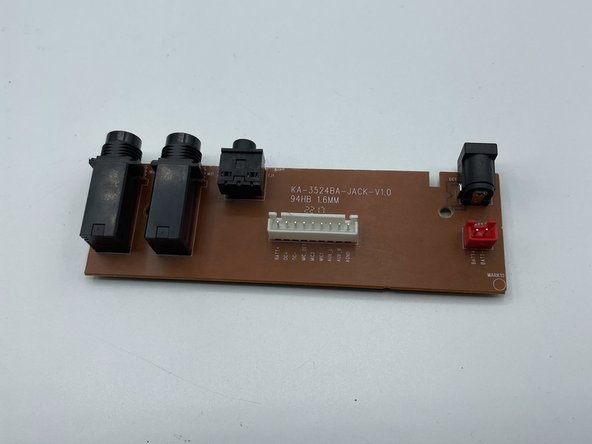
  13. Singing Machine Shine Duets Audio/Power Jack Replacement, Audio/Power Jack: passo 13, imagem 1 %32 Singing Machine Shine Duets Audio/Power Jack Replacement, Audio/Power Jack: passo 13, imagem 2 %32
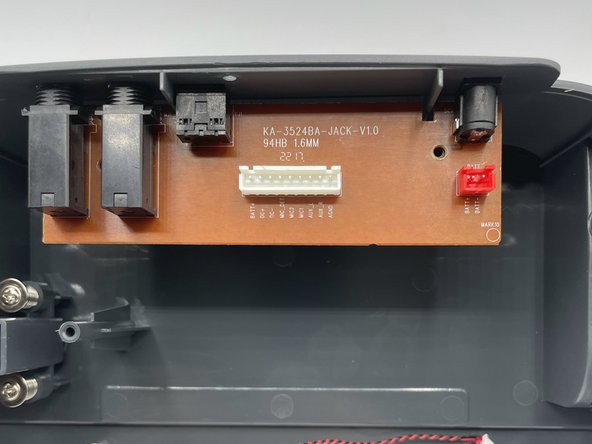
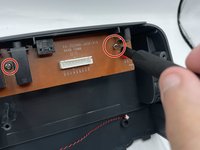
    • Remove both screws from the board.

    • Use caution when removing the screw in between the two ports.

    Pergunte ao FixBot
  14. Singing Machine Shine Duets Audio/Power Jack Replacement: passo 14, imagem 1 %32 Singing Machine Shine Duets Audio/Power Jack Replacement: passo 14, imagem 2 %32
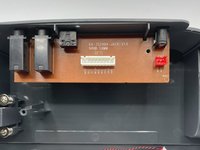
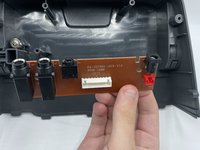
    • Remove the board from the shell.

    Pergunte ao FixBot
Conclusão

To reassemble your device, follow these instructions in reverse order.

0Comentários do guia

Comentar

Visualizações:

Últimas 24 horas: 1

Últimos 7 dias: 15

Últimos 30 dias: 47

Ao todo: 1,118