Ir para o conteúdo principal
Participe da comunidade de reparos - Criar conta

Screen Assembly Removal

O que você precisa

  1. Screen Assembly Removal, Turn off the watch: passo 1, imagem 1 %32 Screen Assembly Removal, Turn off the watch: passo 1, imagem 2 %32
    • Turn off the Galaxy Watch Active by pushing and holding the bottom button for approximately 3 seconds. You should feel a short vibration.

    • When the "Power off" symbol appears tap the center of the screen to make it shut down. You should feel a longer vibration for confirmation.

    Pergunte ao FixBot

    Comentar

  2. Screen Assembly Removal, Remove the rear screws: passo 2, imagem 1 %32
    • Use a Tri-point Y00 screwdriver to remove the four 4 mm-long screws on the back of the watch.

    Pergunte ao FixBot

    Comentar

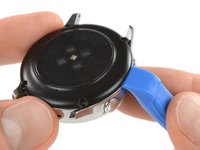
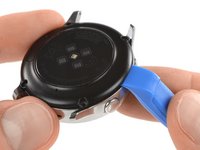
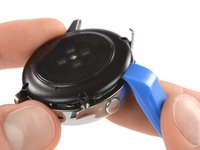
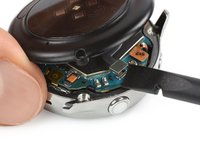
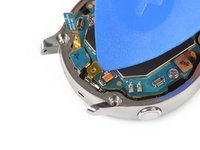
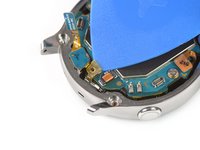
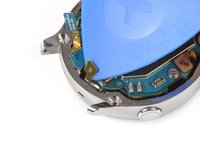
  3. Screen Assembly Removal, Separate the back cover from the housing: passo 3, imagem 1 %32 Screen Assembly Removal, Separate the back cover from the housing: passo 3, imagem 2 %32 Screen Assembly Removal, Separate the back cover from the housing: passo 3, imagem 3 %32
    • Use an opening tool and place it between the plastic back cover and the metal housing near the buttons.

    • Push the tip of the opening tool into the gap to separate the back cover from the housing.

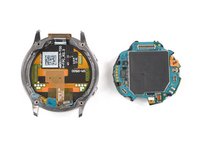
    • Don’t remove the back cover all the way yet. There is a cable connecting it to the motherboard.

    Pergunte ao FixBot

    Comentar

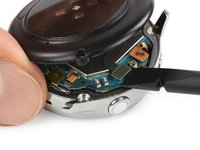
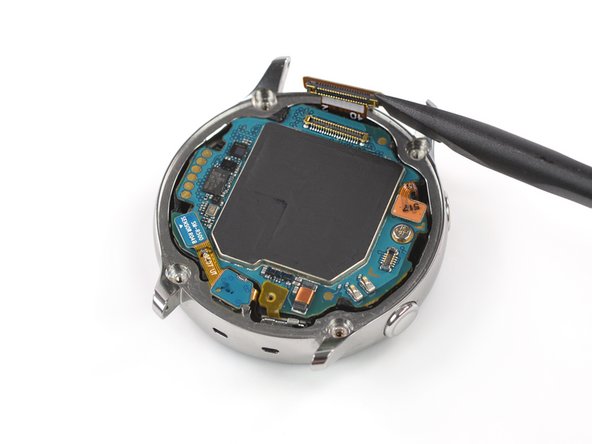
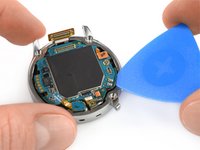
  4. Screen Assembly Removal, Disconnect the sensor array: passo 4, imagem 1 %32 Screen Assembly Removal, Disconnect the sensor array: passo 4, imagem 2 %32
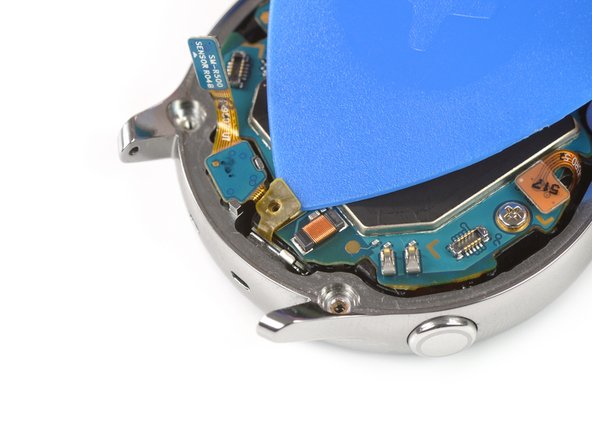
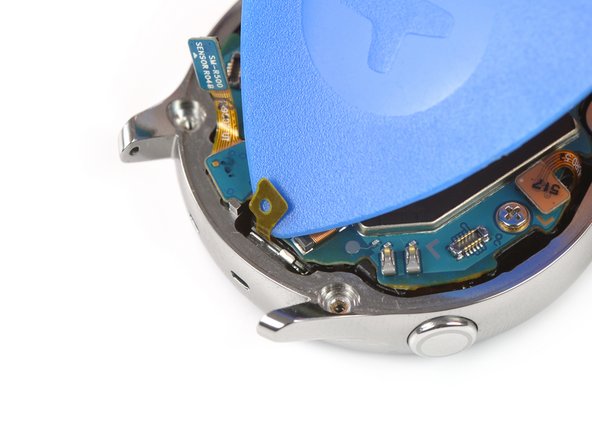
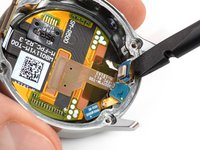
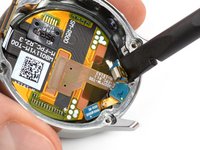
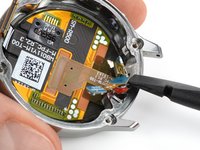
    • Carefully lift the back cover approximately 2 cm to access the sensor array connector near the two buttons.

    • Use a spudger to disconnect the sensor array from the motherboard.

    Pergunte ao FixBot

    Comentar

  5. Screen Assembly Removal, Remove the back cover: passo 5, imagem 1 %32
    • Remove the back cover.

    Pergunte ao FixBot

    Comentar

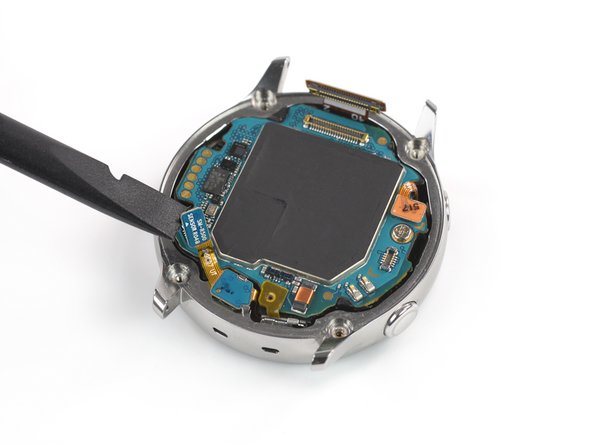
  6. Screen Assembly Removal, Disconnect the display and the mic array: passo 6, imagem 1 %32 Screen Assembly Removal, Disconnect the display and the mic array: passo 6, imagem 2 %32 Screen Assembly Removal, Disconnect the display and the mic array: passo 6, imagem 3 %32
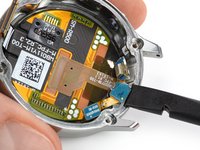
    • Use a spudger to disconnect the display assembly and the microphone and pressure sensor array.

    Pergunte ao FixBot

    Comentar

  7. Screen Assembly Removal, Undo the mic tape: passo 7, imagem 1 %32 Screen Assembly Removal, Undo the mic tape: passo 7, imagem 2 %32 Screen Assembly Removal, Undo the mic tape: passo 7, imagem 3 %32
    • Use an opening pick to peel back the thin tape belonging to the microphone array.

    • When re-assembling make sure this tape properly sticks to the motherboard by pressing it down with the flat end of a spudger.

    Pergunte ao FixBot

    Comentar

  8. Screen Assembly Removal, Lift the core assembly: passo 8, imagem 1 %32 Screen Assembly Removal, Lift the core assembly: passo 8, imagem 2 %32
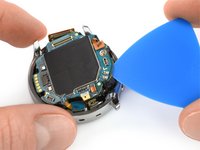
    • Insert an opening pick at the bottom right between the motherboard and the frame to lift up the core assembly.

    Pergunte ao FixBot

    Comentar

  9. Screen Assembly Removal, Remove the core assembly: passo 9, imagem 1 %32 Screen Assembly Removal, Remove the core assembly: passo 9, imagem 2 %32 Screen Assembly Removal, Remove the core assembly: passo 9, imagem 3 %32
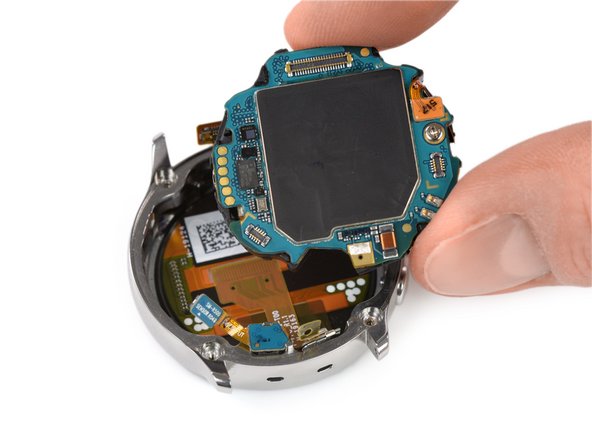
    • Lift out and remove the core assembly.

    Pergunte ao FixBot

    Comentar

  10. Screen Assembly Removal, Loosen the mic: passo 10, imagem 1 %32 Screen Assembly Removal, Loosen the mic: passo 10, imagem 2 %32
    • Use a spudger to loosen the microphone which is fixed to the frame with mild adhesive.

    Pergunte ao FixBot

    Comentar

  11. Screen Assembly Removal, Free the barometric sensor: passo 11, imagem 1 %32 Screen Assembly Removal, Free the barometric sensor: passo 11, imagem 2 %32
    • Use a spudger to lift the pressure sensor up and out of its recess in the frame.

    Pergunte ao FixBot

    Comentar

  12. Screen Assembly Removal, Remove the mic array: passo 12, imagem 1 %32
    • Carefully remove the microphone and barometric sensor array from the frame.

    Pergunte ao FixBot

    Comentar

Linha de Chegada

Cancelar: não concluí este guia.

Uma outra pessoa concluiu este guia.

Tobias Isakeit

Membro desde: 03/31/14

134.261 Reputação

Autoria de 189 guias

Equipe

0Comentários do guia

Comentar

Visualizações:

Últimas 24 horas: 3

Últimos 7 dias: 10

Últimos 30 dias: 52

Ao todo: 938