Introdução
HDD may need to be replaced if it is damaged or not working properly. Also upgrading to Solid State Drive (SSD) or a bigger capacity of HDD requires this replacement guide.
O que você precisa
-
-
Locate two notches above the battery.
-
Slide both battery locking notches to either side to remove the battery.
-
Pull the battery out.
-
-
-
-
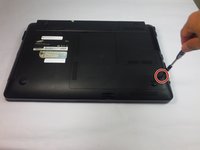
Using the Phillips #0 screwdriver, unscrew the one 5mm screw.
-
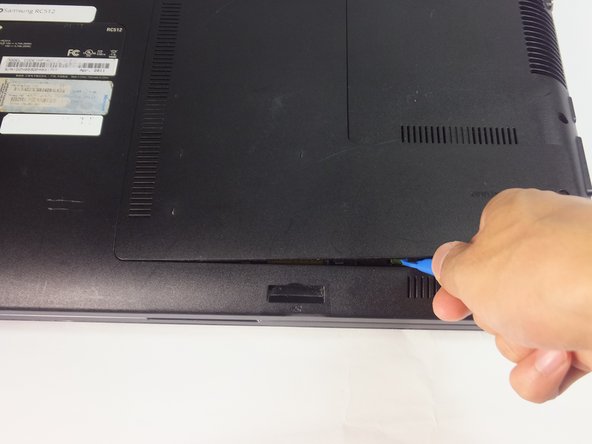
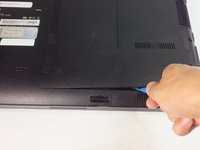
Using the blue plastic opening tools, wedge one in between the back panel and the laptop.
-
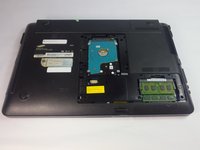
Carefully remove the back panel..
-

 Pergunte ao FixBot





To reassemble your device, follow these instructions in reverse order.
Cancelar: não concluí este guia.
Uma outra pessoa concluiu este guia.

Equipe

USF Tampa, Team 18-2, Blackwell Fall 2016 Membro de USF Tampa, Team 18-2, Blackwell Fall 2016
USFT-BLACKWELL-F16S18G2
4 Membros
Autoria de 8 guias
