Ir para o conteúdo principal
Participe da comunidade de reparos - Criar conta

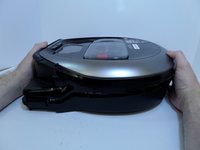
Samsung POWERbot R7070 Left Driving Wheel Replacement

O que você precisa

  1. Samsung POWERbot R7070 Left Driving Wheel  Replacement, Battery: passo 1, imagem 1 %32
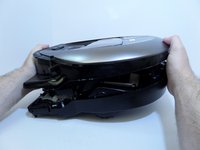
    • Turn the emergency switch off.

    Pergunte ao FixBot
    Comentar

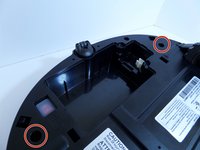
  2. Samsung POWERbot R7070 Left Driving Wheel  Replacement: passo 2, imagem 1 %32 Samsung POWERbot R7070 Left Driving Wheel  Replacement: passo 2, imagem 2 %32
    • Remove the two exposed screws on the top right of the device.

    Pergunte ao FixBot

    Comentar

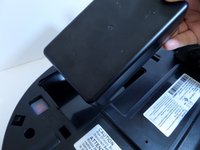
  3. Samsung POWERbot R7070 Left Driving Wheel  Replacement: passo 3, imagem 1 %32
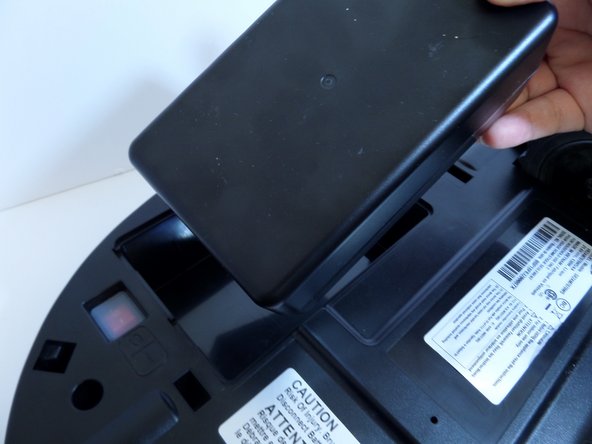
    • Lift the cover plate to expose the battery.

    Pergunte ao FixBot

    Comentar

  4. Samsung POWERbot R7070 Left Driving Wheel  Replacement: passo 4, imagem 1 %32 Samsung POWERbot R7070 Left Driving Wheel  Replacement: passo 4, imagem 2 %32
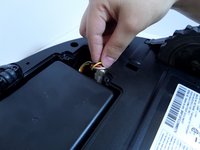
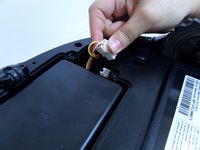
    • Using one hand, pinch the white plastic connector where the battery's wiring connects the POWERbot. Pull up to disconnect.

    Pergunte ao FixBot

    Comentar

  5. Samsung POWERbot R7070 Left Driving Wheel  Replacement: passo 5, imagem 1 %32 Samsung POWERbot R7070 Left Driving Wheel  Replacement: passo 5, imagem 2 %32
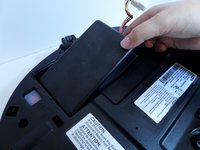
    • Lift the battery from the right side, up and out of its compartment.

    Pergunte ao FixBot

    Comentar

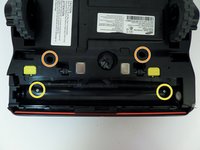
  6. Samsung POWERbot R7070 Left Driving Wheel  Replacement, Motor: passo 6, imagem 1 %32 Samsung POWERbot R7070 Left Driving Wheel  Replacement, Motor: passo 6, imagem 2 %32
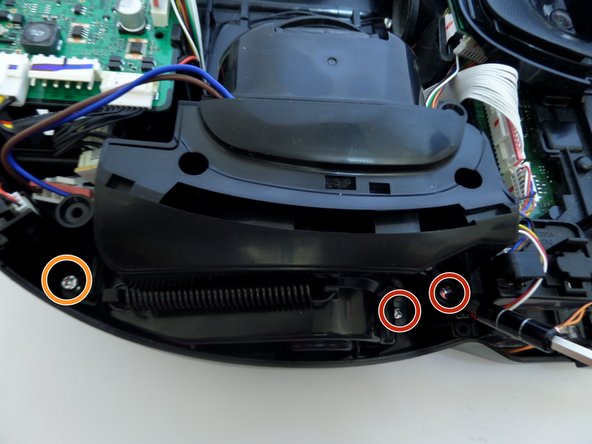
    • Unscrew the two silver 1.5 cm screws on the left and right side of the battery compartment.

    • Remove the two 1.5 cm screws above the yellow sliding lock tabs.

    • Remove the two 1.2 cm screws in the brush compartment.

    Pergunte ao FixBot
    Comentar

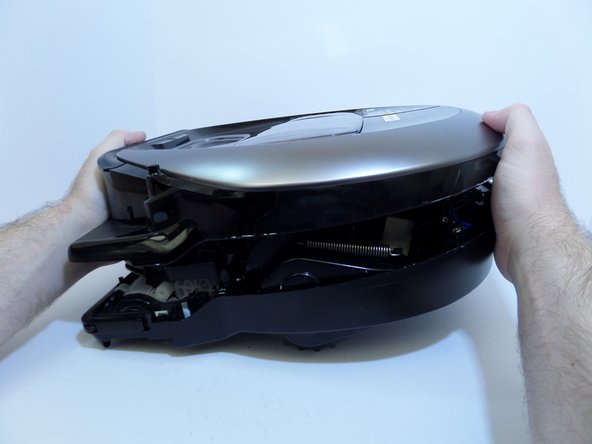
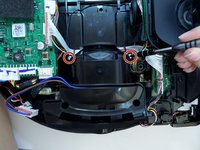
  7. Samsung POWERbot R7070 Left Driving Wheel  Replacement: passo 7, imagem 1 %32 Samsung POWERbot R7070 Left Driving Wheel  Replacement: passo 7, imagem 2 %32
    • With moderate force, separate the silver top from the black bottom of the vacuum.

    • The cover will only separate a few inches as the two halves are connected by wires.

    Pergunte ao FixBot
    Comentar

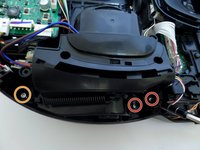
  8. Samsung POWERbot R7070 Left Driving Wheel  Replacement: passo 8, imagem 1 %32
    • Disconnect the white and red wired connector attached to the top half of the base of the vacuum by squeezing the connector and pulling up.

    Pergunte ao FixBot
    Comentar

  9. Samsung POWERbot R7070 Left Driving Wheel  Replacement: passo 9, imagem 1 %32
    • Pinching the top and bottom of the black wired connector, pull outward, fully detaching the top from the bottom of the device.

    Pergunte ao FixBot

    Comentar

  10. Samsung POWERbot R7070 Left Driving Wheel  Replacement: passo 10, imagem 1 %32
    • Detach the wide circuit connector on the left side by pinching and pressing down on the right and left side of the clip, pulling the connector out.

    • Pull the connector out by the left and right side of the white clip and not by the wires.

    Pergunte ao FixBot

    Comentar

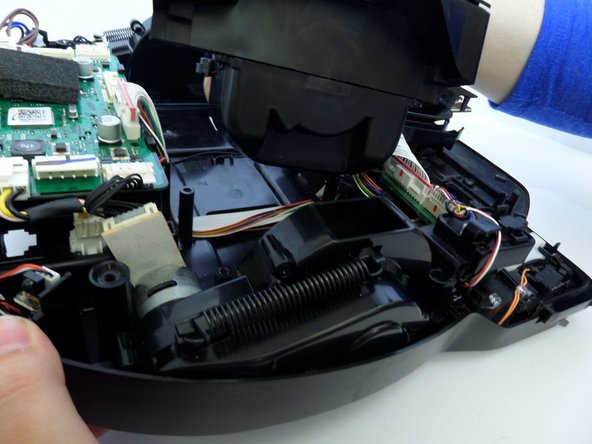
  11. Samsung POWERbot R7070 Left Driving Wheel  Replacement: passo 11, imagem 1 %32 Samsung POWERbot R7070 Left Driving Wheel  Replacement: passo 11, imagem 2 %32
    • Remove the four 1.2 cm screws.

    • Remove the single 0.8 cm screw.

    Pergunte ao FixBot
    Comentar

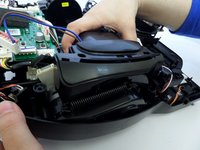
  12. Samsung POWERbot R7070 Left Driving Wheel  Replacement: passo 12, imagem 1 %32
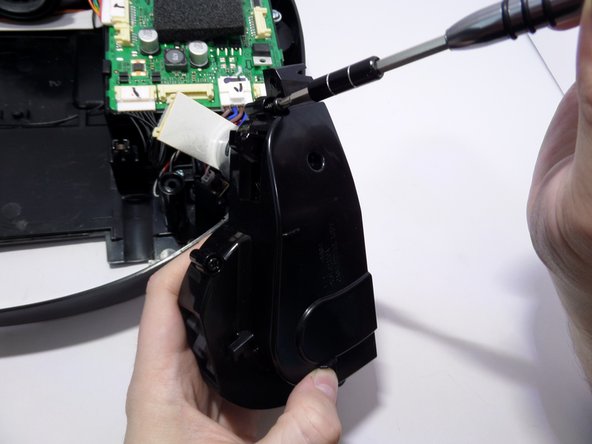
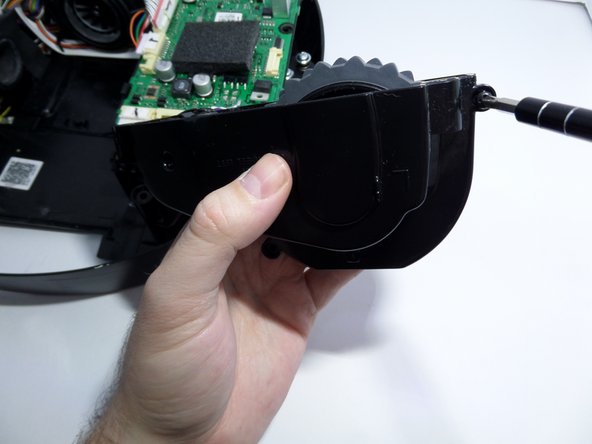
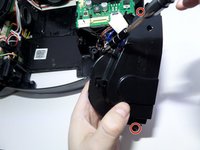
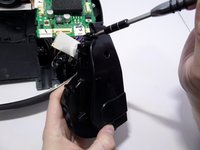
    • Remove the two 1.5 cm screws on the motor chamber.

    Pergunte ao FixBot
    Comentar

  13. Samsung POWERbot R7070 Left Driving Wheel  Replacement: passo 13, imagem 1 %32 Samsung POWERbot R7070 Left Driving Wheel  Replacement: passo 13, imagem 2 %32
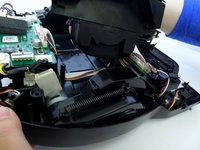
    • Lift the motor by grabbing the body of the motor, lifting upward.

    • With the screws removed from the motor chamber the top of the motor chamber will pop open.

    Pergunte ao FixBot
    Comentar

  14. Samsung POWERbot R7070 Left Driving Wheel  Replacement, Left Driving Wheel: passo 14, imagem 1 %32 Samsung POWERbot R7070 Left Driving Wheel  Replacement, Left Driving Wheel: passo 14, imagem 2 %32
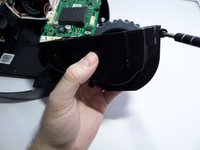
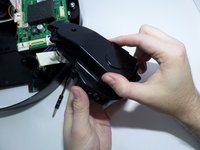
    • Unscrew the two screws securing the left and right ends of the wheel casing to the base of the vacuum.

    Pergunte ao FixBot

    Comentar

  15. Samsung POWERbot R7070 Left Driving Wheel  Replacement: passo 15, imagem 1 %32
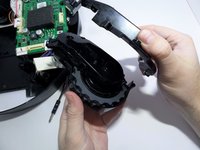
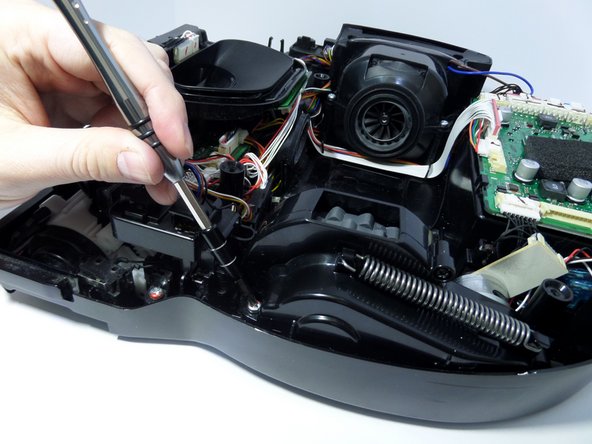
    • Unscrew the screws securing the black plastic piece to the left of the wheel casing.

    • This piece is not part of the wheel casing but must be moved out of the way to remove the wheel.

    • Lift the wheel casing out of the vacuum base.

    Pergunte ao FixBot
    Comentar

  16. Samsung POWERbot R7070 Left Driving Wheel  Replacement: passo 16, imagem 1 %32 Samsung POWERbot R7070 Left Driving Wheel  Replacement: passo 16, imagem 2 %32
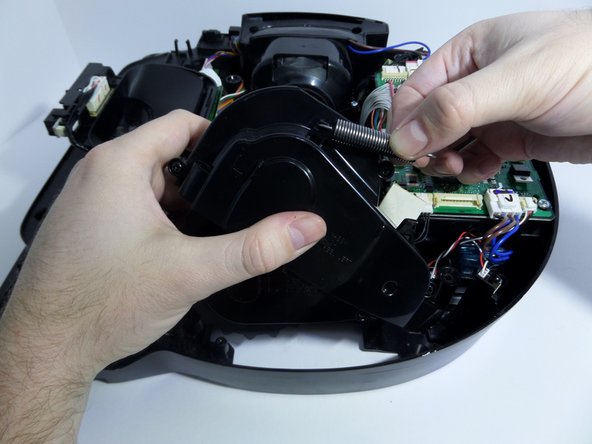
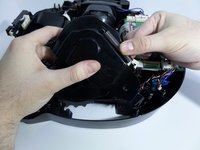
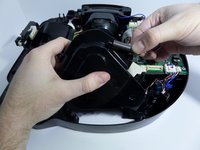
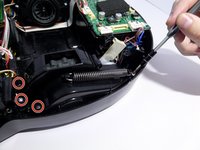
    • Arrange the wheel so that the spring is fully retracted.

    • Unhook one edge of the spring by carefully pulling the spring towards the hook.

    • With the spring unhooked, remove the spring from the wheel casing.

    Pergunte ao FixBot
    Comentar

  17. Samsung POWERbot R7070 Left Driving Wheel  Replacement: passo 17, imagem 1 %32 Samsung POWERbot R7070 Left Driving Wheel  Replacement: passo 17, imagem 2 %32 Samsung POWERbot R7070 Left Driving Wheel  Replacement: passo 17, imagem 3 %32
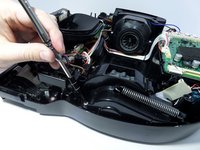
    • Remove the screws that are fastening the two halves of the wheel casing together.

    Pergunte ao FixBot
    Comentar

  18. Samsung POWERbot R7070 Left Driving Wheel  Replacement: passo 18, imagem 1 %32 Samsung POWERbot R7070 Left Driving Wheel  Replacement: passo 18, imagem 2 %32
    • Open wheel casing.

    Pergunte ao FixBot

    Comentar

  19. Samsung POWERbot R7070 Left Driving Wheel  Replacement: passo 19, imagem 1 %32
    • Unscrew the black 1 cm screw securing the center of the wheel to the remaining half of the wheel casing.

    Pergunte ao FixBot

    Comentar

  20. Samsung POWERbot R7070 Left Driving Wheel  Replacement: passo 20, imagem 1 %32 Samsung POWERbot R7070 Left Driving Wheel  Replacement: passo 20, imagem 2 %32
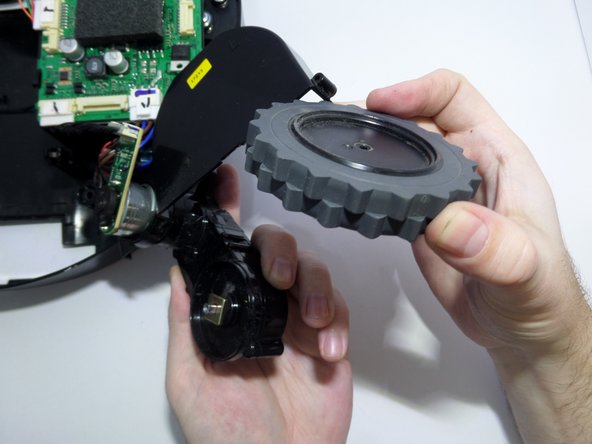
    • Remove the wheel.

    Pergunte ao FixBot

    Comentar

Conclusão

To reassemble your device, follow these instructions in reverse order.

Cancelar: não concluí este guia.

5 outras pessoas executaram este guia.

Eric Anderson

Membro desde: 09/11/17

465 Reputação

Autoria de 2 guias

Equipe

CSU Fullerton, Team S2-G8, Bruce Fall 2017 Membro de CSU Fullerton, Team S2-G8, Bruce Fall 2017

CSUF-BRUCE-F17S2G8

3 Membros

Autoria de 10 guias

2Comentários do guia

Where can you find the replacement left driving wheel? are all the model the same?

ghvolleyball - Responder Compartilhar

My left wheel seams to have sand in the gear box now and won’t turn. I need a replacement part or assembly for a R7065 Powerbot LH wheel gear box, which is very similar to the R7070. As far as I can see (I have one of each) the R7065 has two rubber beaters and two brush beaters where as the R7070 has 4 rubber beaters.

Steven Nicholas - Responder Compartilhar

Comentar

Visualizações:

Últimas 24 horas: 2

Últimos 7 dias: 8

Últimos 30 dias: 27

Ao todo: 3,846