Introdução
Accessing the RAM in this laptop is straightforward and requires minimal disassembly. You can upgarde the ram for better performance. One RAM slot allows up to 2 GB of DDR2 PC2-5300 667MHz 200-pin SODIMM
O que você precisa
-
-
Slide the battery switch to the unlock symbol, and the battery will pop up.
-
Remove the battery.
 Pergunte ao FixBot
-
-
-
-
Locate and unscrew the 5mm screw on the small panel on the back that has 'memory' written on it.
-
Pull off the memory panel.
-
-
-
Pull the 2 latches holding the RAM in, away from the RAM stick, and the RAM will pop up.
-
Pull the RAM out of the slot, only touching the edges of the RAM stick
-


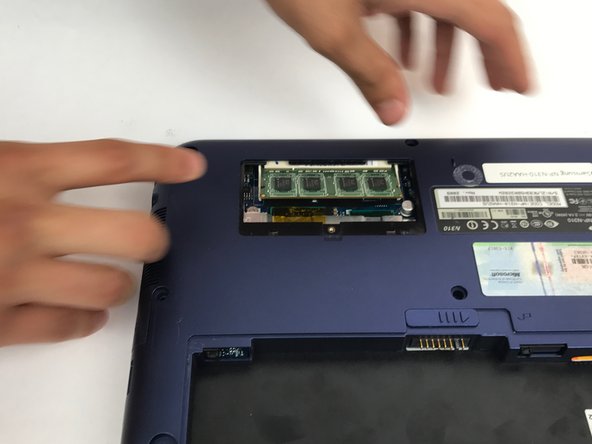

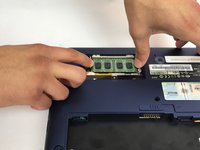
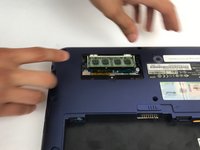
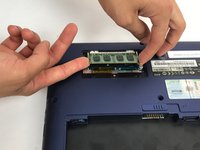
To reassemble your device, follow these instructions in reverse order.
Cancelar: não concluí este guia.
Uma outra pessoa concluiu este guia.

Equipe

USF Tampa, Team 4-1, Passmore Fall 2016 Membro de USF Tampa, Team 4-1, Passmore Fall 2016
USFT-PASSMORE-F16S4G1
4 Membros
Autoria de 6 guias
1Comentário do guia
I checked out this guide today (11.2022) to upgrade the RAM in my N310 Windows XP laptop that I bought in the summer of 2009 : ) a whooping 2 GB of DDR2 RAM installed to play old games on original hardware... yee haw!
