Ir para o conteúdo principal
Participe da comunidade de reparos - Criar conta

Samsung Galaxy Note Midframe Replacement

O que você precisa

  1. Samsung Galaxy Note Midframe Replacement, Rear Case: passo 1, imagem 1 %32 Samsung Galaxy Note Midframe Replacement, Rear Case: passo 1, imagem 2 %32
    • Pry with a plastic opening tool, or your fingernail, in the divot to the right of the rear-facing camera, near the volume rocker.

    Pergunte ao FixBot

    Comentar

  2. Samsung Galaxy Note Midframe Replacement: passo 2, imagem 1 %32 Samsung Galaxy Note Midframe Replacement: passo 2, imagem 2 %32
    • Lift and remove the rear case from the phone.

    Pergunte ao FixBot

    Comentar

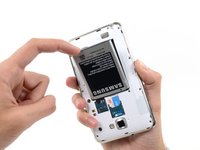
  3. Samsung Galaxy Note Midframe Replacement, Battery: passo 3, imagem 1 %32 Samsung Galaxy Note Midframe Replacement, Battery: passo 3, imagem 2 %32
    • Insert your finger in the notch of the battery compartment.

    • Press the battery toward the rear facing camera while pulling outward.

    Pergunte ao FixBot

    Comentar

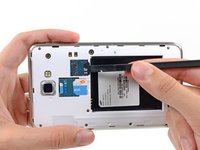
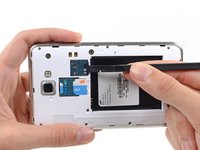
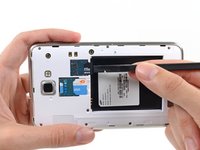
  4. Samsung Galaxy Note Midframe Replacement, MicroSD Card: passo 4, imagem 1 %32 Samsung Galaxy Note Midframe Replacement, MicroSD Card: passo 4, imagem 2 %32 Samsung Galaxy Note Midframe Replacement, MicroSD Card: passo 4, imagem 3 %32
    • Use the flat end of a spudger, or your fingernail, to press the microSD card slightly deeper into its slot until you hear a click.

    • After the click, release the card and it will pop out of its slot.

    • For reassembly, push the microSD card into the slot until it clicks in place.

    Pergunte ao FixBot

    Comentar

  5. Samsung Galaxy Note Midframe Replacement: passo 5, imagem 1 %32
    • Remove the microSD card from its slot in the midframe.

    Pergunte ao FixBot

    Comentar

  6. Samsung Galaxy Note Midframe Replacement, SIM Card: passo 6, imagem 1 %32 Samsung Galaxy Note Midframe Replacement, SIM Card: passo 6, imagem 2 %32
    • Use a plastic opening tool, or your fingernail, to push the SIM card out of its compartment.

    Pergunte ao FixBot

    Comentar

  7. Samsung Galaxy Note Midframe Replacement: passo 7, imagem 1 %32 Samsung Galaxy Note Midframe Replacement: passo 7, imagem 2 %32
    • Slide the SIM card out the rest of the way with your thumb and remove it from the device.

    Pergunte ao FixBot

    Comentar

  8. Samsung Galaxy Note Midframe Replacement, Midframe: passo 8, imagem 1 %32
    • Remove the nine 3.4 mm Phillips #00 screws securing the midframe to the display assembly.

    Pergunte ao FixBot

    Comentar

  9. Samsung Galaxy Note Midframe Replacement: passo 9, imagem 1 %32 Samsung Galaxy Note Midframe Replacement: passo 9, imagem 2 %32
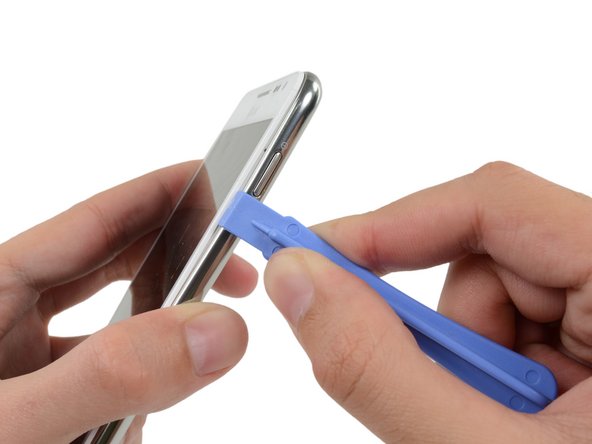
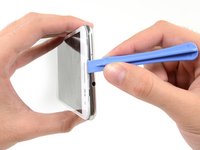
    • Insert your plastic opening tool to the left of the power button between the midframe and the front panel assembly and pry.

    Pergunte ao FixBot

    Comentar

  10. Samsung Galaxy Note Midframe Replacement: passo 10, imagem 1 %32 Samsung Galaxy Note Midframe Replacement: passo 10, imagem 2 %32 Samsung Galaxy Note Midframe Replacement: passo 10, imagem 3 %32
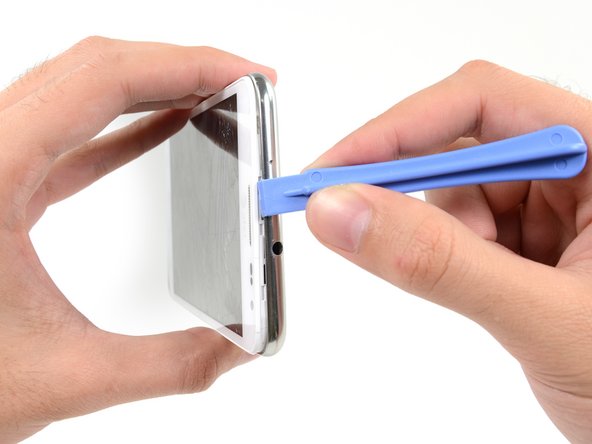
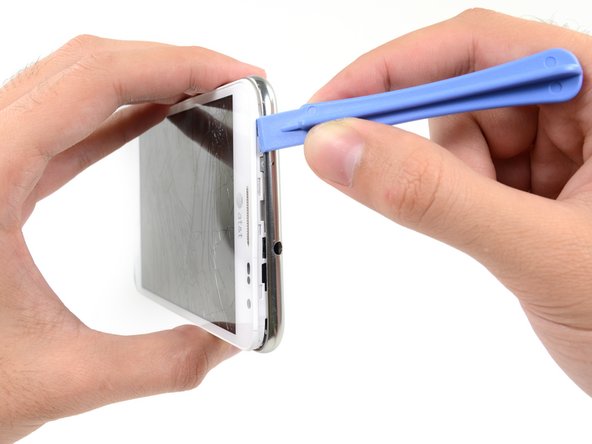
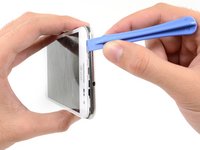
    • Slide the plastic opening tool down the seam.

    Pergunte ao FixBot

    Comentar

  11. Samsung Galaxy Note Midframe Replacement: passo 11, imagem 1 %32 Samsung Galaxy Note Midframe Replacement: passo 11, imagem 2 %32 Samsung Galaxy Note Midframe Replacement: passo 11, imagem 3 %32
    • Insert your plastic opening tool to the left of the headphone jack between the midframe and the display assembly.

    • Slide the opening tool along the top edge of the phone.

    • Continue to run the plastic opening tool around the perimeter of the phone until the midframe is separated.

    Pergunte ao FixBot

    Comentar

  12. Samsung Galaxy Note Midframe Replacement: passo 12, imagem 1 %32 Samsung Galaxy Note Midframe Replacement: passo 12, imagem 2 %32
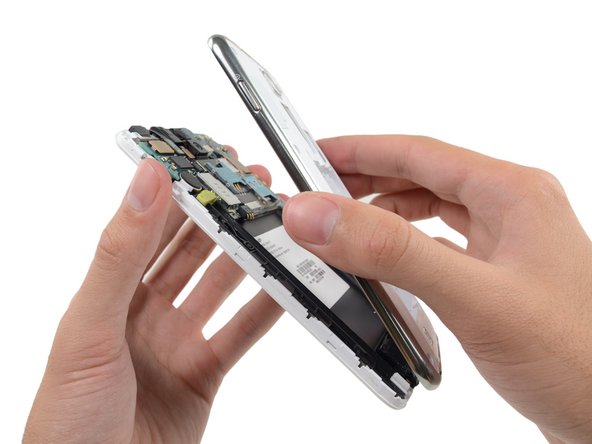
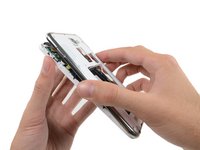
    • Remove the midframe from the display assembly.

    Pergunte ao FixBot

    Comentar

Conclusão

To reassemble your device, follow these instructions in reverse order.

Cancelar: não concluí este guia.

16 outras pessoas executaram este guia.

Sam Goldheart

Membro desde: 10/18/12

477.364 Reputação

Autoria de 538 guias

Equipe

iFixit Membro de iFixit

Staff

122 Membros

Autoria de 25.813 guias

0Comentários do guia

Comentar

Visualizações:

Últimas 24 horas: 1

Últimos 7 dias: 10

Últimos 30 dias: 75

Ao todo: 11,332