Ir para o conteúdo principal
Participe da comunidade de reparos - Criar conta

Samsung Galaxy Express 3 Screen Replacement

O que você precisa

  1. Samsung Galaxy Express 3 Screen Replacement, Battery: passo 1, imagem 1 %32 Samsung Galaxy Express 3 Screen Replacement, Battery: passo 1, imagem 2 %32
    • Locate the indent area highlighted in red and use either your fingernail or a Prying Tool (such as a guitar pick) to separate the back from the body of the phone.

  2. Samsung Galaxy Express 3 Screen Replacement: passo 2, imagem 1 %32 Samsung Galaxy Express 3 Screen Replacement: passo 2, imagem 2 %32 Samsung Galaxy Express 3 Screen Replacement: passo 2, imagem 3 %32
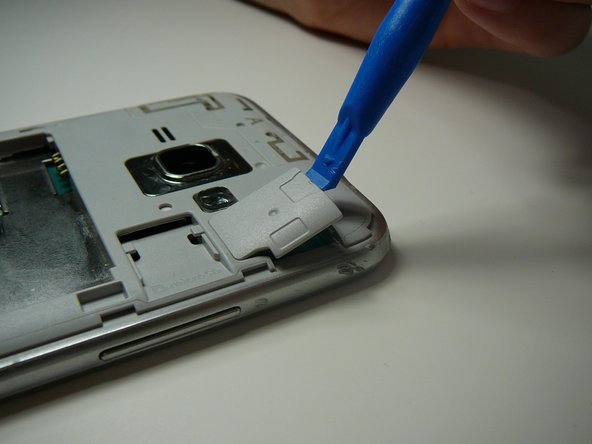
    • Once the cover is removed, locate the battery that reads "SAMSUNG."

    • Use either your fingernail or a Plastic Prying Tool (such as a guitar pick) to lift up the bottom indent of the battery.

    • Do not use a metal tool, as it can cause injury.

  3. Samsung Galaxy Express 3 Screen Replacement, Screen: passo 3, imagem 1 %32 Samsung Galaxy Express 3 Screen Replacement, Screen: passo 3, imagem 2 %32
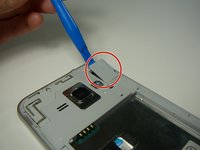
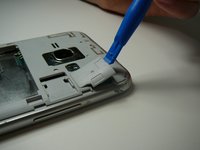
    • Use a Plastic Prying Tool (such as a spudger) to pop out piece shown.

  4. Samsung Galaxy Express 3 Screen Replacement: passo 4, imagem 1 %32
    • Detach the screen connector.

  5. Samsung Galaxy Express 3 Screen Replacement: passo 5, imagem 1 %32 Samsung Galaxy Express 3 Screen Replacement: passo 5, imagem 2 %32
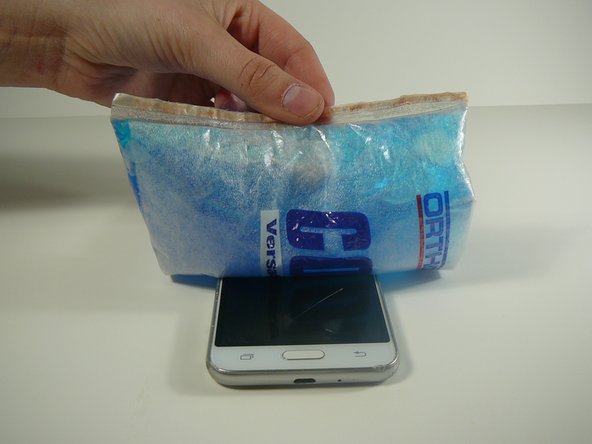
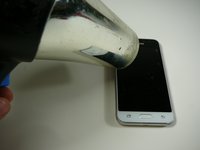
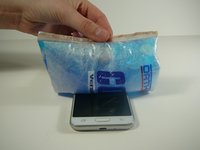
    • Use a blow dryer or heating pad to heat up the screen.

    • Do not skip this step, as it may result in a broken screen and/or LCD.

    • This step loosens the glue holding the screen in place.

  6. Samsung Galaxy Express 3 Screen Replacement: passo 6, imagem 1 %32 Samsung Galaxy Express 3 Screen Replacement: passo 6, imagem 2 %32 Samsung Galaxy Express 3 Screen Replacement: passo 6, imagem 3 %32
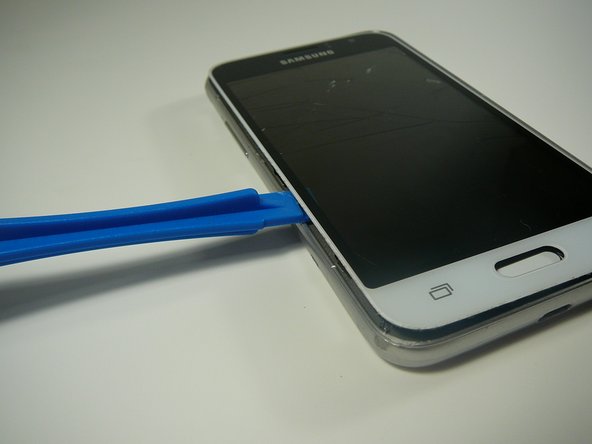
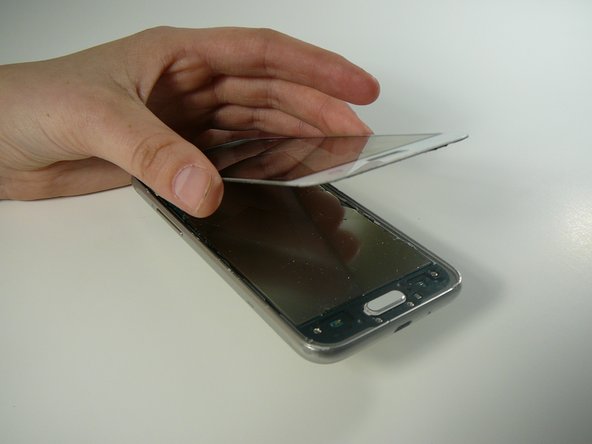
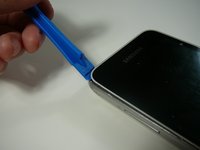
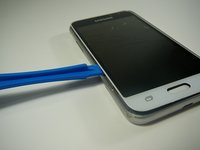
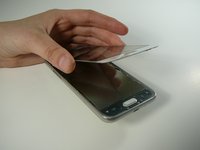
    • Use a Thin Plastic Tool (such as a guitar pick) or Plastic Prying Tool (such as a spudger) to lift out the glass digitizer and LCD screen around the edges.

    • Do this slowly and carefully, as both parts can crack very easily.

    • Ensure your tool is plastic, as a metal tool can damage the screen easily.

Conclusão

To reassemble your device, follow these instructions in reverse order.

7 outras pessoas executaram este guia.

2Comentários do guia

My friend set on his phone the screen is broken. The phone will come on but the screen will not light up.

Rudolph Mc Alister - Responder Compartilhar

Same! For TWO phones now… have you had any luck on any suggestions or figuring anything out???

Faith Dockery - Compartilhar

Comentar

Visualizações:

Últimas 24 horas: 1

Últimos 7 dias: 9

Últimos 30 dias: 42

Ao todo: 3,932