Ir para o conteúdo principal
Participe da comunidade de reparos - Criar conta

Samsung Captivate Glide Camera Replacement

O que você precisa

  1. Samsung Captivate Glide Camera Replacement, Motherboard: passo 1, imagem 1 %32 Samsung Captivate Glide Camera Replacement, Motherboard: passo 1, imagem 2 %32 Samsung Captivate Glide Camera Replacement, Motherboard: passo 1, imagem 3 %32
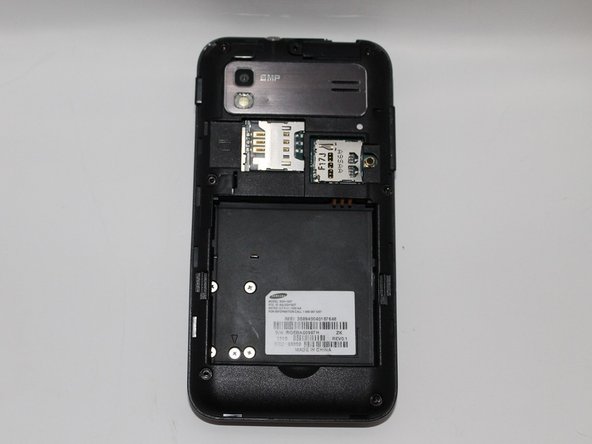
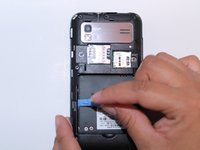
    • Remove back cover using fingernail or plastic opening tool. The cover pulls up and off.

    Pergunte ao FixBot
  2. Samsung Captivate Glide Camera Replacement: passo 2, imagem 1 %32 Samsung Captivate Glide Camera Replacement: passo 2, imagem 2 %32
    • Remove battery with plastic opening tool or finger.

    Pergunte ao FixBot
  3. Samsung Captivate Glide Camera Replacement: passo 3, imagem 1 %32 Samsung Captivate Glide Camera Replacement: passo 3, imagem 2 %32
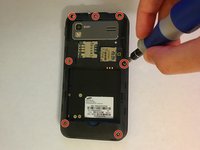
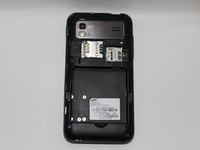
    • Remove the seven screws from backplate using the #00 screwdriver.

    Pergunte ao FixBot
  4. Samsung Captivate Glide Camera Replacement: passo 4, imagem 1 %32 Samsung Captivate Glide Camera Replacement: passo 4, imagem 2 %32 Samsung Captivate Glide Camera Replacement: passo 4, imagem 3 %32
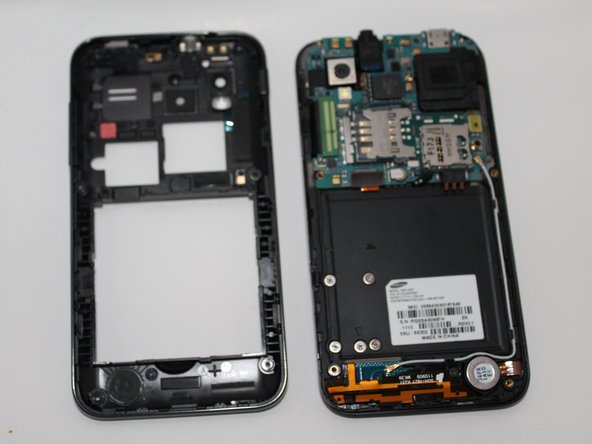
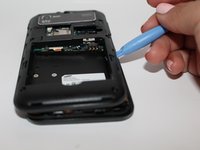
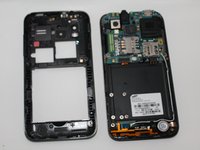
    • Remove the back plate using the plastic opening tool.

    • There is a lip on each side, and both must be pried up.

    • You can work your way around the edges after prying the two sides.

    Pergunte ao FixBot
  5. Samsung Captivate Glide Camera Replacement: passo 5, imagem 1 %32 Samsung Captivate Glide Camera Replacement: passo 5, imagem 2 %32
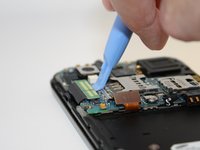
    • Use the plastic opening tool to detach the two tabs connecting the motherboard to the base of the phone.

    Pergunte ao FixBot
  6. Samsung Captivate Glide Camera Replacement: passo 6, imagem 1 %32
    Ferramenta utilizada neste passo:
    Tweezers
    $4.99
    • Disconnect the antenna cable from the motherboard using tweezers.

    Pergunte ao FixBot
  7. Samsung Captivate Glide Camera Replacement: passo 7, imagem 1 %32
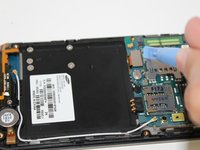
    • Remove the single screw connecting the motherboard to the base of the phone by using the #00 Phillips screwdriver.

    Pergunte ao FixBot
  8. Samsung Captivate Glide Camera Replacement: passo 8, imagem 1 %32 Samsung Captivate Glide Camera Replacement: passo 8, imagem 2 %32
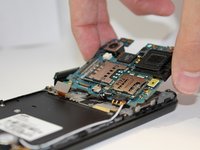
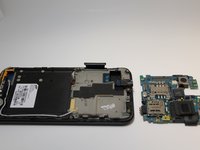
    • Lift the motherboard out of the base of the phone.

    Pergunte ao FixBot
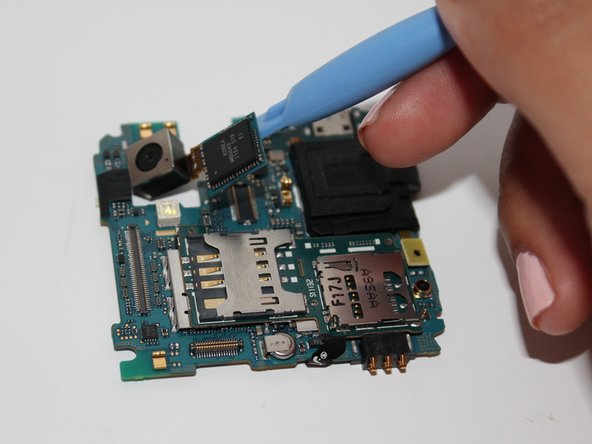
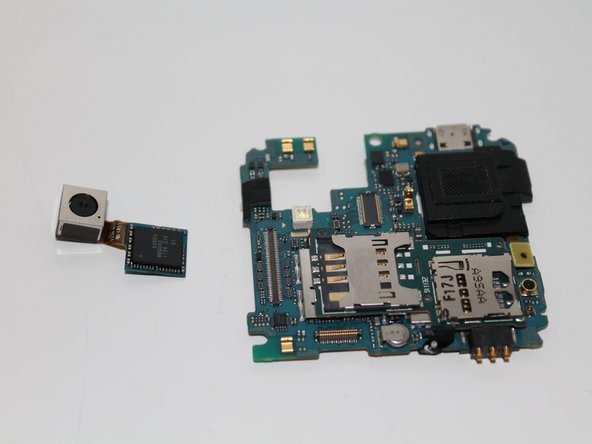
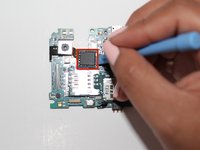
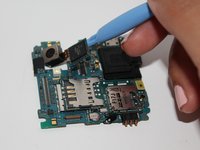
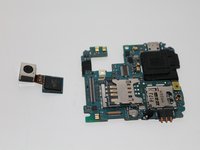
  9. Samsung Captivate Glide Camera Replacement, Camera: passo 9, imagem 1 %32 Samsung Captivate Glide Camera Replacement, Camera: passo 9, imagem 2 %32 Samsung Captivate Glide Camera Replacement, Camera: passo 9, imagem 3 %32
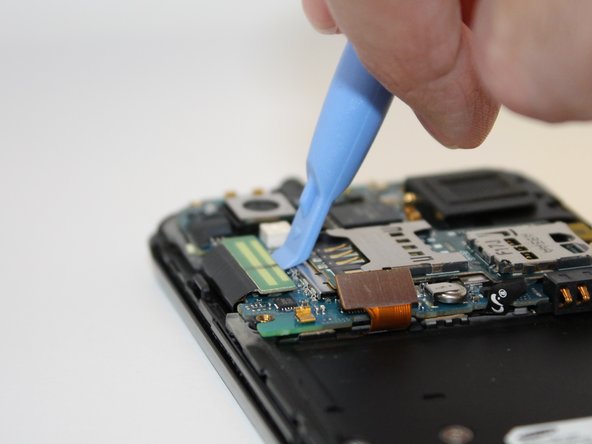
    • Using the opening tool, pry up the camera attachment from the motherboard.

    Pergunte ao FixBot
Conclusão

To reassemble your device, follow these instructions in reverse order.

Uma outra pessoa concluiu este guia.

Equipe

USF Tampa, Team 5-3, Mcgee Fall 2014 Membro de USF Tampa, Team 5-3, Mcgee Fall 2014

USFT-MCGEE-F14S5G3

4 Membros

Autoria de 5 guias

0Comentários do guia

Comentar

Visualizações:

Últimas 24 horas: 1

Últimos 7 dias: 8

Últimos 30 dias: 47

Ao todo: 975