Ir para o conteúdo principal
Participe da comunidade de reparos - Criar conta

Rydis H68 Pro Bumper Replacement

O que você precisa

  1. Rydis H68 Pro Bumper Replacement, Battery: passo 1, imagem 1 %32 Rydis H68 Pro Bumper Replacement, Battery: passo 1, imagem 2 %32
    • Flip the vacuum over so that the wheels are facing you.

    • Use a Phillips #1 screwdriver to remove the four 10 mm screws that surround the battery cover.

  2. Rydis H68 Pro Bumper Replacement: passo 2, imagem 1 %32
    • Lift the battery cover up to reveal the battery.

    • Remove the battery.

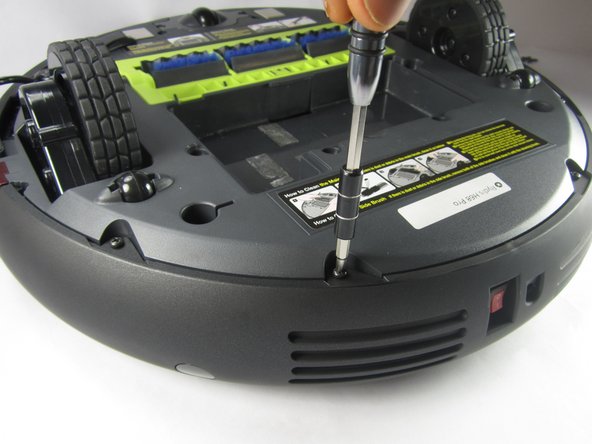
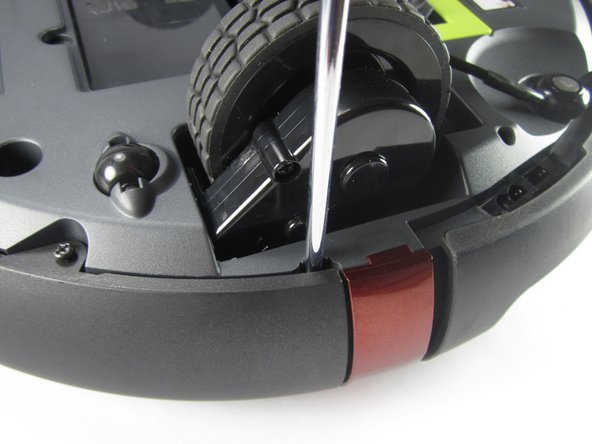
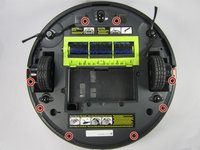
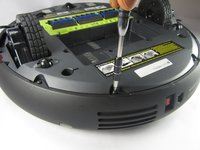
  3. Rydis H68 Pro Bumper Replacement, Bumper: passo 3, imagem 1 %32 Rydis H68 Pro Bumper Replacement, Bumper: passo 3, imagem 2 %32 Rydis H68 Pro Bumper Replacement, Bumper: passo 3, imagem 3 %32
    • Remove the eight 10 mm Phillips #1 screws.

  4. Rydis H68 Pro Bumper Replacement: passo 4, imagem 1 %32 Rydis H68 Pro Bumper Replacement: passo 4, imagem 2 %32 Rydis H68 Pro Bumper Replacement: passo 4, imagem 3 %32
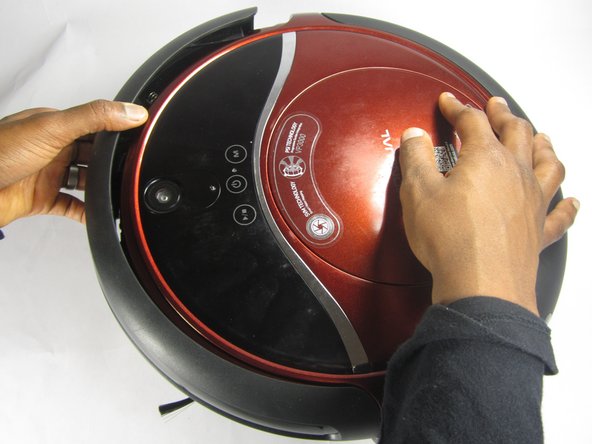
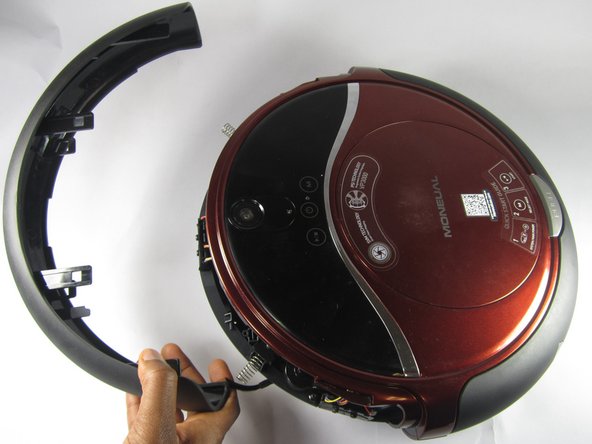
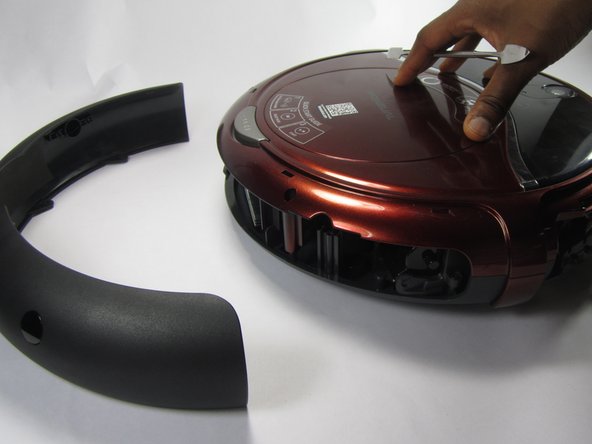
    • Hold the front bumper and pull it off.

    • It requires a lot of force to pull the bumper off.

  5. Rydis H68 Pro Bumper Replacement: passo 5, imagem 1 %32 Rydis H68 Pro Bumper Replacement: passo 5, imagem 2 %32 Rydis H68 Pro Bumper Replacement: passo 5, imagem 3 %32
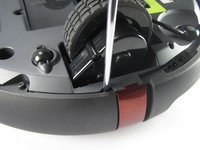
    • Pry off the back bumper by going around the entire top of the bumper with the metal spudger.

Conclusão

To reassemble your device, follow these instructions in reverse order.

Joe Balduz

Membro desde: 02/15/17

231 Reputação

Autoria de 2 guias

Equipe

USFT-Lacy-S17S005G2 Membro de USFT-Lacy-S17S005G2

Local Repair Groups

4 Membros

Autoria de 10 guias

0Comentários do guia

Comentar

Visualizações:

Últimas 24 horas: 1

Últimos 7 dias: 6

Últimos 30 dias: 49

Ao todo: 668