Introdução
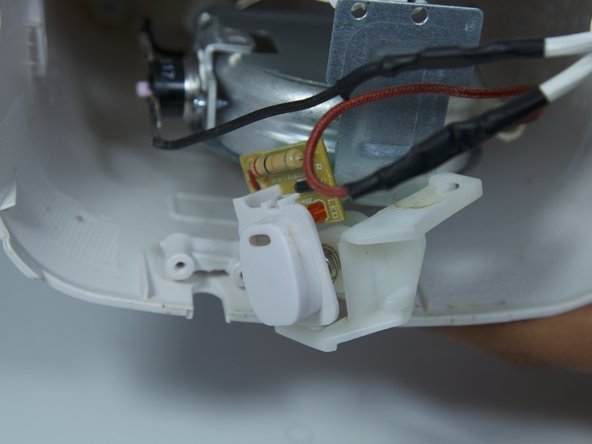
First, make sure that the device is unplugged from the socket. Before replacing the power button you must unscrew the metal base plate. After doing this all you need to do is unscrew the button on the inside of the device and pry it out of the slot on the body of the device. Pry with enough force to detach the button but not so much that it breaks the plastic button.
O que você precisa
-
-
Remove the three 16 mm tri-point screws from the base plate.
 Pergunte ao FixBot
-
-
-
Remove the base plate by pressing the plastic body away from the metal plate with your thumbs.
-
-
-
-
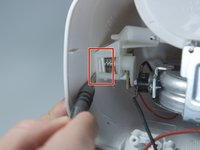
Remove the 8mm Phillips screw that attaches the power button to the inside of the coffee maker.
-
-
-
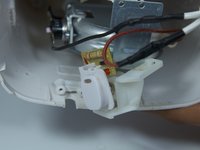
Use a flat head screwdriver to pry the power button from its slot in the body of the device.
-
-
-
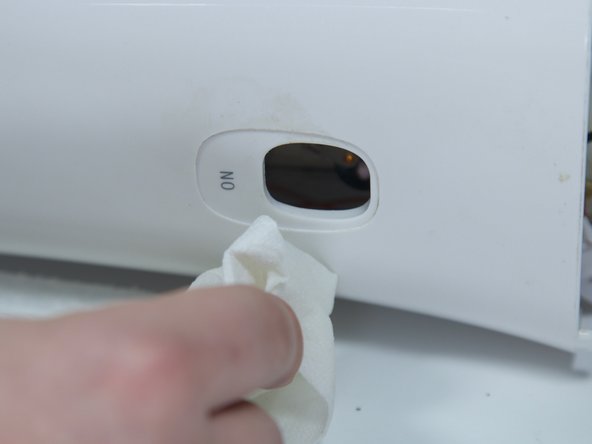
Clean both the button and its slot before replacing the power button.
-



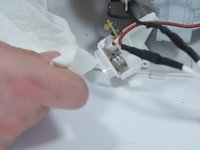
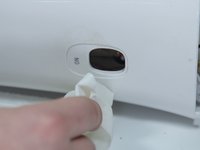
To reassemble your device, follow these instructions in reverse order.
Cancelar: não concluí este guia.
Uma outra pessoa concluiu este guia.

Equipe

Cal Poly, Team 10-6, Livingston Fall 2016 Membro de Cal Poly, Team 10-6, Livingston Fall 2016
CPSU-LIVINGSTON-F16S10G6
5 Membros
Autoria de 18 guias
