Essa tradução foi gerada por um programa e ainda não foi revisada por uma pessoa. Falas essa língua? Dá uma olhada.

Substituição da câmera da Ring Video Doorbell

Isaiah Wilson e 3 outros colaboradores
Última atualização em 21 de jul de 2026
Visualizações: 21 mil
Visualizar Estatísticas:
- Últimas 24 horas:
- 10
- Últimos 7 dias:
- 49
- Últimos 30 dias:
- 206
- Ao todo:
- 21.159
Comentários: 14
3 comments on steps, 11 guide comments.
Go to guide commentsConcluído: 3 4
3 pessoas marcaram este guia como "concluído". Será você o próximo?
4· pessoas marcaram este guia como "concluído". Incluindo você — ótimo trabalho!
Favorites: 1 2
1 pessoa favoritou (e se inscreveu) neste guia. Você será o próximo?
2 pessoas marcaram como favorito (e assinaram) este guia - incluindo você!
Introdução
Ir para o passo 1 ↓Neste guia, você verá o passo a passo de como desmontar e substituir a câmera da Ring Video Doorbell. Você precisará de uma chave Phillips PH00 e uma espátula de plástico.
O que você precisa
Ferramentas


-
-
-
Comece usando a chave Phillips PH00 para remover os seis parafusos Phillips de 1 mm na parte inferior do dispositivo.
-
Use as Ferramentas de abertura de plástico para abrir a placa de alumínio.
-
Remova os dois parafusos Phillips de 1 mm usando a chave Phillips PH00.
 Pergunte ao FixBot
-
-
-
Use a Ferramenta de abertura para abrir a tampa traseira como mostrado.
-
Desconecte a bateria da placa-mãe puxando cuidadosamente o conector para cima.
-
-
-
Desaparafuse os nove parafusos de 1 mm usando uma chave Phillips PH00.
-
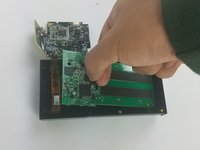
Com cuidado, separe a placa-mãe da carcaça usando as mãos.
-
-
-
Usando o Plating Tool Opener, desconecte com cuidado o cabo plano que prende a câmera à carcaça.
-
Substitua a câmera e siga os passos na ordem inversa para a remontagem
-
-
-
Ferramenta utilizada neste passo:Tweezers$4.99
-
Desparafuse os dois parafusos de 1 mm usando a chave Phillips PH00.
-
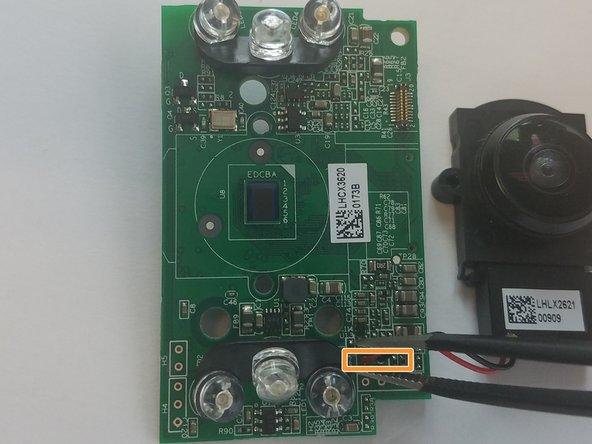
Desconecte a fiação preta e vermelha conectada à placa-mãe usando a pinça para remover a câmera.
-
-


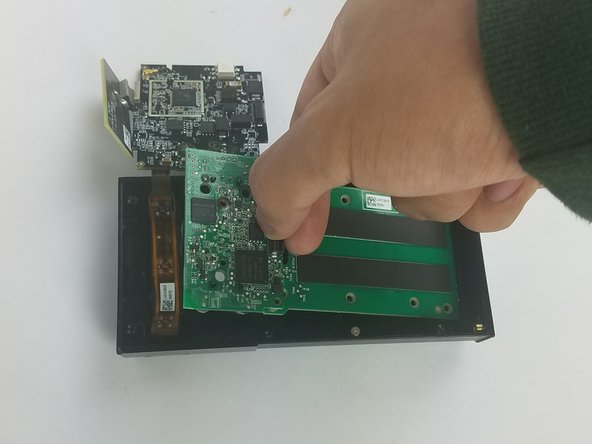

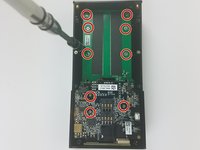
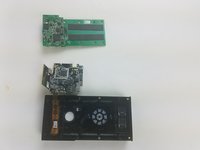

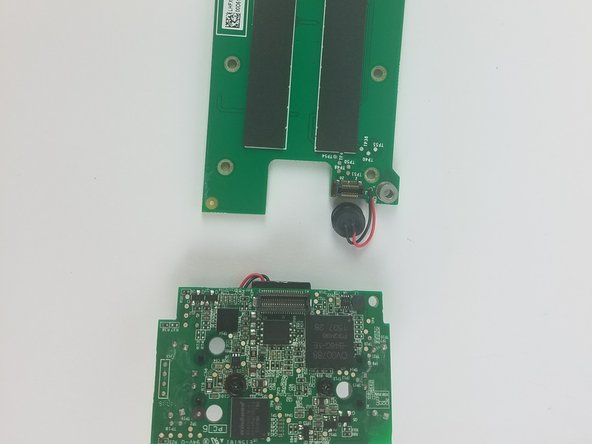
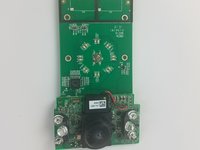
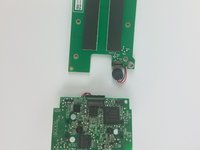


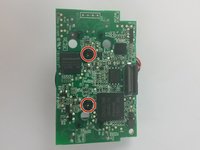
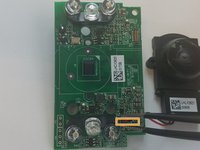
Para a remontagem de seu dispositivo, siga estas instruções na ordem inversa.
Cancelar: não concluí este guia.
3 outras pessoas executaram este guia.

Equipe

USF Tampa, Team S11-G5, Cheng Spring 2018 Membro de USF Tampa, Team S11-G5, Cheng Spring 2018
USFT-CHENG-S18S11G5
3 Membros
Autoria de 60 guias
11Comentários do guia
What camera should I use to replace a malfunctioning camera in the ring video doorbell? And where do I buy it?
Bump. What camera should I use to replace? (Scratched Lens.) Is the lens you can touch, a lens, or is it just a cover? Mine fell at there is chip right in the center that make the image unusable.
I have a scratch dead center of mine too. Have no clue how it got there as I’m super careful when I take it off to charge. Ugh. did you find out where to buy a replacement?
What camera should I use to replace? (Scratched Lens.) I have the right 1st generation with a 740p camera
Has anyone found a replacement camera online?
