Introdução
If the video from your device's rear camera is not recording or displaying on the screen, your device's rear camera could be damaged or faulty. This guide will show you how to remove and replace the rear camera of your Rexing V1P Plus dashcam.
O que você precisa
-
-
-
Begin by orienting the rear camera lens facing up.
-
Twist the adhesive mount surface parallel to the camera lens.
-
Pull the mounting ring axially away from the camera case.
 Pergunte ao FixBot
-
-
-
Locate the small indentation on the camera case previously covered by the mounting ring.
-
Insert a spudger in the case seam and twist it to lever open the camera case.
-
Use the spudger to pry the case the rest of the way open.
-
Remove the top casing from the rear camera.
-
-
-
-
Remove the camera and camera motherboard from the casing.
-
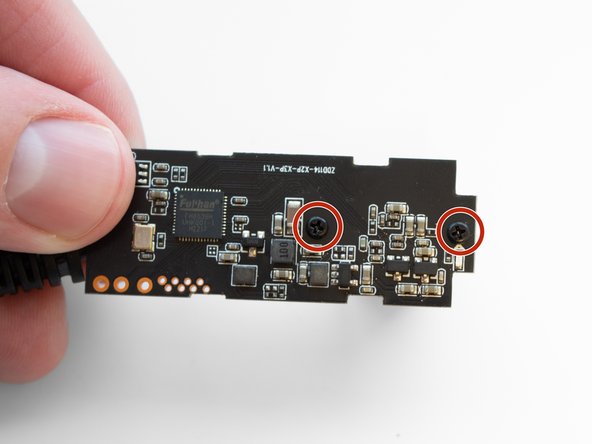
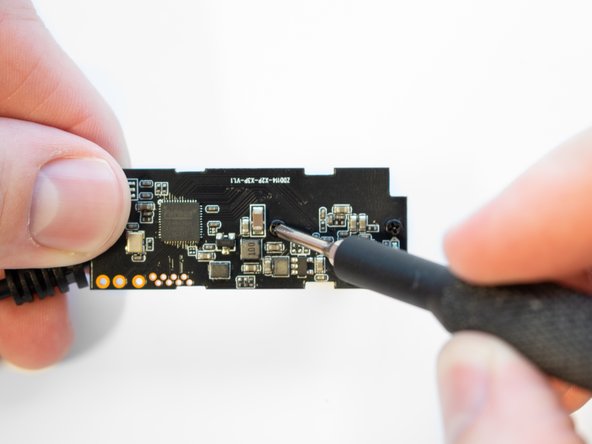
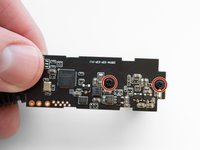
Flip the camera board over revealing the two 3.5 mm screws on the back holding the rear camera to the board.
-
-
-
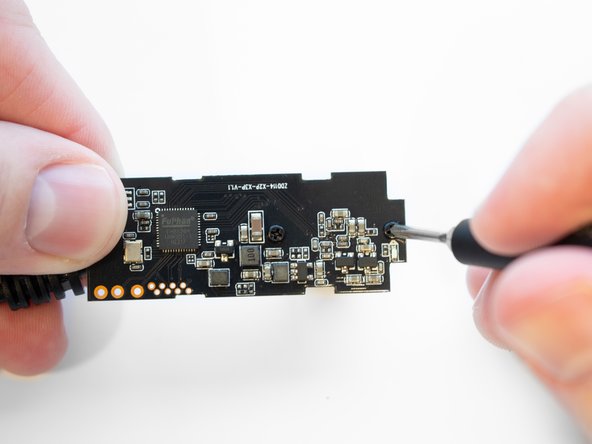
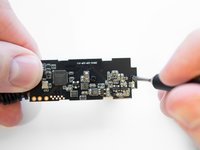
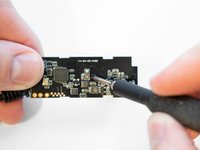
Remove the two 3.5 mm screws securing the camera to the motherboard using the Phillips #00 screwdriver.
-
-
-
With the screws removed, the rear camera can be separated from the motherboard.
-
-




To reassemble your device, follow these instructions in reverse order.

Equipe

Western Carolina University, Team 1-1, Virtue Spring 2023 Membro de Western Carolina University, Team 1-1, Virtue Spring 2023
WCU-VIRTUE-S23S1G1
4 Membros
Autoria de 5 guias
