Ir para o conteúdo principal
Participe da comunidade de reparos - Criar conta

Replacing the friction pads

O que você precisa

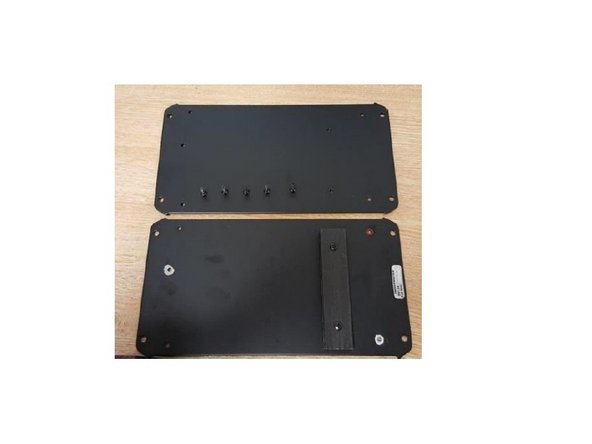
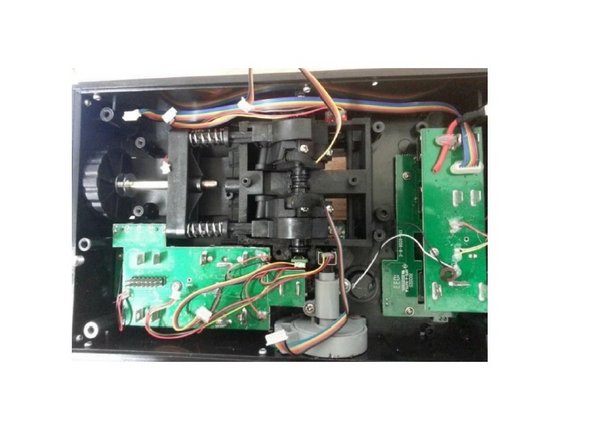
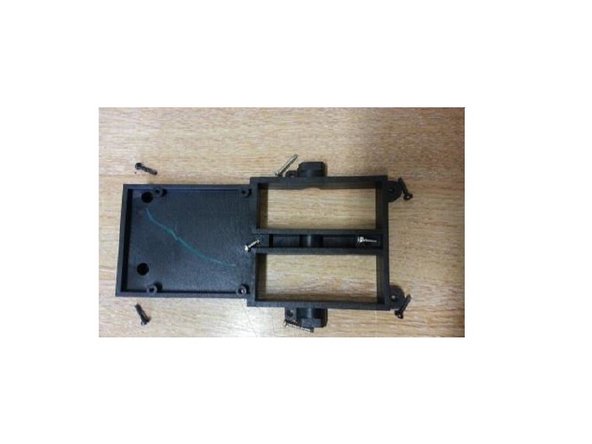
  1. Replacing the friction pads, Open the Throttle: passo 1, imagem 1 %32 Replacing the friction pads, Open the Throttle: passo 1, imagem 2 %32 Replacing the friction pads, Open the Throttle: passo 1, imagem 3 %32
    • Unscrew these 5 screws

    • Remove the metal plate

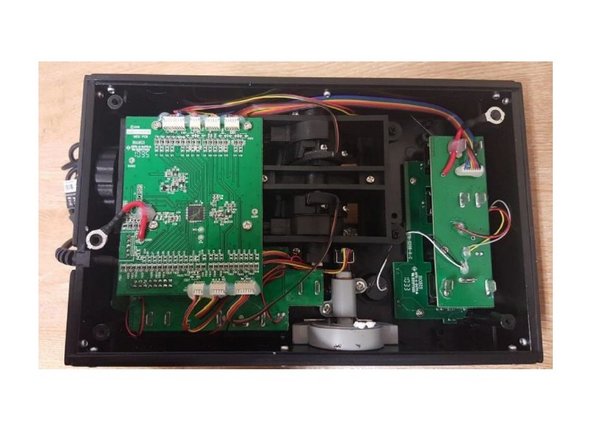
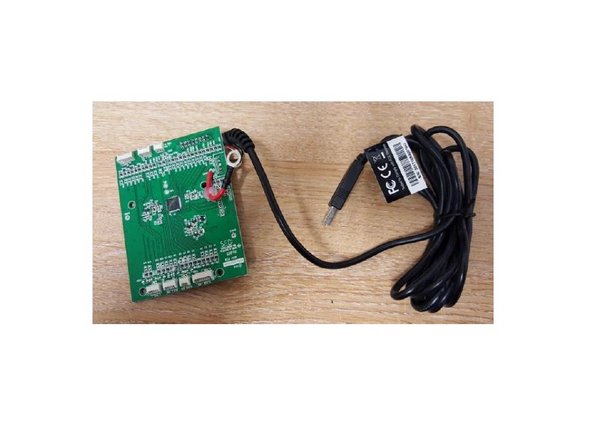
  2. Replacing the friction pads, Remove the PCB: passo 2, imagem 1 %32 Replacing the friction pads, Remove the PCB: passo 2, imagem 2 %32 Replacing the friction pads, Remove the PCB: passo 2, imagem 3 %32
    • Unscrew the 4 screws, disconnect all the connectors and take off the PCB

    • Remove the 4 screws, disconnect all wires and remove the PCB.

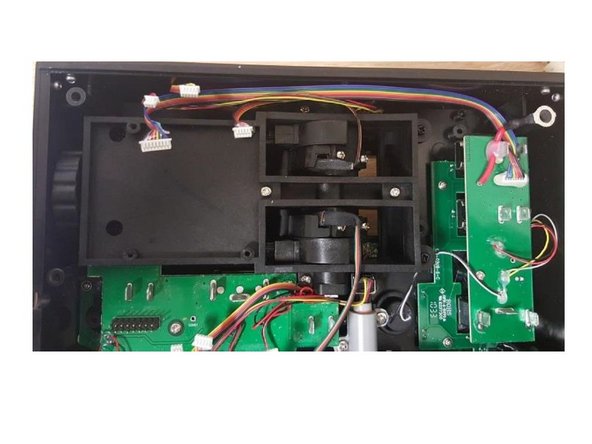
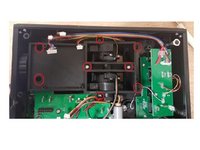
  3. Replacing the friction pads, Remove the screws: passo 3, imagem 1 %32 Replacing the friction pads, Remove the screws: passo 3, imagem 2 %32 Replacing the friction pads, Remove the screws: passo 3, imagem 3 %32
    • Remove 8 screws highlighted on the picture.

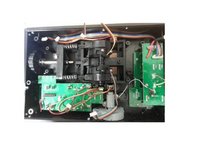
  4. Replacing the friction pads, Remove the friction pads: passo 4, imagem 1 %32 Replacing the friction pads, Remove the friction pads: passo 4, imagem 2 %32 Replacing the friction pads, Remove the friction pads: passo 4, imagem 3 %32
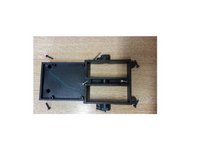
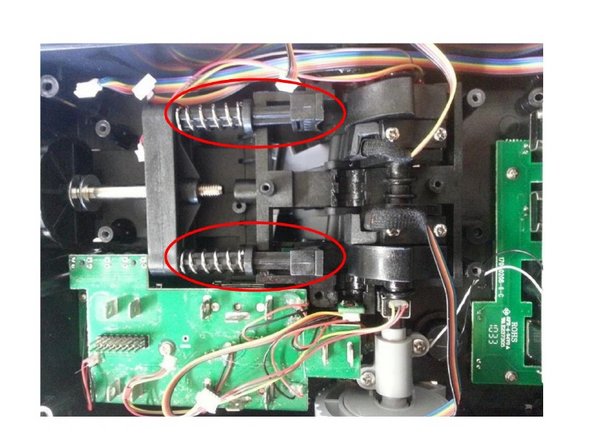
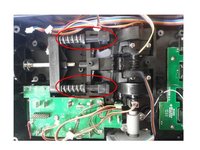
    • Push the lever arms to gain access to the friction pads.

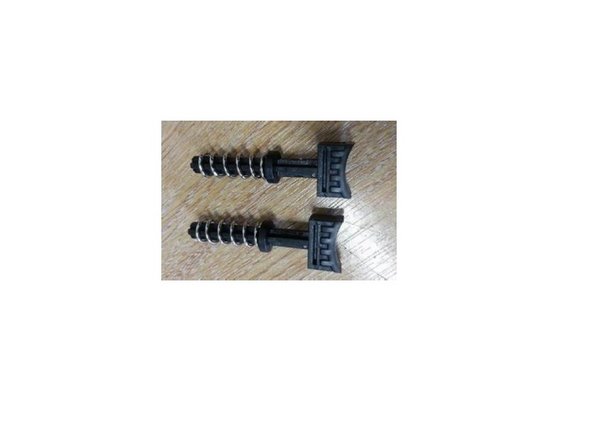
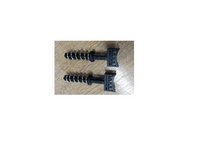
    • You can now remove the Friction pads

    • You can now change your friction pads

Conclusão

Reassemble the product by following this procedure in reverse order.

Uma outra pessoa concluiu este guia.

Um agradecimento especial a esses tradutores:

fr en

100%

Estes tradutores estão nos ajudando a consertar o mundo! Quer contribuir?
Comece a traduzir ›

Documentos anexados

Avrila

Membro desde: 07/25/24

1.362 Reputação

Autoria de 5 guias

0Comentários do guia

Comentar

Visualizações:

Últimas 24 horas: 1

Últimos 7 dias: 14

Últimos 30 dias: 38

Ao todo: 607