Ir para o conteúdo principal
Participe da comunidade de reparos - Criar conta

Removing Delphi Myfi XM2GO LCD Screen

O que você precisa

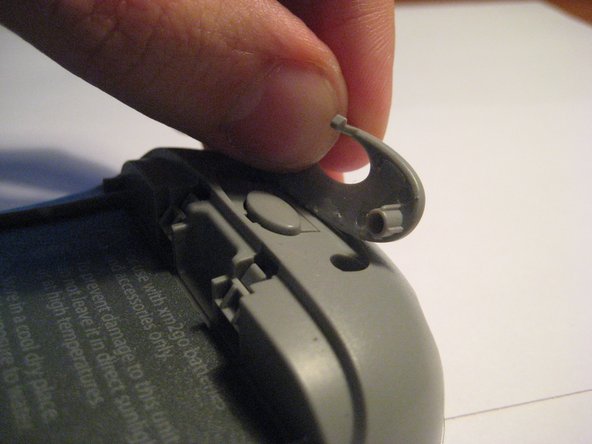
  1. Removing Delphi Myfi XM2GO LCD Screen, Battery Cover: passo 1, imagem 1 %32 Removing Delphi Myfi XM2GO LCD Screen, Battery Cover: passo 1, imagem 2 %32 Removing Delphi Myfi XM2GO LCD Screen, Battery Cover: passo 1, imagem 3 %32
    • Locate the large button on the top of the device.

    • Push down on the button and slide the cover away from the button.

    • The battery removal tab may pop up.

    Pergunte ao FixBot
  2. Removing Delphi Myfi XM2GO LCD Screen, Battery: passo 2, imagem 1 %32 Removing Delphi Myfi XM2GO LCD Screen, Battery: passo 2, imagem 2 %32 Removing Delphi Myfi XM2GO LCD Screen, Battery: passo 2, imagem 3 %32
    • Grab the red pull tab and pull down to unlock the latch.

    • Pull the battery out.

    Pergunte ao FixBot
  3. Removing Delphi Myfi XM2GO LCD Screen, Motherboard: passo 3, imagem 1 %32 Removing Delphi Myfi XM2GO LCD Screen, Motherboard: passo 3, imagem 2 %32
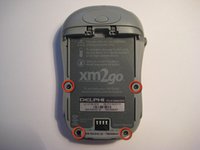
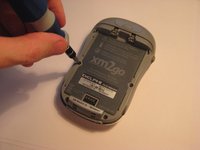
    • Remove the four screws from the bottom of the device using a T6 Torx screwdriver.

    Pergunte ao FixBot
  4. Removing Delphi Myfi XM2GO LCD Screen: passo 4, imagem 1 %32 Removing Delphi Myfi XM2GO LCD Screen: passo 4, imagem 2 %32 Removing Delphi Myfi XM2GO LCD Screen: passo 4, imagem 3 %32
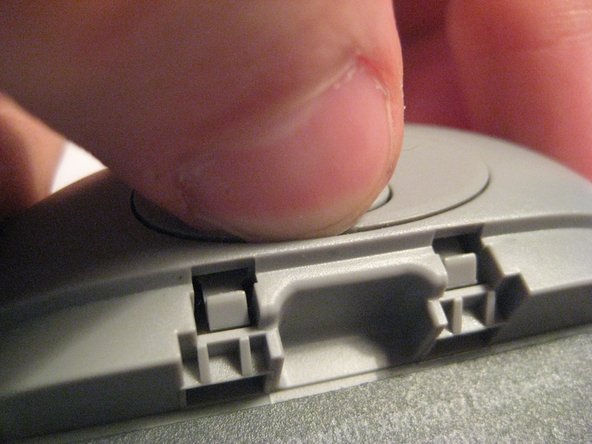
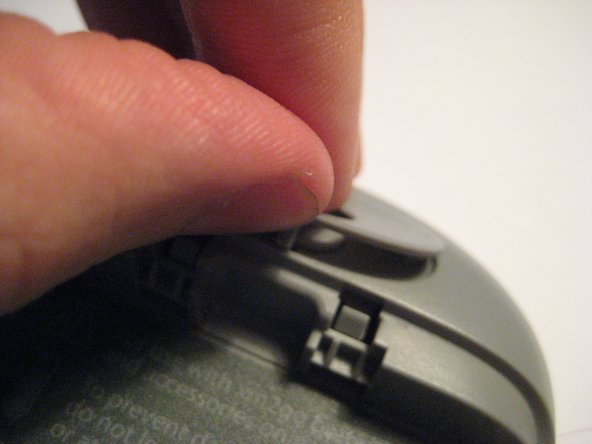
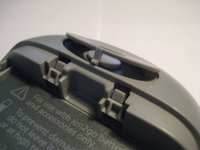
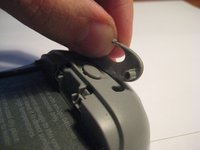
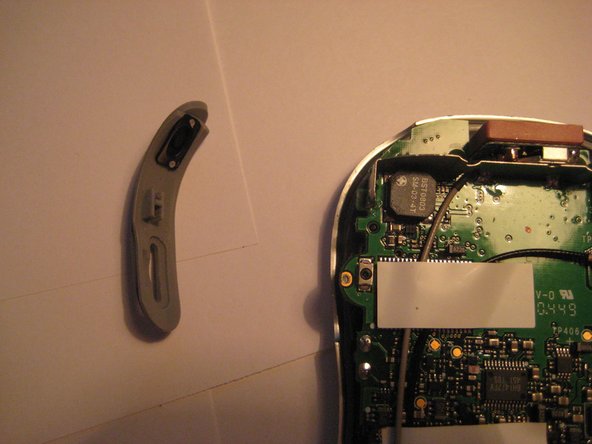
    • Remove the button cover on the back of the device by prying it up with a spudger or your thumb nail.

    Pergunte ao FixBot
  5. Removing Delphi Myfi XM2GO LCD Screen: passo 5, imagem 1 %32 Removing Delphi Myfi XM2GO LCD Screen: passo 5, imagem 2 %32 Removing Delphi Myfi XM2GO LCD Screen: passo 5, imagem 3 %32
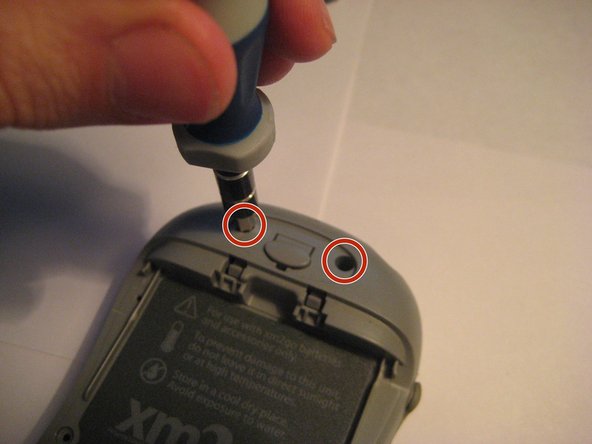
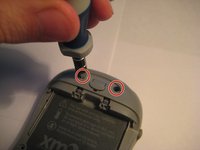
    • Remove the two screws under the button using the T6 Torx screwdriver.

    Pergunte ao FixBot
  6. Removing Delphi Myfi XM2GO LCD Screen: passo 6, imagem 1 %32 Removing Delphi Myfi XM2GO LCD Screen: passo 6, imagem 2 %32
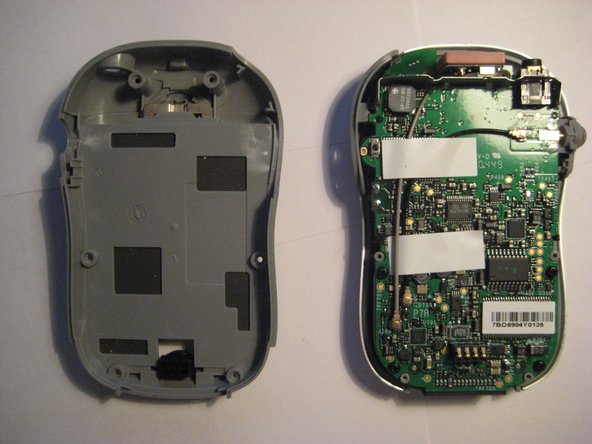
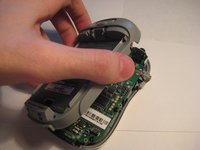
    • Remove the back cover.

    Pergunte ao FixBot
  7. Removing Delphi Myfi XM2GO LCD Screen: passo 7, imagem 1 %32 Removing Delphi Myfi XM2GO LCD Screen: passo 7, imagem 2 %32
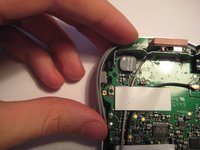
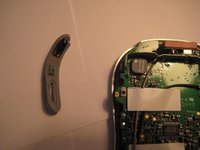
    • Remove the power button by pulling it to the left.

    Pergunte ao FixBot
  8. Removing Delphi Myfi XM2GO LCD Screen: passo 8, imagem 1 %32 Removing Delphi Myfi XM2GO LCD Screen: passo 8, imagem 2 %32
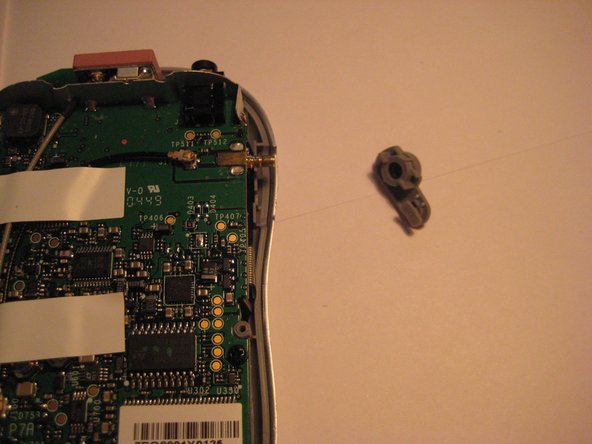
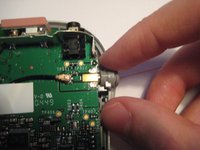
    • Remove the plastic antenna extension connector on the right side of the device.

    Pergunte ao FixBot
  9. Removing Delphi Myfi XM2GO LCD Screen: passo 9, imagem 1 %32 Removing Delphi Myfi XM2GO LCD Screen: passo 9, imagem 2 %32 Removing Delphi Myfi XM2GO LCD Screen: passo 9, imagem 3 %32
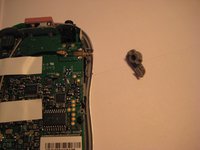
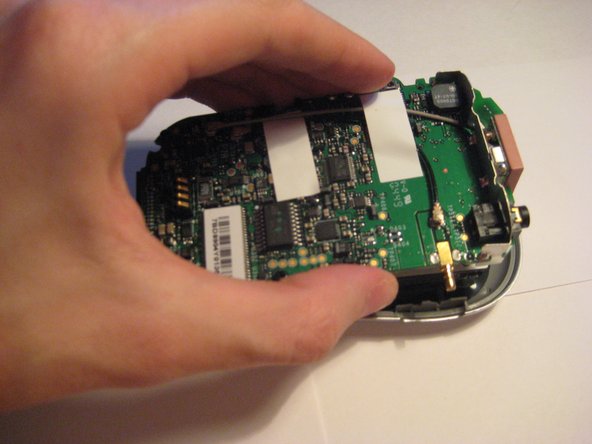
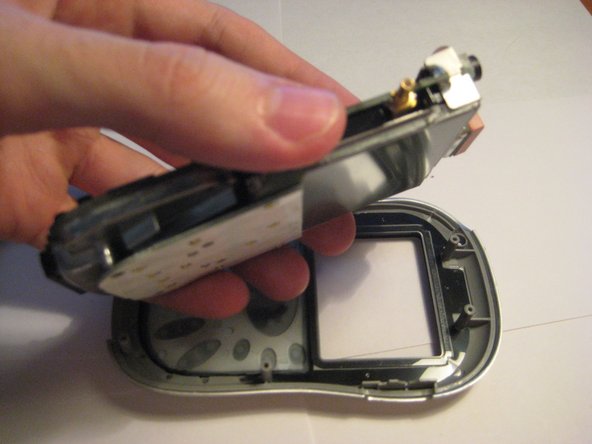
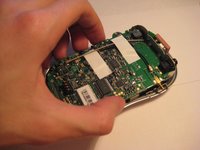
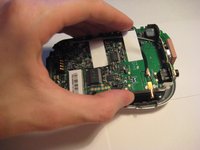
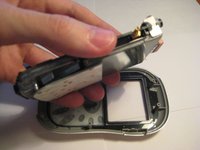
    • Pull up on the motherboard to remove it from the device.

    • The LCD screen and keypad are only connected to the motherboard with ribbon cables. They will hang down as the motherboard is removed.

    Pergunte ao FixBot
  10. Removing Delphi Myfi XM2GO LCD Screen, Removing Delphi Myfi XM2GO LCD Screen: passo 10, imagem 1 %32 Removing Delphi Myfi XM2GO LCD Screen, Removing Delphi Myfi XM2GO LCD Screen: passo 10, imagem 2 %32
    • The logic board must be exposed to begin.

    • Flip the device over (see second picture).

    • CAUTION: The keyboard is loosely attached by a ribbon cable and may move when the device is flipped.

    Pergunte ao FixBot
  11. Removing Delphi Myfi XM2GO LCD Screen: passo 11, imagem 1 %32
    • Lift up the keyboard carefully from the right side, flipping to the left.

    • NOTE: The keyboard is attached on the left side by a ribbon cable. Do not remove it completely yet.

    Pergunte ao FixBot
  12. Removing Delphi Myfi XM2GO LCD Screen: passo 12, imagem 1 %32 Removing Delphi Myfi XM2GO LCD Screen: passo 12, imagem 2 %32 Removing Delphi Myfi XM2GO LCD Screen: passo 12, imagem 3 %32
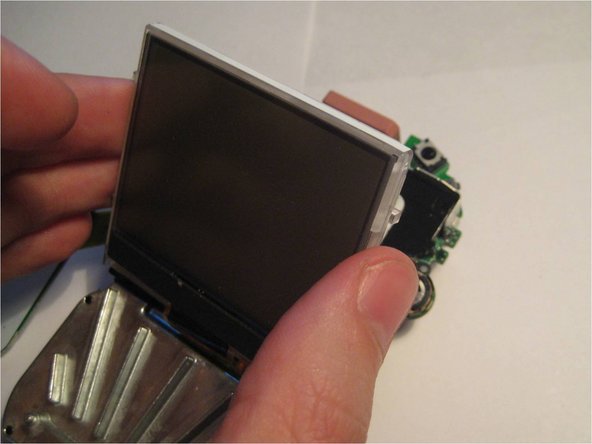
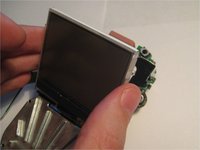
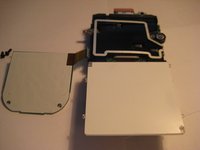
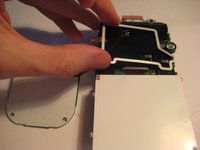
    • Pivot the LCD screen, pulling on the top and sides and keeping the bottom attached.

    Pergunte ao FixBot
  13. Removing Delphi Myfi XM2GO LCD Screen: passo 13, imagem 1 %32 Removing Delphi Myfi XM2GO LCD Screen: passo 13, imagem 2 %32 Removing Delphi Myfi XM2GO LCD Screen: passo 13, imagem 3 %32
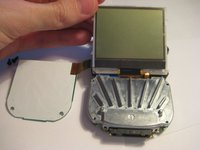
    • Continue to pivot the screen until it is lying on its face.

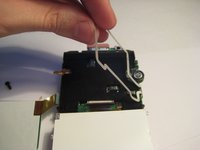
    • Pivot the wire frame, that was under the LCD, from the left side.

    • CAUTION: The wire bends as the frame pivots. Use the least amount of force necessary.

    Pergunte ao FixBot
  14. Removing Delphi Myfi XM2GO LCD Screen: passo 14, imagem 1 %32 Removing Delphi Myfi XM2GO LCD Screen: passo 14, imagem 2 %32 Removing Delphi Myfi XM2GO LCD Screen: passo 14, imagem 3 %32
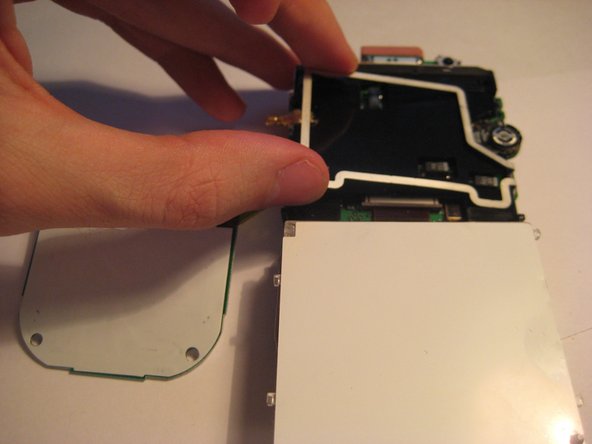
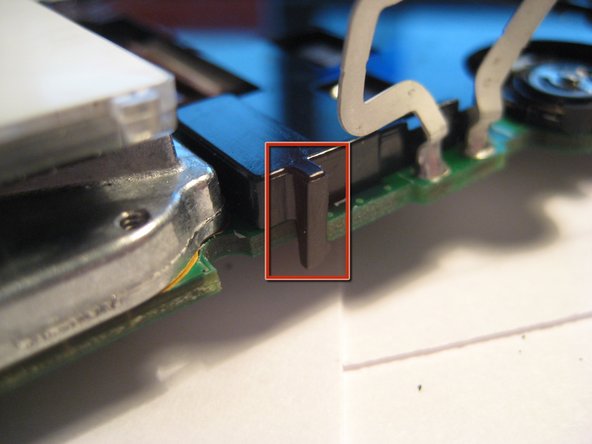
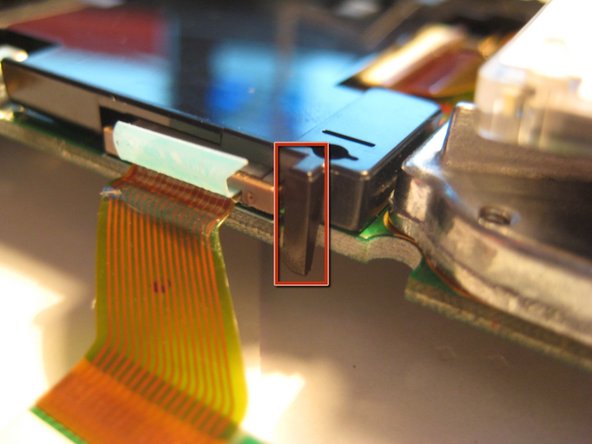
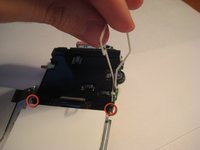
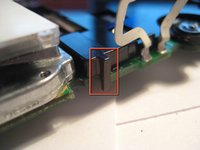
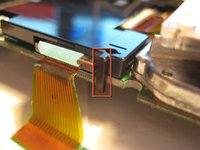
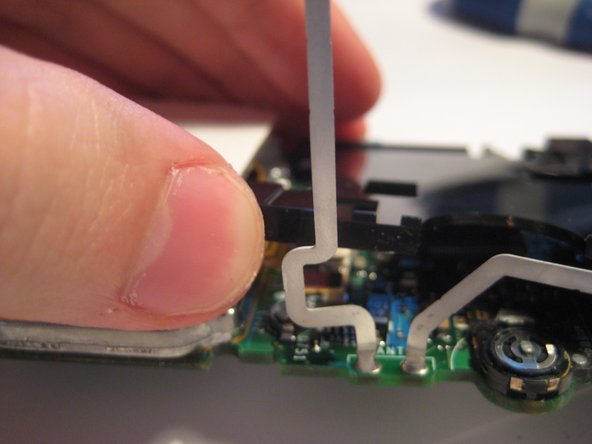
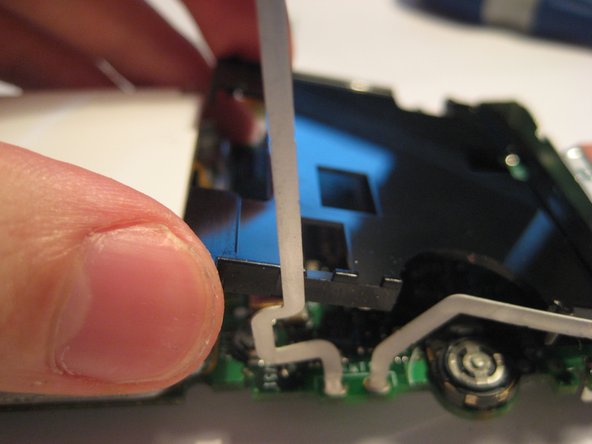
    • With the frame perpendicular to the device, locate the two black, plastic tabs shown in the two red circles.

    • The boxes show more detailed views in the following pictures.

    Pergunte ao FixBot
  15. Removing Delphi Myfi XM2GO LCD Screen: passo 15, imagem 1 %32 Removing Delphi Myfi XM2GO LCD Screen: passo 15, imagem 2 %32 Removing Delphi Myfi XM2GO LCD Screen: passo 15, imagem 3 %32
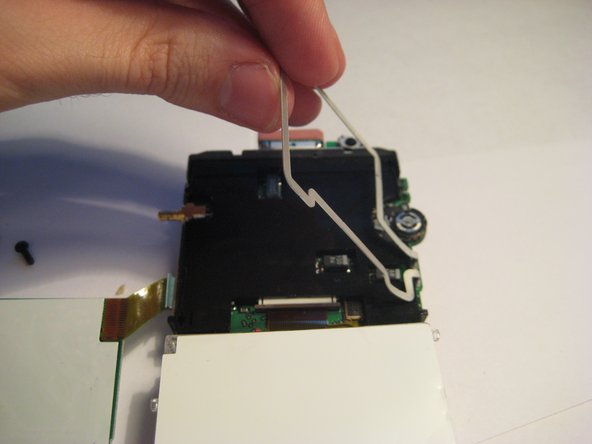
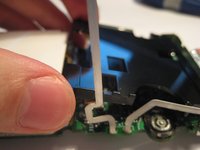
    • WIth both hands, pull the tabs outwards to release the plastic cover from the board.

    • Once the tabs are disengaged, pivot the plastic cover upwards.

    • After the cover is pivoted slightly, remove it from the device.

    Pergunte ao FixBot
  16. Removing Delphi Myfi XM2GO LCD Screen: passo 16, imagem 1 %32 Removing Delphi Myfi XM2GO LCD Screen: passo 16, imagem 2 %32
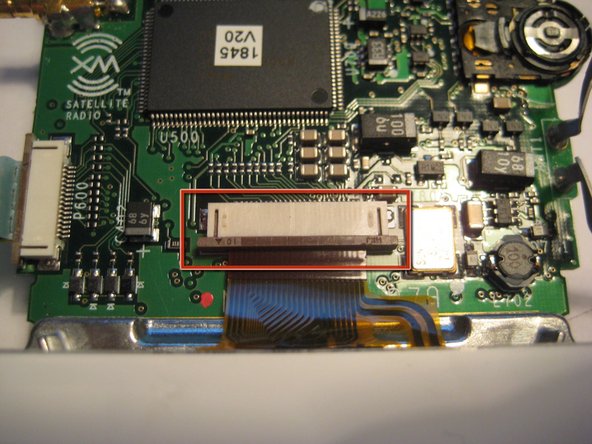
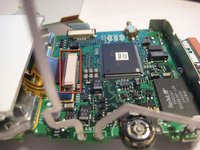
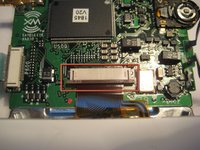
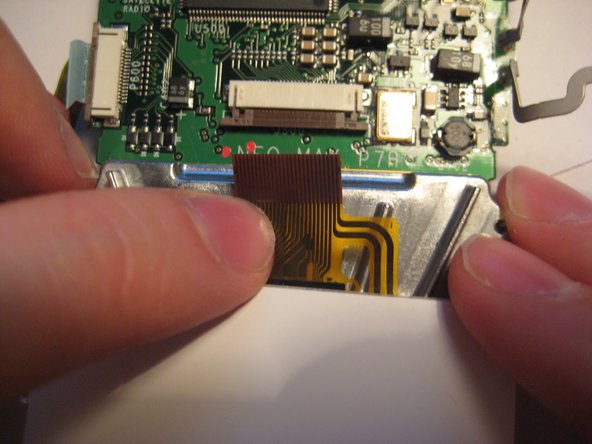
    • After the plastic cover is removed, locate the white, ribbon connector highlighted by the red square.

    • Rotate the device 90 degrees counterclockwise to remove the ribbon connector.

    Pergunte ao FixBot
  17. Removing Delphi Myfi XM2GO LCD Screen: passo 17, imagem 1 %32 Removing Delphi Myfi XM2GO LCD Screen: passo 17, imagem 2 %32 Removing Delphi Myfi XM2GO LCD Screen: passo 17, imagem 3 %32
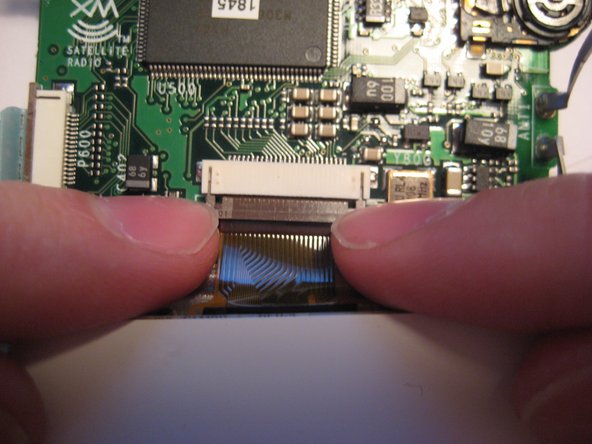
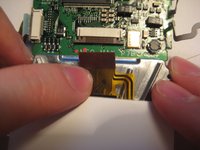
    • To remove the ribbon cable from the board, catch the sides of the connector with fingernails and pull downward.

    • CAUTION: The connector is delicate.

    • After the latch is pulled down, the ribbon cable is free to slide out of the connector housing.

    Pergunte ao FixBot
  18. Removing Delphi Myfi XM2GO LCD Screen: passo 18, imagem 1 %32
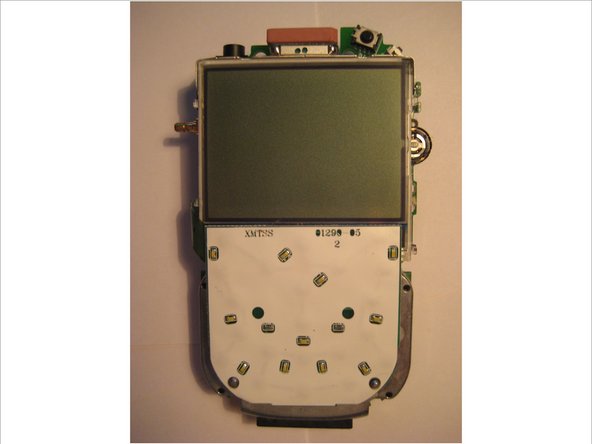
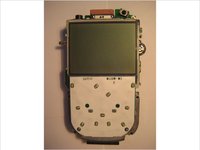
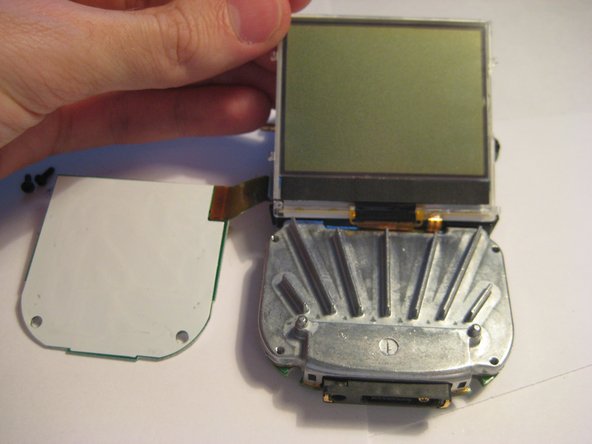
    • After following the prerequisite steps in the guide, the components are laid out as depicted in the picture.

    • The LCD screen is highlighted in red.

    Pergunte ao FixBot
Conclusão

To reassemble your device, follow these instructions in reverse order.

Aubrey

Membro desde: 03/09/12

54 Reputação

Autoria de 3 guias

Equipe

Clemson, Team 1-2, Benson Spring 2012 Membro de Clemson, Team 1-2, Benson Spring 2012

CLEM-BENSON-S12S1G2

3 Membros

Autoria de 9 guias

0Comentários do guia

Comentar

Visualizações:

Últimas 24 horas: 0

Últimos 7 dias: 4

Últimos 30 dias: 41

Ao todo: 2,198