Ir para o conteúdo principal

Razer Huntsman Tournament Edition Key Switch Replacement

O que você precisa

  1. Razer Huntsman Tournament Edition Key Switch Replacement, Keycaps: passo 1, imagem 1 %32
    • Place the unplugged keyboard on a flat, clean surface appropriate for working on.

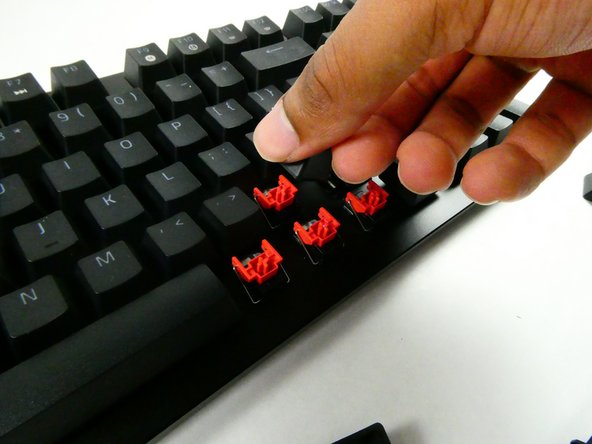
  2. Razer Huntsman Tournament Edition Key Switch Replacement: passo 2, imagem 1 %32 Razer Huntsman Tournament Edition Key Switch Replacement: passo 2, imagem 2 %32
    • Grip the keycap with your keycap puller.

    • You can remove keycaps with your fingers if you don’t have a puller, but the adjacent keycaps must be removed first for sufficient grip.

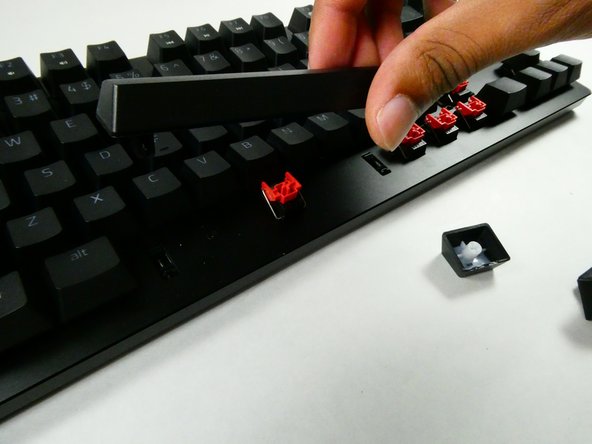
  3. Razer Huntsman Tournament Edition Key Switch Replacement: passo 3, imagem 1 %32 Razer Huntsman Tournament Edition Key Switch Replacement: passo 3, imagem 2 %32 Razer Huntsman Tournament Edition Key Switch Replacement: passo 3, imagem 3 %32
    • Pull with an upwards force to remove the keycap.

    • Take a moment to clean the area that was previously obscured if it’s dirty.

    • Use gentle force so as not to damage the stabilizers.

  4. Razer Huntsman Tournament Edition Key Switch Replacement, Chassis: passo 4, imagem 1 %32
    • Remove all of the keycaps with a keycap puller.

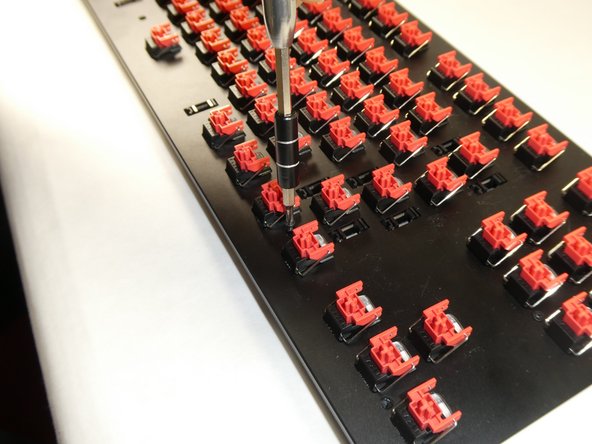
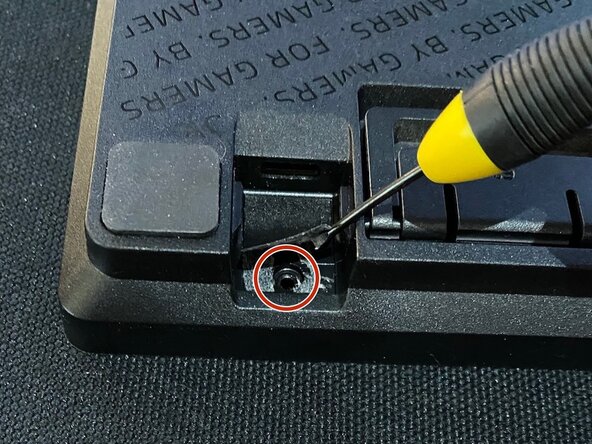
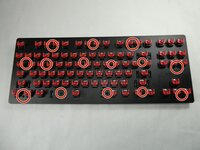
  5. Razer Huntsman Tournament Edition Key Switch Replacement: passo 5, imagem 1 %32 Razer Huntsman Tournament Edition Key Switch Replacement: passo 5, imagem 2 %32 Razer Huntsman Tournament Edition Key Switch Replacement: passo 5, imagem 3 %32
    • Unscrew the thirteen 6.5 mm screws, using the Phillips #0 screwdriver, that are located in the front panel.

    • Screw placement and quantity may vary per unit.

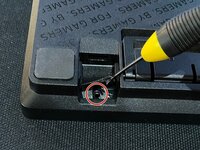
    • If you have removed all screws and the front panel cannot be removed, there may be an additional screw near the USB port, below the sticker. (See third photo)

  6. Razer Huntsman Tournament Edition Key Switch Replacement: passo 6, imagem 1 %32
    • Use an opening tool to pry open the chassis.

    • Be careful not to use excessive force during this step so the plastic doesn't warp or break.

  7. Razer Huntsman Tournament Edition Key Switch Replacement: passo 7, imagem 1 %32
    • Gently lift the front panel off.

    • The front panel should be connected to the USB board. Do not tug the panel off as this may damage other parts.

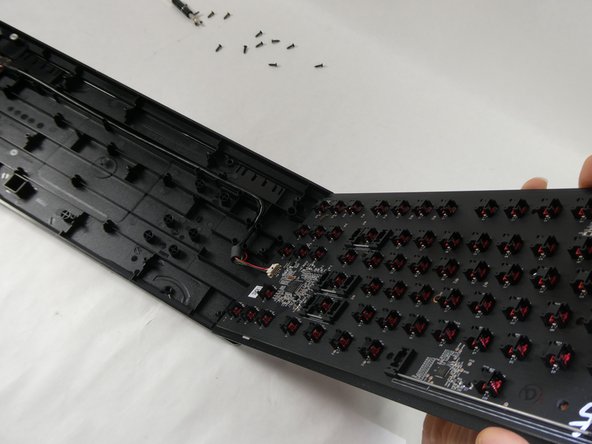
  8. Razer Huntsman Tournament Edition Key Switch Replacement: passo 8, imagem 1 %32
    • Disconnect the internal cable.

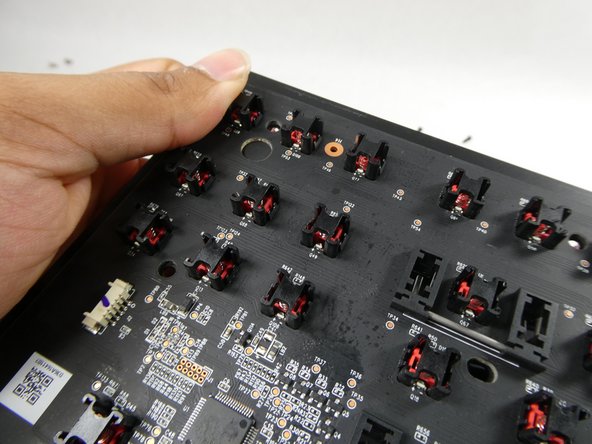
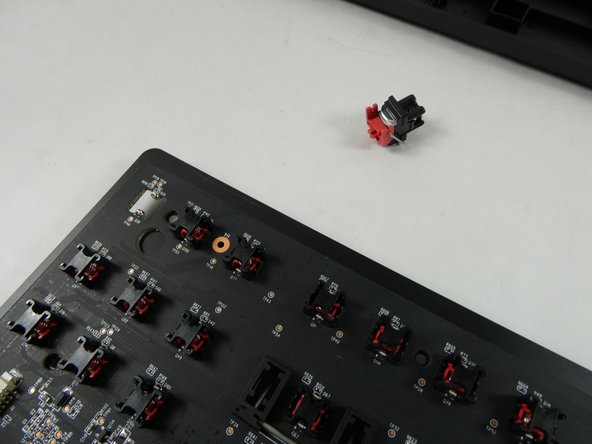
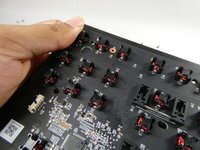
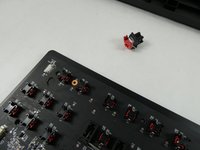
  9. Razer Huntsman Tournament Edition Key Switch Replacement, Key Switch: passo 9, imagem 1 %32 Razer Huntsman Tournament Edition Key Switch Replacement, Key Switch: passo 9, imagem 2 %32
    • Gently push the key switch off of the mainboard with your thumb.

Conclusão

To reassemble your device, follow these instructions in reverse order.

Uma outra pessoa concluiu este guia.

Joseph O'Dowd

Membro desde: 10/25/22

401 Reputação

Autoria de 3 guias

Equipe

UMass Dartmouth, Team 4-3, Sinclaire Fall 2022 Membro de UMass Dartmouth, Team 4-3, Sinclaire Fall 2022

UMASSD-SINCLAIRE-F22S4G3

5 Membros

Autoria de 7 guias

0Comentários do guia

Comentar

Visualizações:

Últimas 24 horas: 0

Últimos 7 dias: 14

Últimos 30 dias: 62

Ao todo: 2,289