Ir para o conteúdo principal
Participe da comunidade de reparos - Criar conta

RAM Replacement

O que você precisa

  1. RAM Replacement, Battery: passo 1, imagem 1 %32
    • Remove all wires then flip the laptop

    Pergunte ao FixBot

    Comentar

  2. RAM Replacement: passo 2, imagem 1 %32 RAM Replacement: passo 2, imagem 2 %32
    • Remove the battery

    Pergunte ao FixBot

    Comentar

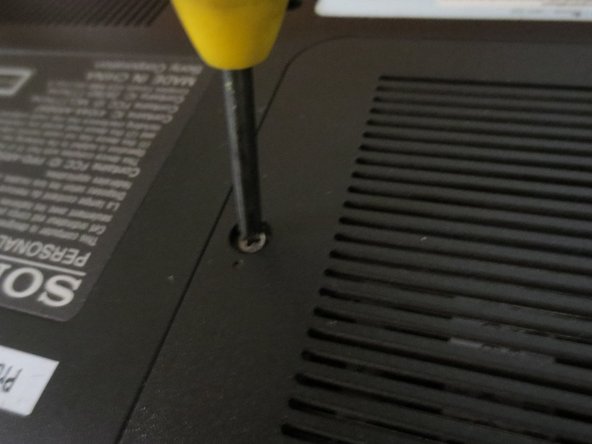
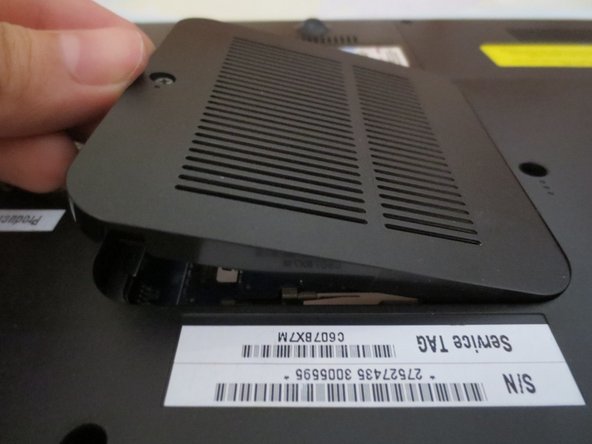
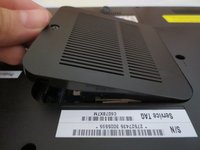
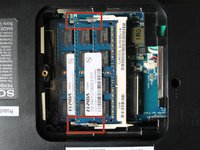
  3. RAM Replacement, RAM: passo 3, imagem 1 %32 RAM Replacement, RAM: passo 3, imagem 2 %32 RAM Replacement, RAM: passo 3, imagem 3 %32
    • Flip the Laptop, and unscrew the RAM cover.

    Pergunte ao FixBot

    Comentar

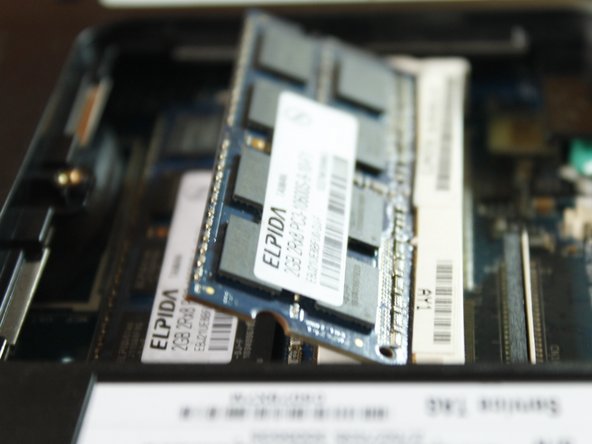
  4. RAM Replacement: passo 4, imagem 1 %32 RAM Replacement: passo 4, imagem 2 %32
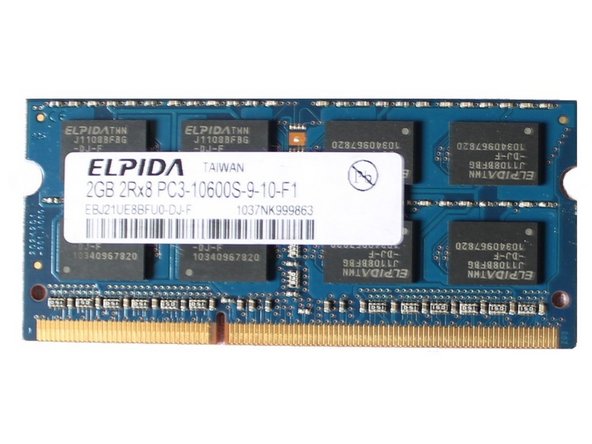
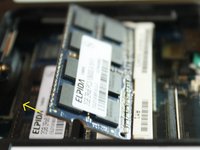
    • Unlock the RAM by pulling the locks outward.

    • You'll know if its unlocked if it flips up in 45 degrees.

    Pergunte ao FixBot

    Comentar

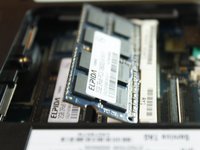
  5. RAM Replacement: passo 5, imagem 1 %32 RAM Replacement: passo 5, imagem 2 %32
    • Pull the outer RAM. Repeat Step 4 and 5 for the other RAM.

    • When returning, put the RAM back in at 45 degree angle, NOT 90 degree angle.

    Pergunte ao FixBot

    Comentar

Conclusão

To reassemble your device, follow these instructions in reverse order.

Cancelar: não concluí este guia.

Marjorie

Membro desde: 12/23/13

2.493 Reputação

Autoria de 11 guias

0Comentários do guia

Comentar

Visualizações:

Últimas 24 horas: 0

Últimos 7 dias: 4

Últimos 30 dias: 15

Ao todo: 1,310