Ir para o conteúdo principal
Participe da comunidade de reparos - Criar conta

Protocol Vento Motor Replacement

O que você precisa

  1. Protocol Vento Motor Replacement, Battery: passo 1, imagem 1 %32
    • Grasp the tail end of the drone where the lip of the battery protrudes.

    Pergunte ao FixBot

    Comentar

  2. Protocol Vento Motor Replacement: passo 2, imagem 1 %32
    • Pull away from the drone to remove the battery.

    • Do not attempt any repairs or replacements before removing the battery from the drone.

    Pergunte ao FixBot

    Comentar

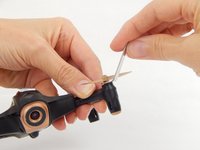
  3. Protocol Vento Motor Replacement, Propeller: passo 3, imagem 1 %32
    • Place a prying tool under the base of the propeller.

    Pergunte ao FixBot

    Comentar

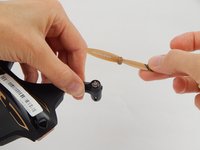
  4. Protocol Vento Motor Replacement: passo 4, imagem 1 %32 Protocol Vento Motor Replacement: passo 4, imagem 2 %32
    • Use a moderate amount of force to pry the propeller out of its base. The propeller should pop off.

    Pergunte ao FixBot

    Comentar

  5. Protocol Vento Motor Replacement, Motor: passo 5, imagem 1 %32
    • Unscrew the 4.9mm Phillips #000 screw that is located at the end of the drone's arm.

    Pergunte ao FixBot

    Comentar

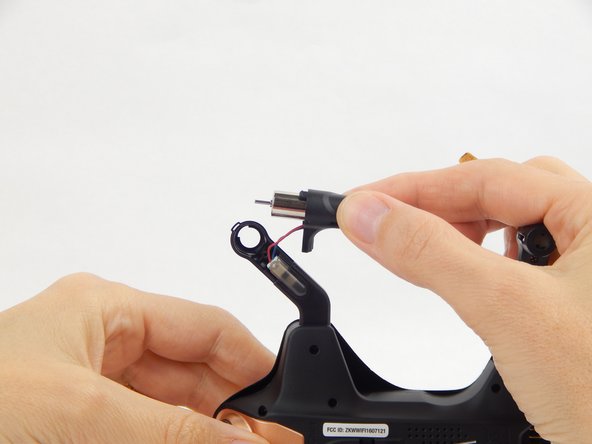
  6. Protocol Vento Motor Replacement: passo 6, imagem 1 %32 Protocol Vento Motor Replacement: passo 6, imagem 2 %32
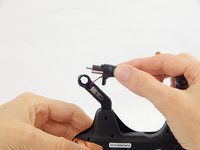
    • Hold the base of the arm while gently pulling the motor cover away from the arm.

    • Do not pull too hard because there are wires attaching the motor to the drone. Do not sever the wires.

    Pergunte ao FixBot

    Comentar

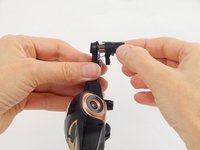
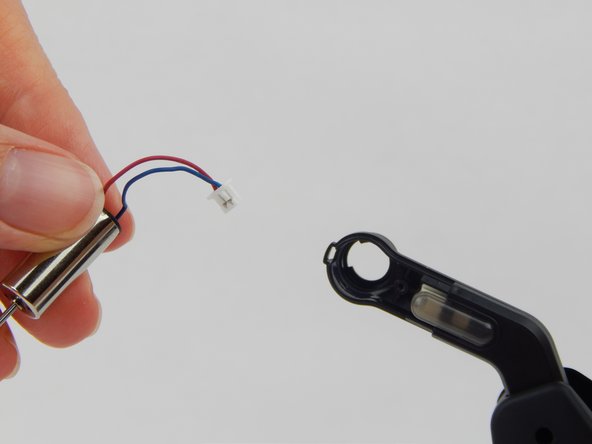
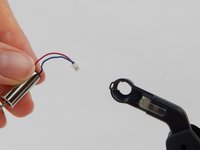
  7. Protocol Vento Motor Replacement: passo 7, imagem 1 %32 Protocol Vento Motor Replacement: passo 7, imagem 2 %32
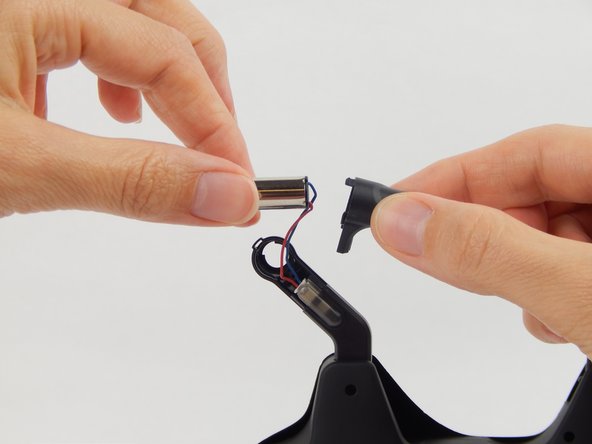
    • Gently pull the motor out from the plastic cover.

    • Do not squeeze or pull too hard, as to not damage the motor connection.

    Pergunte ao FixBot

    Comentar

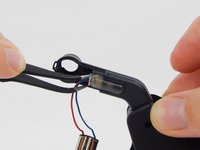
  8. Protocol Vento Motor Replacement: passo 8, imagem 1 %32 Protocol Vento Motor Replacement: passo 8, imagem 2 %32
    Ferramenta utilizada neste passo:
    Tweezers
    $4.99
    • The motor’s blue and red wires are secured via a white clip. This clip is inserted into a slot in the drone’s leg.

    • Grasp the clip’s edges with a pair of tweezers and pull outward.

    • Do not pull directly on the wires, as to not separate the wires from the clip.

    Pergunte ao FixBot

    Comentar

Conclusão

To reassemble your device, follow these instructions in reverse order.

Cancelar: não concluí este guia.

4 outras pessoas executaram este guia.

Equipe

USF Tampa, Team S1-G2, Leahy Spring 2018 Membro de USF Tampa, Team S1-G2, Leahy Spring 2018

USFT-LEAHY-S18S1G2

4 Membros

Autoria de 6 guias

2Comentários do guia

Please send me motor description

suresh virji - Responder Compartilhar

send me protocol vento motor

suresh virji - Responder Compartilhar

Comentar

Visualizações:

Últimas 24 horas: 1

Últimos 7 dias: 6

Últimos 30 dias: 36

Ao todo: 990