Ir para o conteúdo principal
Participe da comunidade de reparos - Criar conta

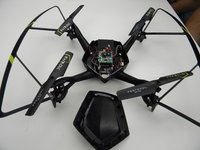
Protocol Dronium III AP Camera Replacement

O que você precisa

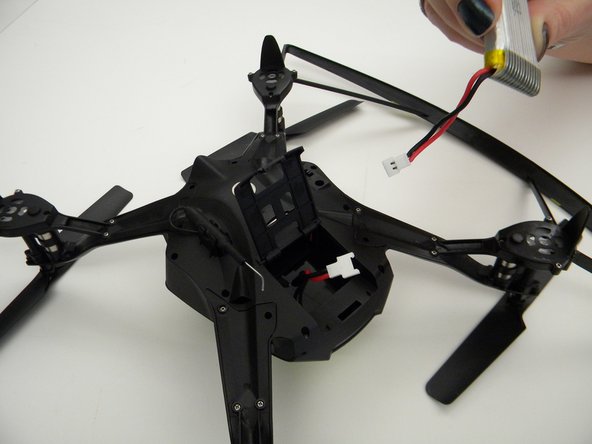
  1. Protocol Dronium III AP Camera Replacement, Drone Battery Pack: passo 1, imagem 1 %32 Protocol Dronium III AP Camera Replacement, Drone Battery Pack: passo 1, imagem 2 %32
    • Ensure the drone is powered off.

    • Press in and lift battery compartment cover.

    • A soft pry tool may be used for easier access.

    Pergunte ao FixBot
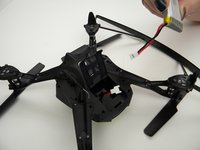
  2. Protocol Dronium III AP Camera Replacement: passo 2, imagem 1 %32
    • Remove battery pack from body of drone.

    Pergunte ao FixBot
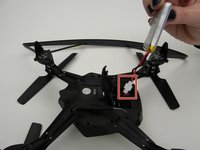
  3. Protocol Dronium III AP Camera Replacement: passo 3, imagem 1 %32 Protocol Dronium III AP Camera Replacement: passo 3, imagem 2 %32
    • Disconnect white connectors between the battery pack and drone.

    Pergunte ao FixBot
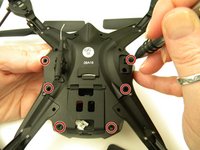
  4. Protocol Dronium III AP Camera Replacement, Camera: passo 4, imagem 1 %32
    • Remove the eight (8) 5mm screws attaching the motor arms to the body using a JIS #00 screwdriver.

    Pergunte ao FixBot
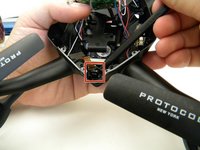
  5. Protocol Dronium III AP Camera Replacement: passo 5, imagem 1 %32 Protocol Dronium III AP Camera Replacement: passo 5, imagem 2 %32
    • Remove the six (6) 5mm screws attaching the Body Cover to the Body of the drone using a JIS #00 screwdriver.

    • Remove the Body Cover.

    Pergunte ao FixBot
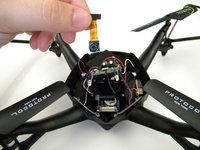
  6. Protocol Dronium III AP Camera Replacement: passo 6, imagem 1 %32 Protocol Dronium III AP Camera Replacement: passo 6, imagem 2 %32
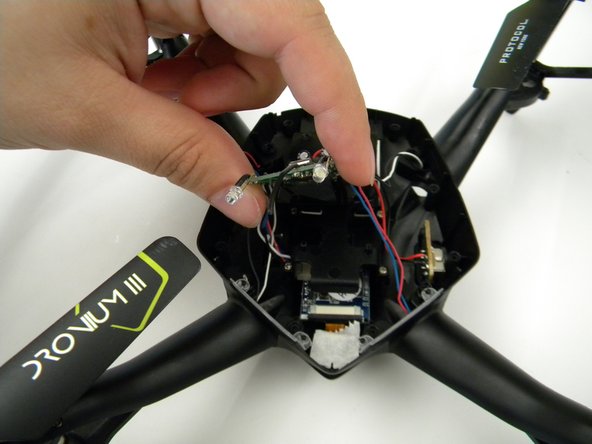
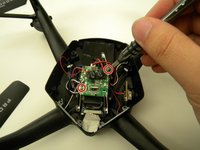
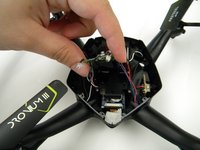
    • Remove the two (2) 5mm screws attaching the Motherboard to the body of the drone using a JIS #00 screwdriver.

    • Lift the Motherboard off the mounting position.

    • Do not pull hard on the Motherboard as solder connections are fragile.

    Pergunte ao FixBot
  7. Protocol Dronium III AP Camera Replacement: passo 7, imagem 1 %32
    Ferramenta utilizada neste passo:
    Tweezers
    $4.99
    • Remove the tape covering the camera with the tweezers.

    Pergunte ao FixBot
  8. Protocol Dronium III AP Camera Replacement: passo 8, imagem 1 %32 Protocol Dronium III AP Camera Replacement: passo 8, imagem 2 %32
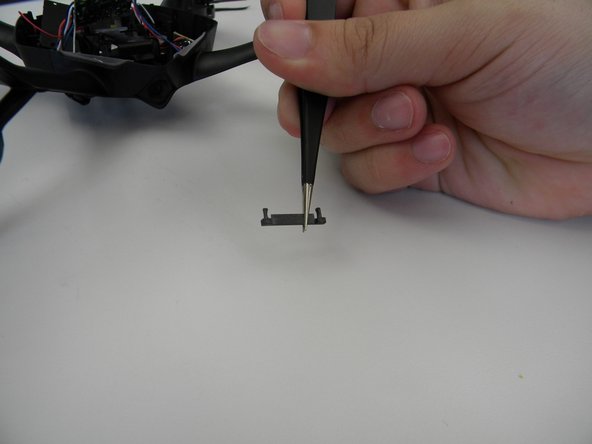
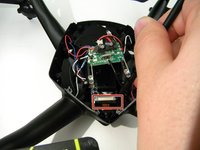
    • Remove the plastic holding the ribbon cable connector with the tweezers.

    • Be careful with the ribbon cable, it is easy to damage.

    Pergunte ao FixBot
  9. Protocol Dronium III AP Camera Replacement: passo 9, imagem 1 %32
    • Move the ribbon cable out of the way with the Spuger.

    Pergunte ao FixBot
  10. Protocol Dronium III AP Camera Replacement: passo 10, imagem 1 %32 Protocol Dronium III AP Camera Replacement: passo 10, imagem 2 %32
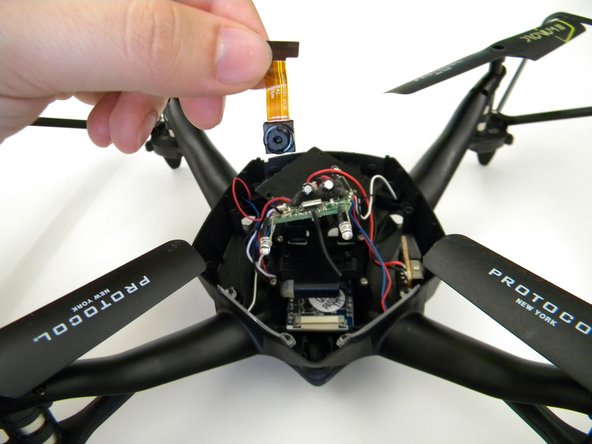
    • Remove the camera by gently prying it out of the bracket with the spudger.

    Pergunte ao FixBot
Conclusão

To reassemble your device, follow these instructions in reverse order.

Steven Mooers

Membro desde: 10/18/17

401 Reputação

Autoria de 4 guias

Equipe

UW Tacoma, Team S1-G1, Rose Fall 2017 Membro de UW Tacoma, Team S1-G1, Rose Fall 2017

UWT-ROSE-F17S1G1

4 Membros

Autoria de 4 guias

0Comentários do guia

Comentar

Visualizações:

Últimas 24 horas: 1

Últimos 7 dias: 6

Últimos 30 dias: 26

Ao todo: 447