Introdução
Use this guide to replace the selectable inner lens in your Polaroid Now+ (Gen 3) instant camera.
You can also use this guide to clean the selectable lens.
O que você precisa
-
-
If you have any film left, take some photos! Then remove the cartridge. Disassembly will expose any leftover film.
-
Unplug and fully power down your camera.
-
Put on the lens cap to avoid scratching your lens during disassembly.
-
-
-
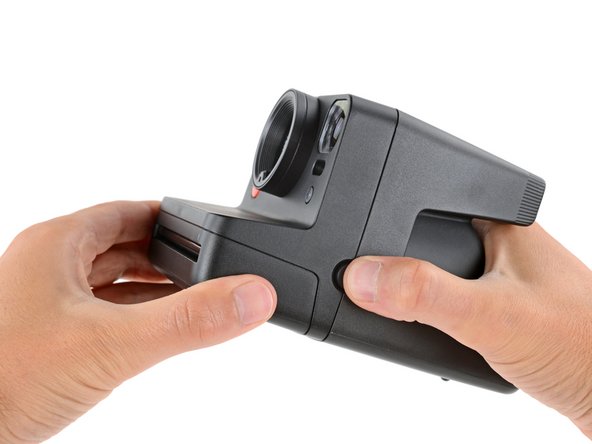
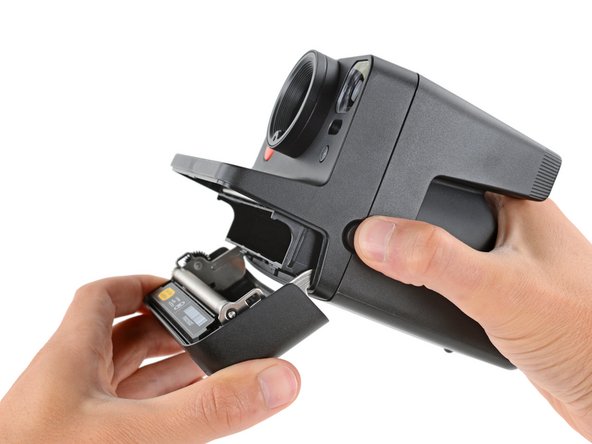
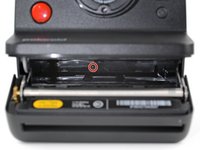
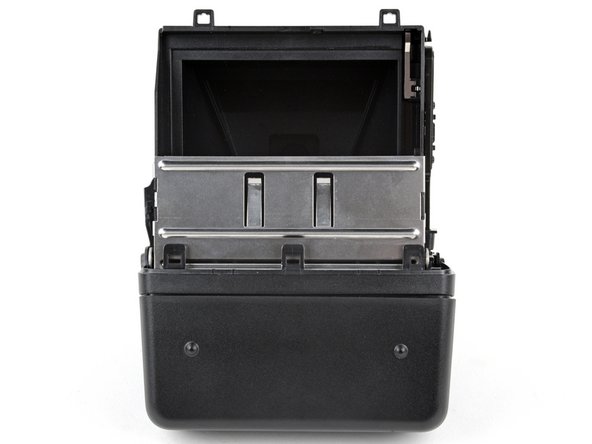
Hold down the latch on the left side of the camera and open the film door.
-
-
Ferramenta utilizada neste passo:Magnetic Project Mat$16.96
-
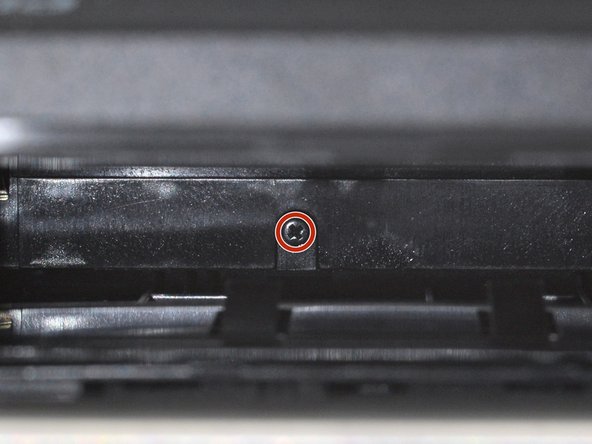
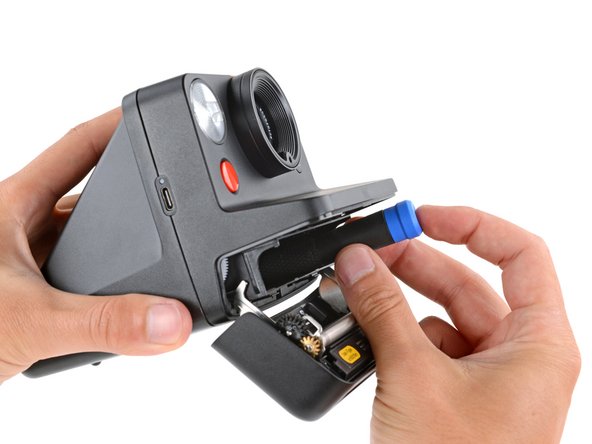
Use a Phillips screwdriver to remove the 5.9 mm‑long screw securing the rear shell.
-
-
-
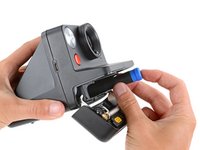
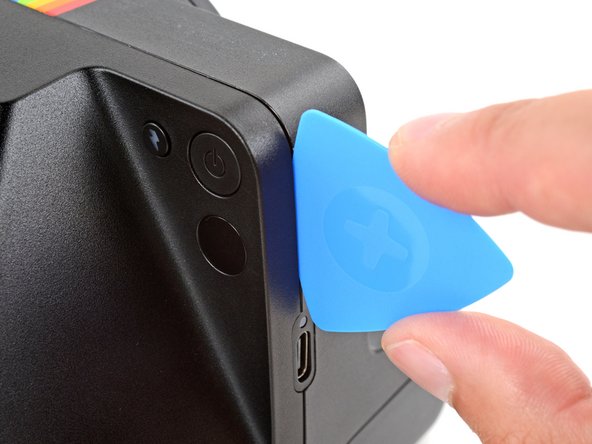
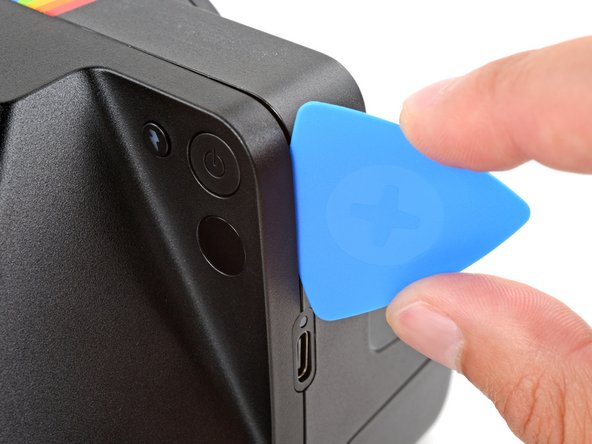
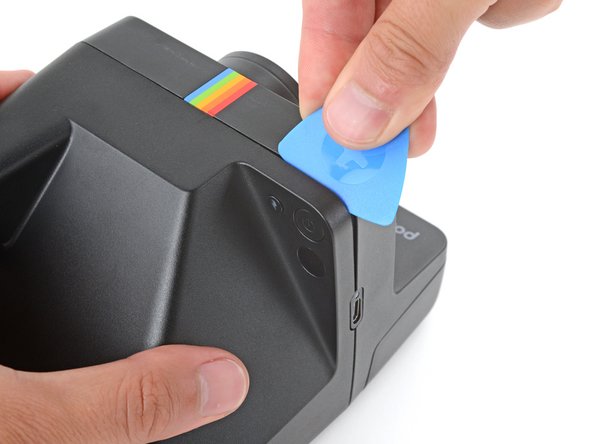
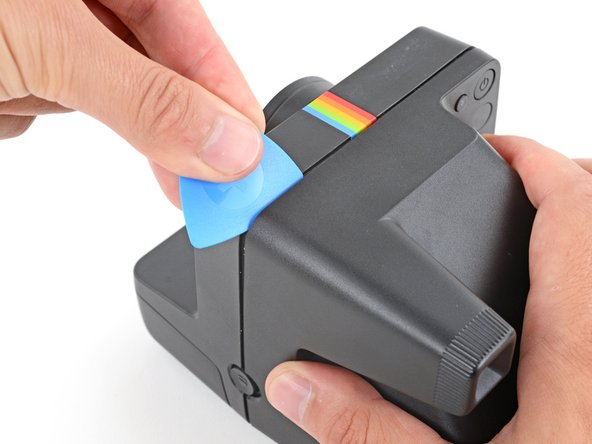
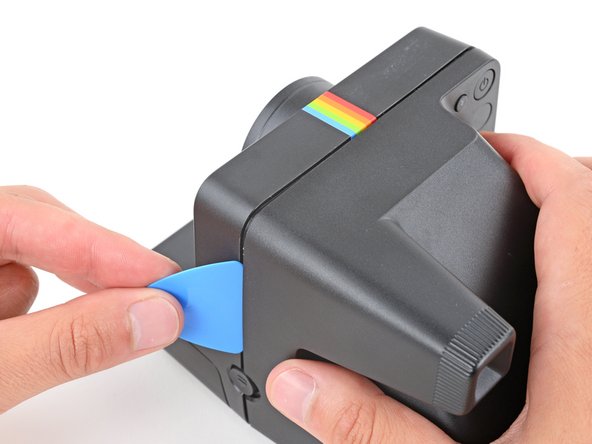
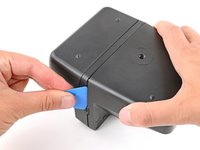
Insert the flat edge of an opening pick in the seam between the front and rear shells, just above the USB‑C port on the right edge.
-
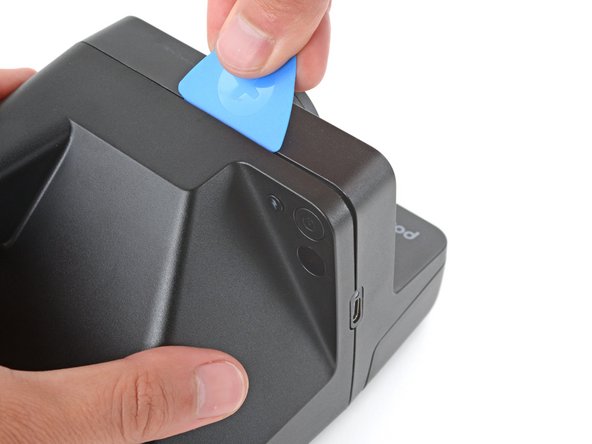
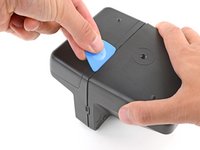
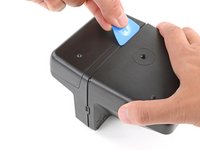
Use your pick to pry the rear shell away from the front shell.
-
-
-
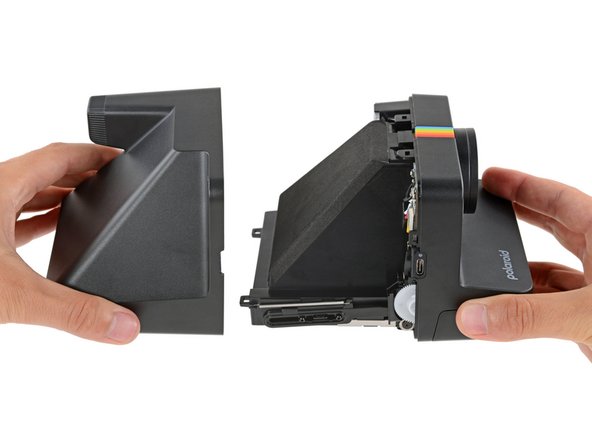
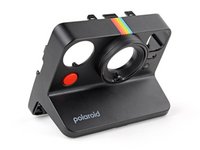
Gently pull the rear shell off the main body of the camera.
-
Press the shell firmly onto the main body so all the clips engage.
-
Check around the shell seam and make sure there are no gaps. If there are, firmly press the shells together to engage the clip near the gap.
-
-
-
To minimize risk, avoid touching the boards, wires, and other exposed components with your fingers or metal tools. Consider wearing rubber gloves if working near the board.
-
-
-
-
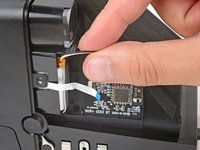
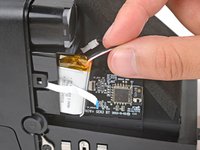
Use your fingers to remove the piece of tape securing the battery and its cables (just below the viewfinder).
-
-
-
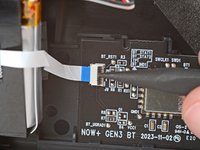
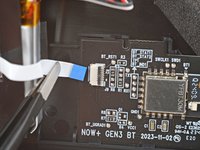
Use a spudger to flip up the hinged locking flap on the sub board ZIF connector.
-
Use a pair of tweezers or your fingers to gently pull the cable straight out of its socket.
-
-
-
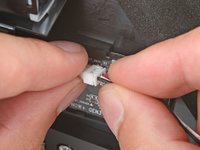
Firmly grip the larger end of the plastic battery connector with one hand and the battery's cable in the other—grip the battery cable as close to the connector as possible.
-
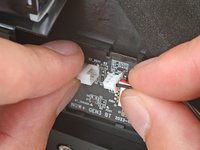
Pull the battery cable straight away from the connector to disconnect it.
-
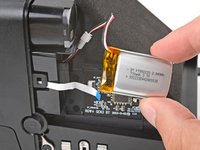
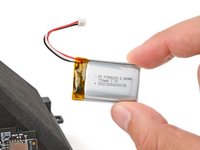
Remove the battery.
-
-
-
Use a Phillips screwdriver to remove the two 3 mm‑long film door hinge screws (one on either side of the camera).
-
-
-
Use the flat end of a spudger to push one of the film door hinges away from the camera and off its post.
-
Repeat the process to detach the other hinge.
-
-
-
Lift the film door and remove it.
-
Make sure there are grommets installed in the film door hinges. To install them, press the grommets into the film door hinges, with the wide end facing in.
-
Hook one of the hinges on its post and then push the other one into place until it snaps over its post.
-
-
-
Flip the camera over and position it so the lens is facing away from you.
-
-
Ferramenta utilizada neste passo:Phillips #00 Screwdriver$5.49
-
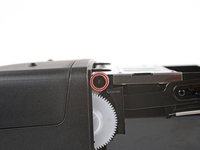
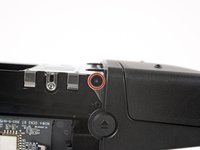
Use a Phillips screwdriver to remove the three screws securing the front shell:
-
Two 5.9 mm‑long screws hidden in recesses on the left and right sides (one near the battery recess and one with a cutout in the main board)
-
One 5.4 mm‑long screw on the top edge of the main board
-
-
-
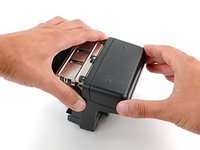
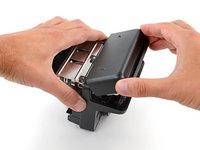
With the right side of the camera facing up, hold the main body of your camera in one hand and the front shell in the other.
-
Gently squeeze the sides of the front shell to release the clips and pull the shell off the main body of the camera.
-
-
-
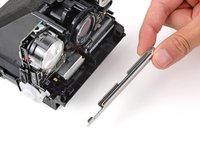
Remove the metal film‑door lever and the larger white gear on the right side of the camera and put them aside—you'll need them for reassembly.
-
-
-
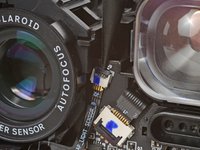
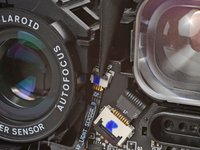
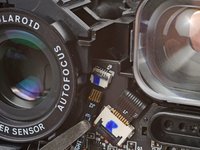
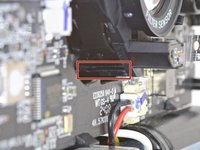
Use a spudger to lift the hinged locking‑flap on the light sensor cable ZIF connector (the cable is attached to the outer lens).
-
Use a pair of tweezers to gently pull the cable straight out of its socket.
-
-
-
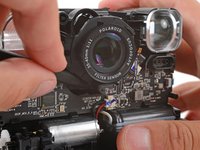
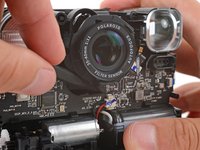
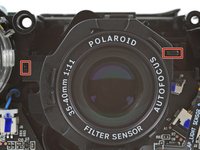
The outer lens has three clips—one on the top, one on the left, and one on the bottom.
-
Use your finger to lift the top clip and pull it towards the front of the camera until it detaches.
-
-
-
Remove the outer lens.
-
With the cable on the bottom edge, press the outer lens over the inner lens until it clicks into place.
-
Use the two tabs along the top edge to make sure the lens is properly aligned.
-
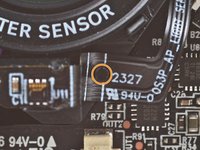
Make sure the larger cutout on the cable goes over its alignment post.
-
-
-
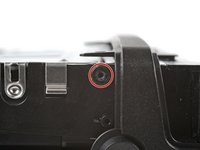
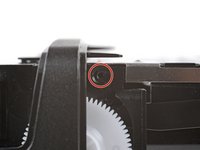
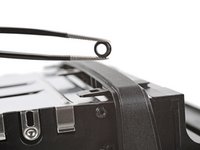
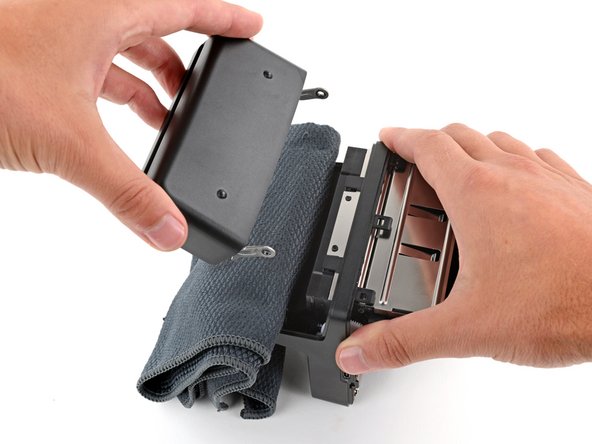
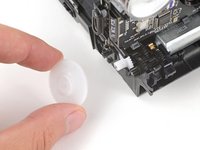
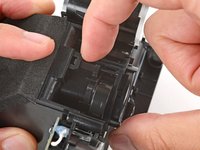
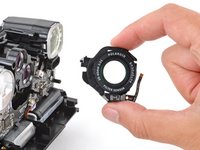
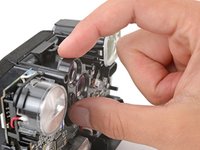
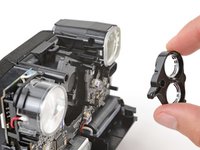
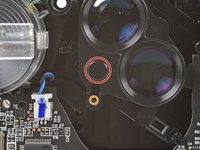
Gently pull the selectable lens straight away from the camera to remove it.
-
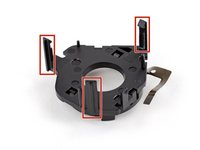
A larger post that goes near the center of the lens.
-
A smaller post that goes into the track cutout.
-












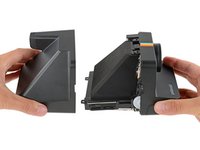

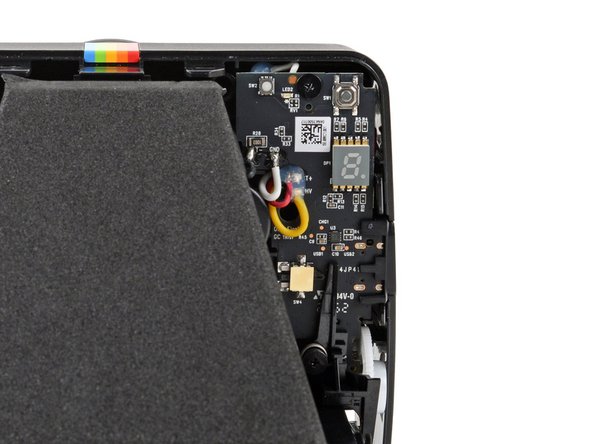


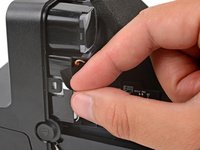
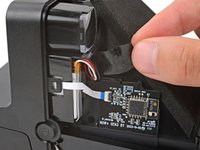
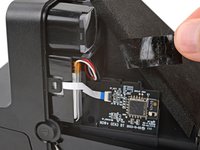


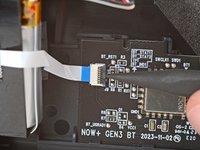
















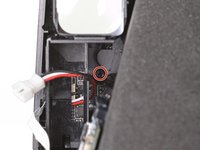
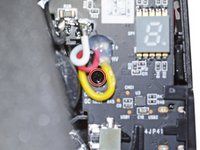


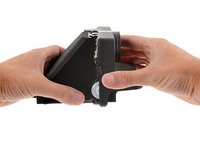
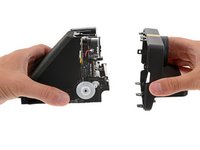






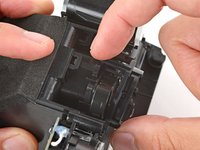


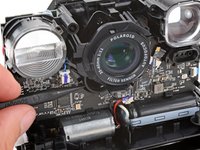
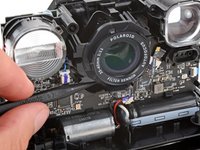
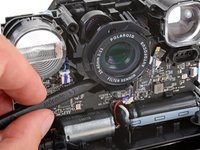






To reassemble your device, follow these instructions in reverse order.
Repair didn’t go as planned? Try some basic troubleshooting, or ask our Answers community for help.



