Ir para o conteúdo principal
Participe da comunidade de reparos - Criar conta

Phone Buttons Replacement

O que você precisa

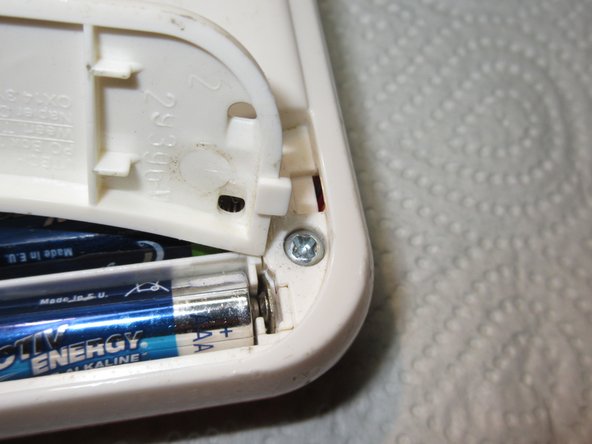
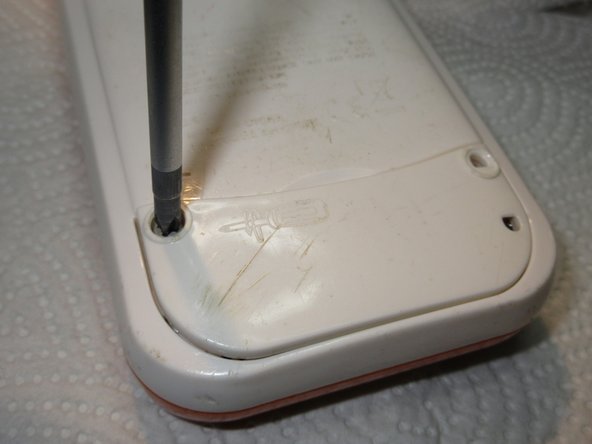
  1. Phone Buttons Replacement, Battery: passo 1, imagem 1 %32 Phone Buttons Replacement, Battery: passo 1, imagem 2 %32
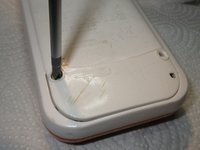
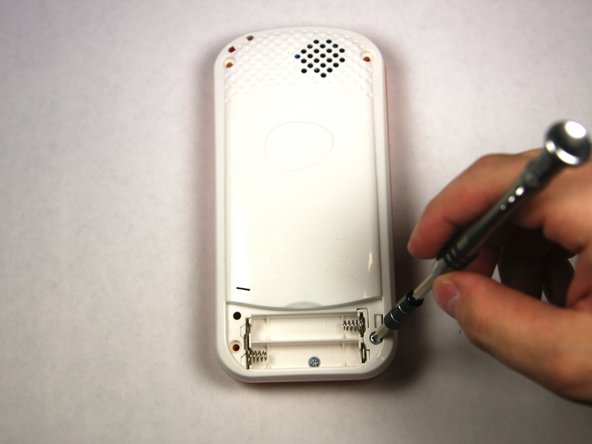
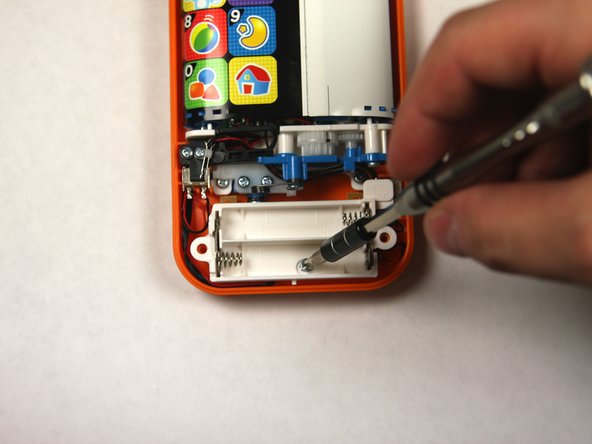
    • Using a Phillips #1 screwdriver, remove the 4.8mm screw on the battery cover by twisting the screwdriver counter-clockwise.

    Pergunte ao FixBot

    Comentar

  2. Phone Buttons Replacement: passo 2, imagem 1 %32 Phone Buttons Replacement: passo 2, imagem 2 %32 Phone Buttons Replacement: passo 2, imagem 3 %32
    • Remove the two AAA batteries by pulling on one end of the battery and lifting it straight out.

    Pergunte ao FixBot

    Comentar

  3. Phone Buttons Replacement: passo 3, imagem 1 %32 Phone Buttons Replacement: passo 3, imagem 2 %32 Phone Buttons Replacement: passo 3, imagem 3 %32
    • When reassembling, align the notch on the battery panel with the slot on the phone.

    Pergunte ao FixBot

    Comentar

  4. Phone Buttons Replacement, Buttons: passo 4, imagem 1 %32 Phone Buttons Replacement, Buttons: passo 4, imagem 2 %32
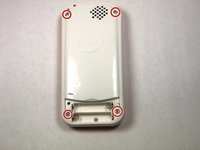
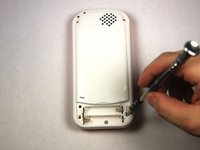
    • Remove 4 13.8mm screws holding the device back using a Phillips #1 screw driver.

    Pergunte ao FixBot

    Comentar

  5. Phone Buttons Replacement: passo 5, imagem 1 %32 Phone Buttons Replacement: passo 5, imagem 2 %32 Phone Buttons Replacement: passo 5, imagem 3 %32
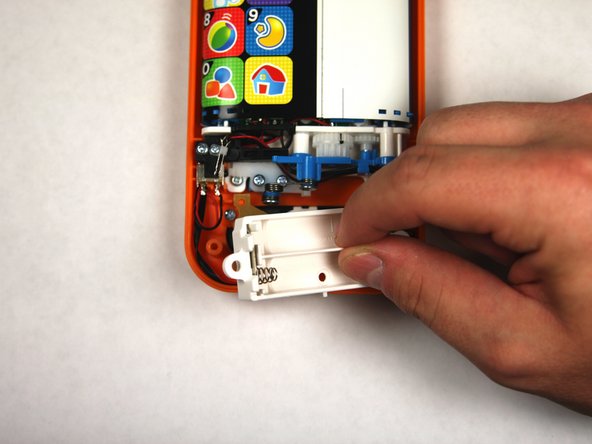
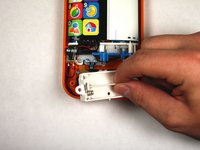
    • Removed 1 4.8mm phillips head screw with a #0 Phillips head screw driver and lift away battery back being conscientious of wires.

    Pergunte ao FixBot

    Comentar

  6. Phone Buttons Replacement: passo 6, imagem 1 %32 Phone Buttons Replacement: passo 6, imagem 2 %32
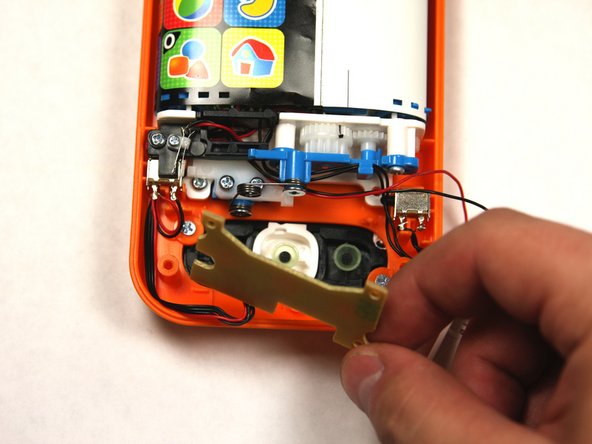
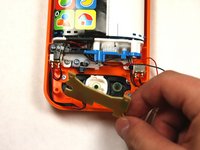
    • Carefully remove the button board to gain access to the buttons.

    Pergunte ao FixBot

    Comentar

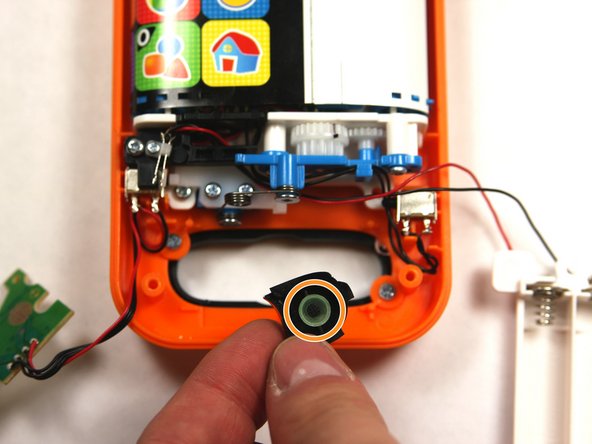
  7. Phone Buttons Replacement: passo 7, imagem 1 %32 Phone Buttons Replacement: passo 7, imagem 2 %32
    • Carefully remove each button from the baby phone.

    • When handling buttons be sure not to misplace the button contacts.

    Pergunte ao FixBot

    Comentar

Conclusão

To reassemble your device, follow these instructions in reverse order.

Cancelar: não concluí este guia.

Uma outra pessoa concluiu este guia.

tellocordova

Membro desde: 09/04/15

342 Reputação

Autoria de 2 guias

Equipe

USF Tampa, Team 2-4, Sullivan Fall 2015 Membro de USF Tampa, Team 2-4, Sullivan Fall 2015

USFT-SULLIVAN-F15S2G4

3 Membros

Autoria de 12 guias

0Comentários do guia

Comentar

Visualizações:

Últimas 24 horas: 3

Últimos 7 dias: 4

Últimos 30 dias: 37

Ao todo: 1,178