Introdução
If your Panasonic SDR-H85 camcorder has abnormal color on the display screen or cannot display pictures at all, you may have LCD damage.
Before using this guide, make sure to review the troubleshooting page. Determine if you need to replace the LCD and if your problem can be solved through the settings.
Make sure you remove the battery and disconnect the power before you start.
O que você precisa
-
-
-
Gently slide the battery ejection button which is located underneath the battery and slide the battery out.
 Pergunte ao FixBot
-
-
-
-
-
Use a Phillips #00 screwdriver to remove two screws from behind the corners of the display screen.
-
-
-
-
Use a Phillips #00 screwdriver to remove one screw on the green panel.
-
-


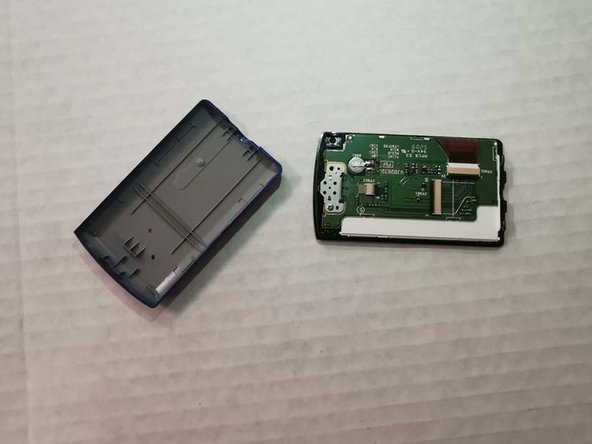
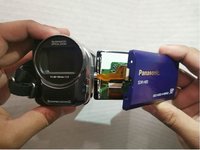


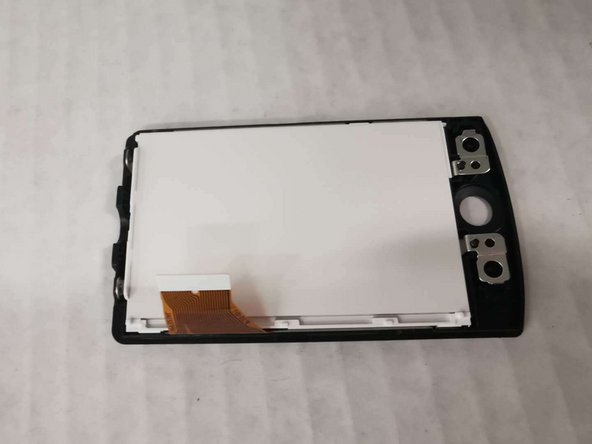
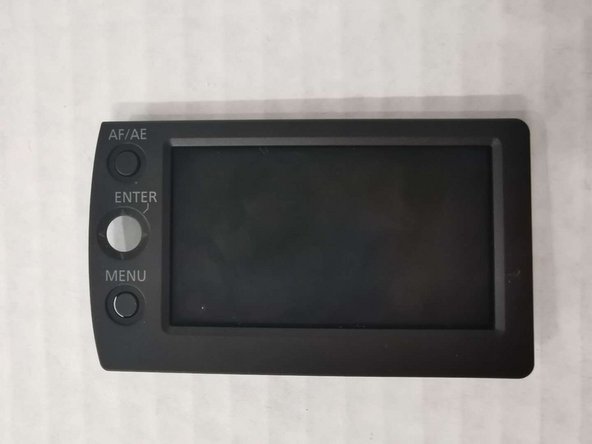
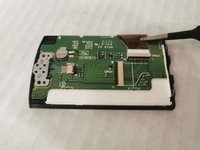
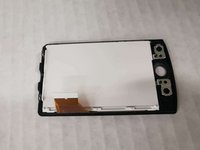
To reassemble your device, follow these instructions in reverse order.

Equipe

York University, Team S1-G8, Woodhouse Winter 2020 Membro de York University, Team S1-G8, Woodhouse Winter 2020
YORK-WOODHOUSE-W20S1G8
3 Membros
Autoria de 6 guias
