Ir para o conteúdo principal

PDP Rematch Advanced Action Buttons Replacement

O que você precisa

  1. PDP Rematch Advanced Action Buttons Replacement, Action Buttons: passo 1, imagem 1 %32 PDP Rematch Advanced Action Buttons Replacement, Action Buttons: passo 1, imagem 2 %32 PDP Rematch Advanced Action Buttons Replacement, Action Buttons: passo 1, imagem 3 %32
    • Orient the controller so the back side is facing you.

    • Use a Phillips #000 screwdriver to remove the seven 9 mm screws that secure the back shell.

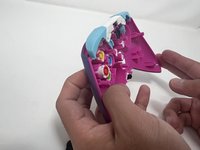
  2. PDP Rematch Advanced Action Buttons Replacement: passo 2, imagem 1 %32 PDP Rematch Advanced Action Buttons Replacement: passo 2, imagem 2 %32 PDP Rematch Advanced Action Buttons Replacement: passo 2, imagem 3 %32
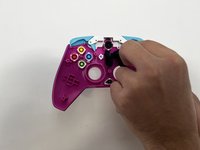
    • Pull apart the controller's front and back shells with moderate force.

    • Orient the controller so that the front shell is facing the floor to prevent the face buttons from falling out.

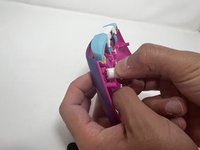
  3. PDP Rematch Advanced Action Buttons Replacement: passo 3, imagem 1 %32 PDP Rematch Advanced Action Buttons Replacement: passo 3, imagem 2 %32 PDP Rematch Advanced Action Buttons Replacement: passo 3, imagem 3 %32
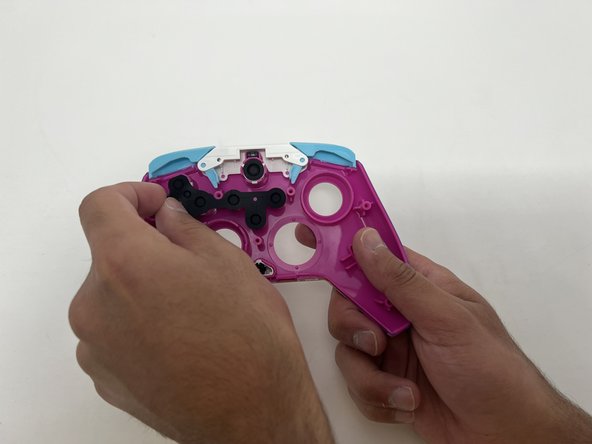
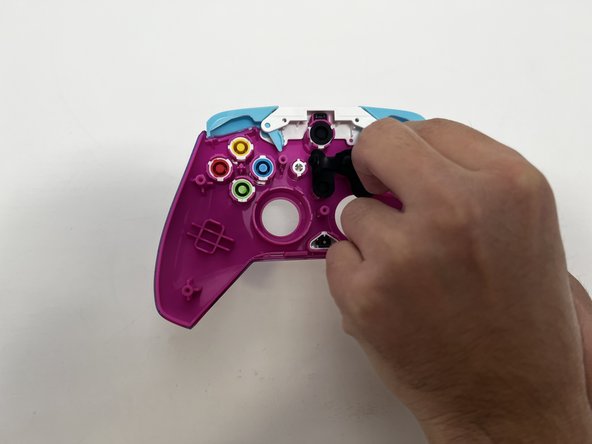
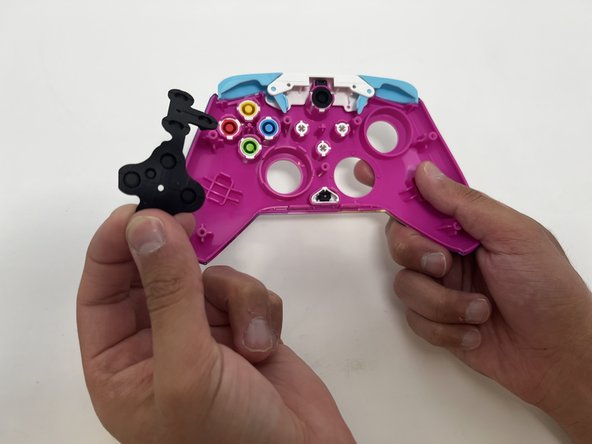
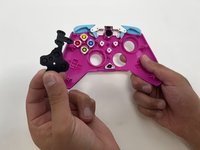
    • Peel the rubber gasket off the back of the action buttons.

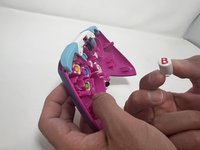
  4. PDP Rematch Advanced Action Buttons Replacement: passo 4, imagem 1 %32 PDP Rematch Advanced Action Buttons Replacement: passo 4, imagem 2 %32 PDP Rematch Advanced Action Buttons Replacement: passo 4, imagem 3 %32
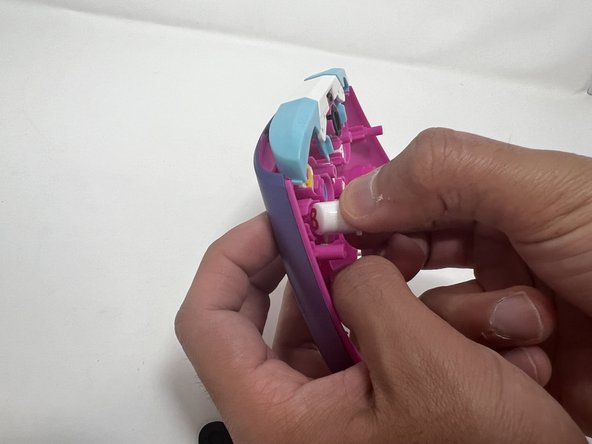
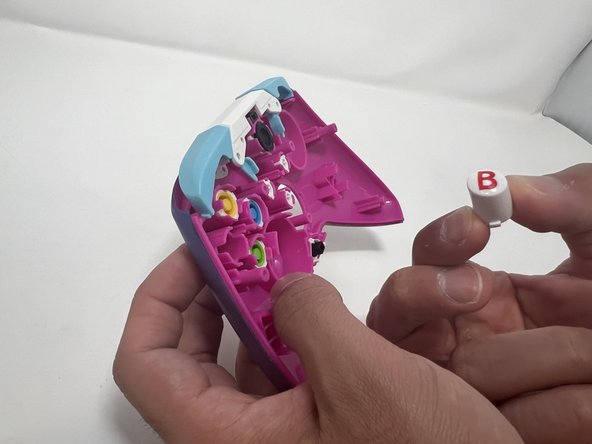
    • Push all the action buttons out from the front of the shell.

Conclusão

To reassemble your device, follow these instructions in reverse order.

Uma outra pessoa concluiu este guia.

Collin Lawe

Membro desde: 10/02/23

447 Reputação

Autoria de 3 guias

Equipe

0Comentários do guia

Comentar

Visualizações:

Últimas 24 horas: 0

Últimos 7 dias: 9

Últimos 30 dias: 38

Ao todo: 842