O que você precisa
-
-
Remove the two 2 mm TR9 Torx head screws at the bottom of the device. The screws are located on the right and left side of the charging port.
 Pergunte ao FixBot
-
-
-
Pry the phone’s metal backing away from the rest of the device by placing the Jimmy between the black phone backing and silver screen border and wiggling the Jimmy right and left.
-
-
-
-
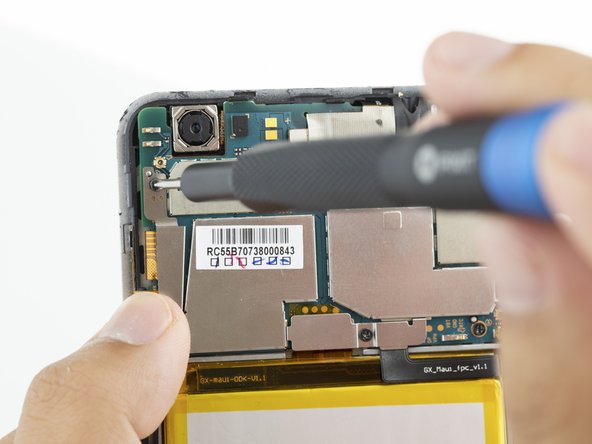
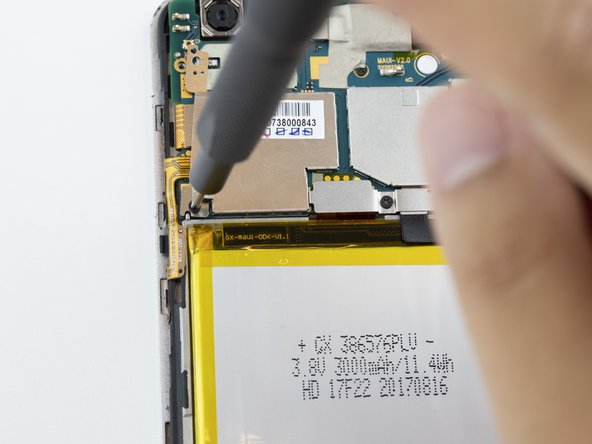
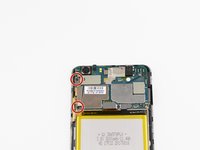
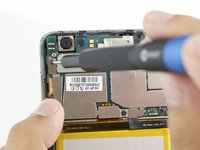
Remove the metal plate protector held in place by two 2 mm Phillips #000 screws.
-
-
Ferramenta utilizada neste passo:Tweezers$3.99
-
Using a pair of angled tweezers, remove the metal plate protector.
-
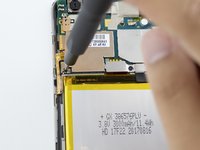
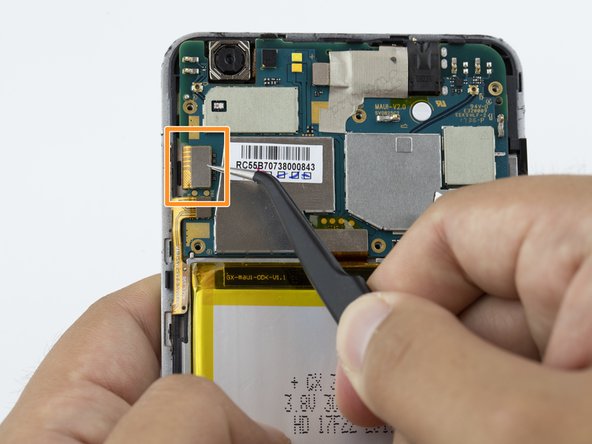
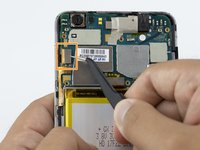
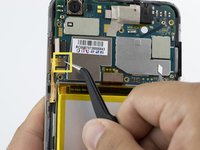
Unplug the connector with a pair of tweezers.
-
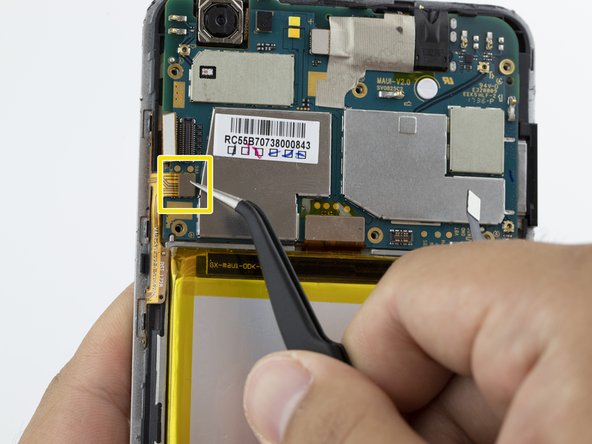
Unplug the second connector with a pair of tweezers.
-
-
-
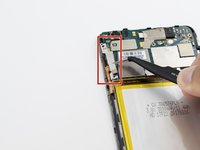
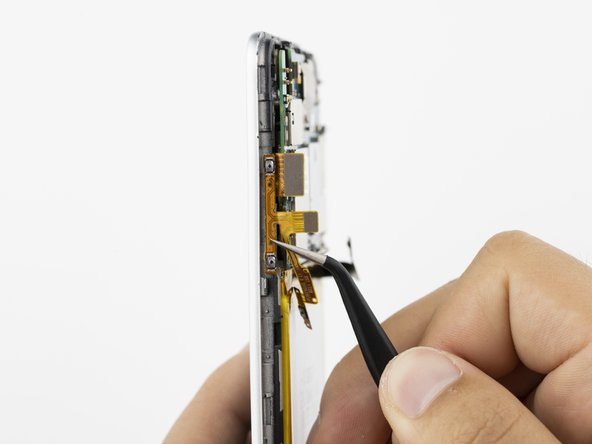
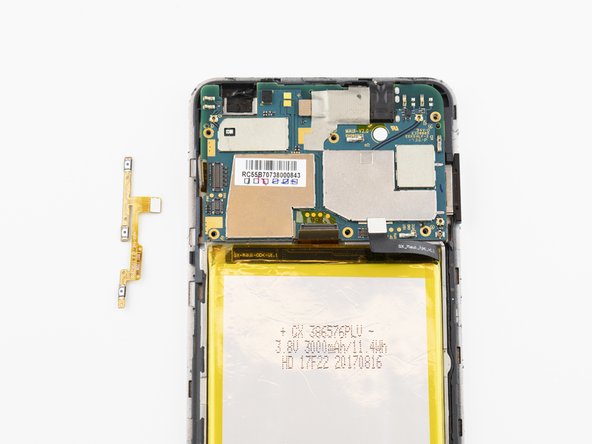
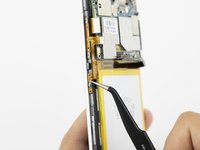
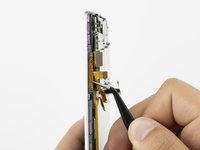
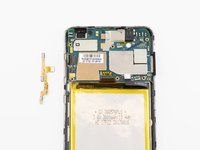
Using a pair of angled tweezers, gently pull the orange power strip off of the phone housing.
-





To reassemble your device, follow these instructions in reverse order.
Cancelar: não concluí este guia.
3 outras pessoas executaram este guia.

Equipe

Embry-Riddle Aeronautical University, Team S20-G1, Branham Fall 2019 Membro de Embry-Riddle Aeronautical University, Team S20-G1, Branham Fall 2019
ERAU-BRANHAM-F19S20G1
4 Membros
Autoria de 11 guias
