Ir para o conteúdo principal
Participe da comunidade de reparos - Criar conta

One Education Infinity:One Camera Assembly Replacement

O que você precisa

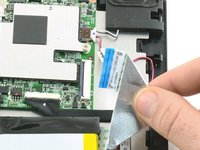
  1. One Education Infinity:One Camera Assembly Replacement, Battery: passo 1, imagem 1 %32 One Education Infinity:One Camera Assembly Replacement, Battery: passo 1, imagem 2 %32
    • Use a spudger to disconnect the black bundled cable connector from the motherboard.

    Pergunte ao FixBot

    Comentar

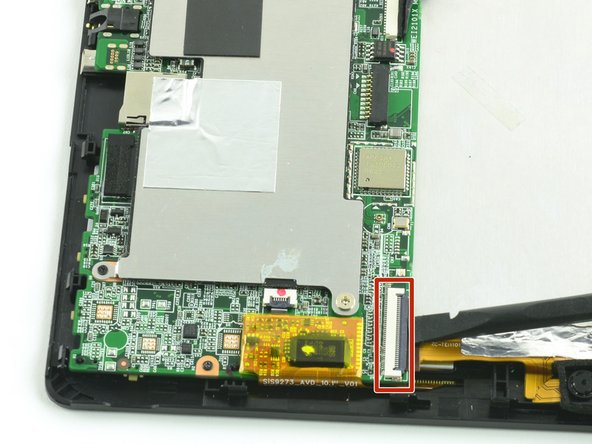
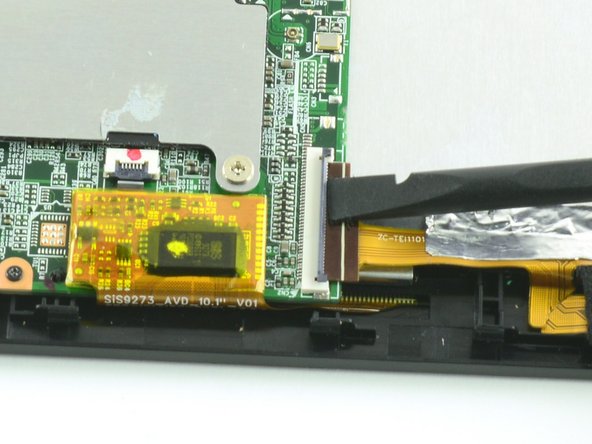
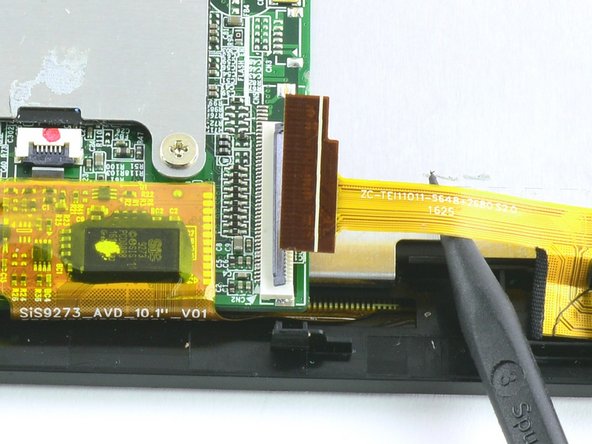
  2. One Education Infinity:One Camera Assembly Replacement: passo 2, imagem 1 %32 One Education Infinity:One Camera Assembly Replacement: passo 2, imagem 2 %32 One Education Infinity:One Camera Assembly Replacement: passo 2, imagem 3 %32
    • Use a spudger to lift the black tab on top of the ZIF connector.

    • Slide the ribbon cable out of the connector.

    Pergunte ao FixBot

    Comentar

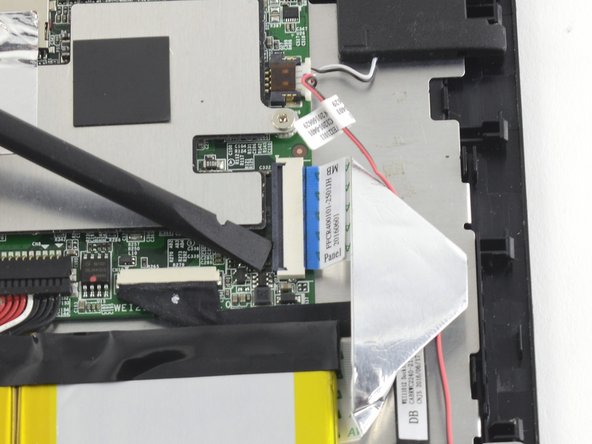
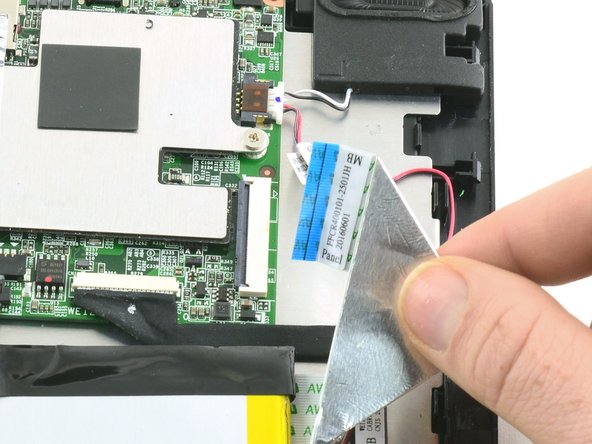
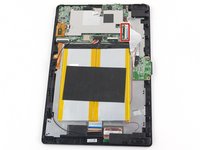
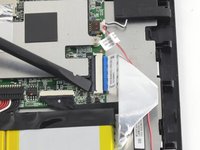
  3. One Education Infinity:One Camera Assembly Replacement: passo 3, imagem 1 %32 One Education Infinity:One Camera Assembly Replacement: passo 3, imagem 2 %32 One Education Infinity:One Camera Assembly Replacement: passo 3, imagem 3 %32
    • Use a spudger to flip up the black retaining flap on the ZIF connector.

    • Pull the folded ribbon cable straight out of the connector.

    • This ribbon cable must be disconnected before removing the battery because it is attached to the battery with adhesive.

    Pergunte ao FixBot

    Comentar

  4. One Education Infinity:One Camera Assembly Replacement: passo 4, imagem 1 %32
    • Use a spudger to pry the battery away from the device.

    • Always use ESD safe tools when working with delicate electrical components.

    Pergunte ao FixBot

    Comentar

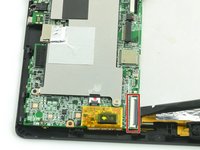
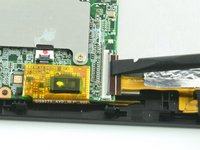
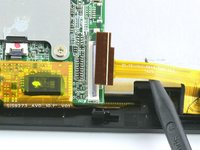
  5. One Education Infinity:One Camera Assembly Replacement, Camera Assembly: passo 5, imagem 1 %32 One Education Infinity:One Camera Assembly Replacement, Camera Assembly: passo 5, imagem 2 %32 One Education Infinity:One Camera Assembly Replacement, Camera Assembly: passo 5, imagem 3 %32
    • Use a spudger to flip up the black flap on the camera's ZIF connector.

    • Pull the ribbon cable straight out of the connector.

    Pergunte ao FixBot

    Comentar

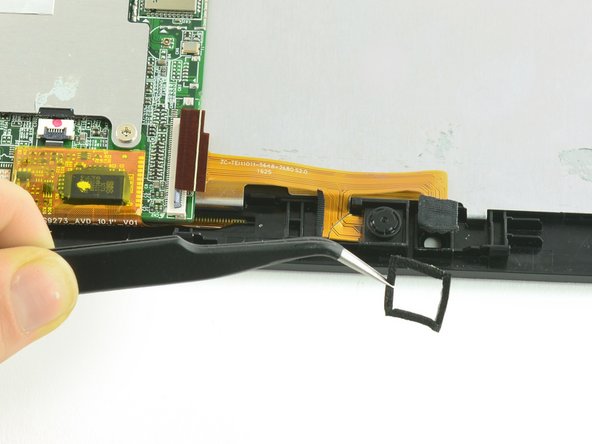
  6. One Education Infinity:One Camera Assembly Replacement: passo 6, imagem 1 %32 One Education Infinity:One Camera Assembly Replacement: passo 6, imagem 2 %32
    Ferramenta utilizada neste passo:
    Tweezers
    $4.99
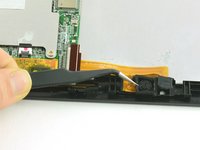
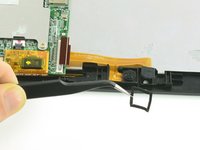
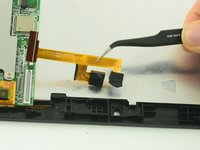
    • Use tweezers to remove the black cushion surrounding the camera lens.

    Pergunte ao FixBot

    Comentar

  7. One Education Infinity:One Camera Assembly Replacement: passo 7, imagem 1 %32 One Education Infinity:One Camera Assembly Replacement: passo 7, imagem 2 %32
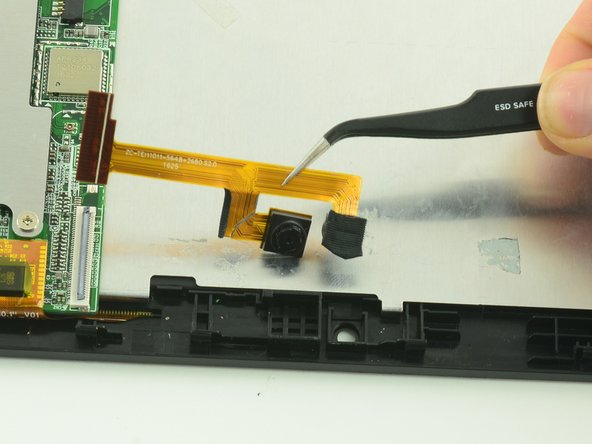
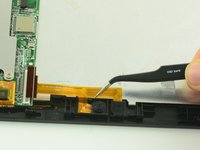
    • Use tweezers to lift the camera assembly away from the device.

    • Lift straight up to avoid tearing the delicate ribbon cable on the retaining wall.

    Pergunte ao FixBot

    Comentar

Conclusão

To reassemble your device, follow these instructions in reverse order.

Cancelar: não concluí este guia.

Uma outra pessoa concluiu este guia.

Taylor Bratsch

Membro desde: 09/06/16

6.159 Reputação

Autoria de 14 guias

0Comentários do guia

Comentar

Visualizações:

Últimas 24 horas: 1

Últimos 7 dias: 5

Últimos 30 dias: 27

Ao todo: 537