Ir para o conteúdo principal
Participe da comunidade de reparos - Criar conta

Onda V701 Screen Replacement

O que você precisa

  1. Onda V701 Screen Replacement, Back Panel: passo 1, imagem 1 %32 Onda V701 Screen Replacement, Back Panel: passo 1, imagem 2 %32 Onda V701 Screen Replacement, Back Panel: passo 1, imagem 3 %32
    • Ensure device is powered off before disassembly.

    • Remove the 4 rubber screw plugs using a spudger.

  2. Onda V701 Screen Replacement: passo 2, imagem 1 %32 Onda V701 Screen Replacement: passo 2, imagem 2 %32 Onda V701 Screen Replacement: passo 2, imagem 3 %32
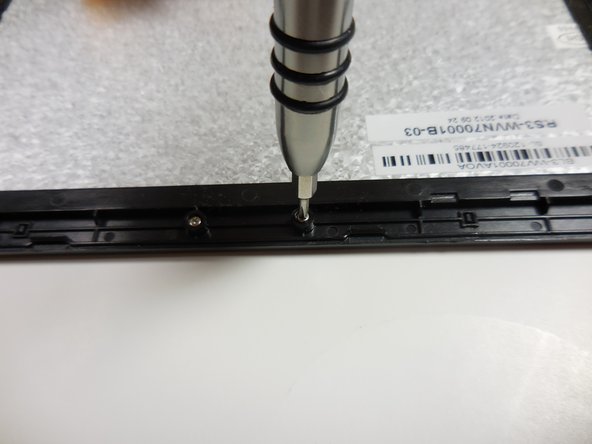
    • Remove the four 4.8mm mounting screws using a PH00 screwdriver.

  3. Onda V701 Screen Replacement: passo 3, imagem 1 %32 Onda V701 Screen Replacement: passo 3, imagem 2 %32
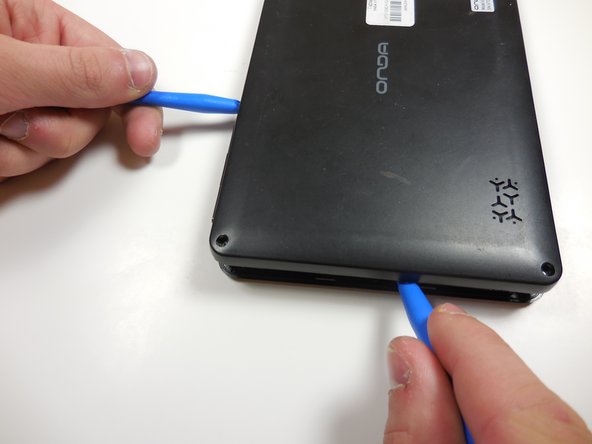
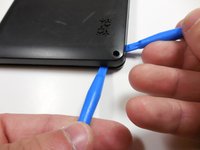
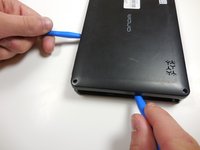
    • Starting at one corner, gently pry the back panel assembly from the screen assembly using two plastic opening tools.

    • Slide the opening tools around the perimeter of the device to separate the back panel assembly from the screen assembly.

  4. Onda V701 Screen Replacement: passo 4, imagem 1 %32 Onda V701 Screen Replacement: passo 4, imagem 2 %32
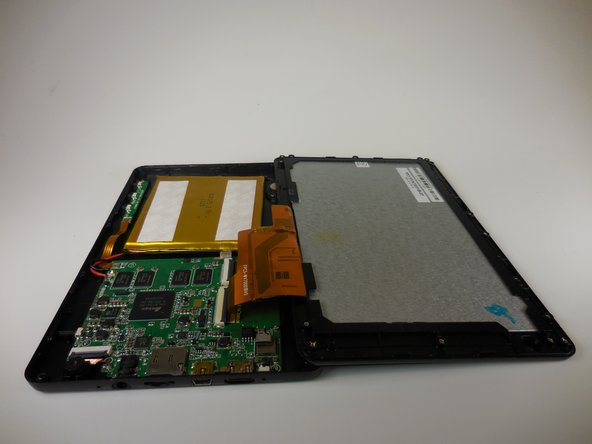
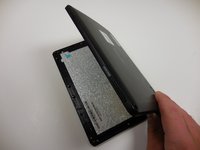
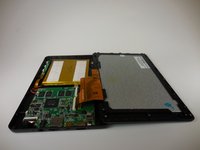
    • Gently lift the screen assembly away from the back cover assembly.

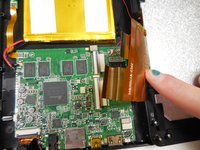
    • Be careful when separating the two pieces as the screen assembly is still connected to the mother board by two ribbon cables.

  5. Onda V701 Screen Replacement: passo 5, imagem 1 %32 Onda V701 Screen Replacement: passo 5, imagem 2 %32 Onda V701 Screen Replacement: passo 5, imagem 3 %32
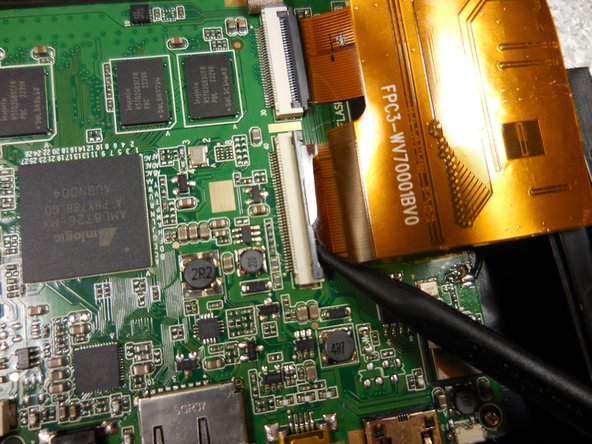
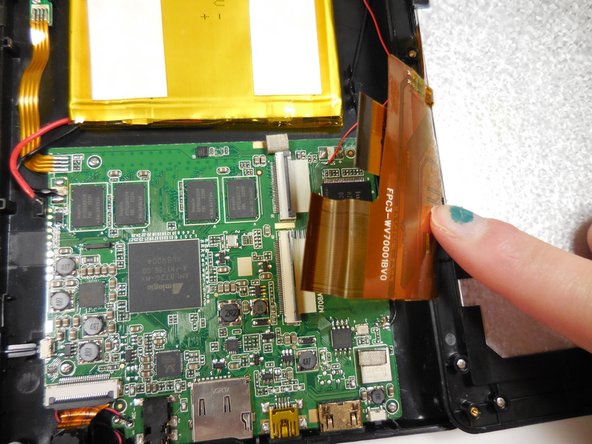
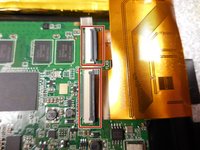
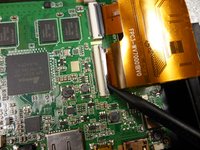
    • Disconnect the two ribbon connectors by flipping the gray tabs up with a fingernail or a spudger.

    • Remove the ribbon cables.

  6. Onda V701 Screen Replacement, Screen: passo 6, imagem 1 %32 Onda V701 Screen Replacement, Screen: passo 6, imagem 2 %32 Onda V701 Screen Replacement, Screen: passo 6, imagem 3 %32
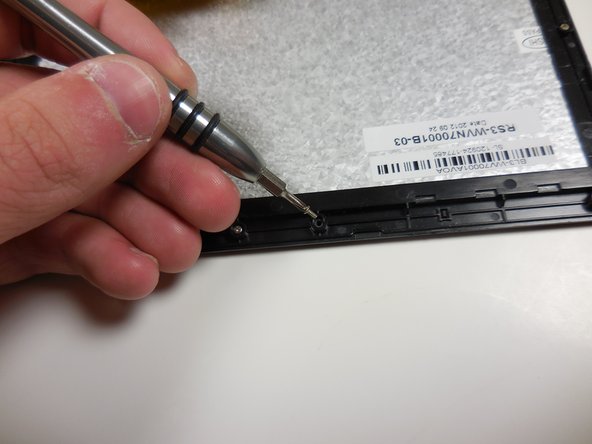
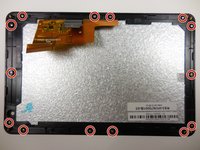
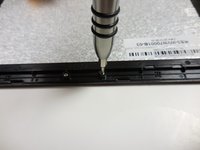
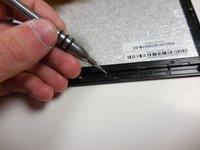
    • Remove all 14 of the 3.6mm screws using a PH00 screwdriver.

  7. Onda V701 Screen Replacement: passo 7, imagem 1 %32 Onda V701 Screen Replacement: passo 7, imagem 2 %32 Onda V701 Screen Replacement: passo 7, imagem 3 %32
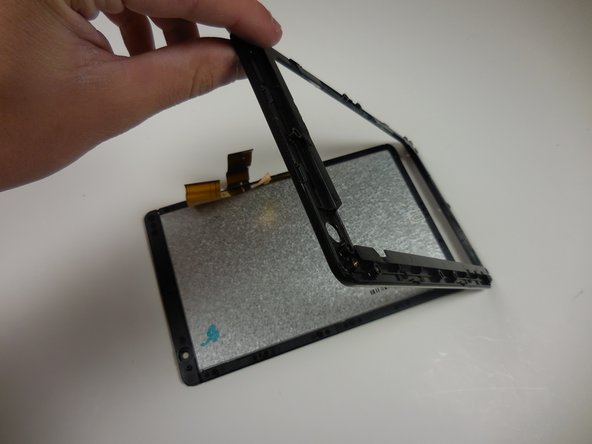
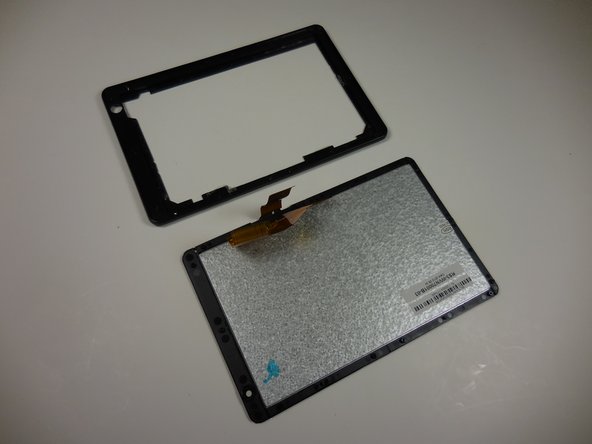
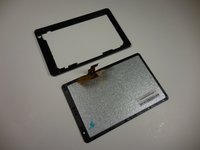
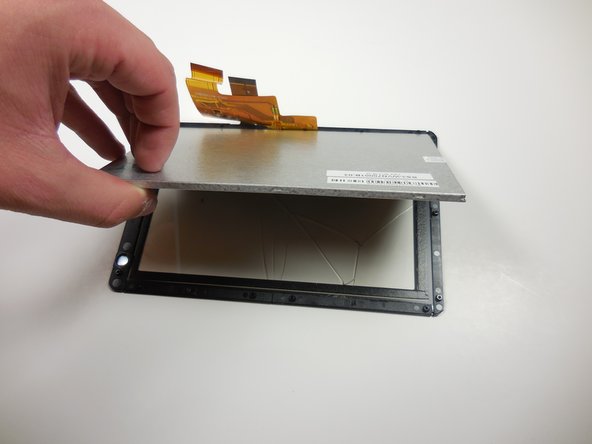
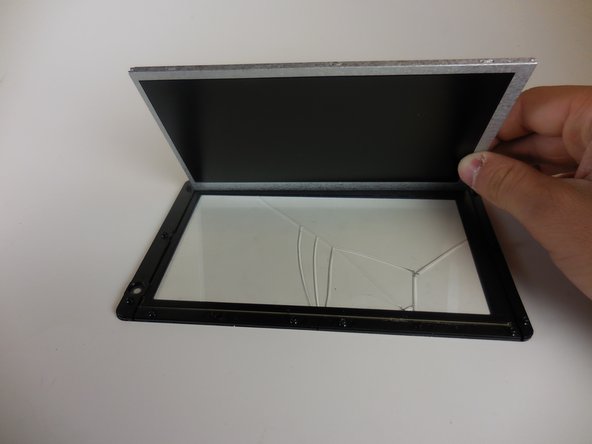
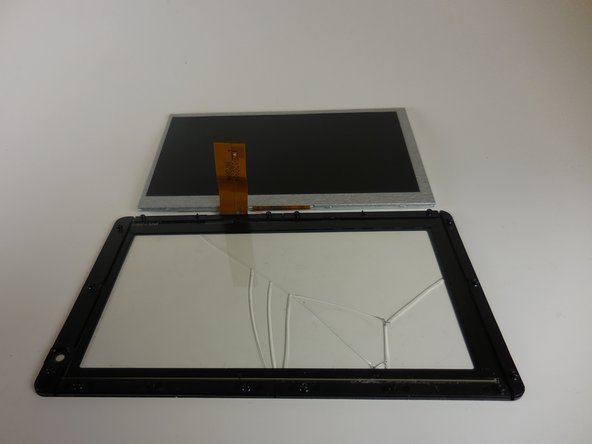
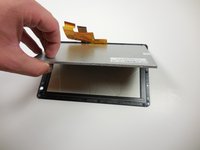
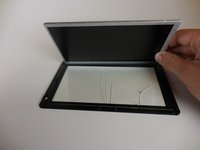
    • Gently separate the screen from the plastic border/screen holder by pulling it off with your hands.

  8. Onda V701 Screen Replacement: passo 8, imagem 1 %32 Onda V701 Screen Replacement: passo 8, imagem 2 %32 Onda V701 Screen Replacement: passo 8, imagem 3 %32
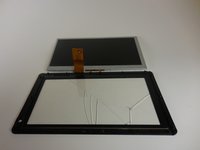
    • Remove the grey monitor from the glass screen cover by gently lifting it up.

Conclusão

To reassemble your device, follow these instructions in reverse order.

Uma outra pessoa concluiu este guia.

William Sioholm

Membro desde: 03/11/15

104 Reputação

Autoria de 1 guia

Equipe

1Comentário do guia

بدي من هي الشاشة وين بلاقي

abdurrhman khrrat - Responder

Comentar

Visualizações:

Últimas 24 horas: 0

Últimos 7 dias: 8

Últimos 30 dias: 23

Ao todo: 591