Ir para o conteúdo principal
Participe da comunidade de reparos - Criar conta

Olympus FE-210 Lens Assembly Replacement

O que você precisa

  1. Olympus FE-210 Lens Assembly Replacement, Battery: passo 1, imagem 1 %32 Olympus FE-210 Lens Assembly Replacement, Battery: passo 1, imagem 2 %32
    • The battery compartment is located on the bottom side of the camera. Push the button in, and slide the cover to get access to the batteries.

    Pergunte ao FixBot

    Comentar

  2. Olympus FE-210 Lens Assembly Replacement: passo 2, imagem 1 %32 Olympus FE-210 Lens Assembly Replacement: passo 2, imagem 2 %32
    • The batteries will slide right out.

    • When putting new batteries in, make sure they are pointing the right direction.

    Pergunte ao FixBot

    Comentar

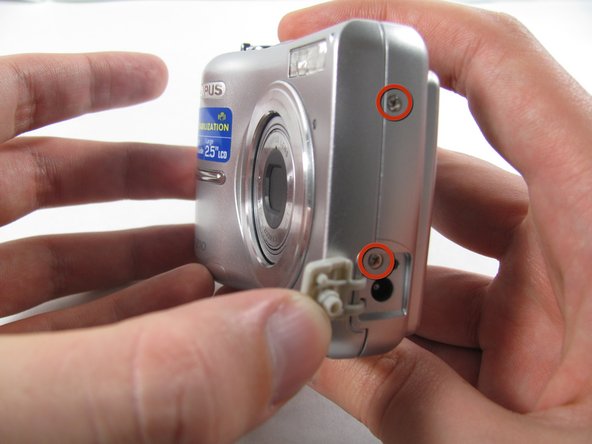
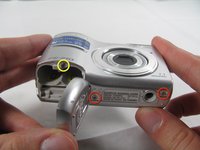
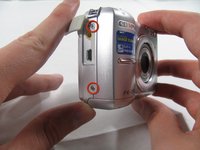
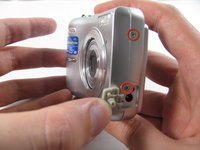
  3. Olympus FE-210 Lens Assembly Replacement, Front Casing: passo 3, imagem 1 %32 Olympus FE-210 Lens Assembly Replacement, Front Casing: passo 3, imagem 2 %32 Olympus FE-210 Lens Assembly Replacement, Front Casing: passo 3, imagem 3 %32
    • Remove the seven screws holding the front case in place, with a #00 screwdriver.

    • Six screws are 3.6 mm.

    • The seventh screw is 3.2 mm.

    Pergunte ao FixBot

    Comentar

  4. Olympus FE-210 Lens Assembly Replacement: passo 4, imagem 1 %32 Olympus FE-210 Lens Assembly Replacement: passo 4, imagem 2 %32 Olympus FE-210 Lens Assembly Replacement: passo 4, imagem 3 %32
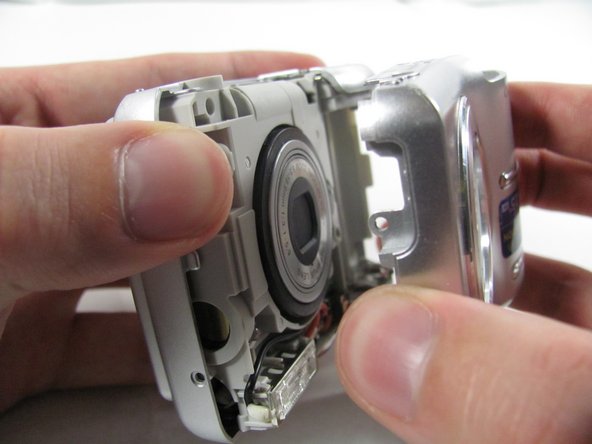
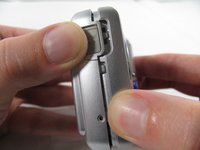
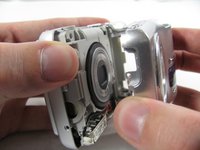
    • Apply enough pressure at the three snappable places to pull the front case off.

    • These three places are located:

    • At the top and bottom of the battery side (opposite of side pictured) of the case.

    • Right in the middle of the DC-in side (side pictured) of the case.

    • Top of the camera, to the left of the power button.

    • Once those places are disconnected, the front case will pop right off.

    • The camera in the first two pictures is upside down. This is the best position to place your thumbs to remove the case.

    Pergunte ao FixBot

    Comentar

  5. Olympus FE-210 Lens Assembly Replacement, Rear Casing: passo 5, imagem 1 %32
    • Remove the 3.2 mm screw in the battery compartment using a #00 screwdriver.

    • After removal of the screw the case will be loose, but do not tug it off. There is a cord connecting the rear controls to the motherboard.

    Pergunte ao FixBot

    Comentar

  6. Olympus FE-210 Lens Assembly Replacement: passo 6, imagem 1 %32 Olympus FE-210 Lens Assembly Replacement: passo 6, imagem 2 %32 Olympus FE-210 Lens Assembly Replacement: passo 6, imagem 3 %32
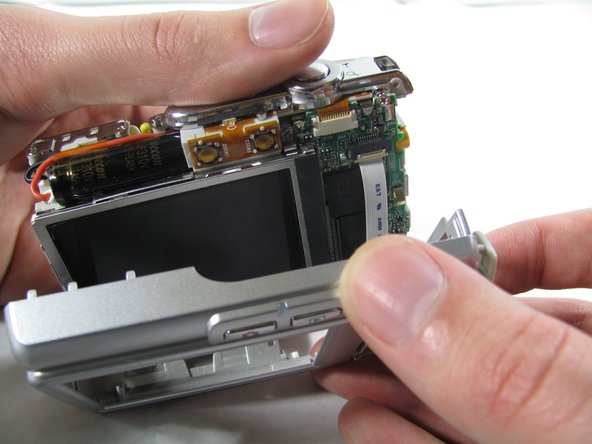
    • Carefully pull the rear case away from the camera until you have access to the cord connected to the motherboard.

    • Lift the white latch using a fingernail or a spudger.

    • Pull the cord from its connector.

    Pergunte ao FixBot

    Comentar

  7. Olympus FE-210 Lens Assembly Replacement, Motherboard: passo 7, imagem 1 %32 Olympus FE-210 Lens Assembly Replacement, Motherboard: passo 7, imagem 2 %32
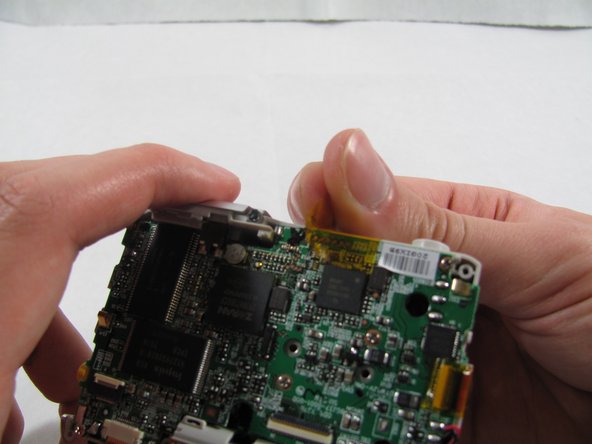
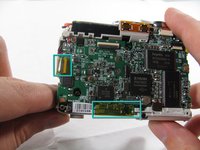
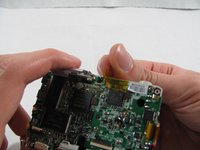
    • Remove the 2 pieces of translucent yellow tape.

    • Removing these pieces of tape will void the camera warranty. They serve no functional purpose and do not need to be replaced during reassembly.

    Pergunte ao FixBot

    Comentar

  8. Olympus FE-210 Lens Assembly Replacement: passo 8, imagem 1 %32 Olympus FE-210 Lens Assembly Replacement: passo 8, imagem 2 %32
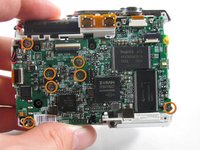
    • Remove the seven 2.7 mm using a #00 screwdriver.

    Pergunte ao FixBot

    Comentar

  9. Olympus FE-210 Lens Assembly Replacement: passo 9, imagem 1 %32
    Ferramenta utilizada neste passo:
    Tweezers
    $4.99
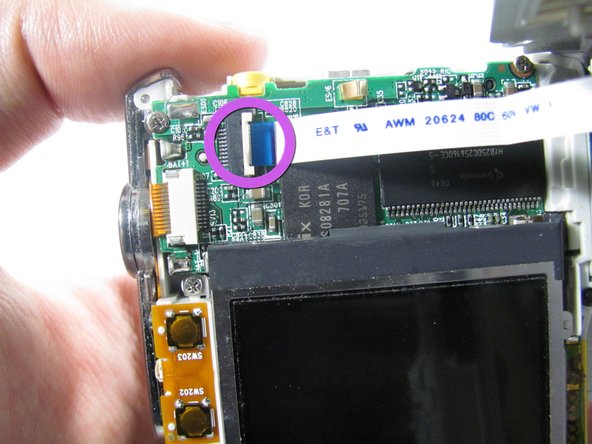
    • Remove the ribbon cord located near the top right corner of the motherboard. Do this by carefully pulling the cord out of the socket using a pair of tweezers.

    Pergunte ao FixBot

    Comentar

  10. Olympus FE-210 Lens Assembly Replacement: passo 10, imagem 1 %32
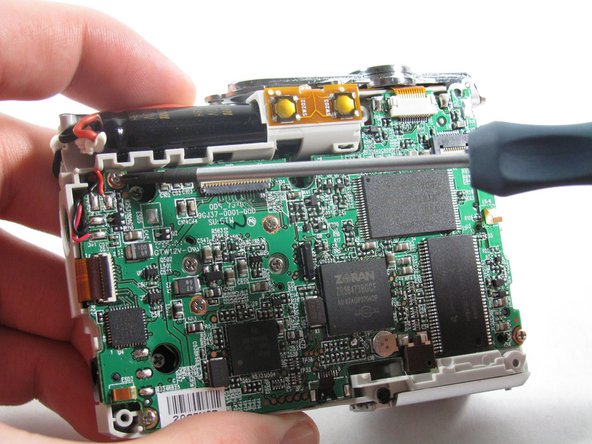
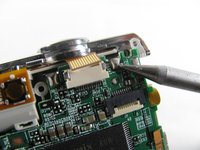
    • Disconnect the ribbon cord located on the left side of the motherboard.

    • Use tweezers or a spudger to lift the latch on the connector.

    • Carefully remove the cord from the connector.

    Pergunte ao FixBot

    Comentar

  11. Olympus FE-210 Lens Assembly Replacement: passo 11, imagem 1 %32 Olympus FE-210 Lens Assembly Replacement: passo 11, imagem 2 %32
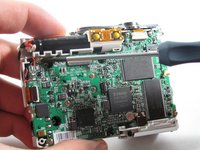
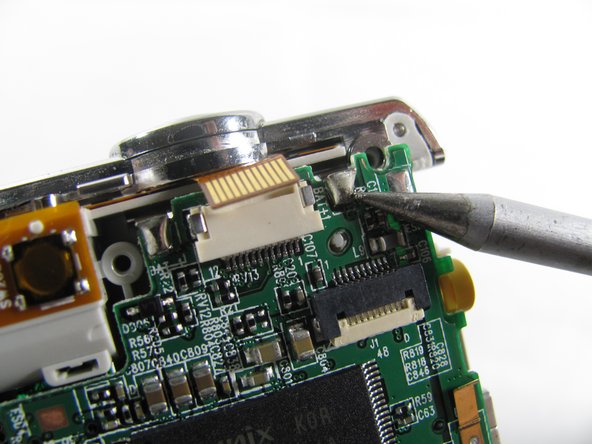
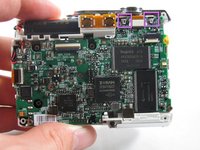
    • De-solder the 2 connection points.

    • Be careful to not damage any part of the circuit board with the soldering iron.

    Pergunte ao FixBot

    Comentar

  12. Olympus FE-210 Lens Assembly Replacement: passo 12, imagem 1 %32
    • Remove the motherboard from the camera casing.

    Pergunte ao FixBot

    Comentar

  13. Olympus FE-210 Lens Assembly Replacement, Lens Assembly: passo 13, imagem 1 %32
    • Remove the three 3.6 mm screws using a #00 screwdriver.

    Pergunte ao FixBot

    Comentar

  14. Olympus FE-210 Lens Assembly Replacement: passo 14, imagem 1 %32 Olympus FE-210 Lens Assembly Replacement: passo 14, imagem 2 %32
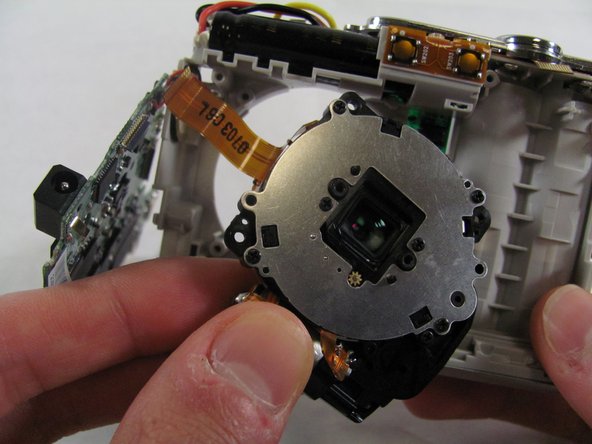
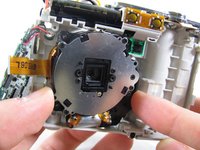
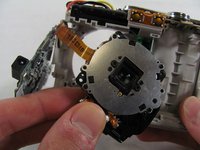
    • Slide the lens to the left and pull up. The lens should easily come loose and slide right out.

    Pergunte ao FixBot

    Comentar

Conclusão

To reassemble your device, follow these instructions in reverse order.

Cancelar: não concluí este guia.

Matt

Membro desde: 01/25/11

826 Reputação

Autoria de 6 guias

Equipe

Cal Poly, Team 4-36, Regan Winter 2011 Membro de Cal Poly, Team 4-36, Regan Winter 2011

CPSU-REGAN-W11S4G36

3 Membros

Autoria de 14 guias

1Comentário do guia

This is also applicable to the Olympus FE170. I dismantled and repaired mine using this guide. Excellent!

Alan Shaw - Responder Compartilhar

Comentar

Visualizações:

Últimas 24 horas: 4

Últimos 7 dias: 15

Últimos 30 dias: 71

Ao todo: 7,205