Ir para o conteúdo principal
Participe da comunidade de reparos - Criar conta

Nook HD+ Antenna Replacement

O que você precisa

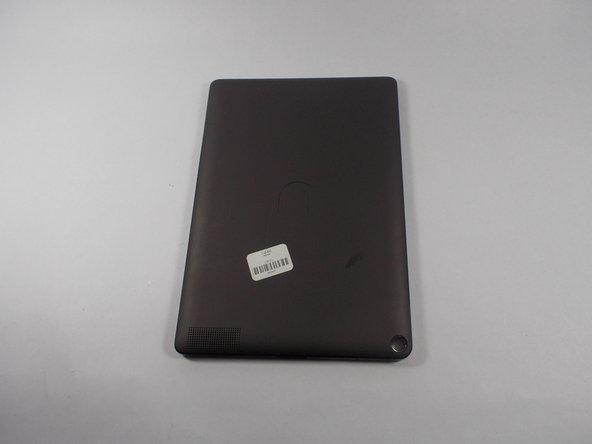
  1. Nook HD+ Antenna Replacement, Antenna: passo 1, imagem 1 %32
    • Pry the front frame off of the nook by wedging the plastic opening piece between the frame and the nook.

    Pergunte ao FixBot
  2. Nook HD+ Antenna Replacement, Remove the screws: passo 2, imagem 1 %32 Nook HD+ Antenna Replacement, Remove the screws: passo 2, imagem 2 %32
    • Remove every visible screw from the front of the nook using the T-4 attachment for the screwdriver in the iFixit screwdriver kit.

    Pergunte ao FixBot
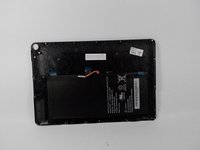
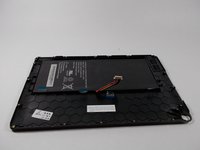
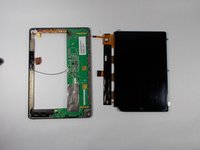
  3. Nook HD+ Antenna Replacement, Remove the chassis: passo 3, imagem 1 %32 Nook HD+ Antenna Replacement, Remove the chassis: passo 3, imagem 2 %32
    • Carefully remove the center chassis from the bottom frame.

    Pergunte ao FixBot
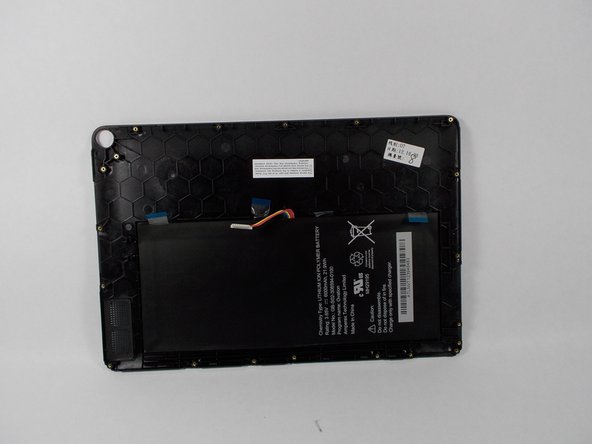
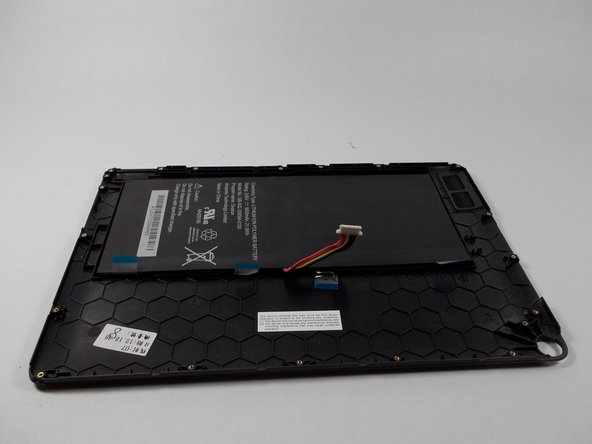
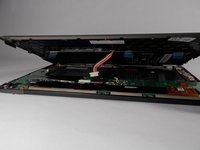
  4. Nook HD+ Antenna Replacement, Dettatch battery: passo 4, imagem 1 %32 Nook HD+ Antenna Replacement, Dettatch battery: passo 4, imagem 2 %32 Nook HD+ Antenna Replacement, Dettatch battery: passo 4, imagem 3 %32
    • Detach the battery ribbon from the motherboard.

    Pergunte ao FixBot
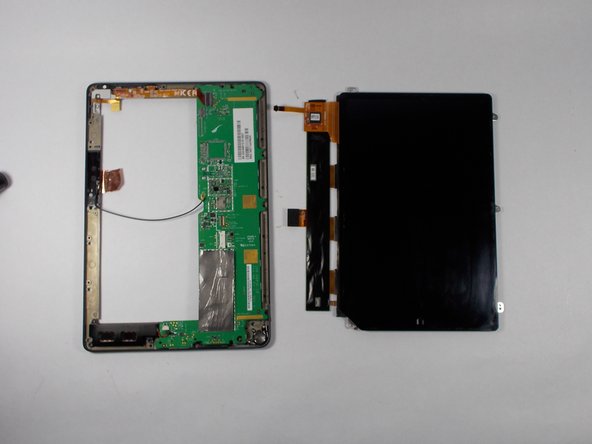
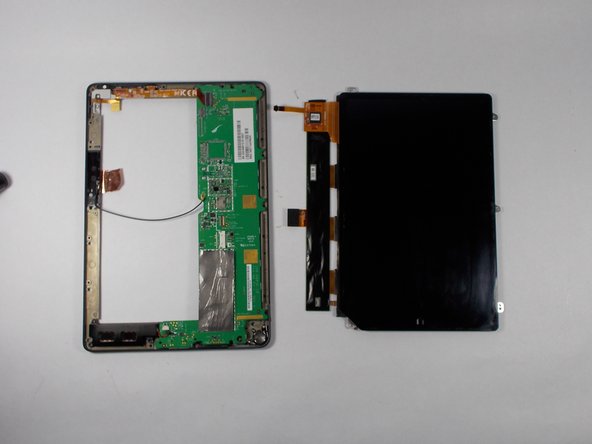
  5. Nook HD+ Antenna Replacement, Flip the center chassis: passo 5, imagem 1 %32
    • Flip the center chassis so that the screen is facing down, and the hole is positioned in the bottom right corner.

    Pergunte ao FixBot
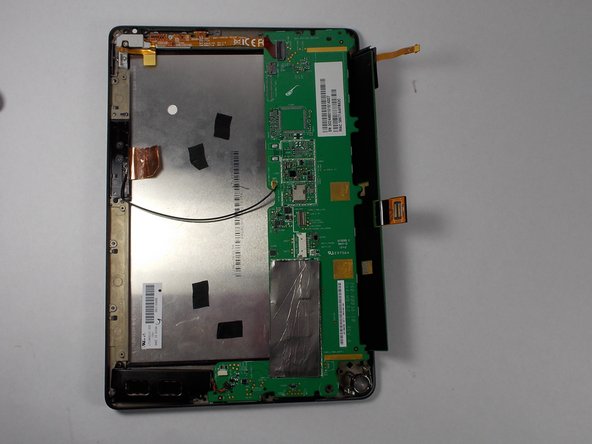
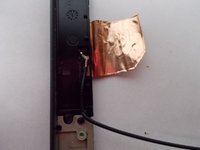
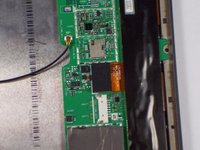
  6. Nook HD+ Antenna Replacement, Remove the antenna part 1: passo 6, imagem 1 %32 Nook HD+ Antenna Replacement, Remove the antenna part 1: passo 6, imagem 2 %32
    • Remove the wire from the attachment on the motherboard (this wire un-clips).

    Pergunte ao FixBot
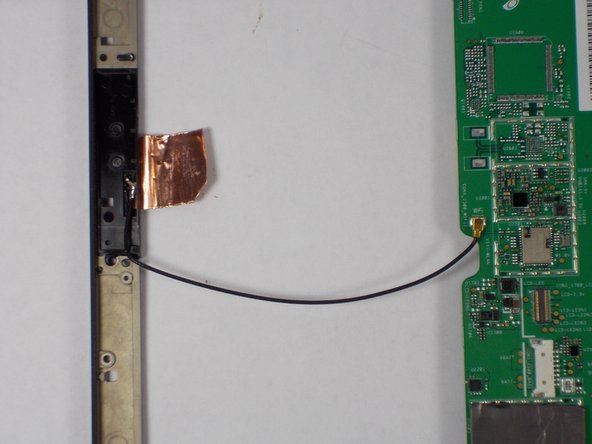
  7. Nook HD+ Antenna Replacement, Remove the antenna part 2: passo 7, imagem 1 %32 Nook HD+ Antenna Replacement, Remove the antenna part 2: passo 7, imagem 2 %32
    • Apply soldering iron to the wire where it connects on the frame side. Remove wire when the solder is molten.

    Pergunte ao FixBot
  8. Nook HD+ Antenna Replacement, Place new antenna.: passo 8, imagem 1 %32 Nook HD+ Antenna Replacement, Place new antenna.: passo 8, imagem 2 %32
    • Replace new antenna following all the steps in reverse.

    Pergunte ao FixBot
Conclusão

To reassemble your device, follow these instructions in reverse order.

Uma outra pessoa concluiu este guia.

Elijah Gonsalves

Membro desde: 10/24/14

1.049 Reputação

Autoria de 3 guias

Equipe

UMass Dartmouth, Team 2-3, Duarte Fall 2014 Membro de UMass Dartmouth, Team 2-3, Duarte Fall 2014

UMASSD-DUARTE-F14S2G3

5 Membros

Autoria de 10 guias

0Comentários do guia

Comentar

Visualizações:

Últimas 24 horas: 6

Últimos 7 dias: 12

Últimos 30 dias: 45

Ao todo: 1,372