Essa tradução foi gerada por um programa e ainda não foi revisada por uma pessoa. Falas essa língua? Dá uma olhada.
Introdução
Neste guia, descrevemos como desparafusar e remover a carcaça frontal do Nokia 2630b. Isso permite acessar a tampa da tela LCD e o teclado.
O que você precisa
-
-
-
Pressione os botões de liberação em ambos os lados da tampa da bateria. Enquanto mantém os botões pressionados, puxe a tampa da bateria para fora do celular
 Pergunte ao FixBot
-
-
-
Retire a bateria segurando pela parte superior e inclinando-a para fora.
-
-
-
-
-
Remova os dois parafusos de cada lado da carcaça da bateria usando uma chave Torx T5.
-
-
-
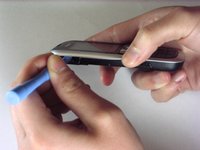
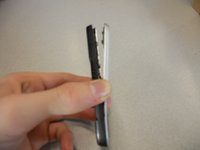
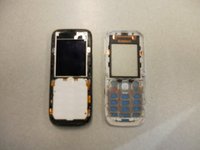
Separe a carcaça frontal da carcaça traseira usando o iPod opener.
-
-
-
Remova os parafusos usando a chave Torx T5 para soltar o chip do computador da carcaça.
-
-
-
-
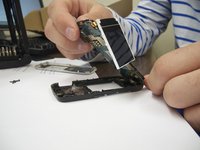
Remova cuidadosamente o chip do computador e a tela da carcaça preta com os dedos.
-
-
-
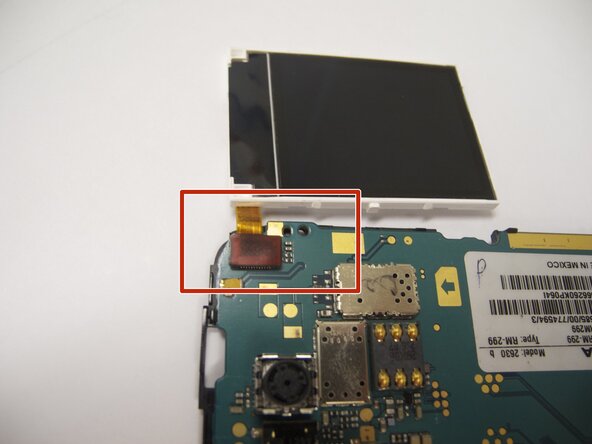
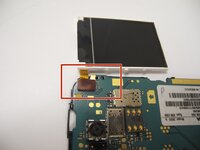
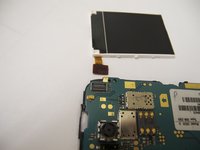
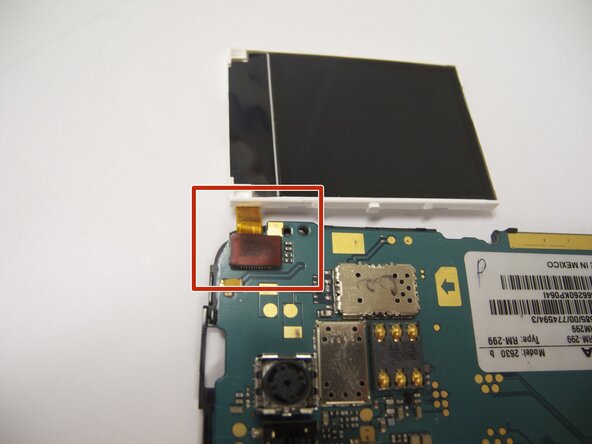
A tela está conectada à placa-mãe por um cabo flexível laranja.
-
Com cuidado, desconecte o cabo flexível da placa-mãe usando os dedos.
-
-
-
Recoloque a nova tela conectando o cabo flexível laranja ao chip do computador.
-
-
-
Coloque o chip do computador e a tela de volta no estojo preto.
-
-
-
Coloque a moldura preta de volta sobre a tela.
-
-







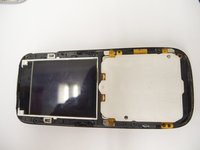


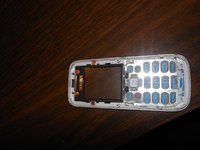
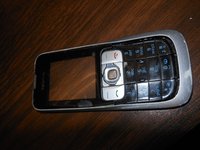


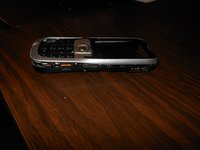
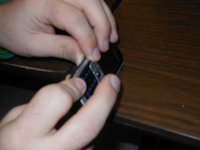


Para a remontagem de seu dispositivo, siga estas instruções na ordem inversa. Certifique-se de encaixar firmemente a nova tela / carcaça frontal no lugar.

Equipe

Cal Poly, Team 9-61, Walters Spring 2011 Membro de Cal Poly, Team 9-61, Walters Spring 2011
CPSU-WALTERS-S11S9G61
5 Membros
Autoria de 48 guias
2Comentários do guia
Great guide :-) I have a Nokia 2630 too and people can no longer hear me on calls, even though I can hear them. Do you know what could be wrong? Do you think this is something I could fix myself? Thanks!
You could try getting a neodymium magnet and run it across the earpiece grill. In my father's case, a lot of metal powder was in there, pressing in the speaker membrane; the alternative is cleaning it (which does require opening the phone using Eric's very nice guide). The alternative to those is ordering an earpiece online - but usually those are really bad quality, so trying to fix the original one would be advisable
