Essa tradução foi gerada por um programa e ainda não foi revisada por uma pessoa. Falas essa língua? Dá uma olhada.
Introdução
Este guia de reparo mostra como remover e substituir a antena do Nokia 2630b após a desmontagem completa do celular. A substituição da antena pode ser necessária se a peça estiver fisicamente danificada ou com problemas de sinal. Este reparo ajudará com problemas de conectividade, bem como com a estética, caso a antena esteja muito gasta. Não são necessárias habilidades especiais para este reparo. Você precisará de uma chave de fenda de precisão e uma ferramenta de abertura para abrir o celular.
O que você precisa
-
-
-
Pressione os botões de liberação em ambos os lados da tampa da bateria. Enquanto mantém os botões pressionados, puxe a tampa da bateria para fora do celular
 Pergunte ao FixBot
-
-
-
Retire a bateria segurando pela parte superior e inclinando-a para fora.
-
-
-
-
-
Remova os dois parafusos de cada lado da carcaça da bateria usando uma chave Torx T5.
-
-
-
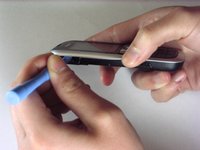
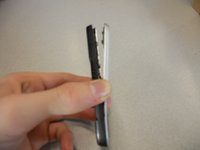
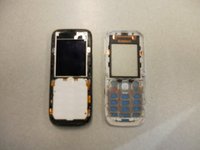
Separe a carcaça frontal da carcaça traseira usando o iPod opener.
-
-
-
Remova os parafusos usando a chave Torx T5 para soltar o chip do computador da carcaça.
-
-
-
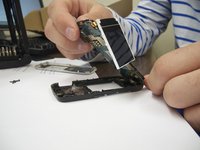
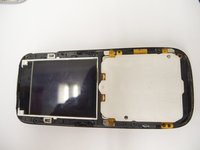
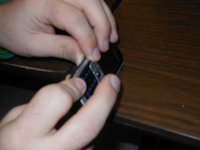
Remova cuidadosamente o chip do computador e a tela da carcaça preta com os dedos.
-
-
-
-
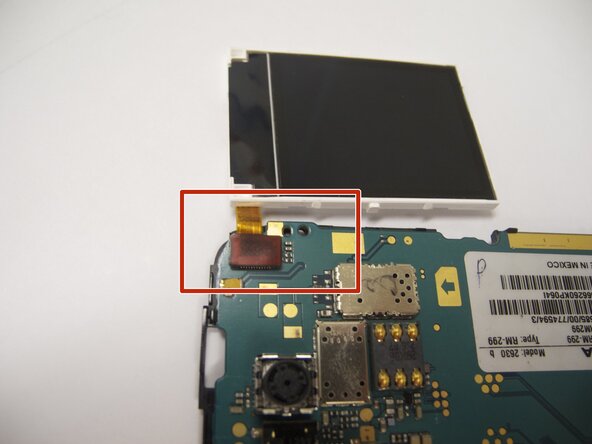
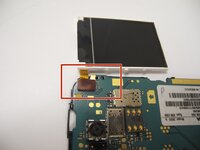
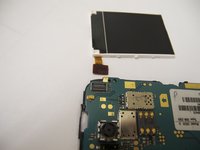
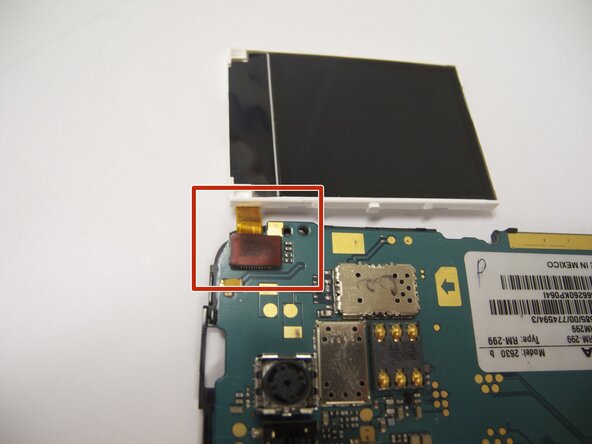
A tela está conectada à placa-mãe por um cabo flexível laranja.
-
Com cuidado, desconecte o cabo flexível da placa-mãe usando os dedos.
-
-
-
Recoloque a nova tela conectando o cabo flexível laranja ao chip do computador.
-
-
-
Coloque o chip do computador e a tela de volta no estojo preto.
-
-
-
Coloque a moldura preta de volta sobre a tela.
-
-
-
-
-
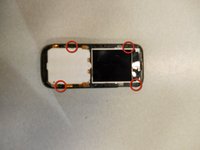
Localize os quatro parafusos que prendem a tampa traseira ao restante do celular.
-
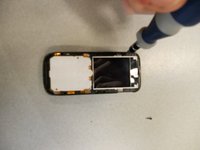
Desparafuse todos os quatro parafusos usando uma chave estrela T-5, girando no sentido anti-horário.
-
-
-
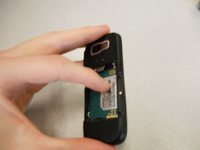
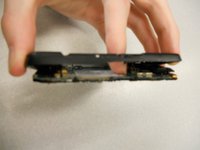
Segurando a carcaça traseira, aplique pressão na parte de trás do celular, perto da localização da bateria, para separar os dois componentes.
-
-
-
-
-
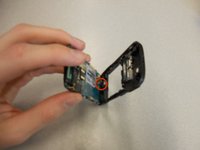
A antena é o componente em formato de “L” localizado na parte superior do celular, entre a carcaça traseira e a placa.
-
Você conseguirá remover a antena com o mínimo de esforço.
-
Para instalar uma antena nova, coloque-a no mesmo local da antiga. Não é necessário conectá-la a nenhum hardware do celular.
-
-
-
Para remontar o dispositivo, siga as instruções na ordem inversa.
-
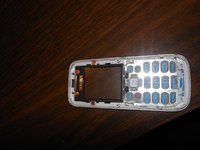
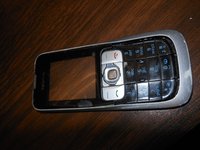
Ao reinstalar o teclado, verifique se ele está na posição correta antes de parafusar a carcaça novamente.
-
Ao reinstalar a bateria, certifique-se de que os contatos da bateria conectem-se aos contatos do celular.
-
Verifique novamente a posição dos contatos de latão em relação à bateria.
-
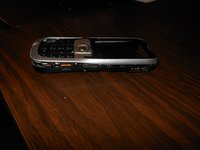
A foto exibe a orientação correta da bateria.
-
-


















Equipe

Cal Poly, Team 9-61, Walters Spring 2011 Membro de Cal Poly, Team 9-61, Walters Spring 2011
CPSU-WALTERS-S11S9G61
5 Membros
Autoria de 48 guias
