Introdução
If you are having problems with your Nintendo NES Model NES-026 Advantage's B Button, you'll need to remove it to investigate potential issues.
The B button is used to send inputs to the device. You'll need to remove your B Button if it is stuck in the pressed position or too stiff to move.
Before you start working on this guide, make sure the device is unplugged from any external sources.
O que você precisa
-
-
Remove the four sticky pads from the bottom of the device.
 Pergunte ao FixBot
-
-
-
Remove the six 8 mm screws from the bottom of the device with a Phillips #0 screwdriver.
-
Use your hands to pull the back panel away from the controller.
-
-
-
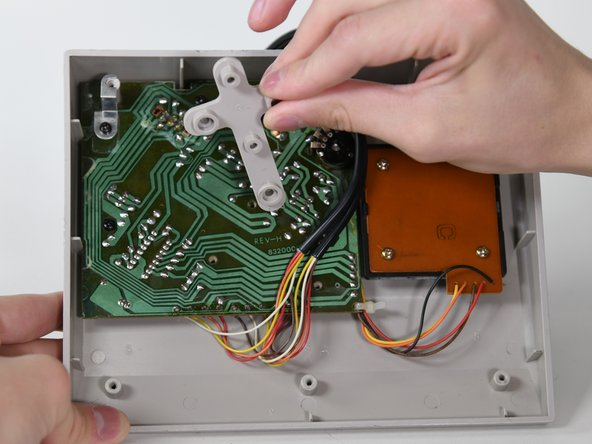
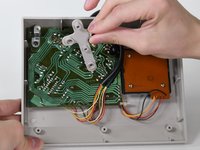
Remove the three 14 mm screws from the gray cross with a Phillips #0 screwdriver.
-
Lift the gray component away from the device.
-
-
-
Ferramenta utilizada neste passo:Tweezers$4.99
-
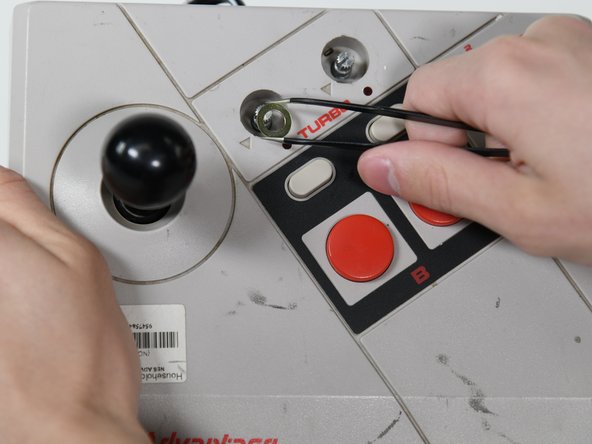
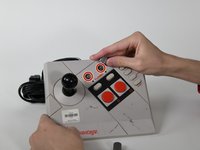
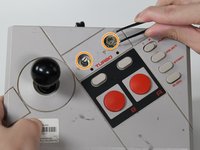
Remove the two silver knobs on the front of the device.
-
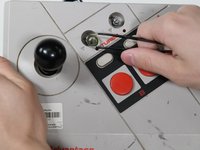
Unscrew the two silver nuts using a flathead screwdriver.
-
Remove each silver nut and silver washer using a pair of tweezers.
-
-
-
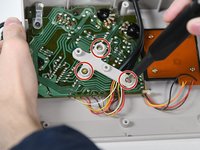
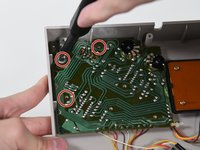
Remove the remaining three 8 mm screws on the circuit board with a Phillips #0 screwdriver.
-
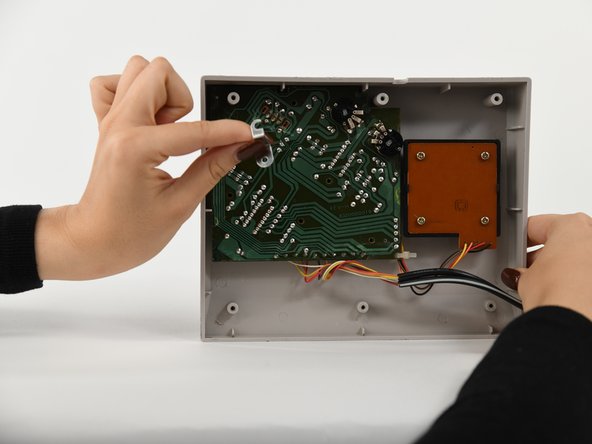
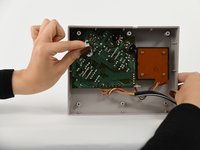
Remove the silver bracket from the top of the circuit board.
-
-
-
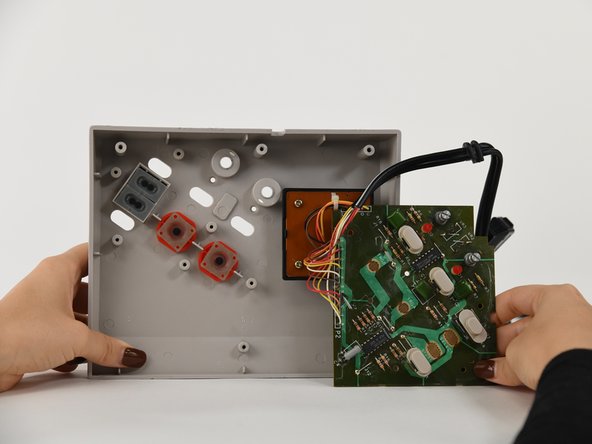
Remove the B button from the case (or the circuit board if it got stuck).
-







To reassemble your device, follow these instructions in reverse order.

Equipe

University of Colorado Denver, Team 1-2, Campeau Fall 2022 Membro de University of Colorado Denver, Team 1-2, Campeau Fall 2022
UCDENVER-CAMPEAU-F22S1G2
5 Membros
Autoria de 7 guias
