Introdução
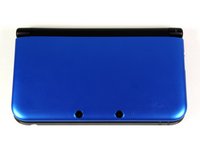
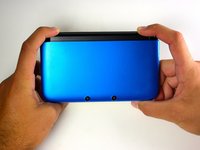
First you will take apart the lower case of the Nintendo 3DS XL, then the upper case in order to reach the ribbons that attach the Upper LCD screen to the rest of the device.
O que você precisa
-
-
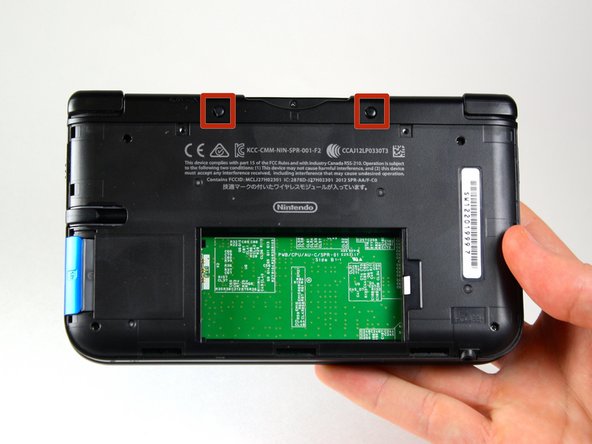
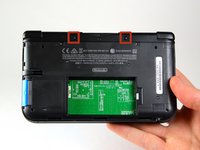
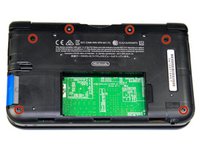
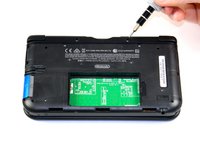
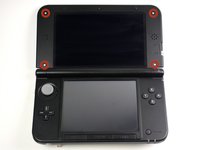
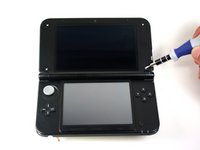
Use a JIS 00 screwdriver to loosen the 4.2 mm‑long screws on the top edge of the back cover.
 Pergunte ao FixBot
-
-
-
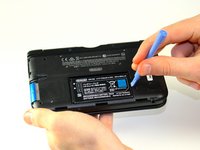
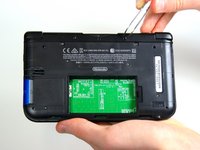
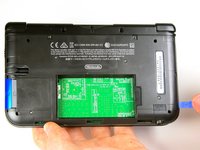
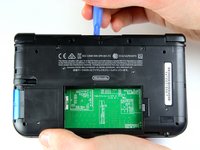
Use a plastic opening tool to pry off the clips securing the back cover, starting at the top corners and working your way down.
-
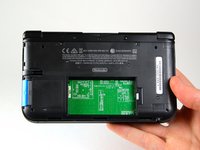
Use your hands to remove the back cover.
-
-
-
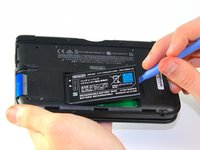
Insert the plastic opening tool into the opening located on the right side of the battery.
-
Pry the battery out of its recess and remove it.
-
-
Ferramenta utilizada neste passo:Tweezers$4.99
-
Using tweezers pull out the rubber bumpers that are located at the top of the device on either side of the game cartridge compartment.
-
-
-
Remove the 2.3 mm screw located above the game cartridge slot with a Phillips #00 screwdriver.
-
-
-
With a plastic opening tool pry off the lower case starting at the bottom edge and working around the perimeter.
-
Two ribbon cables connect the case to the circuit board. Be careful to not pull the case too hard and rip the ribbon cables.
-
-
-
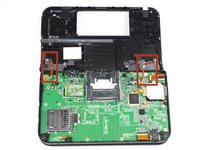
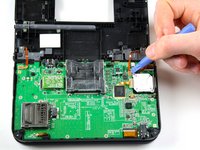
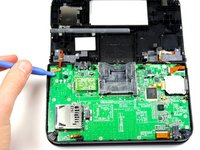
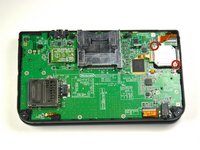
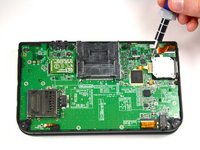
Disconnect the ribbon cables located underneath the left and right bumpers by prying up the base of the cables with a plastic opening tool.
-
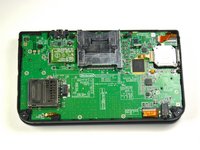
Completely remove the lower case from the rest of the device and set aside.
-
-
-
Position the device such that the game cartridge slot is located at the top.
-
Locate the circle pad on the right side of the device.
-
Remove the two 7.5 mm screws on the upper left and the bottom right corners.
-
-
-
-
Using the flat head side of the spudger carefully lift up the retaining flap that attaches the circle pad ribbon to the motherboard.
-
Remove the ribbon and circle pad joystick.
-
-
-
Position the device such that the game cartridge slot is located at the top.
-
Locate the IR board on the upper right side of the motherboard.
-
Remove the IR board with a plastic opening tool by inserting the tool below the IR board and gently prying up.
-
-
-
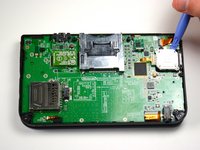
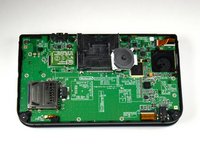
Using a plastic opening tool, pry off the Wi-Fi board.
-
-
Ferramenta utilizada neste passo:Tweezers$4.99
-
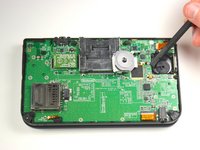
Locate the volume switch on the right side of the motherboard next to the circle pad joystick.
-
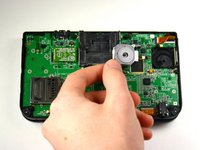
Using tweezers, carefully remove the volume board from the casing. It will still be attached to the motherboard by a ribbon cable.
-
-
-
Using the flat head side of the spudger carefully lift up the flap that attaches the volume board ribbon to the motherboard.
-
Remove the volume board and set aside.
-
-
-
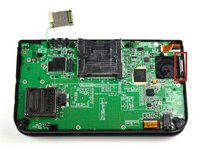
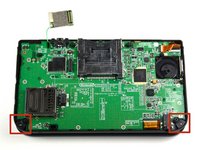
Remove the black plastic pieces from the lower left and right hand corners with either your fingers or tweezers.
-
-
-
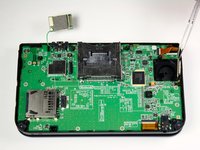
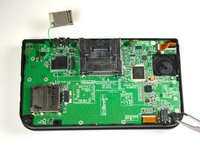
Using the flat head side of the spudger carefully lift up the flaps that attach the two smaller ribbons to the motherboard.
-
Remove the ribbons from the flaps.
-
-
-
Using the flat head side of the spudger carefully lift up the flaps that attach the wider ribbons to the motherboard.
-
Remove the ribbons from the opened flaps.
-
-
-
Using the flat head side of the spudger carefully lift up the flap that attaches the ribbon to the motherboard.
-
Remove the ribbon from the flap.
-
-
-
Use a Phillips #00 screwdriver to remove ten 3.0 mm screws that are located around the face of the motherboard.
-
-
-
Carefully lift the board straight up just enough to clear the two plastic mounts located near the top corners of the cartridge slot.
-
Gently flip the motherboard over the top side.
-
-
-
Using the flat head side of the spudger carefully lift up the flap that attaches the wider ribbon on the upper right side to the motherboard.
-
Remove the ribbon from the opened flap.
-
Set the motherboard aside.
-
-
Ferramenta utilizada neste passo:Tweezers$4.99
-
Open the device such that the upper LCD is on top.
-
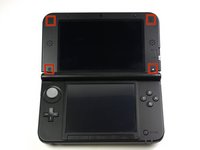
Using tweezers remove the four rubber pieces that are in all four corners.
-
-
-
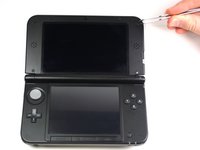
Remove the four 4.3 mm screws located underneath the four rubber pieces with a Phillips #00 screwdriver head.
-
-
-
Flip over the device and close the hinge.
-
Position your fingers at the top of the hinge and push downwards in order to push the cover downwards away from the hinge. It only moves 2mm (1/8").
-
-
-
Remove the screw that is holding the 3D mechanism toggle button in place.
-
Carefully pull off the ribbons that connect the camera and speakers to the Upper LCD.
-
-
-
Remove the two small ribbons located on the upper left corner.
-
Using a spudger lift up the black hinges that connect the ribbons to the bracket.
-
Pull the ribbons out of the bracket.
-
-
-
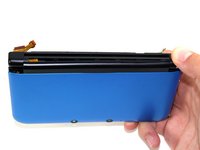
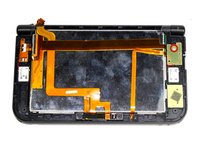
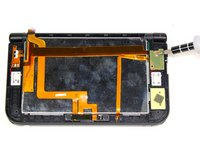
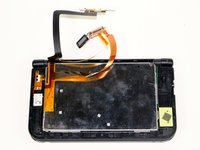
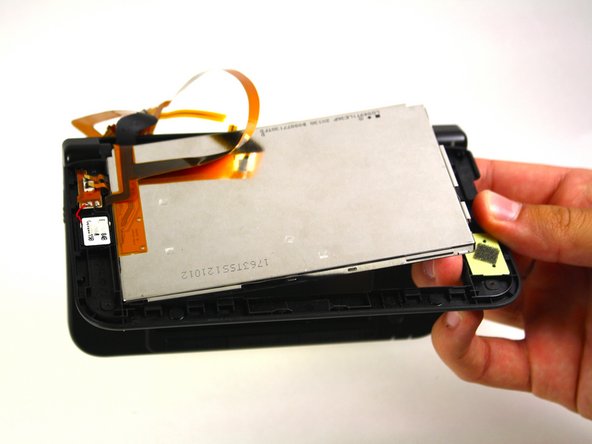
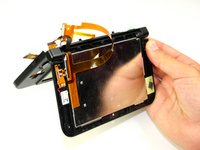
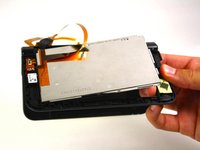
Open the hinge and carefully pop off the Upper LCD using your fingers.
-
Gently remove the ribbon from the hinge.
-
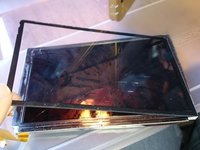
Adhere the cover to the new screen by using thin adhesive around the edges, or by reusing the old adhesive.
-


















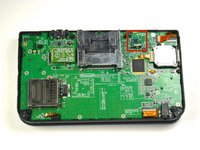
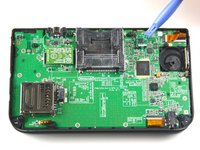


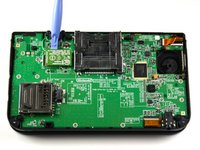
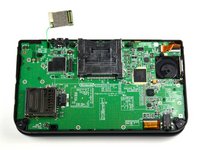






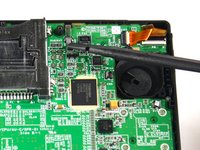
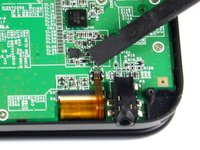
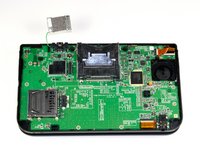


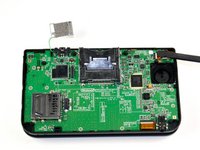
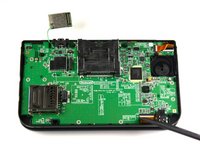
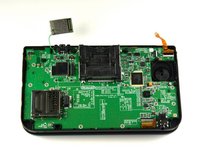


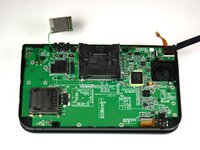
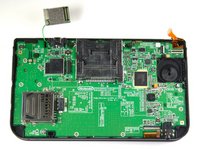

















To reassemble your device, follow these instructions in reverse order.
Cancelar: não concluí este guia.
159 outras pessoas executaram este guia.

Equipe

Cal Poly, Team 9-13, Regan Spring 2014 Membro de Cal Poly, Team 9-13, Regan Spring 2014
CPSU-REGAN-S14S9G13
5 Membros
Autoria de 56 guias
67Comentários do guia
Any good ways to get the ribbon cable back through the hole?
did u find a solution?? i need help.
Carefully just have a pre-twist to it....good luck
Note: If your top or bottom screen was working before disassembly and doesn't work after reassembly, then it's likely that the connector is loose or dirty or damaged or not clipped or PLACED UPSIDE-DOWN. I had this issue with my Super3DS XL(2015) and it turns out that the reason why my top screen wasn't working after put together, was because I had the top LCD connector upside-down. After I correctly put the connector in, It worked again! :)
Try a Bobby hair pin.
