Ir para o conteúdo principal
Participe da comunidade de reparos - Criar conta

Ninja Foodi SP101 Control Panel Replacement

O que você precisa

  1. Ninja Foodi SP101 Control Panel Replacement, Feet: passo 1, imagem 1 %32 Ninja Foodi SP101 Control Panel Replacement, Feet: passo 1, imagem 2 %32
    • Use a TR10 screwdriver to remove the four 11mm screws holding the black lever bar in place.

    Pergunte ao FixBot
  2. Ninja Foodi SP101 Control Panel Replacement: passo 2, imagem 1 %32
    • Remove the black lever bar.

    Pergunte ao FixBot
  3. Ninja Foodi SP101 Control Panel Replacement, Side Panels: passo 3, imagem 1 %32
    • Use a Phillips #1 screwdriver to remove the three 8mm screws on each side of the back panel.

    Pergunte ao FixBot
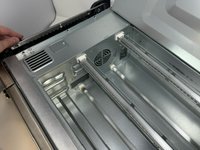
  4. Ninja Foodi SP101 Control Panel Replacement: passo 4, imagem 1 %32 Ninja Foodi SP101 Control Panel Replacement: passo 4, imagem 2 %32
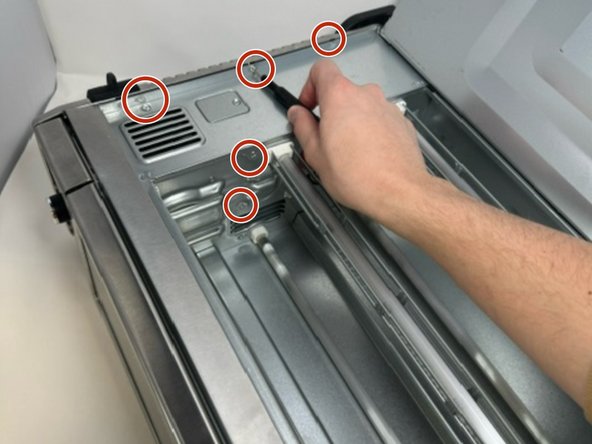
    • Flip the device upside down and open the bottom panel.

    • Remove the 3 x philips #1 screws along the top edge of the interior using a screwdriver. The Bottom 2 do not have to be removed.

    Pergunte ao FixBot
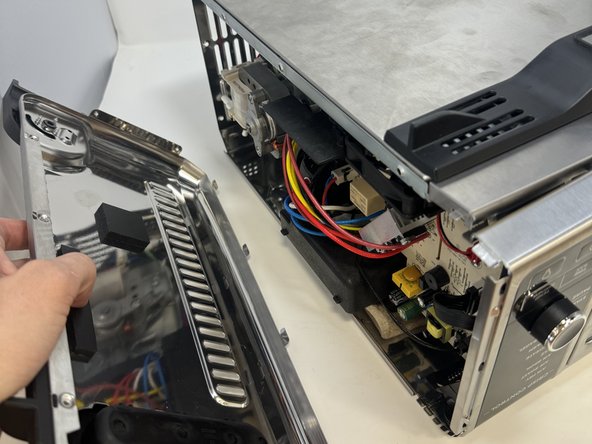
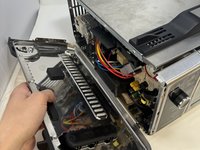
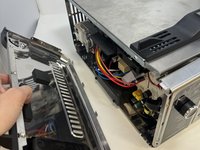
  5. Ninja Foodi SP101 Control Panel Replacement: passo 5, imagem 1 %32 Ninja Foodi SP101 Control Panel Replacement: passo 5, imagem 2 %32 Ninja Foodi SP101 Control Panel Replacement: passo 5, imagem 3 %32
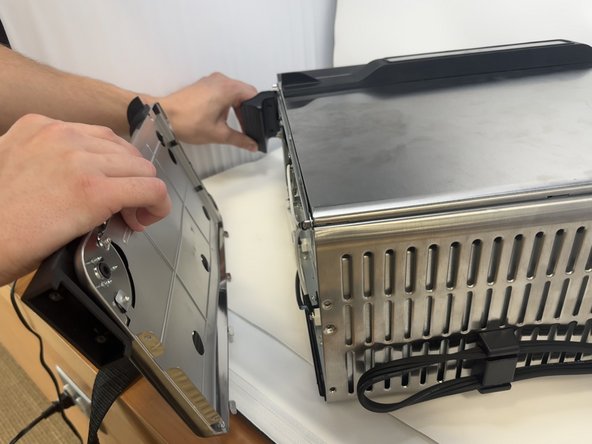
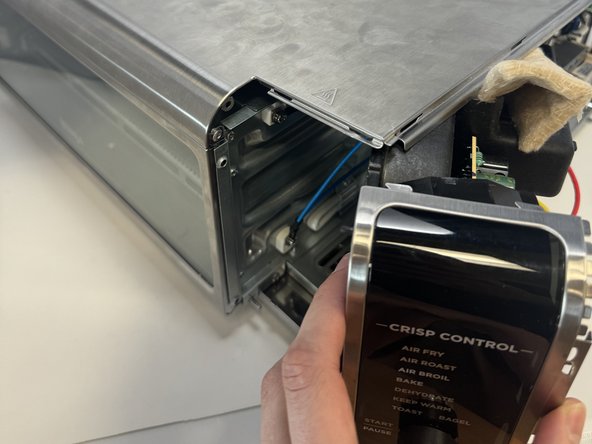
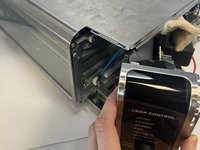
    • Remove the control side panel. To remove it, push forward towards then front control panel to release the tabs out of the main body. Fold away the side panel when the tabs have visually released from their slots in the main body.

    Pergunte ao FixBot
  6. Ninja Foodi SP101 Control Panel Replacement: passo 6, imagem 1 %32 Ninja Foodi SP101 Control Panel Replacement: passo 6, imagem 2 %32
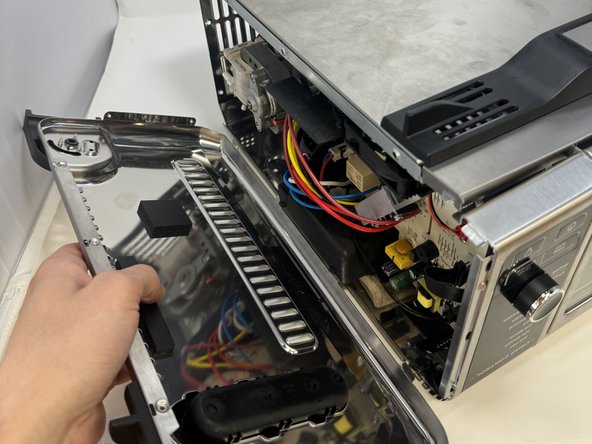
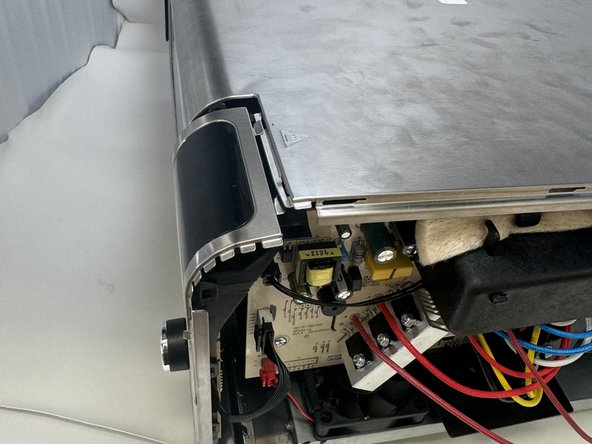
    • Lift the handle and pull the side panel out.

    • Remove the handle side panel.

    Pergunte ao FixBot
  7. Ninja Foodi SP101 Control Panel Replacement, Control Panel: passo 7, imagem 1 %32
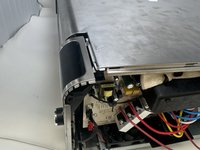
    • Remove the 10mm screw using the Phillips #1 screwdriver.

    • This screw connects the motherboard to the motor.

    Pergunte ao FixBot
  8. Ninja Foodi SP101 Control Panel Replacement: passo 8, imagem 1 %32 Ninja Foodi SP101 Control Panel Replacement: passo 8, imagem 2 %32 Ninja Foodi SP101 Control Panel Replacement: passo 8, imagem 3 %32
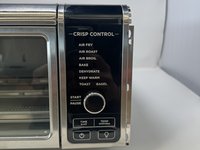
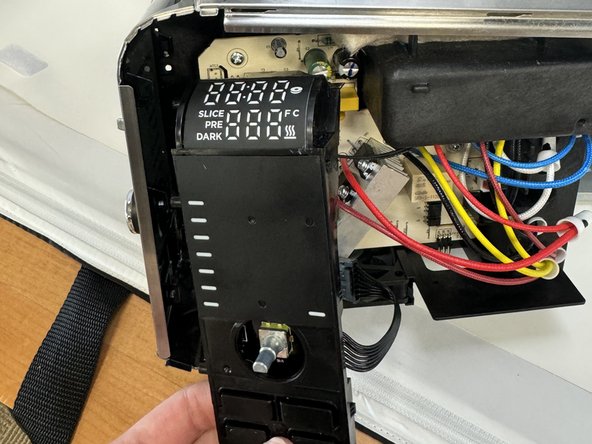
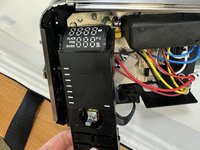
    • Locate the control panel.

    • Slide the top panel outwards and to the right.

    Pergunte ao FixBot
  9. Ninja Foodi SP101 Control Panel Replacement: passo 9, imagem 1 %32
    • Remove the three 8 mm screws with the Phillips #1 screwdriver.

    • These are located on the control panel side that was facing inward.

    Pergunte ao FixBot
  10. Ninja Foodi SP101 Control Panel Replacement: passo 10, imagem 1 %32 Ninja Foodi SP101 Control Panel Replacement: passo 10, imagem 2 %32
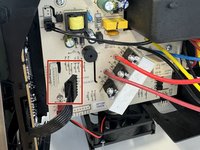
    • Unclip the wires from the motherboard.

    Pergunte ao FixBot
  11. Ninja Foodi SP101 Control Panel Replacement: passo 11, imagem 1 %32
    • Remove the control panel.

    Pergunte ao FixBot
Conclusão

To reassemble your device, follow these instructions in reverse order.

2 outras pessoas executaram este guia.

0Comentários do guia

Comentar

Visualizações:

Últimas 24 horas: 0

Últimos 7 dias: 23

Últimos 30 dias: 121

Ao todo: 2,670