Ir para o conteúdo principal
Participe da comunidade de reparos - Criar conta

Ninja Coffee Bar CF080 Power Module Replacement

O que você precisa

    1. Ninja Coffee Bar CF080 Power Module Replacement, Heated Plate: passo 1, imagem 1 %32
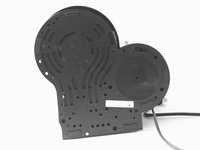
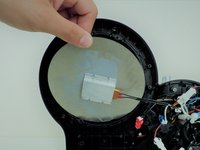
      • Face the machine bottom towards you.

      Pergunte ao FixBot
      Comentar

    2. Ninja Coffee Bar CF080 Power Module Replacement: passo 2, imagem 1 %32 Ninja Coffee Bar CF080 Power Module Replacement: passo 2, imagem 2 %32
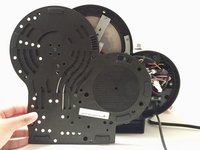
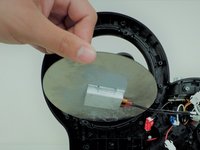
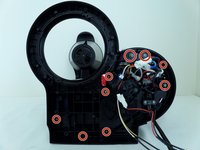
      • Unscrew six 0.6cm screws by holding the bottom board with Torx #10 screwdriver to remove the board.

      • Unscrew one 0.6 cm screw with PH1 screwdriver to remove the board.

      Pergunte ao FixBot
      Comentar

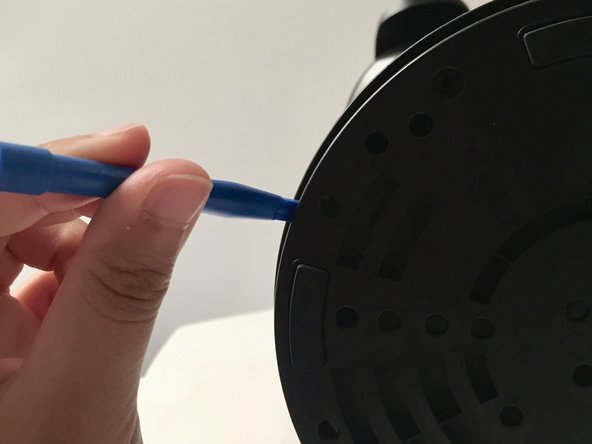
    3. Ninja Coffee Bar CF080 Power Module Replacement: passo 3, imagem 1 %32 Ninja Coffee Bar CF080 Power Module Replacement: passo 3, imagem 2 %32 Ninja Coffee Bar CF080 Power Module Replacement: passo 3, imagem 3 %32
      • With moderate force remove and place the "plastic opening tool" between the divide in order to remove the bottom board.

      Pergunte ao FixBot

      Comentar

    4. Ninja Coffee Bar CF080 Power Module Replacement: passo 4, imagem 1 %32 Ninja Coffee Bar CF080 Power Module Replacement: passo 4, imagem 2 %32 Ninja Coffee Bar CF080 Power Module Replacement: passo 4, imagem 3 %32
      • Remove the bottom board with moderate force.

      Pergunte ao FixBot
      Comentar

    5. Ninja Coffee Bar CF080 Power Module Replacement: passo 5, imagem 1 %32
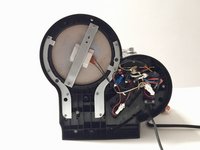
      • Unscrew eight 0.6cm sized screws with Phillips #1 screwdriver, holding the silver secures on the sides of the heated plate.

      • Four screws on each side, two silver secures to remove the securers, located on the sliver bar holding the heated plate (one on each end).

      Pergunte ao FixBot
      Comentar

    6. Ninja Coffee Bar CF080 Power Module Replacement: passo 6, imagem 1 %32
      • Unscrew two 0.6cm sized screws Phillips #1 screwdriver.

      • The silver bar will fall off once screws are removed.

      Pergunte ao FixBot
      Comentar

    7. Ninja Coffee Bar CF080 Power Module Replacement: passo 7, imagem 1 %32 Ninja Coffee Bar CF080 Power Module Replacement: passo 7, imagem 2 %32
      • Remove the heated plate from the machine with easy glide.

      Pergunte ao FixBot
      Comentar

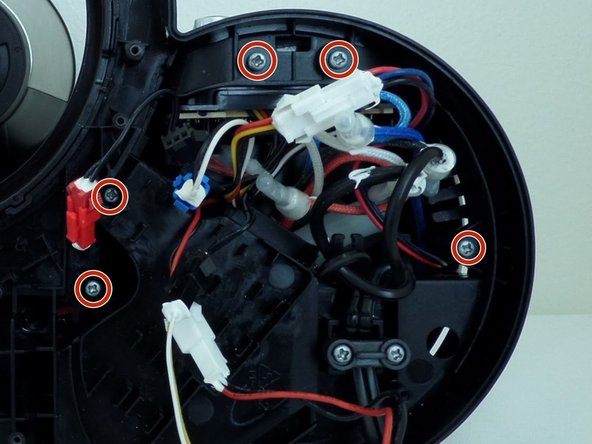
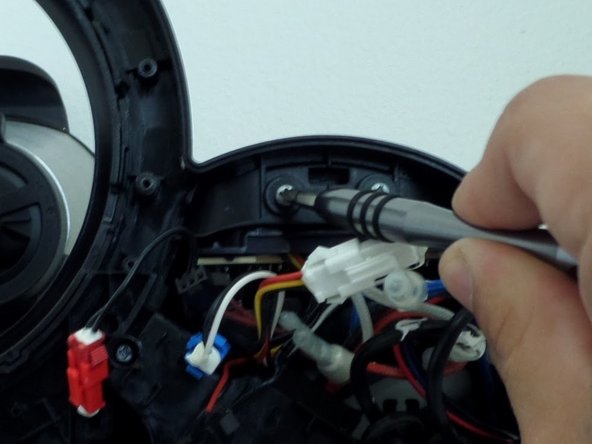
    1. Ninja Coffee Bar CF080 Power Module Replacement, Power Module: passo 8, imagem 1 %32 Ninja Coffee Bar CF080 Power Module Replacement, Power Module: passo 8, imagem 2 %32 Ninja Coffee Bar CF080 Power Module Replacement, Power Module: passo 8, imagem 3 %32
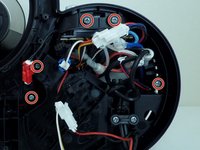
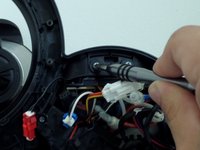
      • Remove the nine 0.5cm screws with Phillips #2 screwdriver.

      • Some screws are harder to see due to how deep the holes are.

      • Recommend using Extender 4 with Phillips #2 screwdriver to help unscrew the screws within the deep holes of the machine.

      Pergunte ao FixBot
      Comentar

    2. Ninja Coffee Bar CF080 Power Module Replacement: passo 9, imagem 1 %32 Ninja Coffee Bar CF080 Power Module Replacement: passo 9, imagem 2 %32
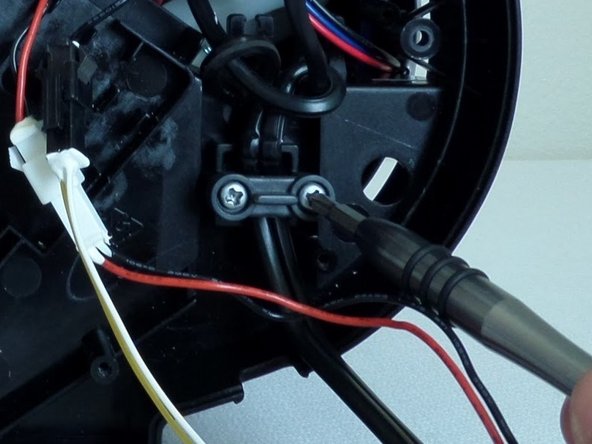
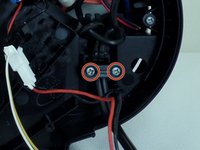
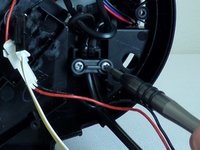
      • Remove the two 0.6cm with Phillips #2 screwdriver.

      Pergunte ao FixBot

      Comentar

    3. Ninja Coffee Bar CF080 Power Module Replacement: passo 10, imagem 1 %32 Ninja Coffee Bar CF080 Power Module Replacement: passo 10, imagem 2 %32 Ninja Coffee Bar CF080 Power Module Replacement: passo 10, imagem 3 %32
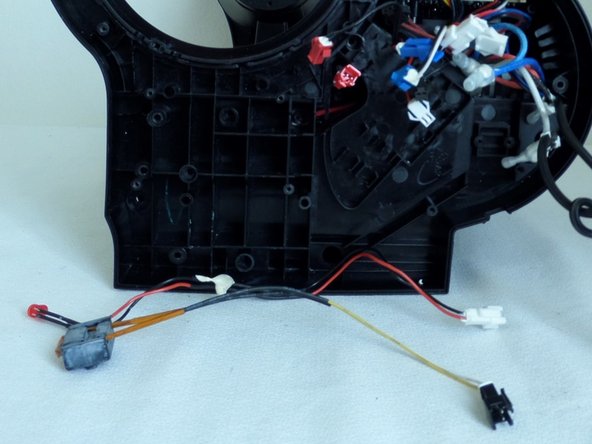
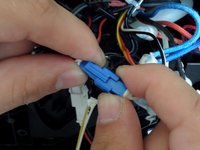
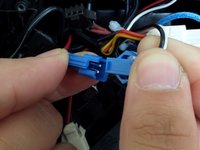
      • Detach various colored cords from one another, using both hands to place thumb and index finger to hold each grip then separate by pulling with the degree of force.

      • There with be 1 blue, 1 black, 1 red and 2 white.

      Pergunte ao FixBot
      Comentar

    4. Ninja Coffee Bar CF080 Power Module Replacement: passo 11, imagem 1 %32 Ninja Coffee Bar CF080 Power Module Replacement: passo 11, imagem 2 %32
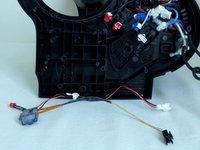
      • Remove the black board by maneuvering it through the cords.

      Pergunte ao FixBot
      Comentar

    5. Ninja Coffee Bar CF080 Power Module Replacement: passo 12, imagem 1 %32 Ninja Coffee Bar CF080 Power Module Replacement: passo 12, imagem 2 %32 Ninja Coffee Bar CF080 Power Module Replacement: passo 12, imagem 3 %32
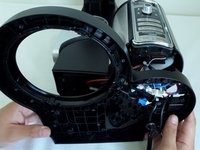
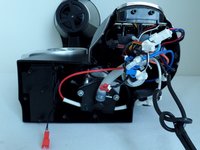
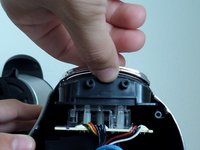
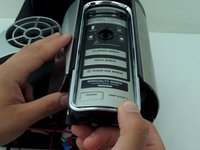
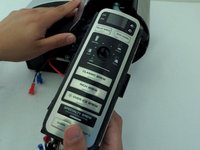
      • Grip the bottom end of the panel and pull it towards you to remove the module from the machine.

      Pergunte ao FixBot
      Comentar

    6. Ninja Coffee Bar CF080 Power Module Replacement: passo 13, imagem 1 %32 Ninja Coffee Bar CF080 Power Module Replacement: passo 13, imagem 2 %32
      • Remove the three 0.6cm screws with Phillips #1 screwdriver.

      • They are in the black holes, 1 at the top and two at the bottom.

      Pergunte ao FixBot

      Comentar

    7. Ninja Coffee Bar CF080 Power Module Replacement: passo 14, imagem 1 %32
      • Remove the black board attached to the module.

      Pergunte ao FixBot

      Comentar

Conclusão

To reassemble your device, follow these instructions in reverse order.

Cancelar: não concluí este guia.

2 outras pessoas executaram este guia.

Equipe

CSU Fullerton, Team S1-G1, Bruce Fall 2017 Membro de CSU Fullerton, Team S1-G1, Bruce Fall 2017

CSUF-BRUCE-F17S1G1

4 Membros

Autoria de 25 guias

0Comentários do guia

Comentar

Visualizações:

Últimas 24 horas: 1

Últimos 7 dias: 7

Últimos 30 dias: 41

Ao todo: 4,332