Ir para o conteúdo principal
Participe da comunidade de reparos - Criar conta

Nextbook NXA8QC116B Front Camera Replacement

O que você precisa

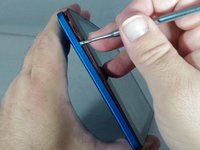
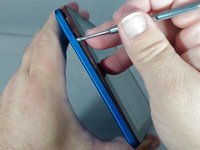
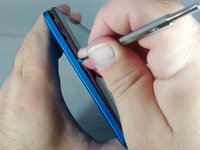
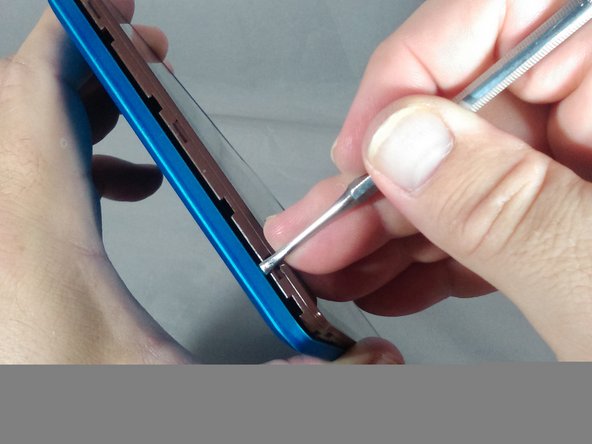
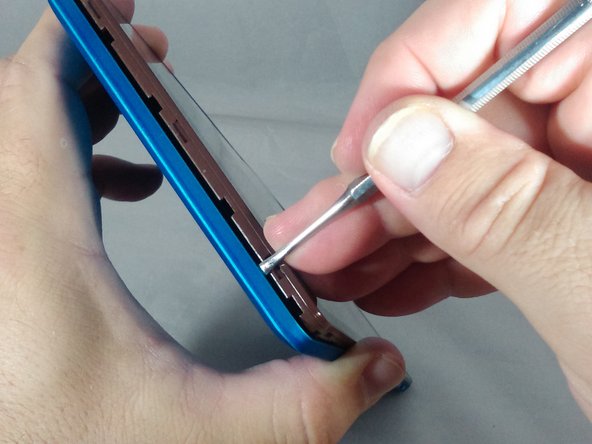
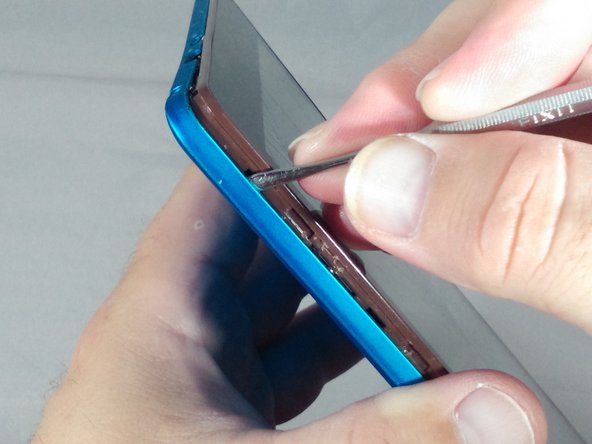
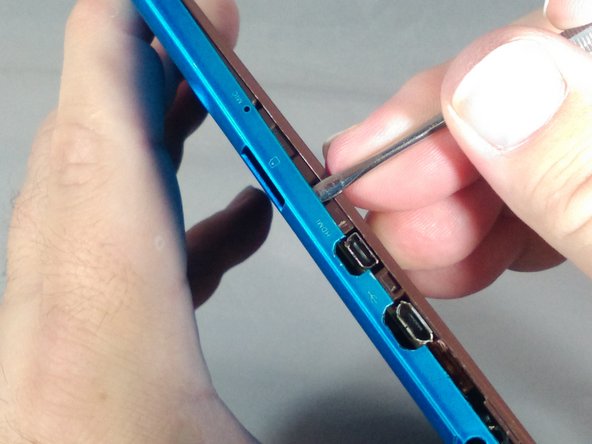
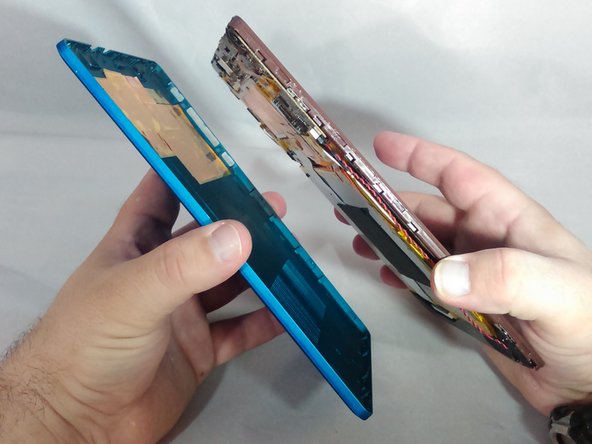
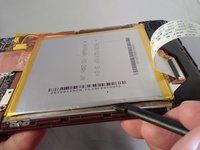
    1. Nextbook NXA8QC116B Front Camera Replacement, Battery: passo 1, imagem 1 %32 Nextbook NXA8QC116B Front Camera Replacement, Battery: passo 1, imagem 2 %32 Nextbook NXA8QC116B Front Camera Replacement, Battery: passo 1, imagem 3 %32
      • If you see any leakage coming from the tablet do not open the back cover!

      • Ensure you do not pry around the buttons. This could result in damage and render them inoperable.

      • •With the tip of the thin metal spudger in place, use a prying motion to work the spudger down the side to the corner of the device.

      Pergunte ao FixBot

      Comentar

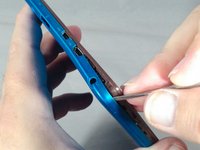
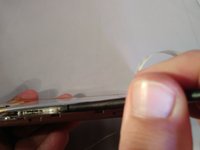
    2. Nextbook NXA8QC116B Front Camera Replacement: passo 2, imagem 1 %32 Nextbook NXA8QC116B Front Camera Replacement: passo 2, imagem 2 %32
      • Continue working the spudger downward and pry with the spudger until the bottom left-hand corner of the tablet is reached.

      Pergunte ao FixBot

      Comentar

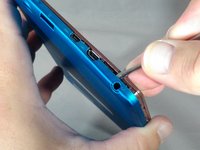
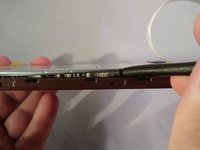
    3. Nextbook NXA8QC116B Front Camera Replacement: passo 3, imagem 1 %32 Nextbook NXA8QC116B Front Camera Replacement: passo 3, imagem 2 %32 Nextbook NXA8QC116B Front Camera Replacement: passo 3, imagem 3 %32
      • Along the bottom of the tablet, keep using a working and prying motion with the spudger to loosen the cover.

      Pergunte ao FixBot

      Comentar

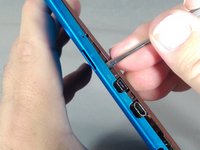
    4. Nextbook NXA8QC116B Front Camera Replacement: passo 4, imagem 1 %32 Nextbook NXA8QC116B Front Camera Replacement: passo 4, imagem 2 %32 Nextbook NXA8QC116B Front Camera Replacement: passo 4, imagem 3 %32
      • Continue prying motion until the bottom right-hand corner of the tablet is reached.

      Pergunte ao FixBot

      Comentar

    5. Nextbook NXA8QC116B Front Camera Replacement: passo 5, imagem 1 %32 Nextbook NXA8QC116B Front Camera Replacement: passo 5, imagem 2 %32
      • Work the spudger to the upper left-hand corner of the tablet.

      Pergunte ao FixBot

      Comentar

    6. Nextbook NXA8QC116B Front Camera Replacement: passo 6, imagem 1 %32 Nextbook NXA8QC116B Front Camera Replacement: passo 6, imagem 2 %32 Nextbook NXA8QC116B Front Camera Replacement: passo 6, imagem 3 %32
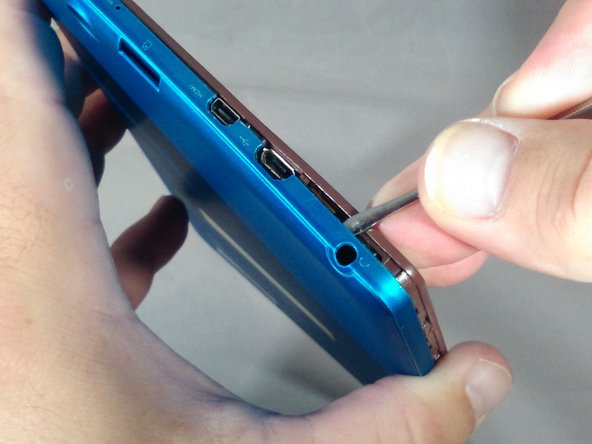
      • Be careful once you get to the top of the tablet with the spudger so as not to damage the headphone jack and other ports.

      • When prying along the top of the tablet, try to keep the spudger between 70 to 85 degrees (almost perpendicular) to the tablet screen.

      • Continue working the spudger around the tablet until the cover of the device comes off

      Pergunte ao FixBot

      Comentar

    7. Nextbook NXA8QC116B Front Camera Replacement: passo 7, imagem 1 %32 Nextbook NXA8QC116B Front Camera Replacement: passo 7, imagem 2 %32
      • Separate from the cover from the tablet.

      Pergunte ao FixBot

      Comentar

    8. Nextbook NXA8QC116B Front Camera Replacement: passo 8, imagem 1 %32 Nextbook NXA8QC116B Front Camera Replacement: passo 8, imagem 2 %32 Nextbook NXA8QC116B Front Camera Replacement: passo 8, imagem 3 %32
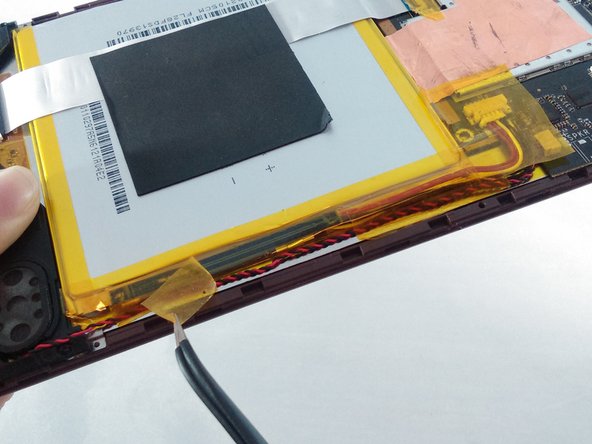
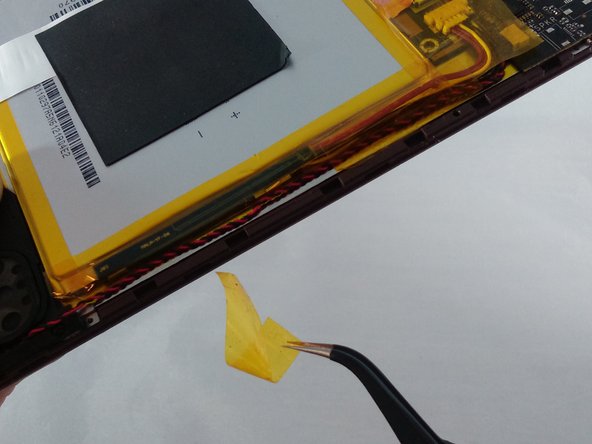
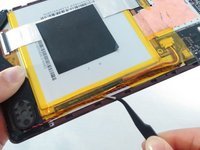
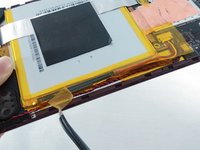
      • Locate and carefully remove the yellow cellophane tape from the red and black speaker wires that connect the speaker to the edge of the motherboard.

      Pergunte ao FixBot

      Comentar

    9. Nextbook NXA8QC116B Front Camera Replacement: passo 9, imagem 1 %32 Nextbook NXA8QC116B Front Camera Replacement: passo 9, imagem 2 %32
      Ferramenta utilizada neste passo:
      Tweezers
      $4.99
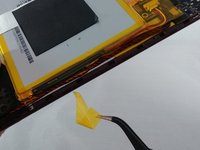
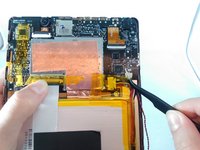
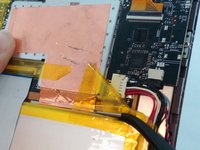
      • Locate and carefully remove the yellow cellophane tape with tweezers from the battery connector and black and red speaker wires on the edge of the motherboard.

      Pergunte ao FixBot

      Comentar

    10. Nextbook NXA8QC116B Front Camera Replacement: passo 10, imagem 1 %32 Nextbook NXA8QC116B Front Camera Replacement: passo 10, imagem 2 %32 Nextbook NXA8QC116B Front Camera Replacement: passo 10, imagem 3 %32
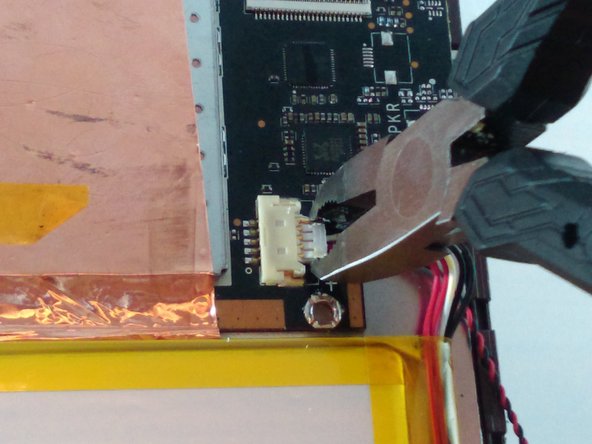
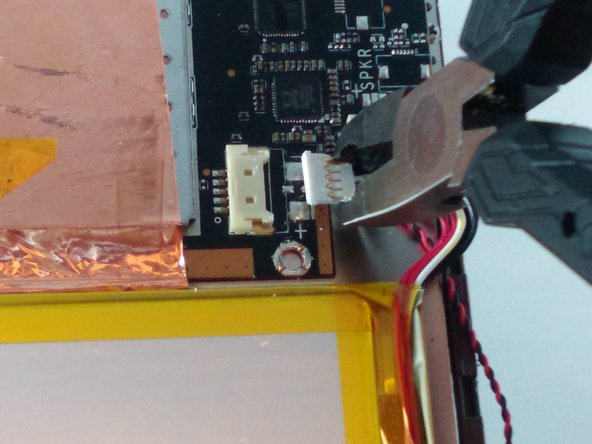
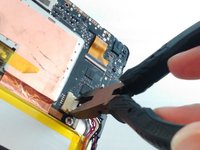
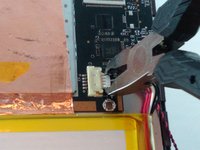
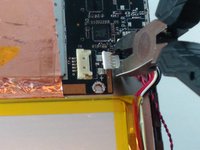
      • Using small pliers, carefully disconnect the male battery connector from the motherboard.

      • If you are only replacing the front camera, skip to step 17 in the camera replacement guide and continue.

      Pergunte ao FixBot

      Comentar

    11. Nextbook NXA8QC116B Front Camera Replacement: passo 11, imagem 1 %32
      • If the battery is leaking or bulging, stop and get away from it!

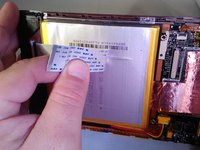
      • Carefully remove the gray square pad glued to both the white ribbon cable and the battery by pulling slowly.

      Pergunte ao FixBot

      Comentar

    12. Nextbook NXA8QC116B Front Camera Replacement: passo 12, imagem 1 %32
      • Locate the white ribbon cable Zero Insertion Force (ZIF) connector between the battery and the motherboard, and peel the yellow cellophane tape off the connector.

      Pergunte ao FixBot

      Comentar

    13. Nextbook NXA8QC116B Front Camera Replacement: passo 13, imagem 1 %32 Nextbook NXA8QC116B Front Camera Replacement: passo 13, imagem 2 %32
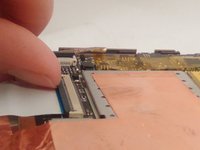
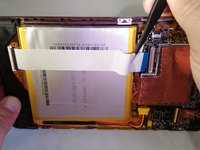
      • Flip up the gray retainer clip on the white ribbon cable ZIF connector on the motherboard with your fingernail. If you do not have fingernails long enough, carefully use a black plastic spudger.

      Pergunte ao FixBot

      Comentar

    14. Nextbook NXA8QC116B Front Camera Replacement: passo 14, imagem 1 %32 Nextbook NXA8QC116B Front Camera Replacement: passo 14, imagem 2 %32 Nextbook NXA8QC116B Front Camera Replacement: passo 14, imagem 3 %32
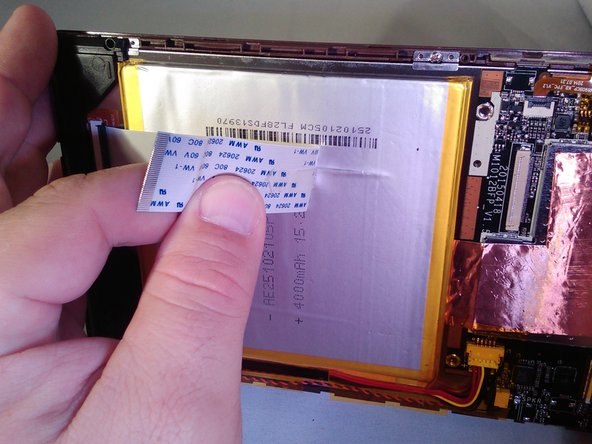
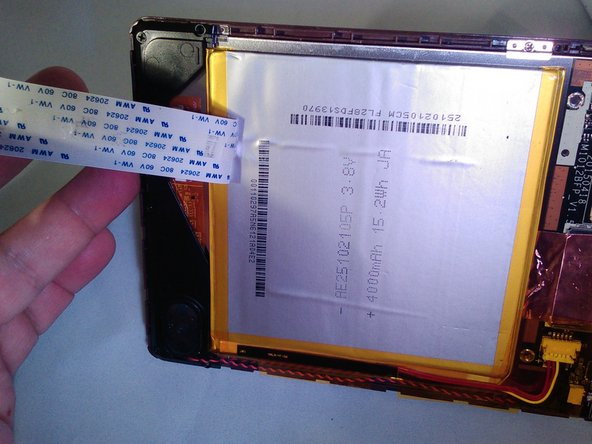
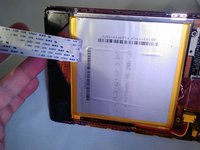
      • Remove the white ribbon cable and carefully peel it off the battery.

      Pergunte ao FixBot

      Comentar

    15. Nextbook NXA8QC116B Front Camera Replacement: passo 15, imagem 1 %32 Nextbook NXA8QC116B Front Camera Replacement: passo 15, imagem 2 %32 Nextbook NXA8QC116B Front Camera Replacement: passo 15, imagem 3 %32
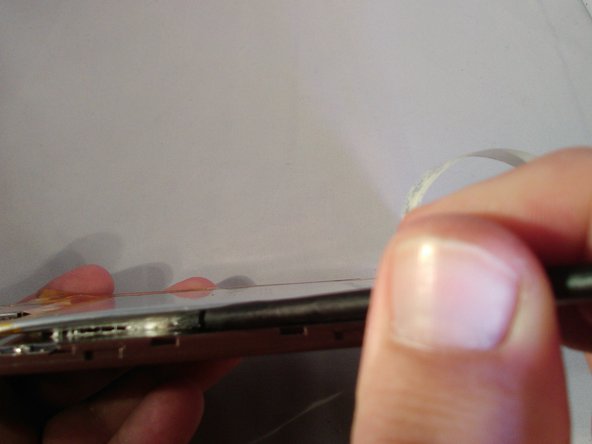
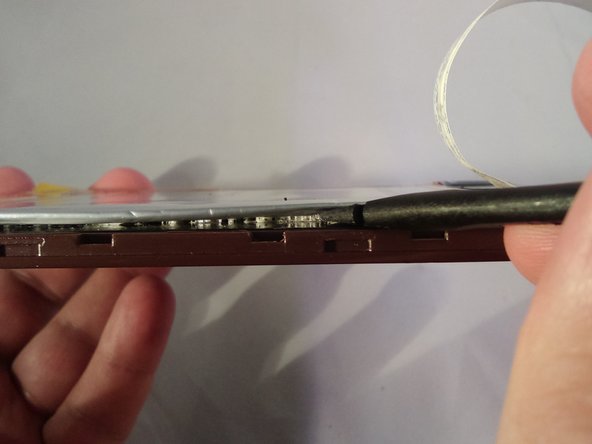
      • Move the spudger in a left-to-right scraping motion to loosen the glue until the battery is separated from the tablet.

      Pergunte ao FixBot

      Comentar

    16. Nextbook NXA8QC116B Front Camera Replacement: passo 16, imagem 1 %32
      • Remove the battery.

      Pergunte ao FixBot

      Comentar

    1. Nextbook NXA8QC116B Front Camera Replacement, Front Camera: passo 17, imagem 1 %32
      • Locate the front camera on the upper left-hand corner

      Pergunte ao FixBot

      Comentar

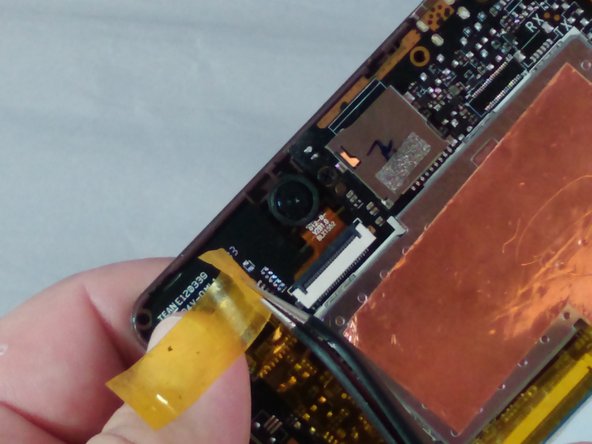
    2. Nextbook NXA8QC116B Front Camera Replacement: passo 18, imagem 1 %32 Nextbook NXA8QC116B Front Camera Replacement: passo 18, imagem 2 %32
      Ferramenta utilizada neste passo:
      Tweezers
      $4.99
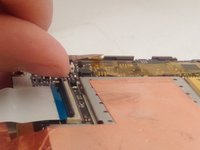
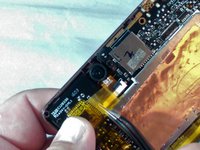
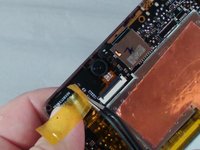
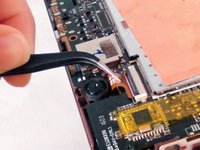
      • Remove the yellow cellophane tape with the tweezers from the ZIF connector.

      Pergunte ao FixBot

      Comentar

    3. Nextbook NXA8QC116B Front Camera Replacement: passo 19, imagem 1 %32 Nextbook NXA8QC116B Front Camera Replacement: passo 19, imagem 2 %32
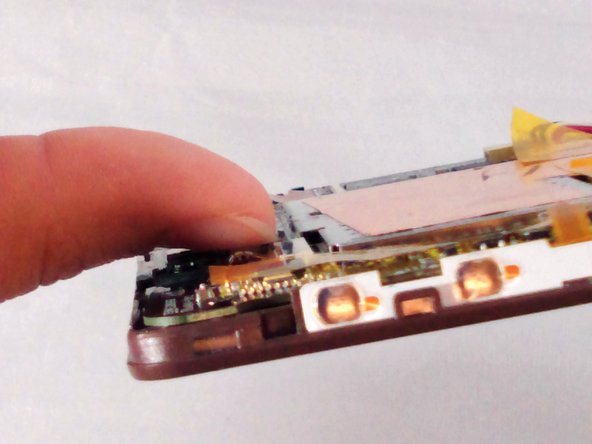
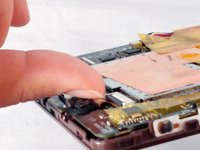
      • Using your fingernail, flip up the ZIF connector retainer. If you do not have fingernails long enough, use the black plastic spudger.

      Pergunte ao FixBot

      Comentar

    4. Nextbook NXA8QC116B Front Camera Replacement: passo 20, imagem 1 %32 Nextbook NXA8QC116B Front Camera Replacement: passo 20, imagem 2 %32
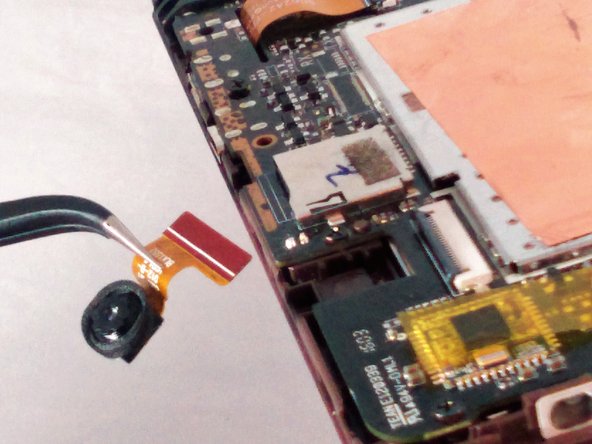
      • Be careful when removing the camera. The underside of the camera head has adhesive and may be adhered to the tablet. If this happens, use the black plastic spudger to carefully pry up on the underside of the camera head to loosen it from the tablet before pulling on the ribbon cable with the tweezers.

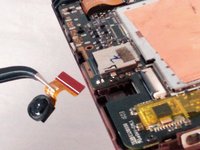
      • Use tweezers to remove the front camera by pulling.

      Pergunte ao FixBot

      Comentar

Conclusão

To reassemble your device, follow these instructions in reverse order.

Cancelar: não concluí este guia.

Uma outra pessoa concluiu este guia.

0Comentários do guia

Comentar

Visualizações:

Últimas 24 horas: 1

Últimos 7 dias: 7

Últimos 30 dias: 26

Ao todo: 587