Essa tradução foi gerada por um programa e ainda não foi revisada por uma pessoa. Falas essa língua? Dá uma olhada.
Introdução
Se a tela do seu Motorola C168 estiver danificada ou não estiver funcionando, este é o guia para você. Neste guia, mostraremos como substituir a tela do seu Motorola. A tela de um celular é uma parte importante da sua interface de usuário. Talvez seja necessário substituir a tela se ela estiver danificada de alguma forma (rachaduras, partes da tela ou a tela inteira sem responder). Certifique-se de desligar o celular antes de começar.
O que você precisa
-
-
-
Vire o celular de modo que a capa traseira fique voltada para você.
-
Pressione o botão de liberação na capa traseira e, simultaneamente, puxe a capa para baixo.
-
Remova a capa traseira.
 Pergunte ao FixBot
-
-
-
Aperte as laterais da parte inferior da bateria e puxe para cima.
-
-
-
-
-
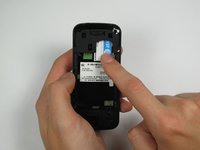
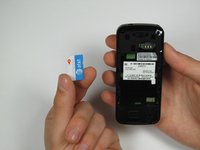
Pressione e deslize o cartão SIM para baixo.
-
Remova o cartão SIM.
-
-
-
-
-
-
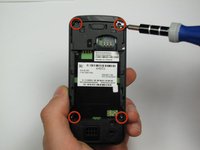
Posicione o celular de modo que a parte traseira esteja voltada para você.
-
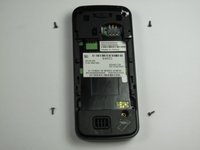
Com uma chave Torx T-4, remova cuidadosamente os 4 parafusos localizados nos cantos do celular.
-
-
Ferramenta utilizada neste passo:Spudger$3.99
-
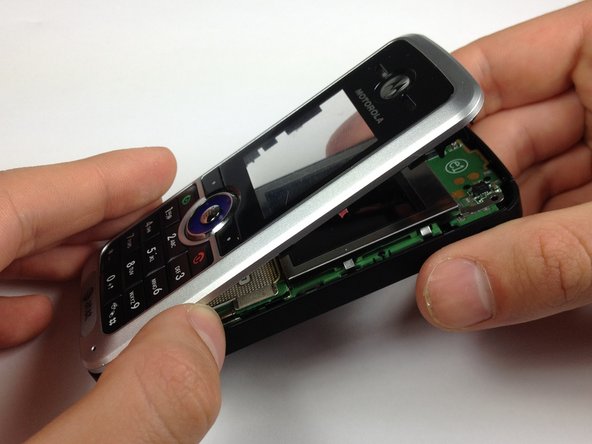
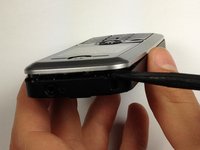
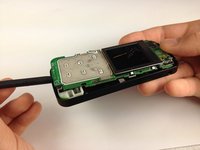
Insira uma espátula entre o painel frontal e a estrutura principal do celular.
-
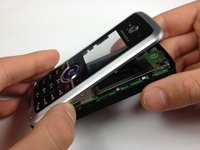
Utilizando uma boa quantidade de torque, force o painel frontal para fora do celular.
-
-
-
-
Ferramenta utilizada neste passo:Spudger$3.99
-
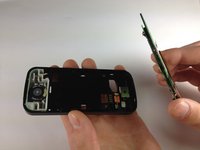
Coloque o celular com a parte de trás virada para baixo.
-
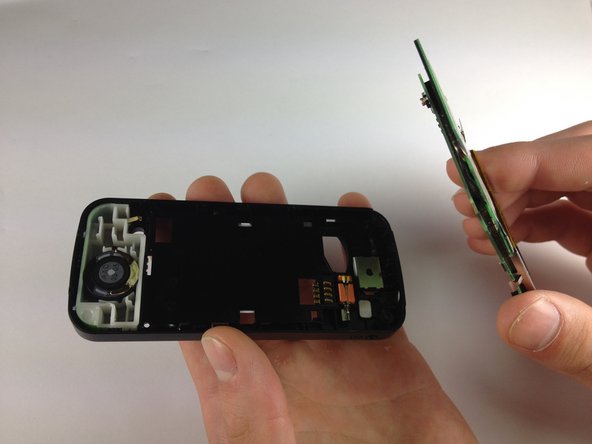
Insira a espátula na parte inferior do celular, entre a estrutura e a placa de circuito.
-
Remova a placa de circuito da estrutura.
-
-
-
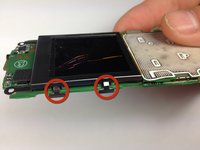
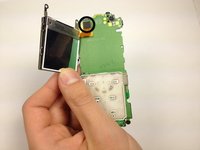
Dobre os clipes da tela para fora, de modo que eles não fiquem mais por baixo da placa de circuito.
-
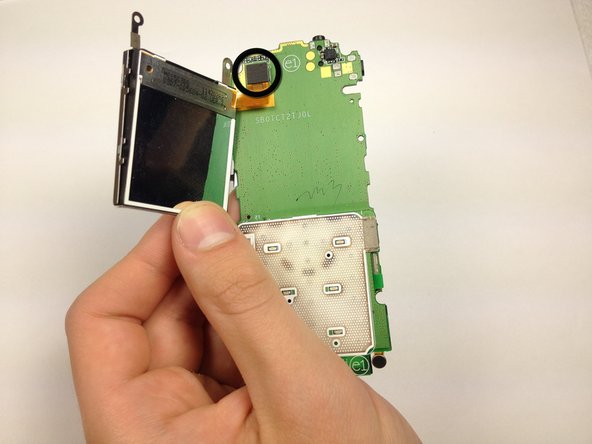
Puxe a carcaça da tela para longe da placa de circuito.
-
-
-
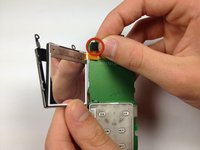
Desconecte o cabo da tela da placa-mãe.
-
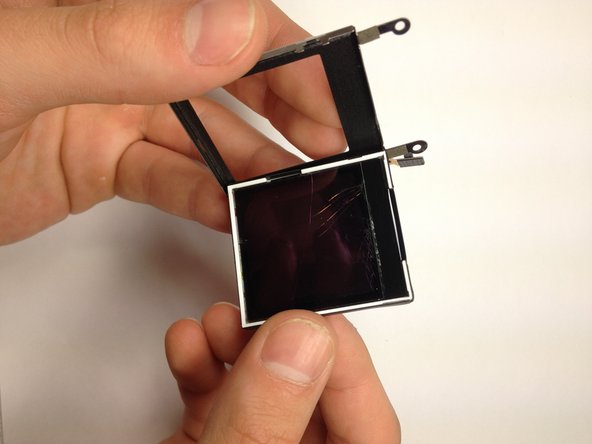
Remova a tela da sua carcaça empurrando-a para fora.
-
-









Para a remontagem de seu dispositivo, siga estas instruções na ordem inversa.
Cancelar: não concluí este guia.
Uma outra pessoa concluiu este guia.

Equipe

Cal Poly, Team 12-40, Regan Spring 2012 Membro de Cal Poly, Team 12-40, Regan Spring 2012
CPSU-REGAN-S12S12G40
4 Membros
Autoria de 48 guias
2Comentários do guia
motorola c168 network not working problem. how to repair network problem?
pls tell me?
