Introdução
The following steps in this guide explains how to replace the batteries in the MODAL WORCSS6 wine opener. The batteries inside the MODAL WORCSS6 wine opener are rechargeable, but they can burn out or lose their ability to hold a charge with age. The batteries are an essential part of the wine opener and give power to the motor and LED lights.
O que você precisa
-
-
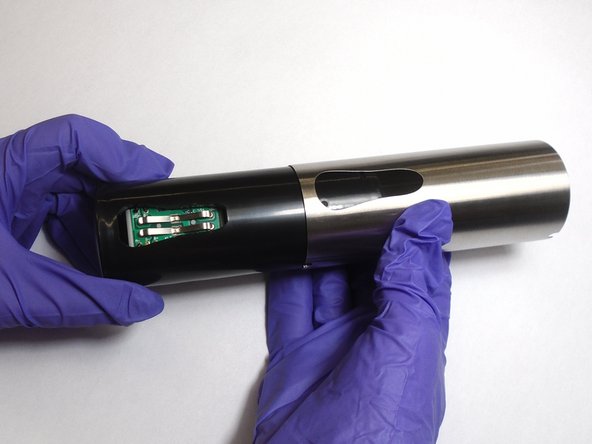
Put on Electrostatic Discharge (ESD) bracelet. Hold the device with the transparent plastic casing on the top.
-
Using the jimmy tool, carefully pry off the black plastic ring.
-
Remove the spring assembly from inside the transparent plastic tube.
 Pergunte ao FixBot
-
-
-
Using a Phillips #1 screwdriver, unscrew each of the four 12.7 mm screws inside and at the bottom of the plastic tube.
-
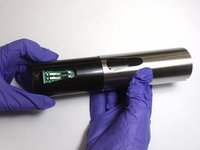
Take the plastic tube off of the metal casing.
-
-
-
-
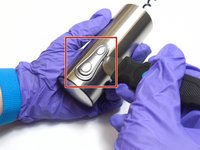
Place the jimmy tool blade between the button assembly and the metal casing. Gently pry off the button assembly; it should pop out.
-
With the button assembly removed, slide off the metal casing.
-
-
-
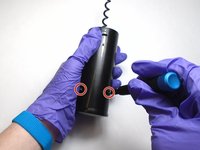
Unscrew the two 6.4 mm screws in the black plastic body using the Phillips #1 screwdriver.
-
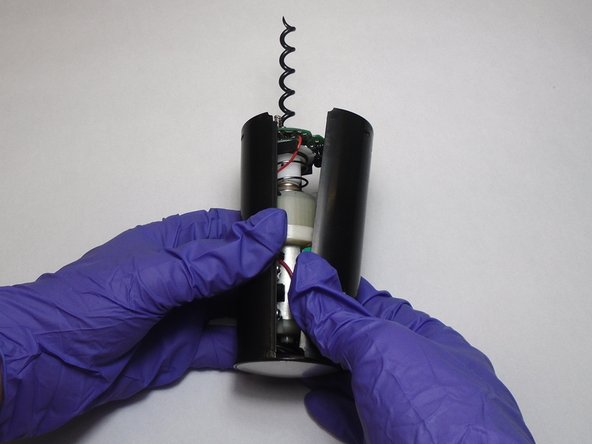
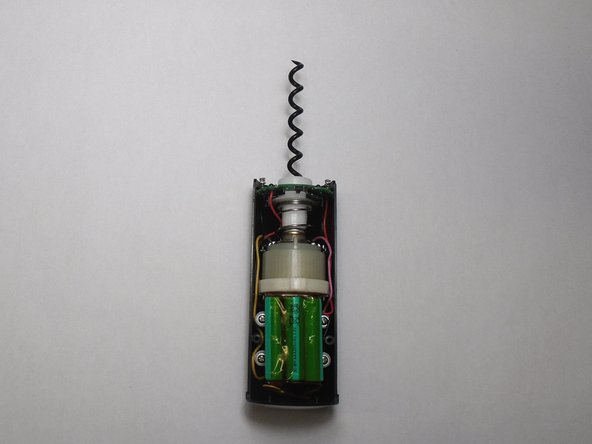
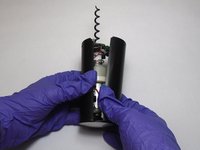
Separate the two halves of the plastic body. Keep the half containing the motor facing up.
-
-
-
Replace the batteries by pulling them out of their holder and putting new ones in the same places.
-





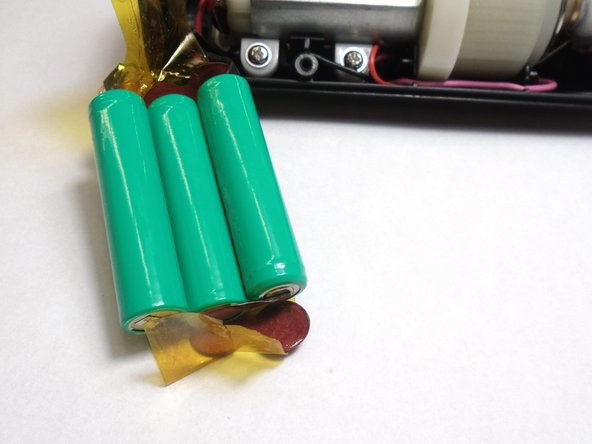
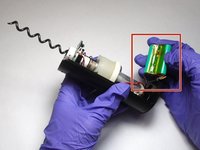
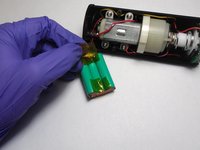

To reassemble your device, follow these instructions in reverse order.
Cancelar: não concluí este guia.
3 outras pessoas executaram este guia.

Equipe

The Citadel Military College of South Carolina, Team S3-G13, Eggleston Fall 2019 Membro de The Citadel Military College of South Carolina, Team S3-G13, Eggleston Fall 2019
CMCSC-EGGLESTON-F19S3G13
3 Membros
Autoria de 8 guias
1Comentário do guia
Where do you get the replacement batteries?
