Ir para o conteúdo principal
Participe da comunidade de reparos - Criar conta

Microtek ScanMaker 5900 Motor Tread Replacement

O que você precisa

  1. Microtek ScanMaker 5900 Motor Tread Replacement, Remove serial port connection: passo 1, imagem 1 %32 Microtek ScanMaker 5900 Motor Tread Replacement, Remove serial port connection: passo 1, imagem 2 %32 Microtek ScanMaker 5900 Motor Tread Replacement, Remove serial port connection: passo 1, imagem 3 %32
    • Loosen the screws on the serial port by turning them counter clockwise by hand.

    • After loosening the screws, pull the serial port out.

    Pergunte ao FixBot

    Comentar

  2. Microtek ScanMaker 5900 Motor Tread Replacement, Remove Lid: passo 2, imagem 1 %32 Microtek ScanMaker 5900 Motor Tread Replacement, Remove Lid: passo 2, imagem 2 %32 Microtek ScanMaker 5900 Motor Tread Replacement, Remove Lid: passo 2, imagem 3 %32
    • Lift lid to its vertical position.

    • Pull lid straight up to remove it from the scanner.

    Pergunte ao FixBot

    Comentar

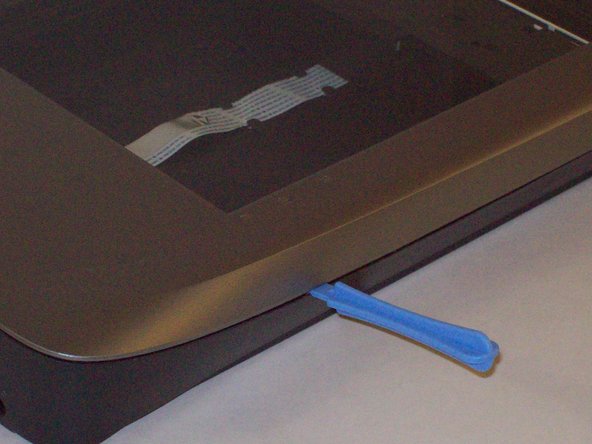
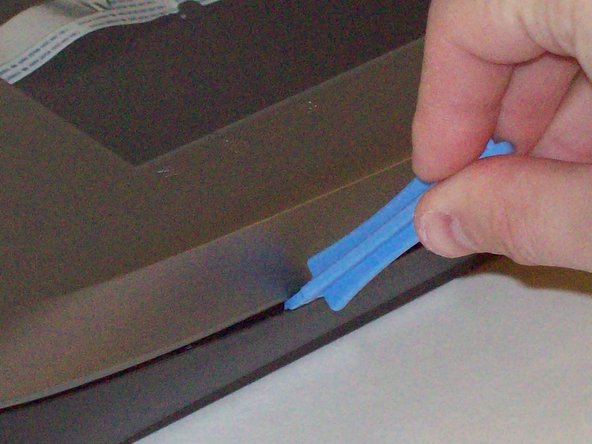
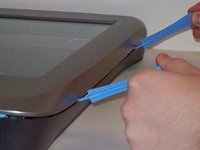
  3. Microtek ScanMaker 5900 Motor Tread Replacement, Detach plastic latches: passo 3, imagem 1 %32 Microtek ScanMaker 5900 Motor Tread Replacement, Detach plastic latches: passo 3, imagem 2 %32 Microtek ScanMaker 5900 Motor Tread Replacement, Detach plastic latches: passo 3, imagem 3 %32
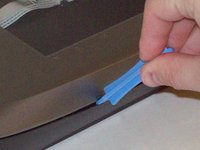
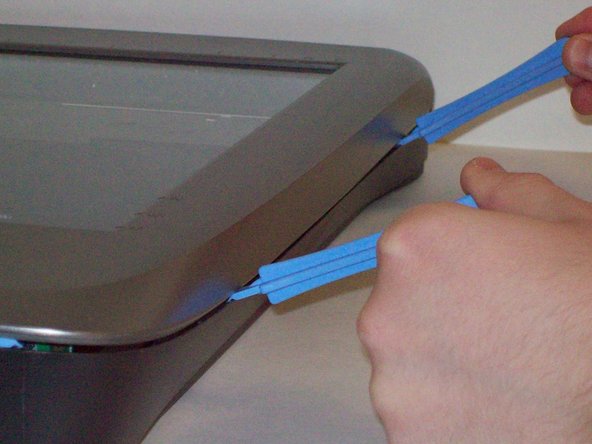
    • Push the plastic opening tools into the crack between the top and the bottom of the chassis.

    Pergunte ao FixBot

    Comentar

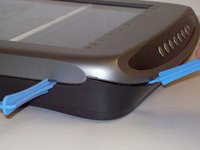
  4. Microtek ScanMaker 5900 Motor Tread Replacement, Continue latch detachment: passo 4, imagem 1 %32 Microtek ScanMaker 5900 Motor Tread Replacement, Continue latch detachment: passo 4, imagem 2 %32 Microtek ScanMaker 5900 Motor Tread Replacement, Continue latch detachment: passo 4, imagem 3 %32
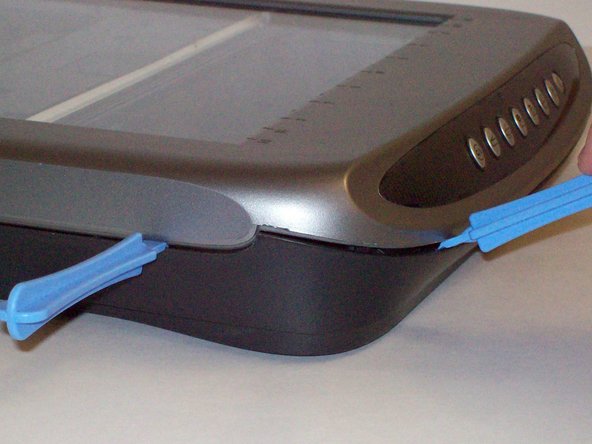
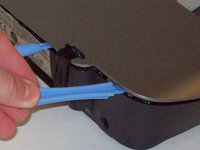
    • After placing one plastic opening tool into the slit, slide other plastic opening tools along the slit to detach the top from the bottom of the chassis.

    • Go all the way along the chassis until you can lift the upper lid.

    Pergunte ao FixBot

    Comentar

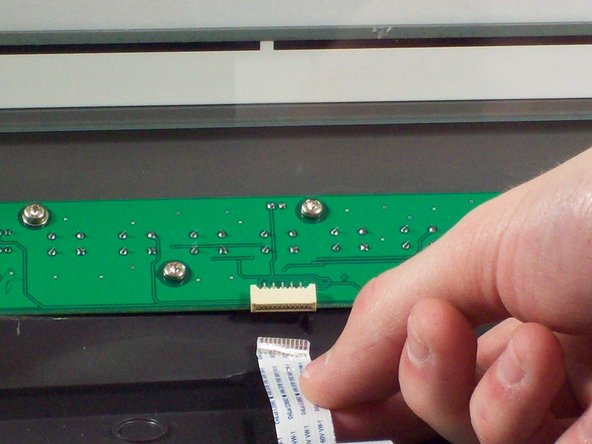
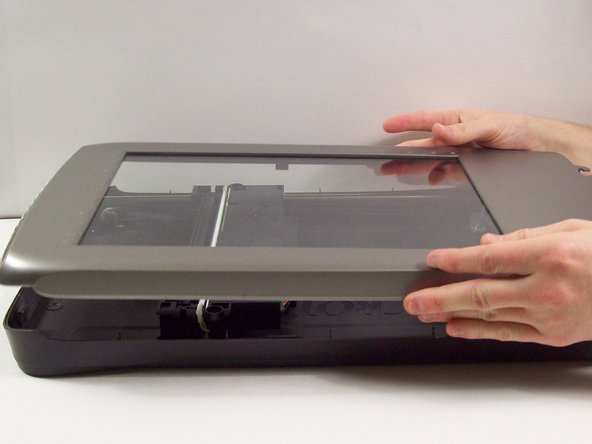
  5. Microtek ScanMaker 5900 Motor Tread Replacement, Fully remove the upper lid: passo 5, imagem 1 %32 Microtek ScanMaker 5900 Motor Tread Replacement, Fully remove the upper lid: passo 5, imagem 2 %32 Microtek ScanMaker 5900 Motor Tread Replacement, Fully remove the upper lid: passo 5, imagem 3 %32
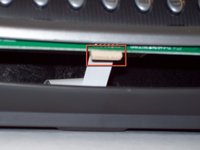
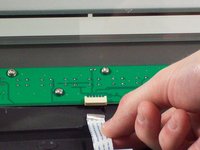
    • Do not fully remove the lid until you remove the ribbon cable attached to the front of the upper lid.

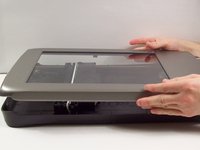
    • Do this by grabbing the upper lid from the sides and rotating it ninety degrees so it is perpendicular to the bottom lid.

    • Grab the ribbon cable and gently pull it out of its slot with your fingers.

    • The upper lid can now safely be removed from the bottom lid.

    Pergunte ao FixBot

    Comentar

  6. Microtek ScanMaker 5900 Motor Tread Replacement, Stepper Motor: passo 6, imagem 1 %32 Microtek ScanMaker 5900 Motor Tread Replacement, Stepper Motor: passo 6, imagem 2 %32
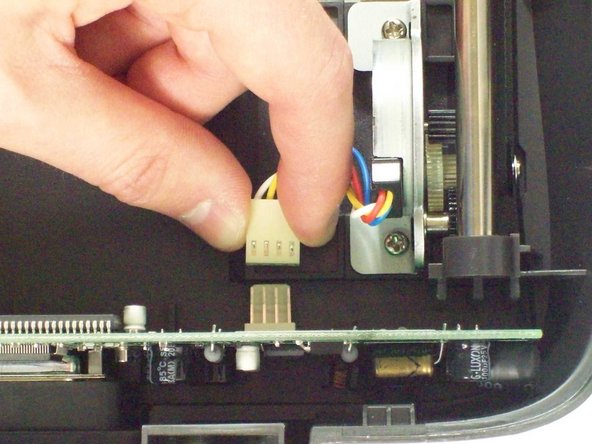
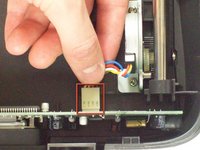
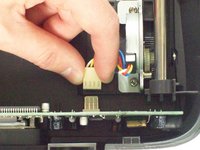
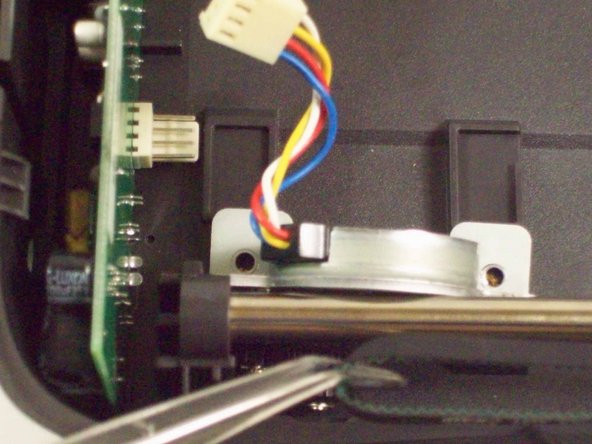
    • Locate the stepper motor. With the front of the scanner facing you, the motor is located at the top left.

    • Disconnect the white connector from the vertical standing circuit board.

    Pergunte ao FixBot

    Comentar

  7. Microtek ScanMaker 5900 Motor Tread Replacement: passo 7, imagem 1 %32 Microtek ScanMaker 5900 Motor Tread Replacement: passo 7, imagem 2 %32 Microtek ScanMaker 5900 Motor Tread Replacement: passo 7, imagem 3 %32
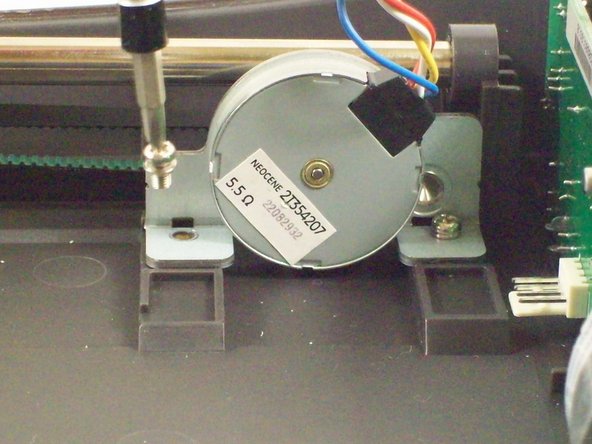
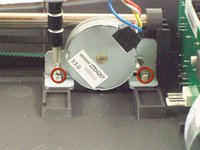
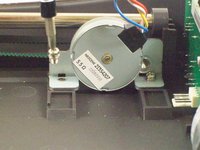
    • Using a #2 Philips Screwdriver, unscrew the two 7.7mm screws holding the stepper motor in place.

    • The stepper motor will become loose, but not completely free.

    Pergunte ao FixBot

    Comentar

  8. Microtek ScanMaker 5900 Motor Tread Replacement: passo 8, imagem 1 %32 Microtek ScanMaker 5900 Motor Tread Replacement: passo 8, imagem 2 %32 Microtek ScanMaker 5900 Motor Tread Replacement: passo 8, imagem 3 %32
    Ferramenta utilizada neste passo:
    Tweezers
    $4.99
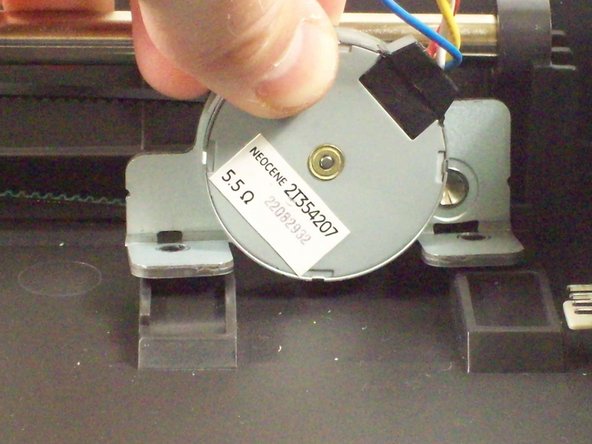
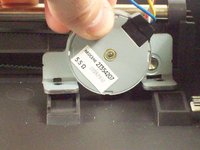
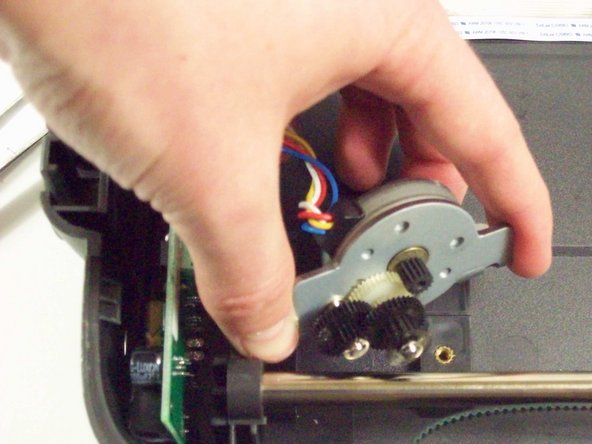
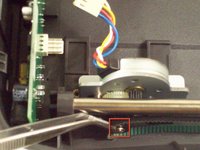
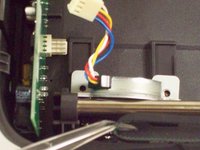
    • Using tweezers gently remove the tread from the black gear on the stepper motor.

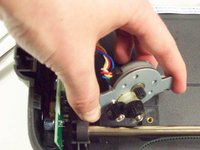
    • The stepper motor will become completely free.

    Pergunte ao FixBot

    Comentar

  9. Microtek ScanMaker 5900 Motor Tread Replacement, Motor Tread: passo 9, imagem 1 %32 Microtek ScanMaker 5900 Motor Tread Replacement, Motor Tread: passo 9, imagem 2 %32
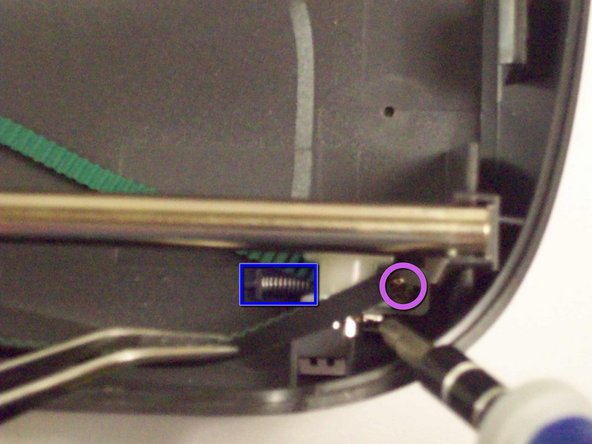
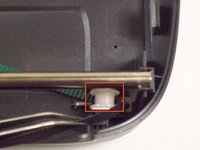
    • Facing the front of the scanner you will see a white plastic wheel holding the other end of the tread.

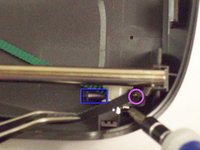
    • Pull the spring towards you until it snaps off the side wall releasing the tension in the spring.

    • Using a #2 Philips Screwdriver, unscrew the single 5.88mm screw holding the mount of the plastic wheel in place.

    Pergunte ao FixBot

    Comentar

  10. Microtek ScanMaker 5900 Motor Tread Replacement: passo 10, imagem 1 %32
    • The plastic wheel and it's mount will be loose.

    • Remove the shaft holding the plastic wheel and the mount together

    • The tread will be completely loose.

    Pergunte ao FixBot

    Comentar

Conclusão

To reassemble your device, follow these instructions in reverse order.

Cancelar: não concluí este guia.

Equipe

Cal Poly, Team 6-9, Regan Fall 2011 Membro de Cal Poly, Team 6-9, Regan Fall 2011

CPSU-REGAN-F11S6G9

2 Membros

Autoria de 22 guias

0Comentários do guia

Comentar

Visualizações:

Últimas 24 horas: 0

Últimos 7 dias: 8

Últimos 30 dias: 60

Ao todo: 1,743