Introdução
This guide will show you how to replace the power and volume buttons in a Maze Speed SSB-508 phone. If the power or volume buttons are unresponsive or malfunctioning, they may need to be replaced. To complete this guide, a plastic opening tool, tweezers, and a new button piece is required. Precision is recommended, as to not damage any components.
O que você precisa
-
-
Remove the back cover by gently prying open the bottom left corner of the case with the plastic opening tool.
 Pergunte ao FixBot
-
-
-
Ferramenta utilizada neste passo:Tweezers$4.99
-
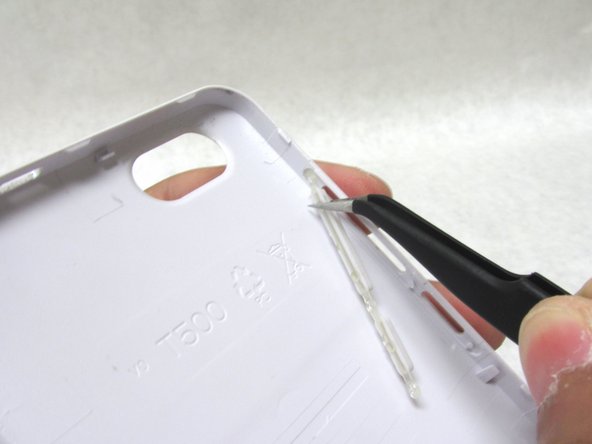
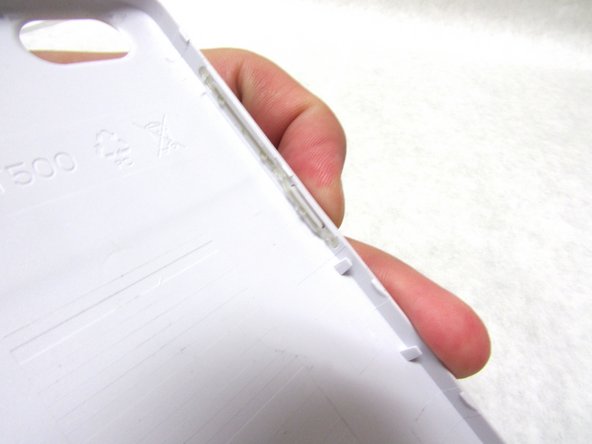
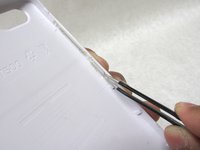
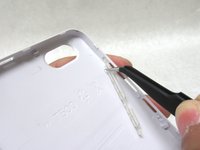
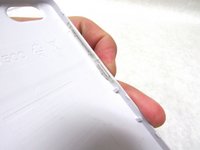
There are three areas holding the power and volume buttons in place. Gently pull the bottom of the power button with a pair of fine-tip tweezers to release the lower half.
-
-
-
Carefully remove the top section of the button with the fine-tip tweezers . This should free the button completely.
-


To reassemble your device, follow these instructions in reverse order.

Equipe

Embry-Riddle Aeronautical University, Team S3-G3, Watkins Summer 2019 Membro de Embry-Riddle Aeronautical University, Team S3-G3, Watkins Summer 2019
ERAU-WATKINS-SU19S3G3
4 Membros
Autoria de 10 guias
