Ir para o conteúdo principal

Mayflash Arcade Stick F300 Printed Circuit Board Replacement

O que você precisa

  1. Mayflash Arcade Stick F300 Printed Circuit Board Replacement, Metal Backplate: passo 1, imagem 1 %32 Mayflash Arcade Stick F300 Printed Circuit Board Replacement, Metal Backplate: passo 1, imagem 2 %32 Mayflash Arcade Stick F300 Printed Circuit Board Replacement, Metal Backplate: passo 1, imagem 3 %32
    • Flip the controller upside down so that the metal panel is facing you.

    • Remove the six 11 mm screws securing the metal panel using a Phillips #2 screwdriver.

    • Once all screws are removed, lift off the panel.

  2. Mayflash Arcade Stick F300 Printed Circuit Board Replacement, Printed Circuit Board: passo 2, imagem 1 %32 Mayflash Arcade Stick F300 Printed Circuit Board Replacement, Printed Circuit Board: passo 2, imagem 2 %32
    • Remove the four 10 mm truss head screws securing the PCB to the plastic outer casing using a Phillips #1 screwdriver.

  3. Mayflash Arcade Stick F300 Printed Circuit Board Replacement: passo 3, imagem 1 %32 Mayflash Arcade Stick F300 Printed Circuit Board Replacement: passo 3, imagem 2 %32 Mayflash Arcade Stick F300 Printed Circuit Board Replacement: passo 3, imagem 3 %32
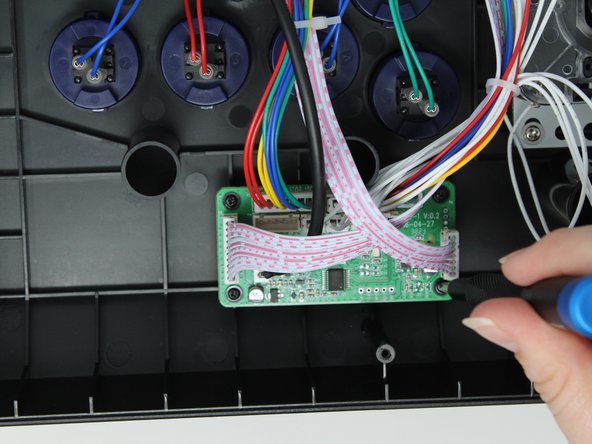
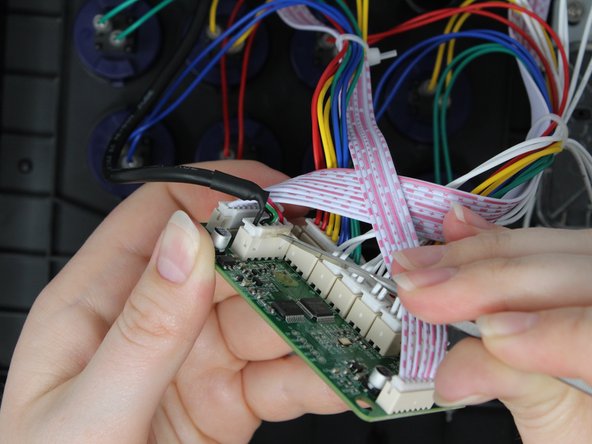
    • Use a hair dryer or heat gun to soften the glue holding the USB cable into the socket on the PCB.

    • It should take less than a minute for the glue to be soft enough to remove. Do not overheat the circuit board.

    • Use a metal spudger to gently remove the softened glue.

    • Unplug the cable from the socket.

  4. Mayflash Arcade Stick F300 Printed Circuit Board Replacement: passo 4, imagem 1 %32 Mayflash Arcade Stick F300 Printed Circuit Board Replacement: passo 4, imagem 2 %32
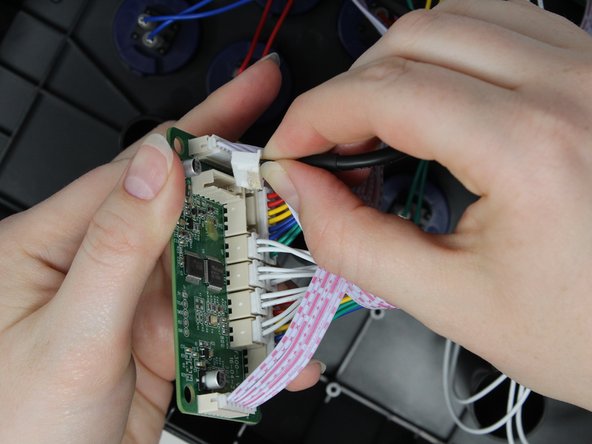
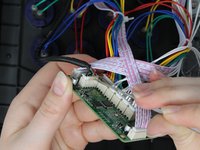
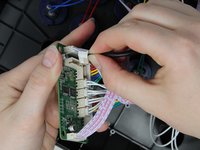
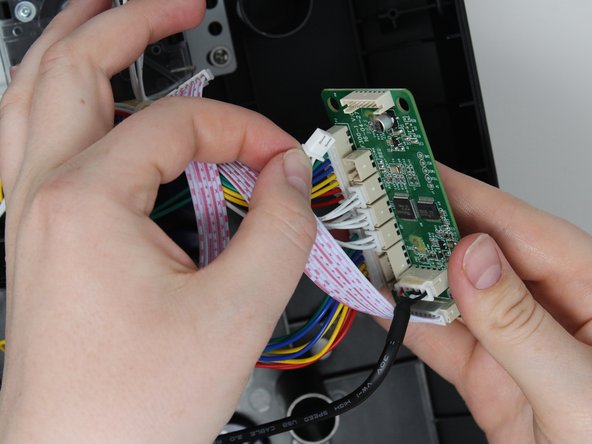
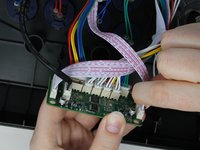
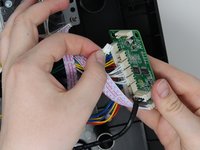
    • Gently unplug the rest of the attached wires from the PCB.

    • Make sure to keep track of where each wire goes to assist with reassembly.

  5. Mayflash Arcade Stick F300 Printed Circuit Board Replacement: passo 5, imagem 1 %32
    • Remove the printed circuit board.

Conclusão

Follow these instructions in reverse order to reassemble your device.

Kellason Walker

Membro desde: 09/04/24

121 Reputação

Autoria de 1 guia

Equipe

0Comentários do guia

Comentar

Visualizações:

Últimas 24 horas: 0

Últimos 7 dias: 6

Últimos 30 dias: 24

Ao todo: 312