Ir para o conteúdo principal

Mac mini Late 2018 Disassembly

O que você precisa

  1. Mac mini Late 2018 Disassembly, Out of the box: passo 1, imagem 1 %32 Mac mini Late 2018 Disassembly, Out of the box: passo 1, imagem 2 %32
    • So here it is, exactly the same form factor as the previous Mac mini, but now in Space Gray

  2. Mac mini Late 2018 Disassembly, Lets flip it over: passo 2, imagem 1 %32 Mac mini Late 2018 Disassembly, Lets flip it over: passo 2, imagem 2 %32 Mac mini Late 2018 Disassembly, Lets flip it over: passo 2, imagem 3 %32
    • Once flipped over, a familiar black cover is revealed.

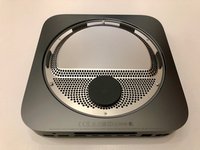
    • Pry open the lid to release it from the three large screws

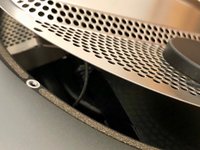
    • The lid had a soft foam inside to dampen the vibrations of the beefed up fan

  3. Mac mini Late 2018 Disassembly, Take off the metal cover: passo 3, imagem 1 %32 Mac mini Late 2018 Disassembly, Take off the metal cover: passo 3, imagem 2 %32
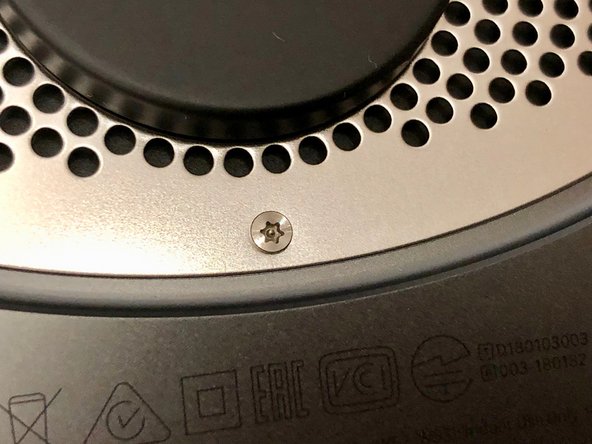
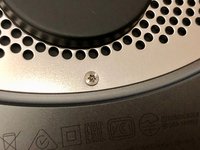
    • The lid is secured with the same TR6 screws as the 2014 model

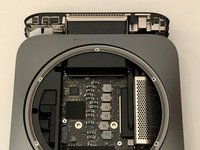
  4. Mac mini Late 2018 Disassembly, Reveal the innards: passo 4, imagem 1 %32 Mac mini Late 2018 Disassembly, Reveal the innards: passo 4, imagem 2 %32
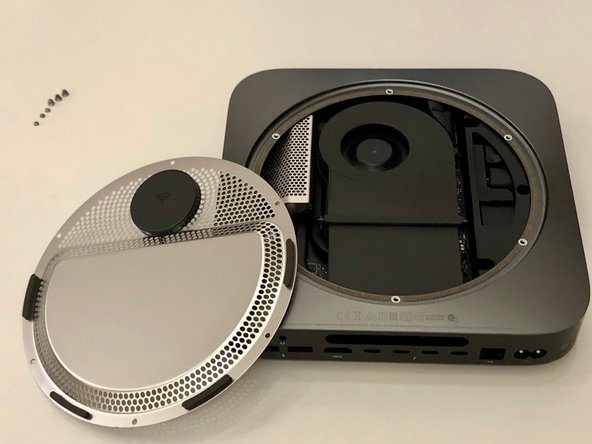
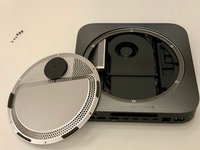
    • The antenna cable is very short, so watch out; rotate the cover to reveal the internals

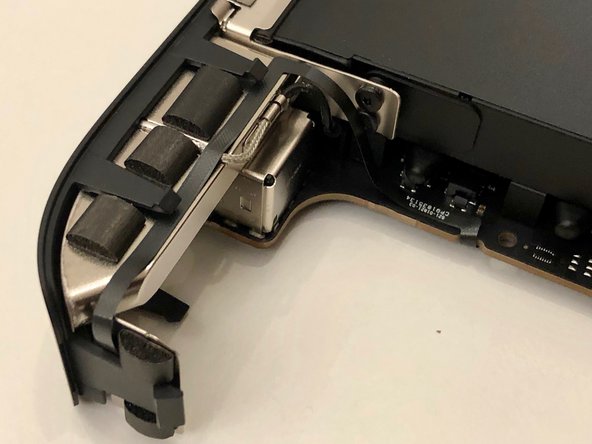
  5. Mac mini Late 2018 Disassembly, Antenna cable: passo 5, imagem 1 %32 Mac mini Late 2018 Disassembly, Antenna cable: passo 5, imagem 2 %32
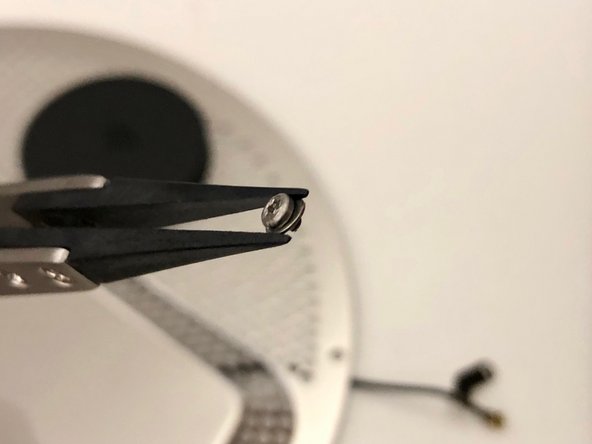
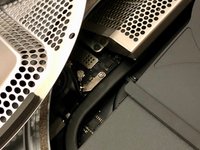
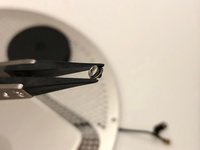
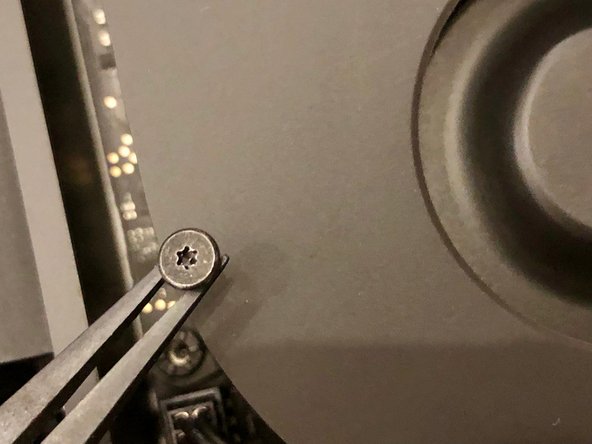
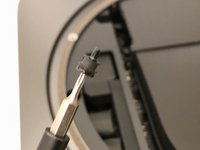
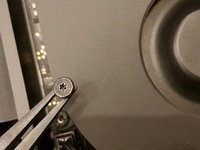
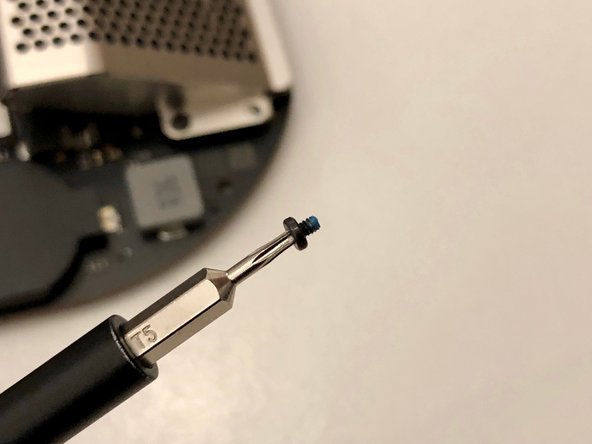
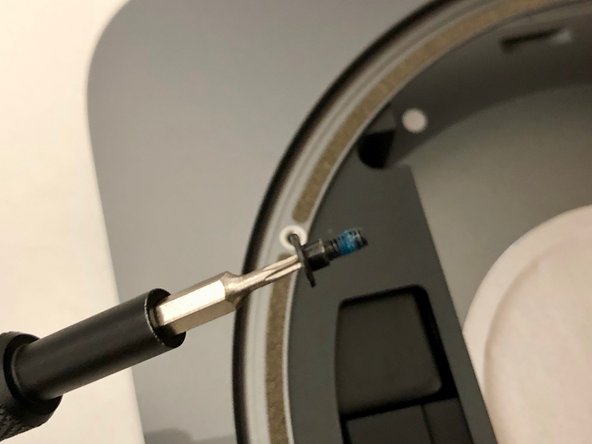
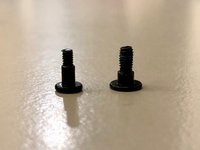
    • The antenna cable is held down with a little TX6 screw

    • It has a tiny washer to make sure no stress is applied to the cable

  6. Mac mini Late 2018 Disassembly, Take off the fan: passo 6, imagem 1 %32 Mac mini Late 2018 Disassembly, Take off the fan: passo 6, imagem 2 %32 Mac mini Late 2018 Disassembly, Take off the fan: passo 6, imagem 3 %32
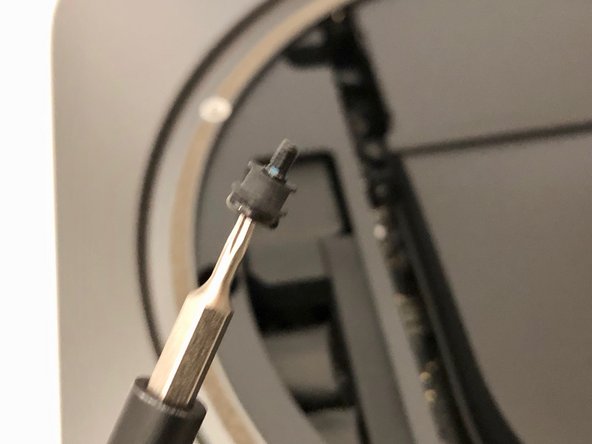
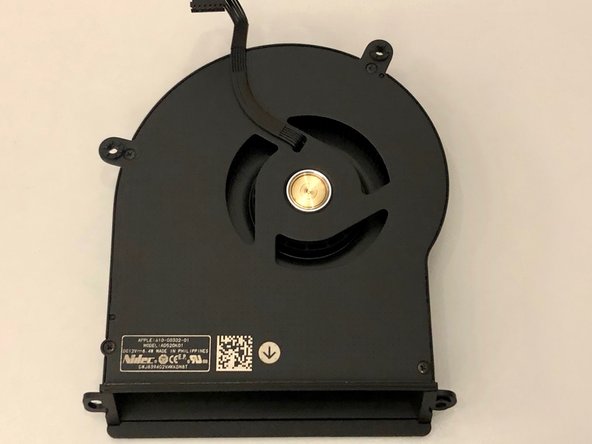
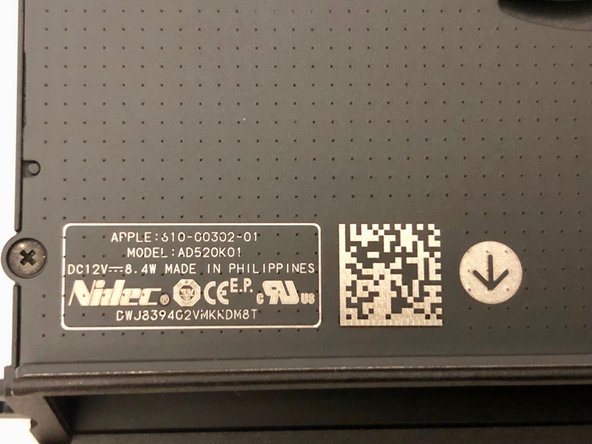
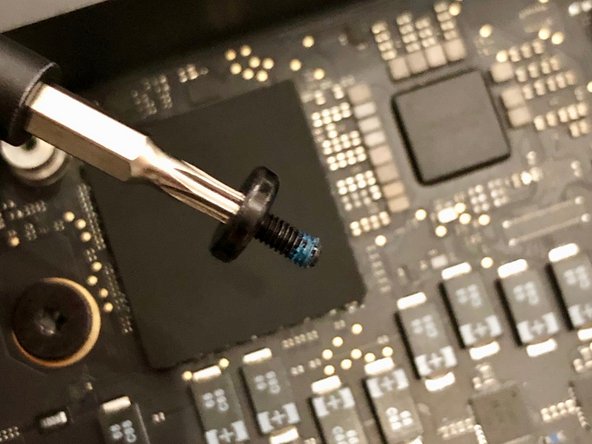
    • The fan has four identical TX6 screws holding it down

    • The screws go trough a rubber tube to reduce vibration

  7. Mac mini Late 2018 Disassembly, Take the fan out: passo 7, imagem 1 %32 Mac mini Late 2018 Disassembly, Take the fan out: passo 7, imagem 2 %32 Mac mini Late 2018 Disassembly, Take the fan out: passo 7, imagem 3 %32
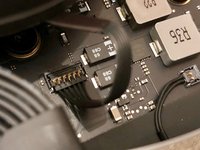
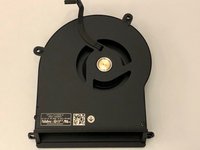
    • Underneath the fan the connector pops off easilly

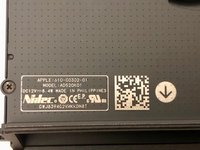
    • The fan feels solid. Much better than previous models

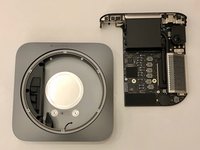
  8. Mac mini Late 2018 Disassembly, Next, the motherboard: passo 8, imagem 1 %32 Mac mini Late 2018 Disassembly, Next, the motherboard: passo 8, imagem 2 %32 Mac mini Late 2018 Disassembly, Next, the motherboard: passo 8, imagem 3 %32
    • Now, lets take out the motherboard

    • Massive (for the mini) TX10 screws secure the motherboard to the chassis

  9. Mac mini Late 2018 Disassembly, Unplug some wires: passo 9, imagem 1 %32 Mac mini Late 2018 Disassembly, Unplug some wires: passo 9, imagem 2 %32
    Ferramenta utilizada neste passo:
    Tweezers
    $4.99
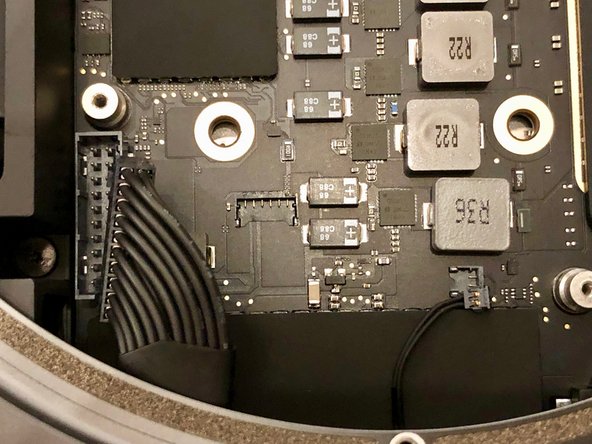
    • The power supply can be unplugged by as many wires as possible between your iFixit tweezers and pull upwards

    • Also take off the tiny power led connector

  10. Mac mini Late 2018 Disassembly, Motherboard out: passo 10, imagem 1 %32 Mac mini Late 2018 Disassembly, Motherboard out: passo 10, imagem 2 %32
    • Slide the motherboard out by gently applying pressure to the heatsink

  11. Mac mini Late 2018 Disassembly, Details on the design: passo 11, imagem 1 %32 Mac mini Late 2018 Disassembly, Details on the design: passo 11, imagem 2 %32 Mac mini Late 2018 Disassembly, Details on the design: passo 11, imagem 3 %32
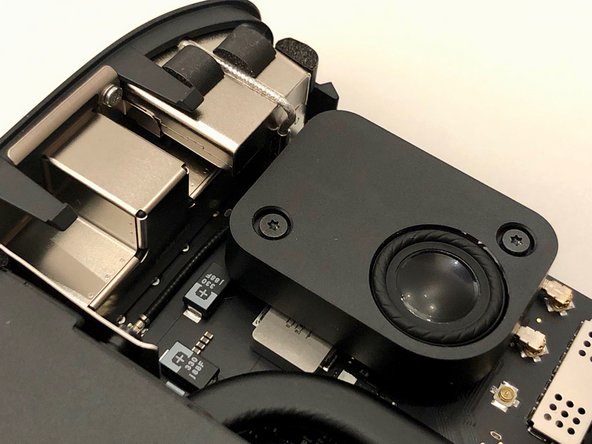
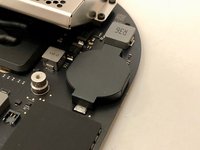
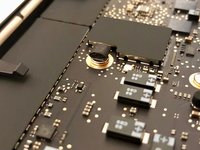
    • Some interesting design choices made here. A full size CMOS battery

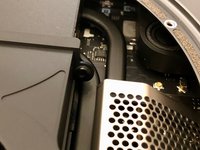
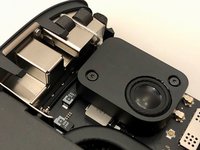
    • The wifi wiring runs underneath the large speaker

    • The power button is attached to a ultra flat cable that runs in an arc along the heatsink

  12. Mac mini Late 2018 Disassembly, Motherboard underside: passo 12, imagem 1 %32 Mac mini Late 2018 Disassembly, Motherboard underside: passo 12, imagem 2 %32 Mac mini Late 2018 Disassembly, Motherboard underside: passo 12, imagem 3 %32
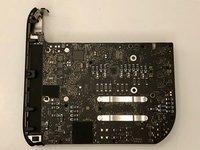
    • We flip over the motherboard to see a massive amount of tiny components

    • Also some familiar pieces of foam all over the place

  13. Mac mini Late 2018 Disassembly, Memory cover: passo 13, imagem 1 %32 Mac mini Late 2018 Disassembly, Memory cover: passo 13, imagem 2 %32 Mac mini Late 2018 Disassembly, Memory cover: passo 13, imagem 3 %32
    • But now what we are all here for. The RAM

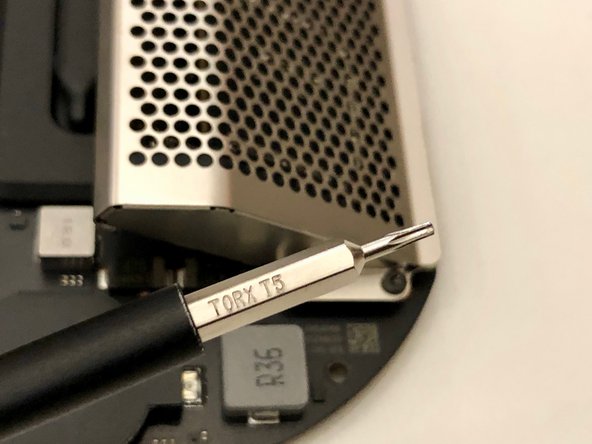
    • Four TX5 screws holt it down

  14. Mac mini Late 2018 Disassembly, Slide off the cover: passo 14, imagem 1 %32 Mac mini Late 2018 Disassembly, Slide off the cover: passo 14, imagem 2 %32 Mac mini Late 2018 Disassembly, Slide off the cover: passo 14, imagem 3 %32
    • The memory cover slides off at an angle

  15. Mac mini Late 2018 Disassembly, Rubber spacers: passo 15, imagem 1 %32 Mac mini Late 2018 Disassembly, Rubber spacers: passo 15, imagem 2 %32
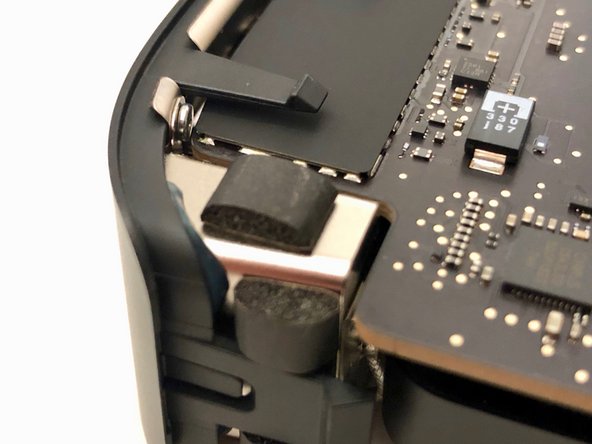
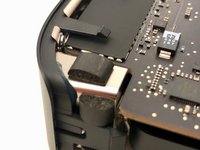
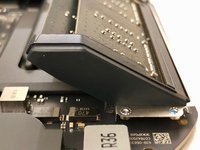
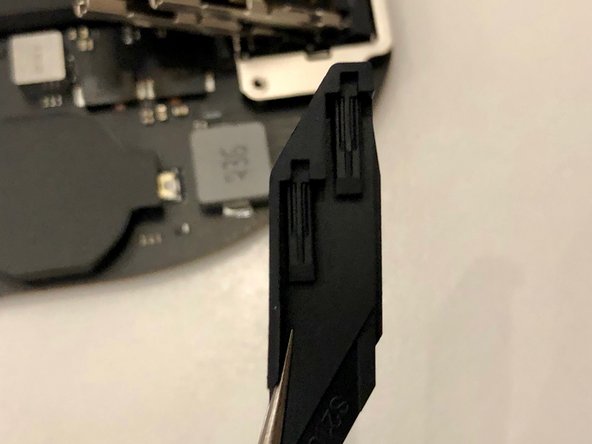
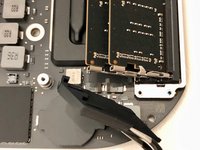
    • These rubber parts will be a pain to put back on later.

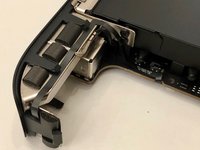
    • There are tiny pieces of rubber in it that need to slide into the metal clips holding the memory in place

  16. Mac mini Late 2018 Disassembly, Memory out: passo 16, imagem 1 %32 Mac mini Late 2018 Disassembly, Memory out: passo 16, imagem 2 %32 Mac mini Late 2018 Disassembly, Memory out: passo 16, imagem 3 %32
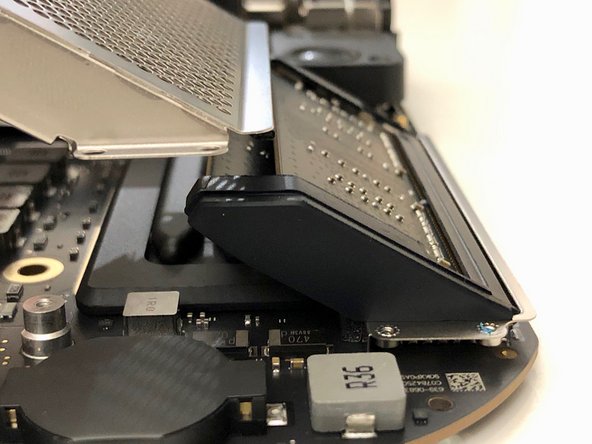
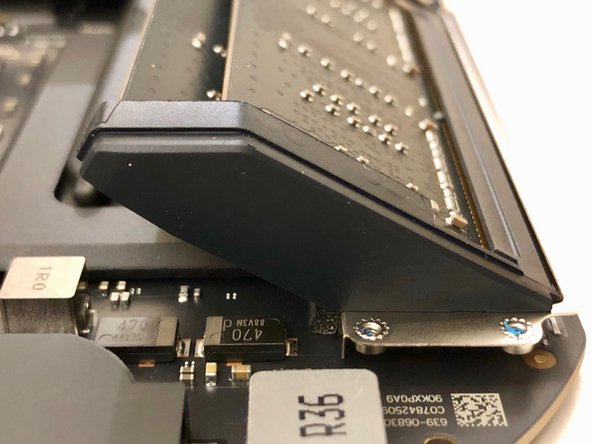
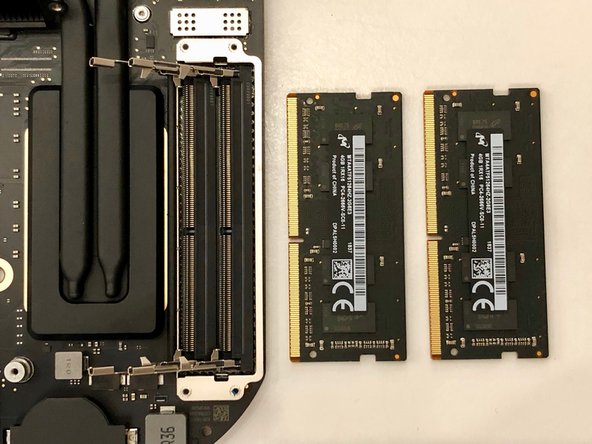
    • The memory itself sits upside down in its sockets

    • The springs are very strong and will shoot the memory in your face if you're not careful!

  17. Mac mini Late 2018 Disassembly, Power supply connector: passo 17, imagem 1 %32 Mac mini Late 2018 Disassembly, Power supply connector: passo 17, imagem 2 %32 Mac mini Late 2018 Disassembly, Power supply connector: passo 17, imagem 3 %32
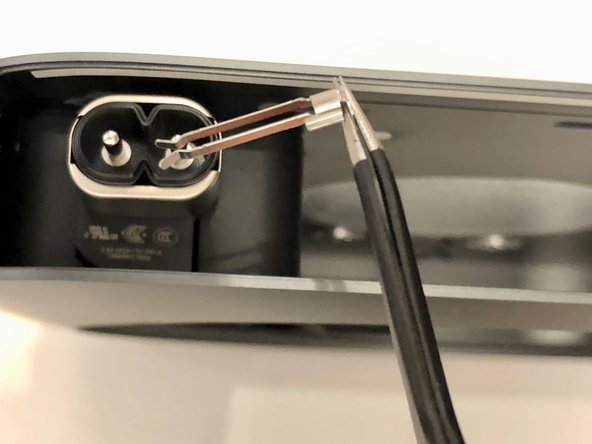
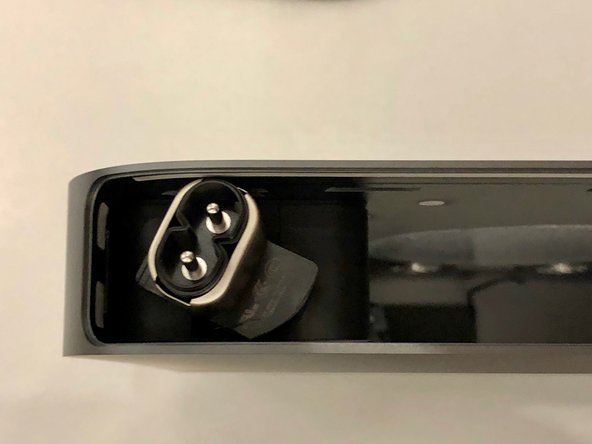
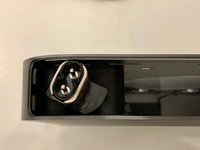
    • The power supply is secured in a similar way as with the previous models

    • A little clip has to be removed, and the connector can be rotated

  18. Mac mini Late 2018 Disassembly, Power supply screws: passo 18, imagem 1 %32 Mac mini Late 2018 Disassembly, Power supply screws: passo 18, imagem 2 %32 Mac mini Late 2018 Disassembly, Power supply screws: passo 18, imagem 3 %32
    • The power supply is held down with three TX6 screws

    • They look just like the fan screws, but they appear just a little bit thicker and with longer thread

  19. Mac mini Late 2018 Disassembly, End of the line: passo 19, imagem 1 %32 Mac mini Late 2018 Disassembly, End of the line: passo 19, imagem 2 %32
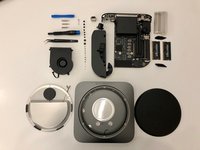
    • After taking out the power supply we are left with an empty shell

    • I really enjoyed taking this mini apart. My verdict is it's much easier than the 2014 model as cables are in a more logical place

Conclusão

To reassemble your device, follow these instructions in reverse order.

14 outras pessoas executaram este guia.

6Comentários do guia

What happens to the machine if the SSD fails? Will the entire logic board need to be replaced? I have a feeling that the chances of SSD failing would be significantly higher than Ram… So shouldn’t apple make SSD removable as well?

Sam - Responder
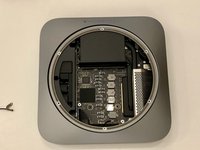
Failing SSD means a failing motherboard. In my experience, apple ssd-s are very reliable. Upgradable memory allows you to use a device longer. If you configure it with 16GB today, you might want to max out the memory in the future, once prices go down.

Wouter de Vries -
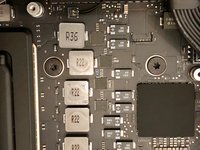
What about the CPU, is it in a socket or soldered in?

Steve Seg - Responder
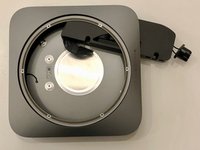
I didn’t have the courage to take the heatsink off. So we’ll have to wait for someone who does.

Wouter de Vries -
Mich würde interessieren, wie die CMOS Batterie getauscht wird, bzw. welcher Typ es ist.

Sven Arendsen - Responder

Comentar

Visualizações:

Últimas 24 horas: 8

Últimos 7 dias: 88

Últimos 30 dias: 356

Ao todo: 11,582