Introdução
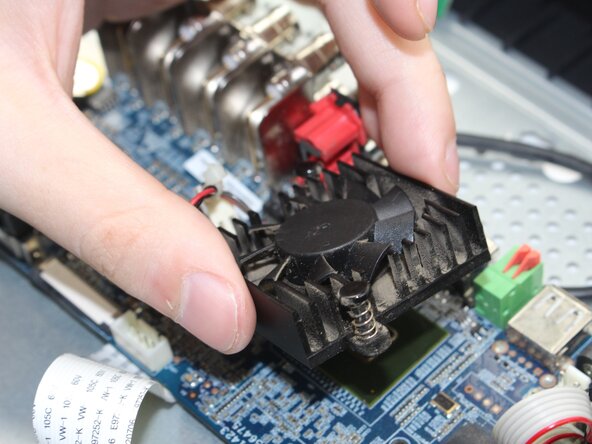
If your DVR is running louder than usual or overheating, a worn-out fan could be the main issue. This guide will walk you through the process of safely replacing the fan to not cause any long term damage to the rest of your device. Whether you're looking for an easier way to save money on replacements or like doing DIY projects, this step-by-step guide will help you complete the task with tools that you may have at home and technical experience.
O que você precisa
-
-
Before beginning, disconnect the DVR from power and unplug all peripheries.
-
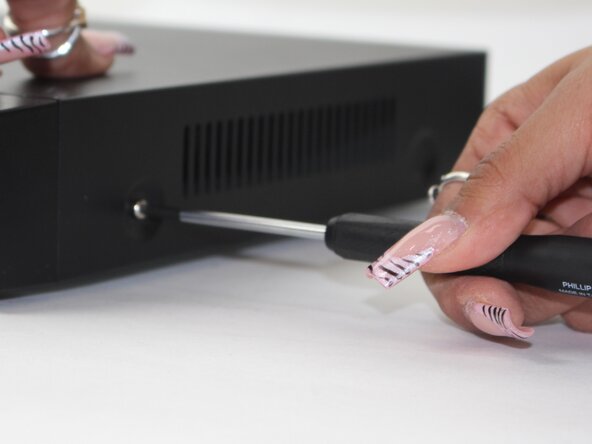
Remove each of the two 1 cm screws on the right and left sides of the DVR with a Phillips screwdriver.
-
-
-
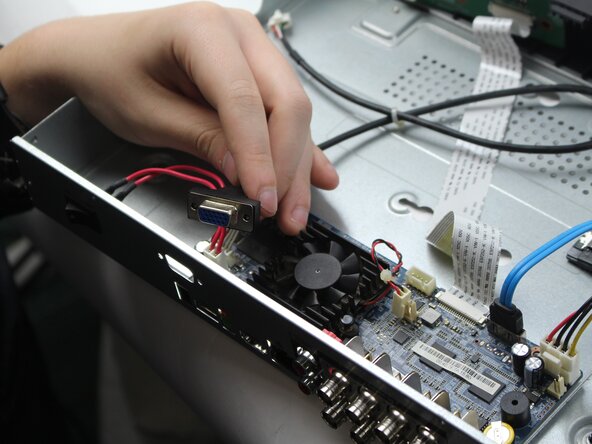
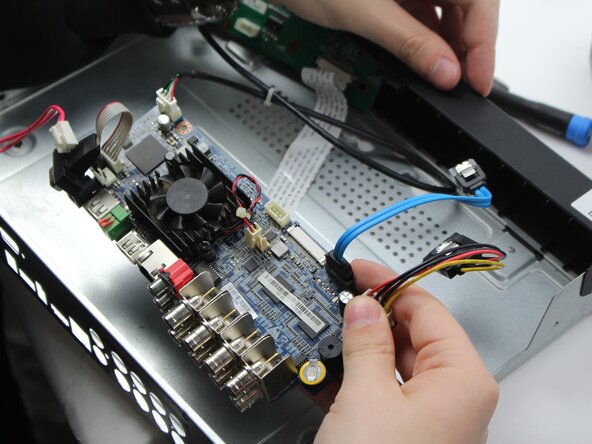
Unplug the red and white power cord from the socket.
-
Unplug the back panel power source.
-






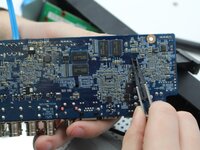
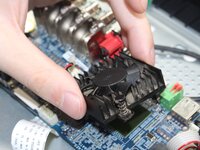
To reassemble your device, follow the above steps in reverse order.
Take your e-waste to an R2 or e-Stewards certified recycler.
Repair didn’t go as planned? Try some basic troubleshooting or ask our Answers community for help.



Equipe

Sam Houston State, Team 17-1, Thornton Spring 2025 Membro de Sam Houston State, Team 17-1, Thornton Spring 2025
SHSU-THORNTON-S25S17G1
3 Membros
Autoria de 5 guias
