Ir para o conteúdo principal
Participe da comunidade de reparos - Criar conta

Logitech UE Megaboom 4 Charging Port Replacement

O que você precisa

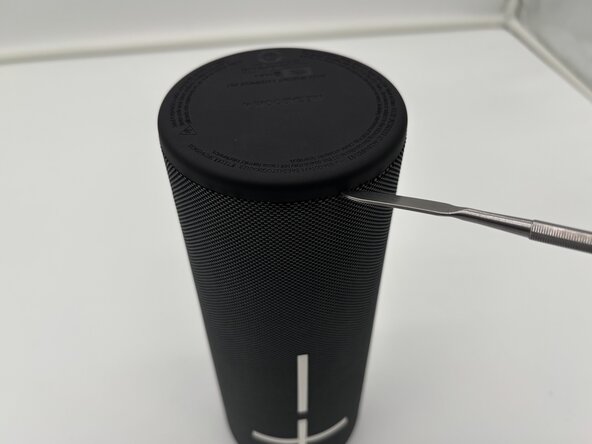
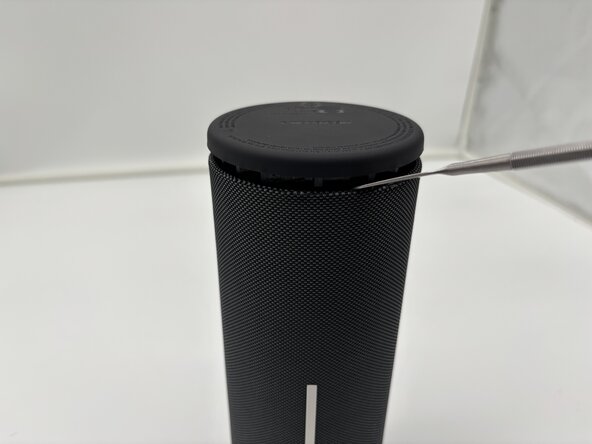
  1. Logitech UE Megaboom 4 Charging Port Replacement, Outer Case: passo 1, imagem 1 %32 Logitech UE Megaboom 4 Charging Port Replacement, Outer Case: passo 1, imagem 2 %32 Logitech UE Megaboom 4 Charging Port Replacement, Outer Case: passo 1, imagem 3 %32
    • Flip your speaker upside down so the charging port side is faced upwards.

    • Place the end of a metal spudger in between the rubber bottom and the mesh case.

    • Work your way around the base of the speaker until the top separates from the case of the speaker.

    • This will take force.

    • Use the metal spudger carefully. Improper use may lead to injury.

  2. Logitech UE Megaboom 4 Charging Port Replacement: passo 2, imagem 1 %32
    • Pull the bottom end of the speaker off and place it aside.

    • Once the glued seal is broken you will be able to pull it off with your hands.

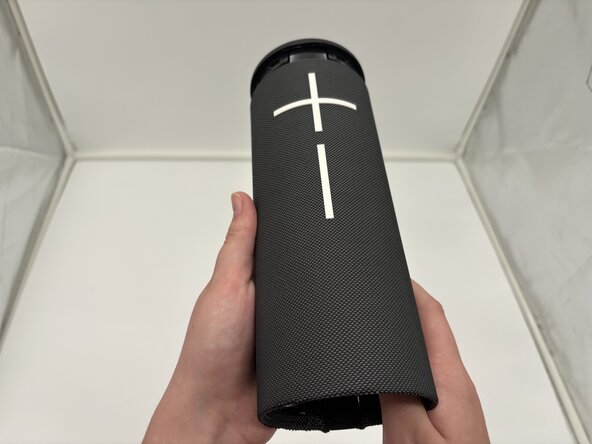
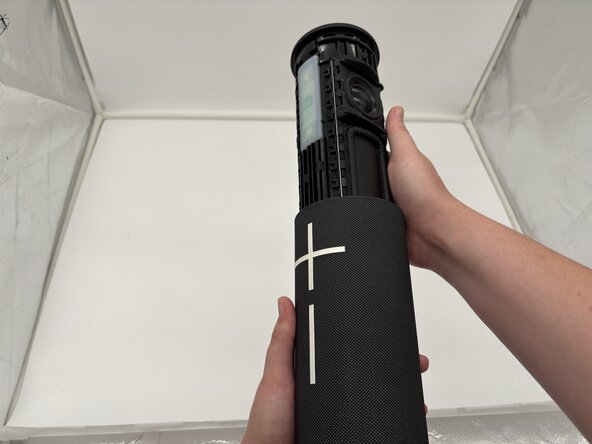
  3. Logitech UE Megaboom 4 Charging Port Replacement: passo 3, imagem 1 %32 Logitech UE Megaboom 4 Charging Port Replacement: passo 3, imagem 2 %32 Logitech UE Megaboom 4 Charging Port Replacement: passo 3, imagem 3 %32
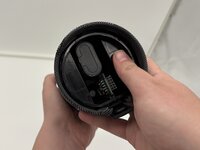
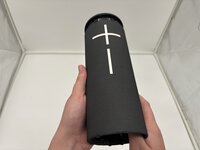
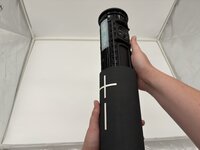
    • Use your thumbs to press the two plastic tabs inside the speaker case and gently push out the internal components.

    • The inside components will begin to slide out of the top from the mesh casing.

  4. Logitech UE Megaboom 4 Charging Port Replacement: passo 4, imagem 1 %32
    • The internal components of the Logitech UE MegaBoom 4 speaker are now separated from the outer case.

  5. Logitech UE Megaboom 4 Charging Port Replacement, Charging Port: passo 5, imagem 1 %32
    • Remove the cover from the USB-C charging port end of the device.

    • The port should be visible from the outside.

  6. Logitech UE Megaboom 4 Charging Port Replacement: passo 6, imagem 1 %32 Logitech UE Megaboom 4 Charging Port Replacement: passo 6, imagem 2 %32 Logitech UE Megaboom 4 Charging Port Replacement: passo 6, imagem 3 %32
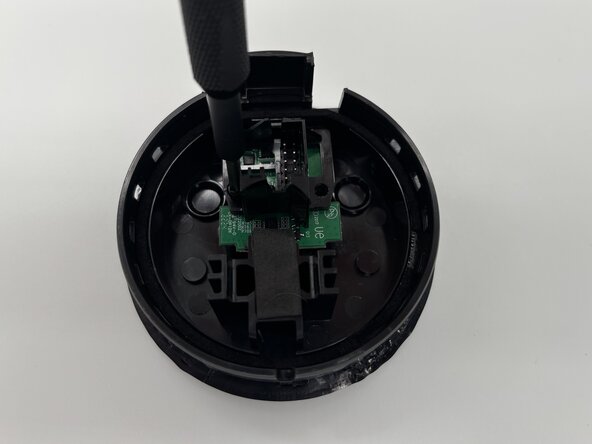
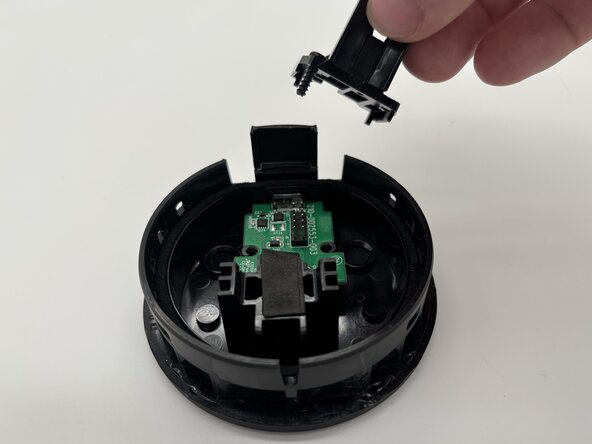
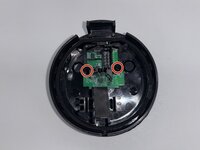
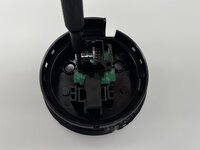
    • Use a Phillips #1 screwdriver to remove the two screws securing the I/O board inside the speaker's end cover.

    • Set the screws aside for reassembly.

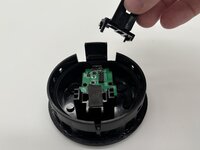
    • Remove the black plastic bracket from the top of the I/O board.

  7. Logitech UE Megaboom 4 Charging Port Replacement: passo 7, imagem 1 %32
    • Remove the board with the charging port from the inside cover.

    • Take note of the charging port placement for reassembly.

Conclusão

To reassemble your device, follow these instructions in reverse order. Take your e-waste to an R2 or e-Stewards certified recycler.

2Comentários do guia

Hi, where dit you find the replacement?

Greets

siemen van camp - Responder Compartilhar

Same question here, wehre did you find the charging board replacement?

cheers

bohemianmarine1 - Responder Compartilhar

Comentar

Visualizações:

Últimas 24 horas: 0

Últimos 7 dias: 4

Últimos 30 dias: 30

Ao todo: 305