Introdução
Wireless Bluetooth speakers like the Logitech UE MegaBoom 4 speaker(model 984-001964 use rechargeable lithium-ion batteries and they can be charged many times but eventually they will lose power. If your Logitech UE MegaBoom 4 speaker(model 984-001964) doesn't hold a charge and dies quickly or you can only use it when it's plugged into the charger, you may need to replace the battery.
This guide demonstrates how to replace the battery in your Logitech UE MegaBoom 4 and should restore your Bluetooth speaker to functionality.
Check out the troubleshooting page. for possible solutions before you replace the battery.
Before you begin the repair, power off your device and unplug it from the charger.
O que você precisa
-
-
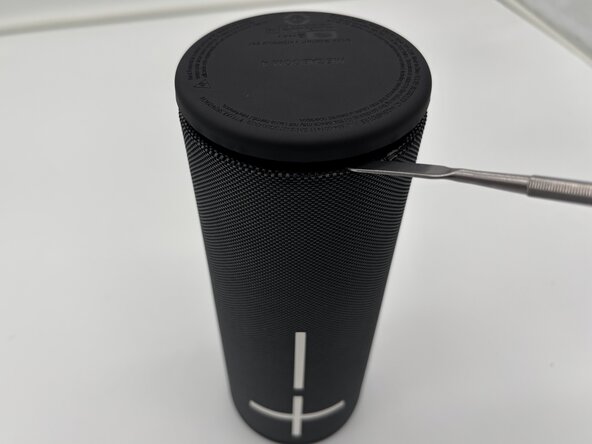
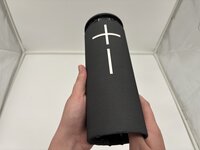
Flip your speaker upside down so the charging port side is faced upwards.
-
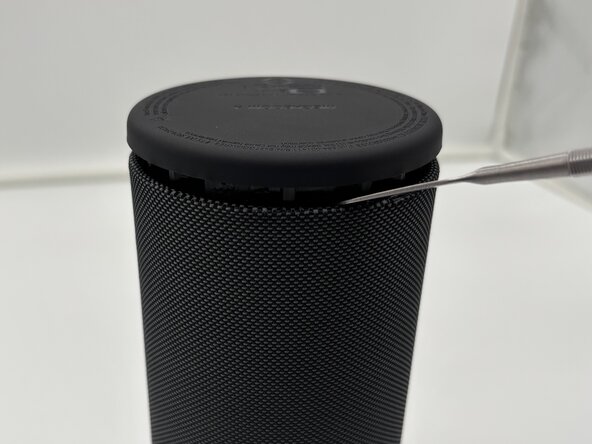
Take a metal spudger in between the rubber bottom and the mesh case.
-
Work your way around the base of the speaker until the top separates from the case of the speaker.
 Pergunte ao FixBot
-
-
-
-
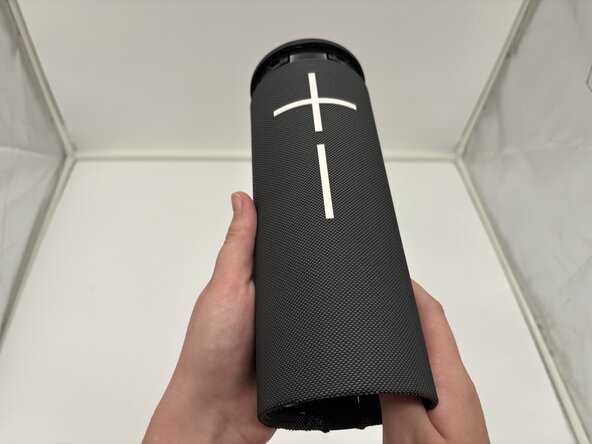
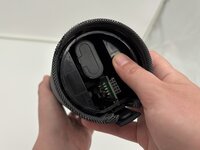
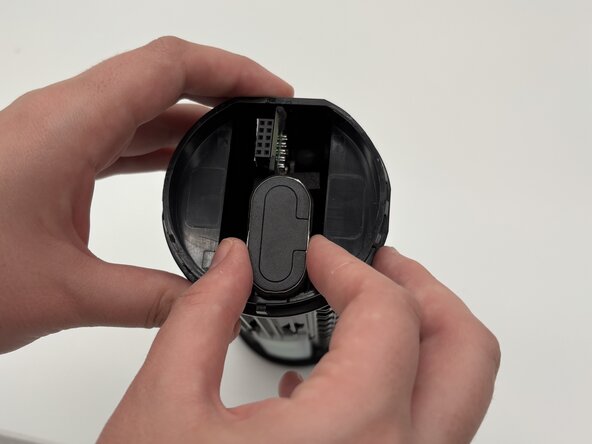
Push with your thumbs on the two plastic pieces on the inside of your speaker.
-
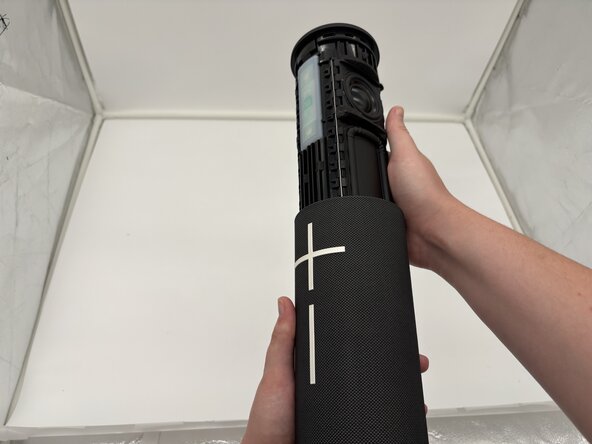
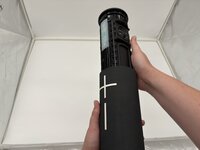
The inside components will begin to slide out of the top from the mesh casing.
-
-
-
The case and internal components of your speaker should now be separated.
-





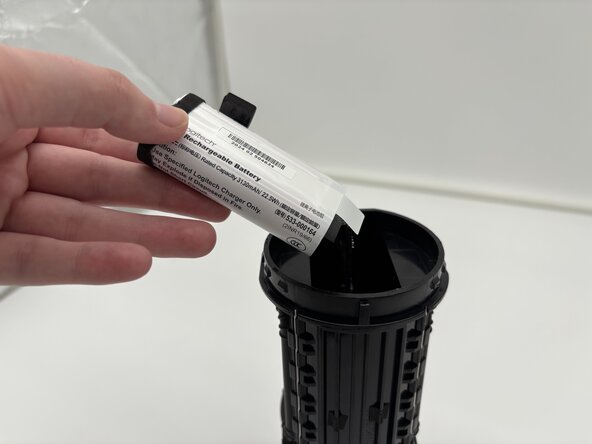
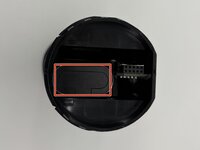
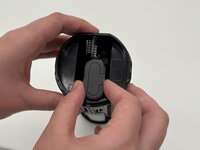

To reassemble your device, follow these instructions in reverse order. Take your e-waste to an R2 or e-Stewards certified recycler.
Cancelar: não concluí este guia.
Uma outra pessoa concluiu este guia.

Equipe

University of North Texas, Team 1-4, Kilpatrick Spring 2025 Membro de University of North Texas, Team 1-4, Kilpatrick Spring 2025
UNT-KILPATRICK-S25S1G4
4 Membros
Autoria de 6 guias
2Comentários do guia
ifixt it doesn't have the battery replacement version for the Ultimate Ears - MEGABOOM 4 and only show replacement battery for older model and I think this get confuse for new users in the repair world
Hi Gio,
Thanks for pointing this out! We’ve removed the link to the incorrect battery and appreciate your help keeping the guide accurate.
