Essa tradução foi gerada por um programa e ainda não foi revisada por uma pessoa. Falas essa língua? Dá uma olhada.
Introdução
Use este guia para remover e substituir a bateria do teclado sem fio solar Logitech K750 com segurança.
Nota: O K750 Solar requer uma pilha botão recarregável ML2032 como reposição. Embora tenha o mesmo tamanho e formato da mais comum CR2032, as CR2032 não são recarregáveis. Você também pode usar uma bateria recarregável LIR2032.
O que você precisa
-
-
-
Antes de começar, coloque o interruptor de energia do teclado na posição OFF.
 Pergunte ao FixBot
-
-
-
Vire todo o teclado com as teclas voltadas para baixo.
-
-
-
-
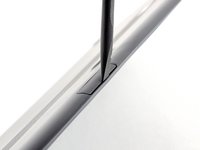
Insira a extremidade plana de uma espátula na fresta entre a bandeja da bateria e a superfície superior do teclado.
-
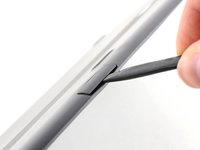
Gire a espátula para baixo, em direção à parte superior do teclado, para começar a remover a bandeja de sua cavidade.
-
-
-
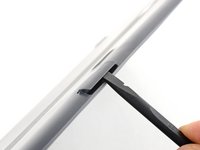
Use a ponta chata da espátula para empurrar a bandeja da bateria para fora e para longe do teclado.
-
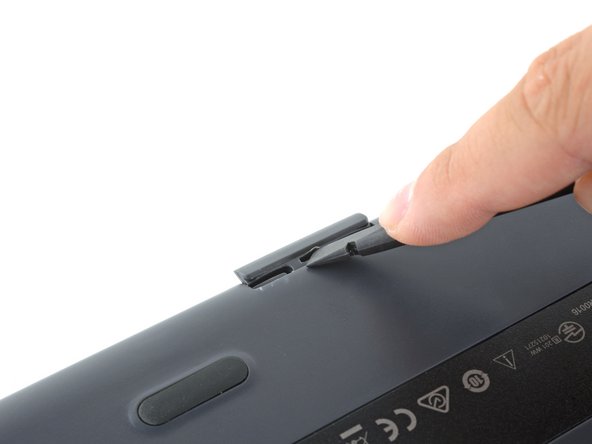
Se estiver com dificuldade, use a ponta de uma espátula ou de uma chave de fenda para "caminhar" com a bandeja para fora, empurrando os lados alternadamente em vez de diretamente pelo meio.
-
Remova a bandeja da bateria.
-
-
-
Empurre a bateria para fora da bandeja para removê-la.
-
-




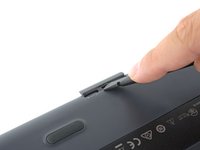
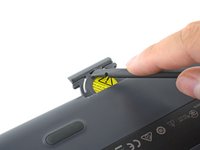
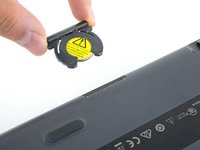
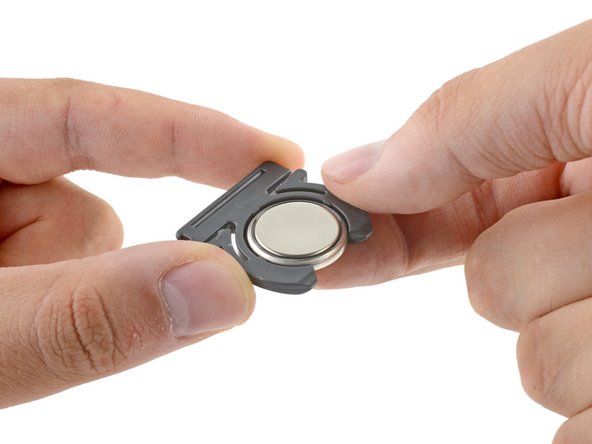

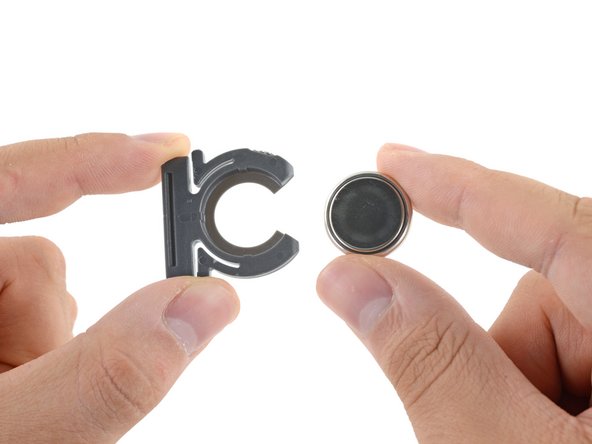
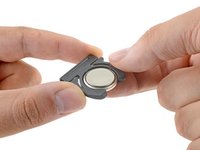
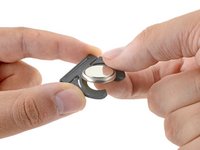
Para remontar o seu dispositivo, siga os passos acima na ordem inversa.
Leve seu lixo eletrônico a um reciclador certificado R2 ou e-Stewards.
O reparo não saiu como planejado? Confira nosso fórum de Respostas para obter ajuda na resolução de problemas.
Cancelar: não concluí este guia.
213 outras pessoas executaram este guia.

95Comentários do guia
Thank you. Worked perfectly. Gained trust in this site. Lost respect for Logitech.
My sentiments, exactly!
There a better way to open it
put the knife or better a screwdriver on the other side (keys upside); worked for me without damage the keyboard :D
Thank You! That did work much better!
Here is an even better method.
You can also totally prevent damage by finding a laminated biz card and cutting it into 2 one inch strips and inserting both of them into the slot on the top side (solar side) of the battery compartment.
Then get your tool ( I like small pointed scissors) and pry it out between the cards.
Very easy!
